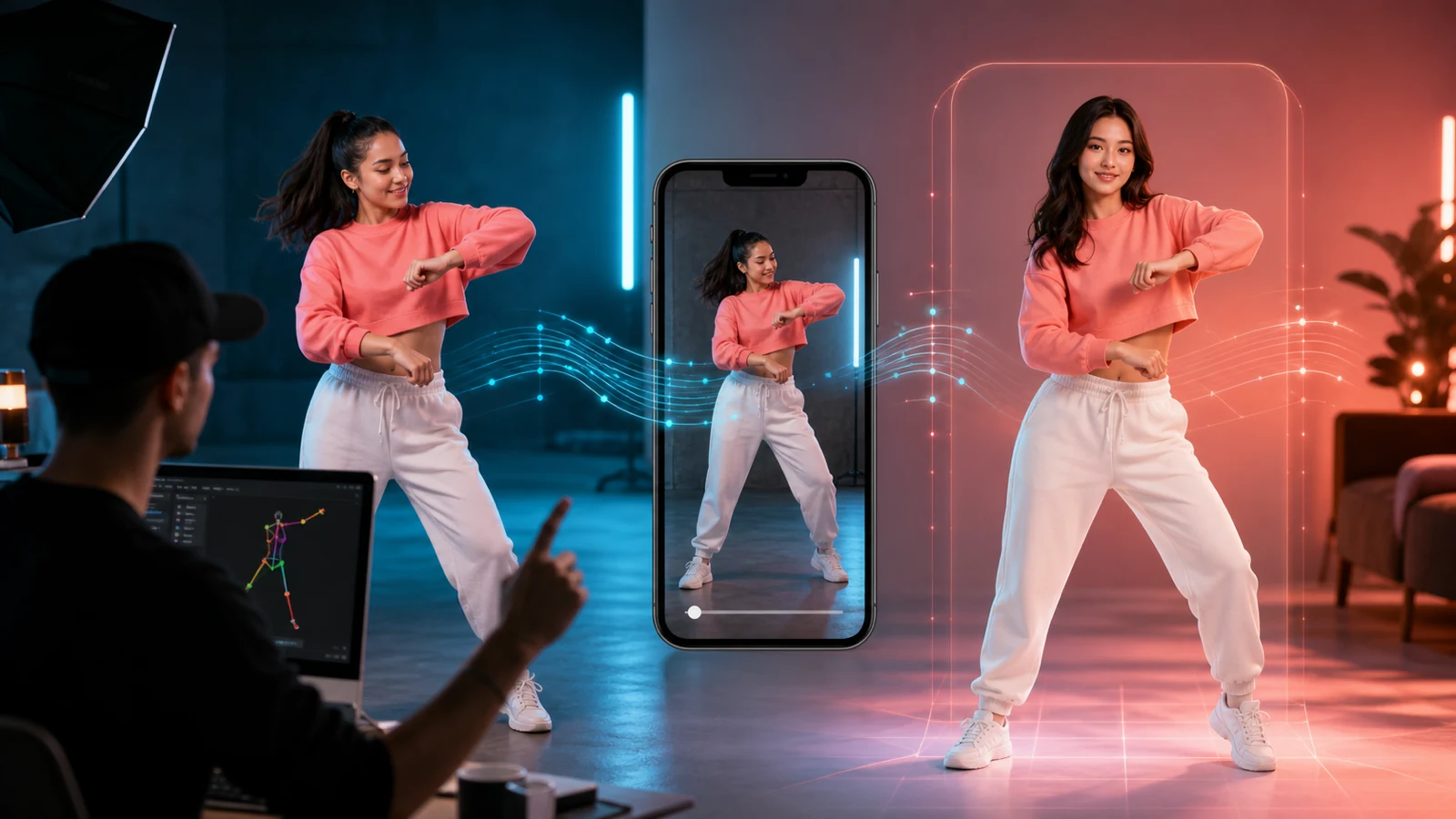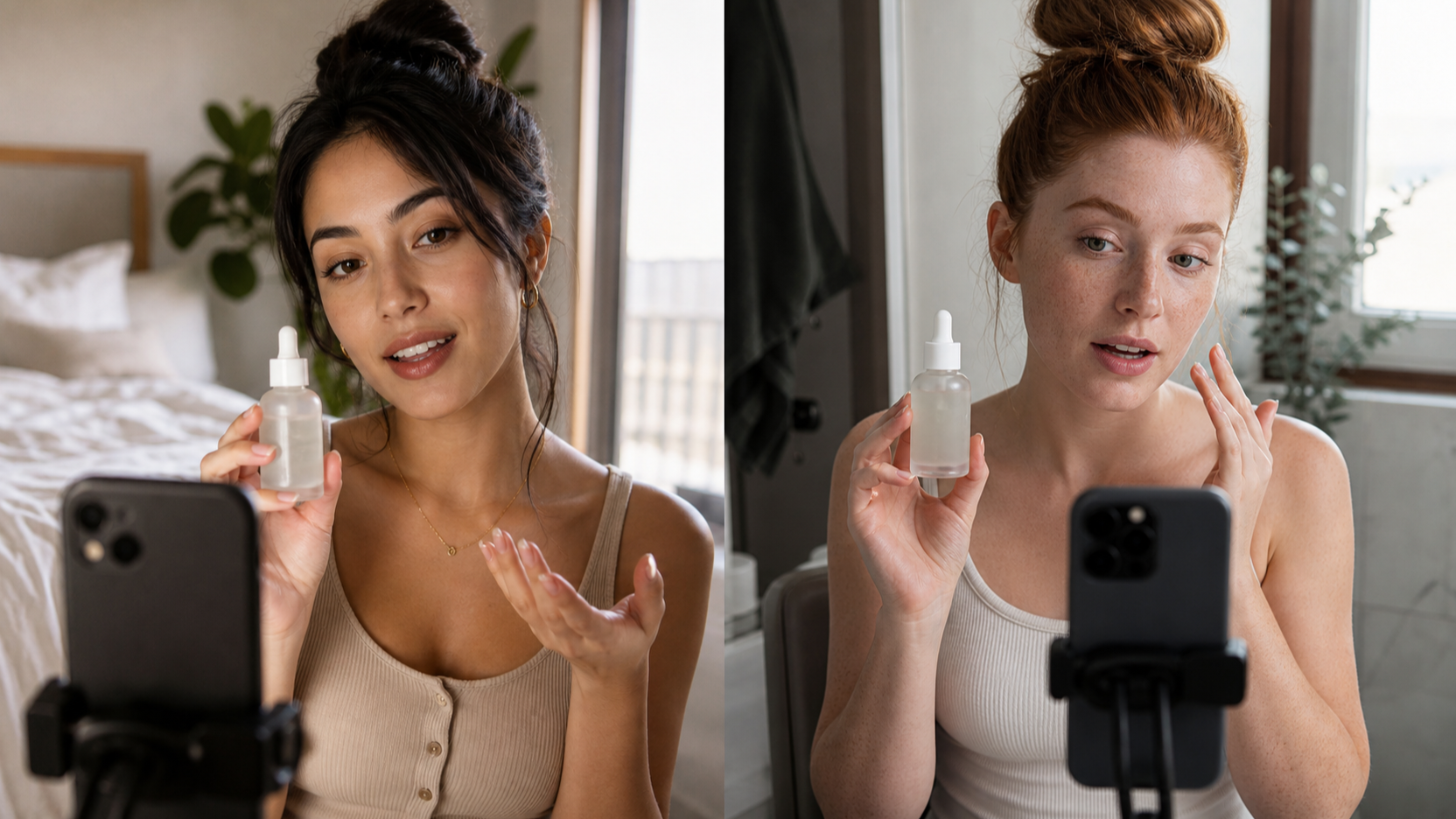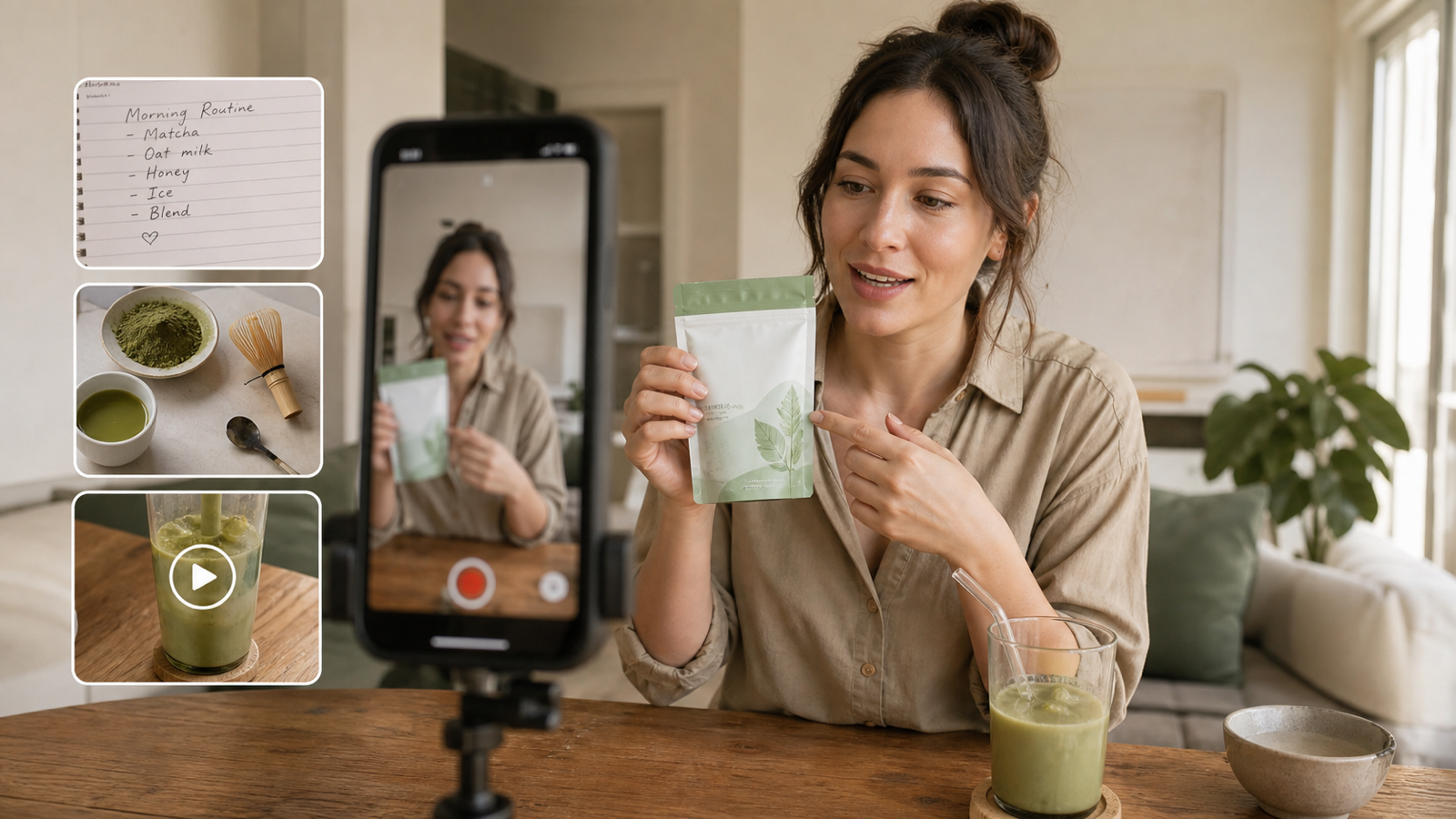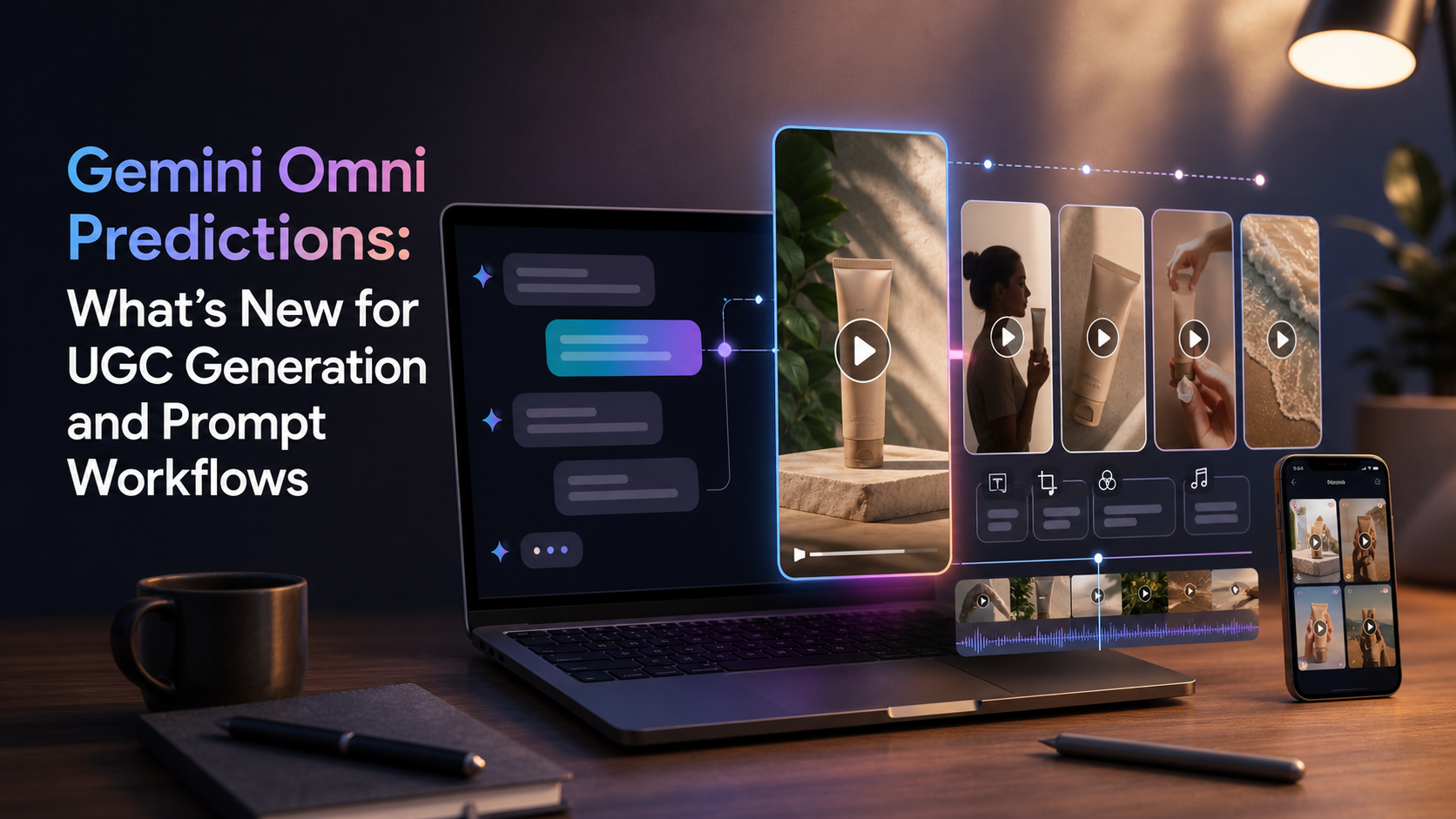
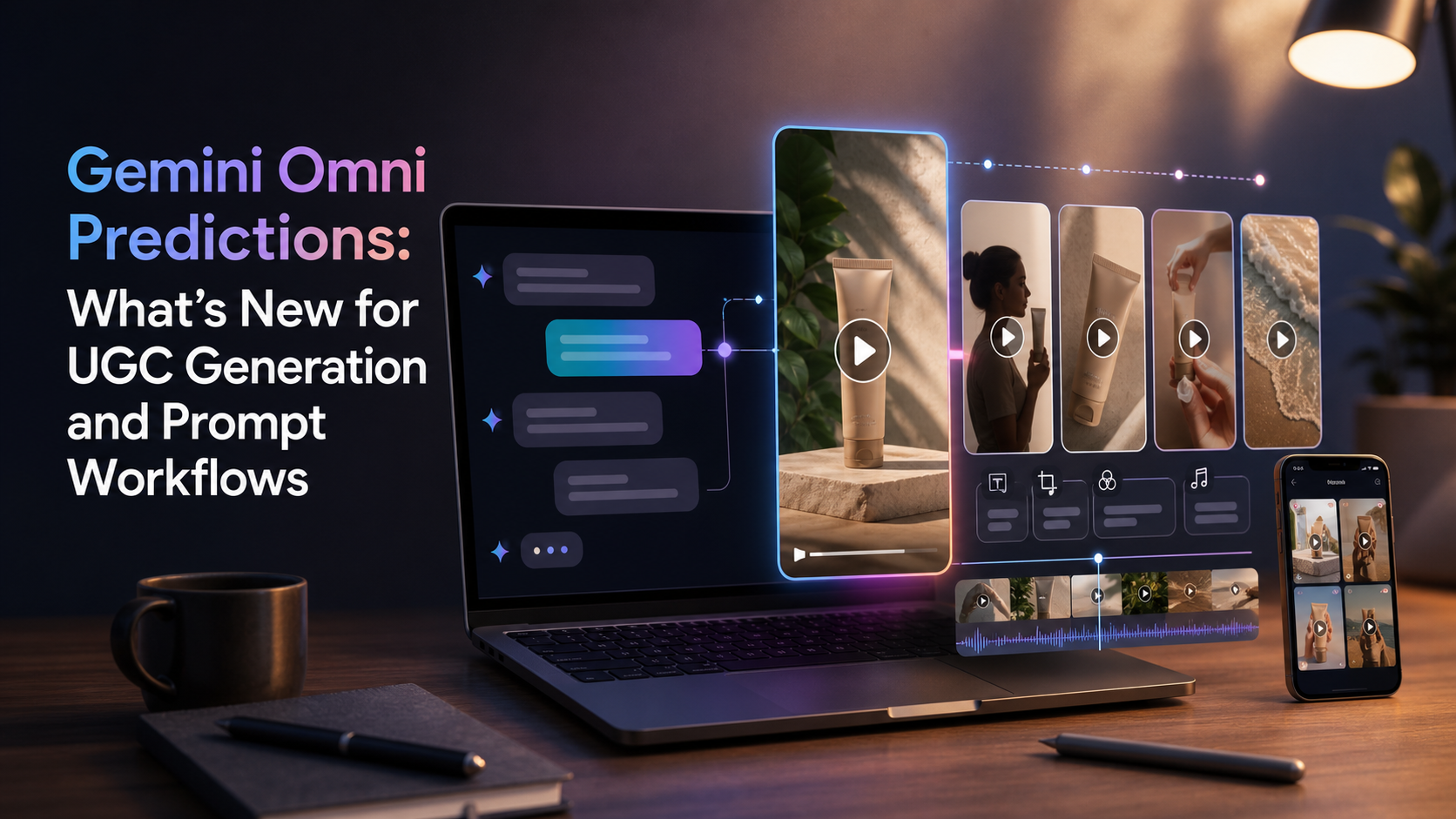
Gemini Omni UGC generation is still a prediction topic, not a confirmed product category. As of May 15, 2026, public reporting describes Gemini Omni through leaks, early Gemini app sightings, and references to possible chat-based video creation, remixing, editing, and templates. Google has not yet confirmed a full Gemini Omni release plan, pricing model, API access, or complete feature list.
That uncertainty matters. If Gemini Omni does arrive as a conversational video creation layer inside Gemini, it could change how creators, agencies, and e-commerce teams build UGC-style ads. But if you need practical UGC ads today, UGC Maker AI is the safer workflow to use now while watching what Google confirms next.
Quick Summary
This article looks at Gemini Omni predictions for UGC ads and what Gemini Omni could mean for UGC content if the reported workflow becomes real. The short version: conversational video generation could make prompt iteration faster, remixing easier, and template-based short ads more accessible, but teams should avoid planning around unconfirmed Gemini Omni features until Google publishes official details.
What Is Gemini Omni, Based on Current Reports?
Gemini Omni appears to be a reported or leaked video-generation experience connected to Gemini, not a fully confirmed public product. Android Authority reported that Gemini app clues point to a possible new video model, while T3 reported early references to remixing videos, editing directly in chat, and trying templates. Those reports are useful signals, but they are not the same as official product documentation.
The cautious read is simple: Gemini Omni may be related to Google's broader video-generation direction around Veo, but the exact relationship is not confirmed. Google DeepMind's Veo page already positions Veo as a major text-to-video and image-to-video model family, so it would make sense for future Gemini video tools to become more conversational. That does not mean every leaked Omni feature will ship, or that it will ship in the exact form described by early reports.
For UGC creators, the useful question is not "Will Gemini Omni replace every video ad tool?" A better question is: if conversational video creation becomes normal inside Gemini, which parts of UGC production could become faster?
Gemini Omni Predictions for UGC Ads
If Gemini Omni brings conversational video creation into Gemini, the biggest shift may be moving from single-shot prompting to iterative creative direction. Today, many AI video workflows still feel like filling out a form: prompt, generate, wait, download, revise, and repeat. A chat-native video workflow could make that loop feel more like working with a creative assistant.
For UGC ads, that could matter in several ways:
- In-chat video editing could let creators ask for changes like "make the hook more direct," "show the product earlier," or "turn this into a 9:16 TikTok ad."
- Remixing could turn one concept into several versions for different audiences, offers, or platforms.
- Template-based short ads could help non-editors create product demos, testimonials, unboxings, and problem-solution ads faster.
- Creator-style hooks could become easier to test because the system may remember the prior concept and revise only the opening.
- Product demonstrations could move from static product prompts to more guided shot-by-shot conversations.
- AI avatars and UGC-style reactions could make talking-head ad concepts easier to prototype before a real shoot.
- Social ad variations could become a normal part of the generation flow instead of a separate editing step.
The prediction is not that Gemini Omni will automatically make better ads. The prediction is that conversational control could reduce friction between idea, variation, and revision.
What Gemini Omni Video Generation for Creators Could Make Easier
Gemini Omni video generation for creators would be most useful if it improves the middle of the workflow, where most ad teams currently lose time. The first prompt is rarely the final ad. Most useful UGC videos come from iteration: sharper hook, clearer product benefit, better pacing, more natural creator delivery, and platform-specific framing.
A conversational system could help creators revise the same concept without rewriting the whole prompt from scratch. For example, a brand could start with a beauty product demo, then ask for a softer testimonial version, a faster TikTok version, a founder-style version, and a before/after variation. If the tool preserves product details and creative intent across turns, prompt work becomes more like editing direction.
This could also change how teams build ad testing batches. Instead of generating one polished clip at a time, a creator may start from a core product message and ask for five variations: one curiosity hook, one problem-solution hook, one direct offer, one reaction-style clip, and one demonstration-first clip.
Use UGC Maker AI Now While Waiting for Gemini Omni
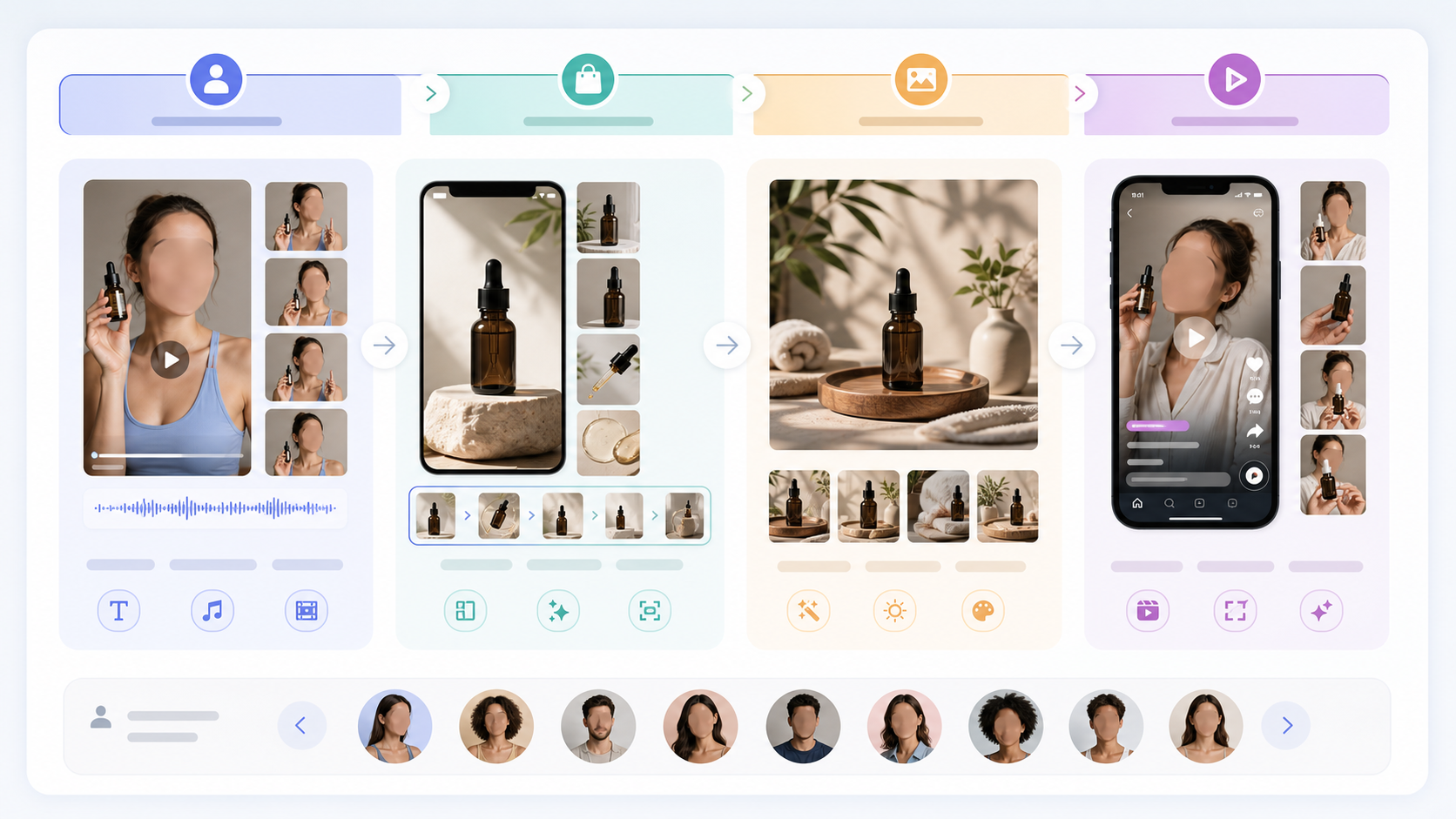
The practical recommendation is to use UGC Maker AI now for UGC-style ad creation, then treat Gemini Omni as a trend to monitor. UGC Maker AI already gives marketers a focused environment for creator-style ad workflows, while Gemini Omni remains unconfirmed in its final form.
Use AI UGC Maker when you need talking-head or creator-style short ads. This is the right fit for founder-style testimonials, product explainers, casual hooks, educational shorts, and direct-response ad scripts. It is especially useful when you want to create creator-style UGC videos with AI without building a full production setup.
Use UGC Ads Generator for product-based vertical video ads. This is the stronger fit for e-commerce campaigns, product photo to UGC ad video generator workflows, and social ad variations where the product needs to stay central.
Use UGC Image Generator when you need product visuals before video. AI UGC image prompts for lifestyle visuals can help create realistic UGC product images with AI, including hand-held product shots, bathroom counter beauty scenes, kitchen demos, desk setups, travel product images, and before/after visual concepts.
Use the TikTok Video Generator workflow when your main goal is short-form social pacing. For TikTok-style ads, the structure matters as much as the image quality: hook in the first seconds, fast product context, one clear benefit, natural creator delivery, and a simple ending.
Where Seedance 2.0, Kling 3.0, HappyHorse 1.0, and Nano Banana 2 Fit
Model choice still matters for UGC workflows because different models tend to suit different production tasks. Within a platform like UGC Maker AI, models such as Seedance 2.0, Kling 3.0, HappyHorse 1.0, and Nano Banana 2 can be treated as creative options rather than one-size-fits-all answers.
Seedance 2.0 is relevant when you want native-feeling AI video ads and quick short-form concepts. Kling 3.0 is relevant when motion quality, character presence, and polished vertical scenes matter. HappyHorse 1.0 is useful to consider for playful UGC shorts and social ad variations that need energy. Nano Banana 2 is relevant when image quality, product visuals, and prompt-based visual consistency are part of the workflow.
The practical approach is to separate the job into parts. Use image generation for product and lifestyle assets, use UGC ad generation for vertical video structure, and use model-based video generation when you need motion, reaction, or demonstration. That keeps the workflow flexible even before Gemini Omni becomes clearer.
Ready-to-Copy UGC Prompts
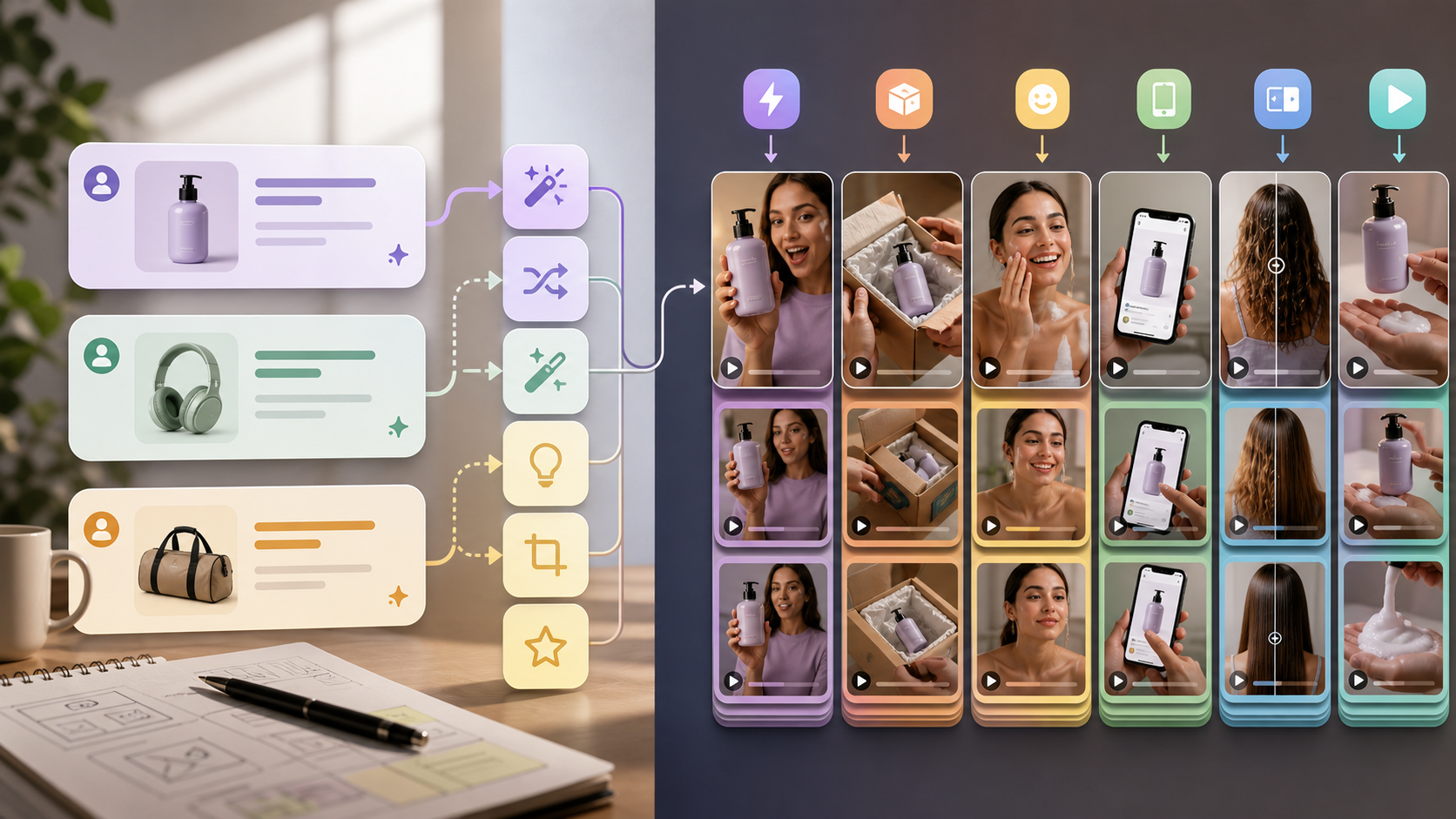
Use these prompts as starting points. Replace bracketed details with your product, audience, platform, and offer.
Beauty product hook ad
Create a 9:16 UGC-style beauty ad for [product]. Start with a direct hook: "I did not expect this to work this fast." Show a creator holding the product near a bathroom mirror, applying it naturally, and explaining one clear benefit. Keep the tone casual, realistic, and not overly polished. End with a soft call to action.
Fashion try-on reaction
Create a vertical fashion UGC try-on video for [clothing item]. Show a creator reacting to the fit, texture, and first impression in a bedroom mirror setup. Include one quick before shot, one try-on reveal, and one close-up detail shot. Make it feel like a native social post, not a studio commercial.
Gadget unboxing
Create a UGC gadget unboxing ad for [gadget]. Start with the package on a desk, then show hands opening it, a close-up of the product, and a quick demonstration of the main feature. Use a curious, excited creator voice and keep the pacing fast for a 15-second vertical ad.
App walkthrough
Create a creator-style app walkthrough ad for [app]. Start with the problem: "[target user] wastes too much time on [pain point]." Show a phone screen style walkthrough with simple scenes: opening the app, using the main feature, and showing the result. Keep the voice clear, practical, and friendly.
Food or drink product demo
Create a 9:16 UGC product demo for [food or drink]. Show a creator preparing it in a real kitchen, reacting to the taste, and explaining when they would use it. Include natural hand-held camera movement, close-up texture shots, and a casual final recommendation.
Founder-style testimonial
Create a founder-style UGC testimonial for [brand/product]. The speaker should explain why the product was created, the customer problem it solves, and one proof point based on product use, without fake statistics. Keep the tone honest, direct, and personal.
TikTok-style product problem-solution ad
Create a TikTok-style UGC ad for [product]. Structure it as: problem hook, quick product reveal, one demonstration, one benefit, and a simple ending. Make the opening line punchy: "If you deal with [problem], this is the fix I wish I found earlier." Keep it fast, vertical, and native to social feeds.
Before/after UGC concept
Create a before/after UGC concept for [product]. Show the before state clearly, introduce the product naturally, then show the after state without exaggerating results. Use realistic lighting, creator-style framing, and a cautious tone that avoids impossible claims.
Product image to UGC video prompt
Use the uploaded product image as the hero product reference. Create a 9:16 UGC-style vertical ad where a creator introduces the product, shows it in a realistic lifestyle setting, demonstrates one use case, and ends with a simple call to action. Preserve the product appearance and avoid changing packaging details.
Gemini-Omni-style conversational remix prompt
Take the previous UGC ad concept and remix it into three versions: one creator reaction hook, one product demonstration hook, and one problem-solution hook. Keep the same product, audience, and core benefit. Make each version suitable for a short vertical social ad, and explain what changed in each version.
How to Build a Faster Prompt Workflow
The best UGC prompt workflow starts with one core concept and then creates controlled variations. Do not ask for ten unrelated ads at once. Start with the product, audience, pain point, scene, creator tone, and platform, then vary one part at a time.
A practical workflow looks like this:
- Write the core ad brief: product, audience, main benefit, and platform.
- Generate one talking-head or product-demo version.
- Review the hook, product visibility, pacing, and call to action.
- Create three hook variations while keeping the product and benefit stable.
- Generate a product-image version for lifestyle visuals.
- Turn the strongest concept into vertical video.
- Save the winning prompt structure for the next campaign.
This is where a future conversational Gemini Omni workflow could become valuable. But the same thinking already helps in UGC Maker AI today: keep the variables clear, test small changes, and avoid rewriting the whole creative direction every time.
Risks and Limits to Keep in Mind
Prediction articles should not treat leaks as product documentation. Until Google confirms Gemini Omni details, avoid building a production plan around assumed release dates, usage limits, pricing, commercial rights, or API access.
UGC teams should also keep creative quality in perspective. A generated creator ad can help with fast testing, but it still needs brand review, factual claims review, platform policy review, and audience fit. Do not let an AI avatar make claims your product cannot support. Do not invent testimonials, user results, health claims, or performance statistics.
The safest way to use AI UGC is to prototype quickly and verify slowly. Generate options fast, but check product accuracy, claim language, visual consistency, and compliance before publishing.
FAQ
Is Gemini Omni officially confirmed for UGC generation?
No. As of May 15, 2026, Gemini Omni is best described as a reported or leaked Gemini video experience. Public reports mention possible remixing, chat editing, and templates, but Google has not confirmed a full UGC-specific product, release date, pricing, or API access.
What could Gemini Omni mean for UGC content?
If the reported direction becomes real, Gemini Omni could make UGC workflows more conversational. Creators may be able to generate, edit, remix, and adapt video concepts inside a chat flow instead of restarting from a blank prompt for each variation.
What should I use for UGC ads right now?
Use UGC Maker AI if you need practical UGC-style ad creation now. Start with AI UGC Maker for talking-head ads, UGC Ads Generator for vertical product ads, and UGC Image Generator for lifestyle product visuals.
Can AI UGC tools create product demos?
Yes, AI UGC maker for product demos can help prototype demos, scripts, scenes, and short-form ad variations. For real campaigns, review product accuracy and avoid claims that are not supported by your product evidence.
Should I wait for Gemini Omni before making UGC ads?
No. If you need campaigns now, use available UGC tools and keep your prompt workflow organized. Treat Gemini Omni as something to monitor, not a reason to pause creative testing.
Recommended Reading
For more UGC Maker AI workflows, read:
- UGC Prompts for Seedance 2: How to Create Native AI Video Ads
- ChatGPT Image 2 UGC Prompt Guide: Make Ads That Feel Real, Scrollable, and Fun
- ChatGPT Image 2 for UGC Creators: What's New and How to Make Better Product Images
- HappyHorse 1.0 for UGC Ads: What's New and How to Turn It Into Better Shorts
- Kling 3.0 UGC Video Generation Guide
- UGC Image Generator User Guide: How to Create Better UGC-Style Product Visuals Faster
People also read:
- Veo 3.1 Video Generation Guide: How to Create Cinematic Clips
- How to Use DreamMachine AI's AI Video Generator: A Practical Guide for Text and Image Workflows
- PixVerse 5.5 Image to Video With Sound: A Practical Creator's Guide
- ChatGPT Image 2 Release: Features, Prompts, and API Guide
- How to Use the AI Music Video Generator: A Detailed Guide from Song to Video
Source Notes
This article treats Gemini Omni cautiously because the topic is based on current reporting rather than a full official Google product announcement. For context, see Android Authority's reporting on a possible Gemini Omni video model, T3's report on early Gemini Omni sightings, 9to5Google's early demo coverage, and Google DeepMind's official Veo model page for the broader Google video-generation context.
Conclusion
Gemini Omni UGC generation could matter if Google turns video creation into a chat-native workflow for editing, remixing, templates, and fast ad variation. Until that is officially confirmed, the practical path is to keep building with tools available now: use UGC Maker AI for creator-style ads, product demos, UGC images, TikTok-style workflows, and model-based video experiments while keeping an eye on what Google announces next.