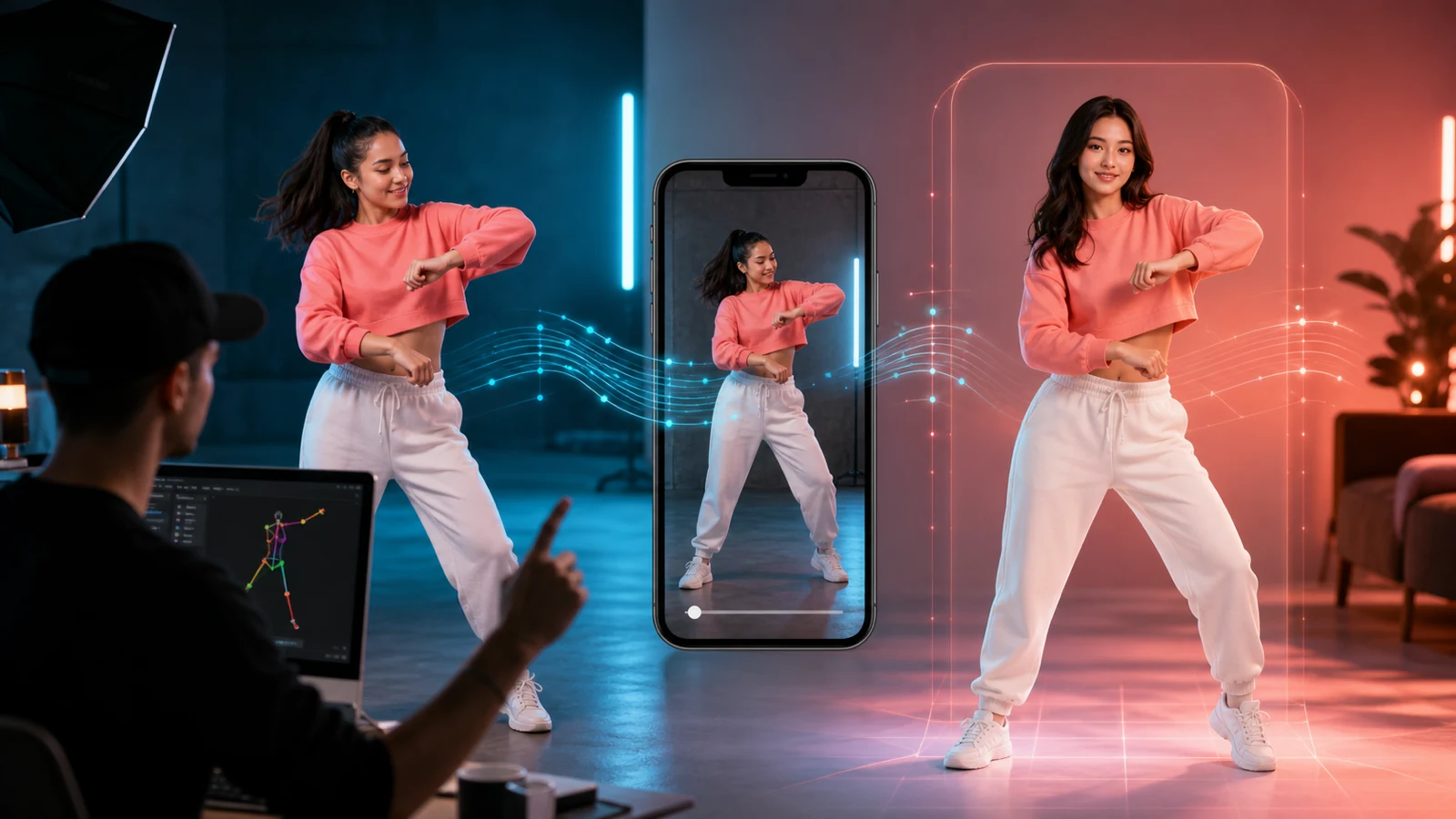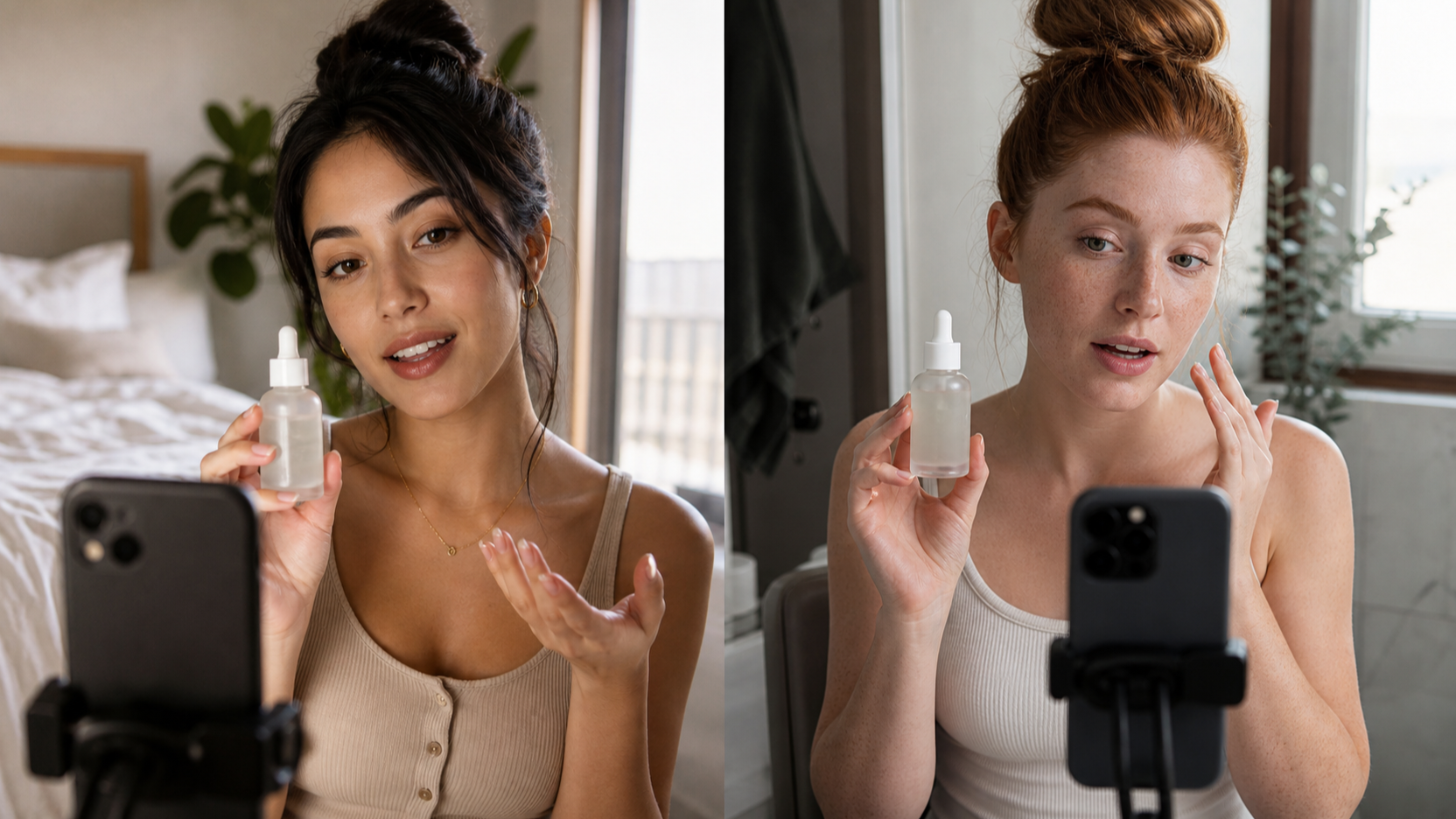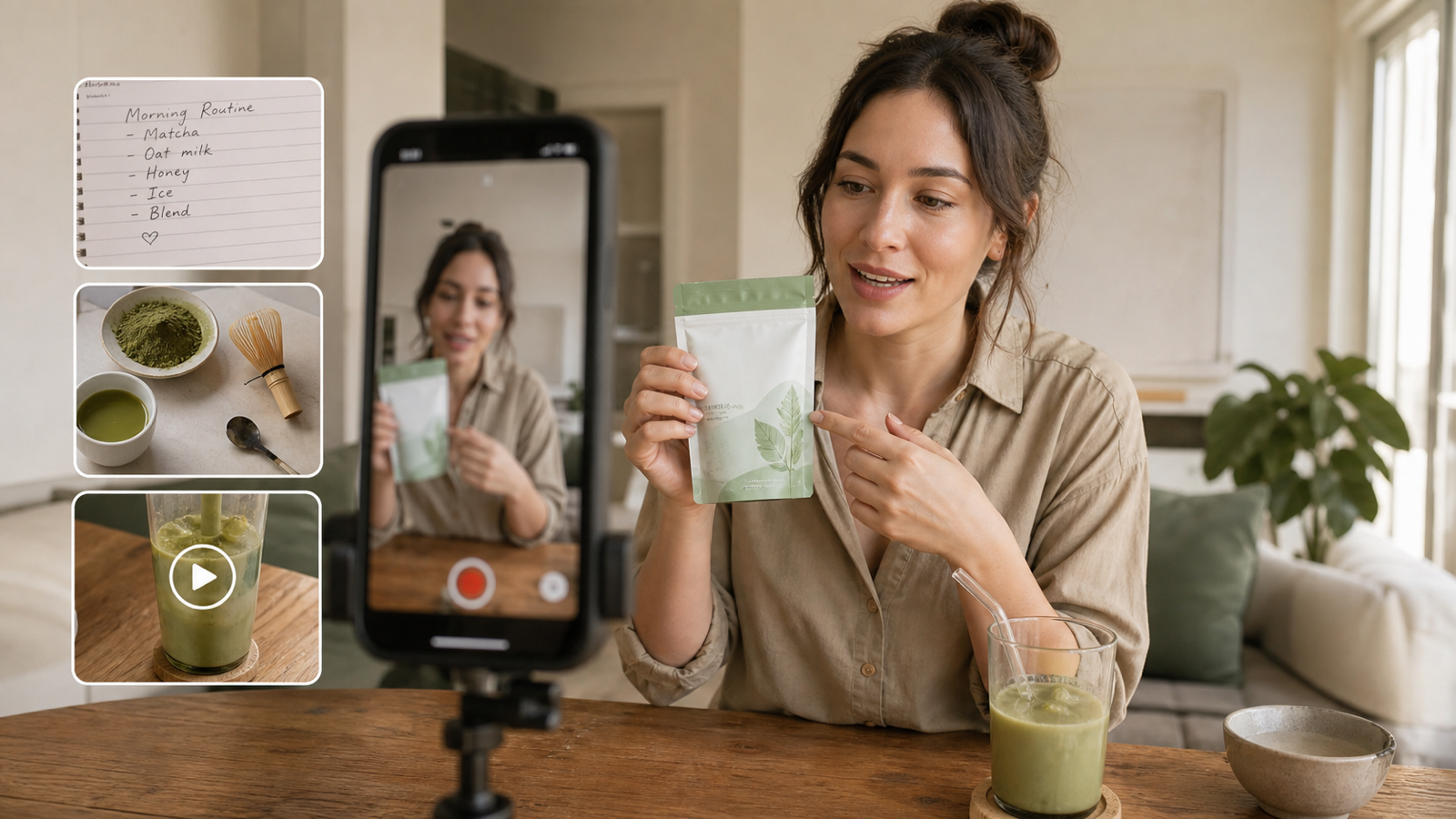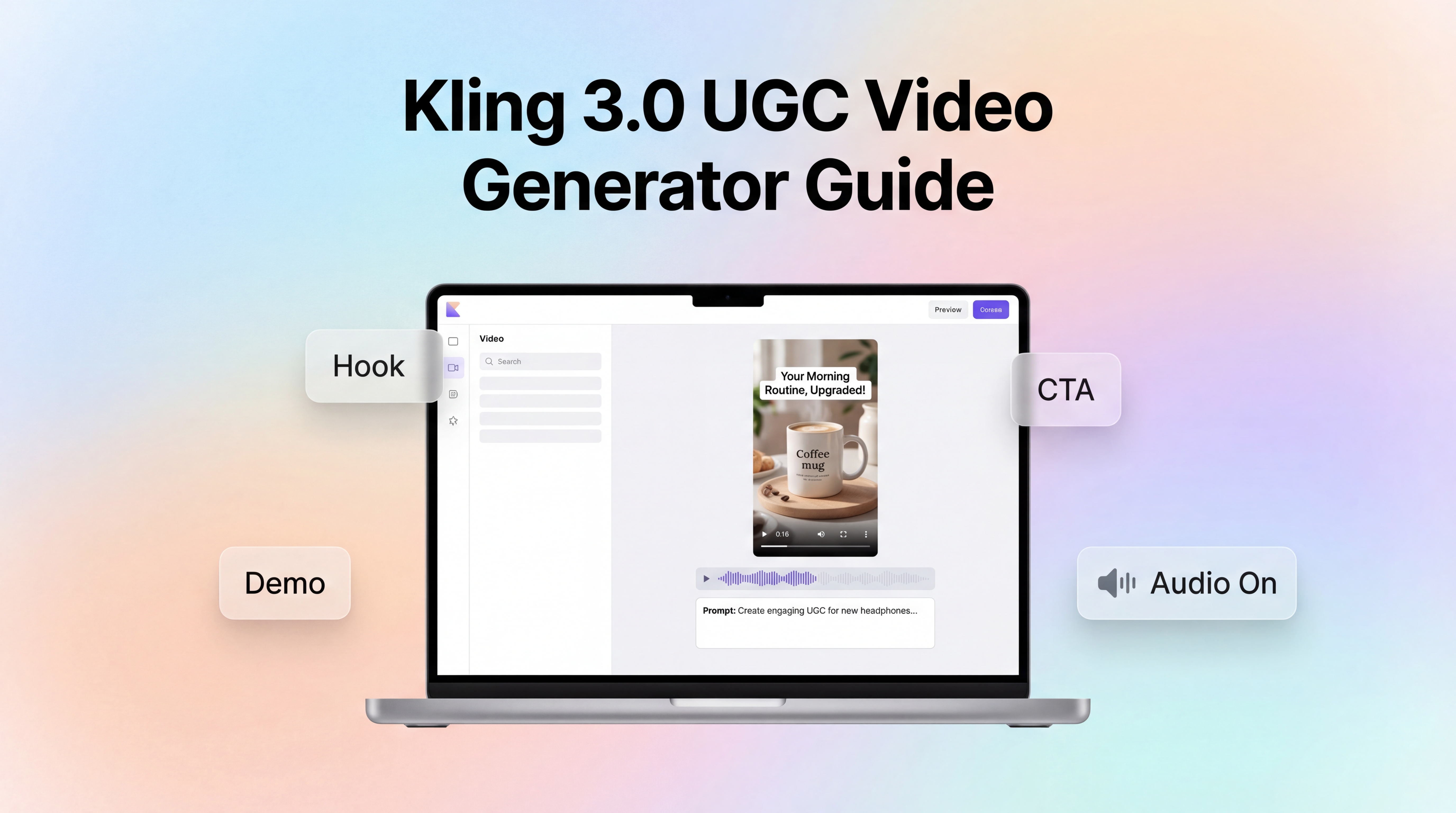
UGC-style ads aren’t about cinematic perfection. They’re about speed, clarity, and credibility—a video that feels like it came from a real creator on a real phone, while still landing a strong hook, a clean product demo, and a clear call-to-action.
That’s exactly why Kling 3.0 for UGC video generation has become such a practical choice for performance marketers and creators. It’s built for generating short-form video from prompts, iterating quickly with natural-language edits, and even producing audio-forward results when you want a talk-to-camera vibe.
In this guide, you’ll learn how to plan a UGC brief, write prompts that convert, add audio and creator energy, iterate efficiently, and export ad-ready variants—all using Kling 3.0 AI video with audio inside UGC Maker AI.
What makes Kling 3.0 a strong fit for UGC ads
When you’re producing UGC for TikTok/Reels/Shorts, your bottleneck usually isn’t “ideas”—it’s production throughput. You need multiple angles, multiple hooks, and multiple creators. You also need to fix small issues fast (lighting, pacing, framing, logo consistency) without starting over.
That’s where Kling 3.0 AI UGC video generator stands out:
- Text-to-video speed for ad concepts. You can generate a full short narrative—hook → demo → CTA—from a single prompt.
- Natural-language iteration. Instead of redoing everything, you can make targeted changes like “more handheld,” “less cinematic,” or “show the label clearly.”
- Audio-friendly output. For UGC, voice and pacing matter. Using Kling 3.0 text-to-video for UGC ads with audio enabled helps you create creator-led formats that feel native.
- Better creative consistency across variants. With reference images and consistent descriptions, it’s easier to keep a creator look, product look, and scene continuity.
If your workflow is “test fast, learn fast, scale the winners,” Kling is built for that cadence.
Pre-production: plan your UGC brief before generating
A strong UGC ad starts before the model does. If your prompt is vague, the output will be vague too. Here’s a quick UGC brief you can fill out in 3–5 minutes.
1) Define one goal
Pick one:
- Clicks (traffic)
- Installs
- Add-to-cart
- Leads
- Brand awareness
Then write one sentence that matches that goal, like: “Convince someone to click by proving this solves X in under 10 seconds.”
2) Choose one core promise + one proof point
UGC performs best when it’s simple:
- Promise: “This stopped my frizz in humid weather.”
- Proof: “Here’s the before/after in the same lighting.”
3) Pick a format
Use one of these UGC structures:
- Testimonial
- Unboxing + first reaction
- Problem/solution
- “3 reasons” list
- Routine/tutorial
- Before/after mini-story
4) Draft a shot list (for short-form)
For a 6–12 second ad:
- 0–2s: Hook (the first frame must be legible)
- 2–8s: Demo/proof (show the product doing something)
- Final seconds: Payoff + CTA (one clear action)
This short plan becomes your prompt backbone for Kling 3.0 UGC video creation.
Kling 3.0 settings that matter for UGC
Inside Kling 3.0 on UGC Maker AI, you’ll see a few key toggles and controls. Don’t overthink them—just optimize for the platform.
Choose a version (quality vs speed)
If you’re in early testing, choose the option that generates faster so you can explore multiple angles. When you’ve found a winner, switch to higher-quality settings for your final variations.
Enable audio when the format is voice-led
Talk-to-camera and testimonial ads often convert because viewers feel like a person is speaking directly to them. If you’re making AI UGC videos with voice and SFX, keep audio on and write your voiceover clearly.
Use reference images for product consistency
If your product label or shape matters (it usually does), upload a clean product image as a reference. It dramatically improves consistency across your different hooks.
Pick the right aspect ratio
- 9:16 for TikTok/Reels/Shorts (default UGC)
- 1:1 for feed placements
- 16:9 for YouTube or landing-page embeds
Prompt framework: write UGC prompts that actually convert
The biggest mistake in UGC prompting is writing like an ad agency. UGC should sound like a creator. It should feel casual, immediate, and slightly imperfect.
Here’s a simple template you can reuse for Kling 3.0 creator-style video prompts.
The UGC prompt template
Include these blocks (in this order):
- Creator + vibe
- Age range, style, energy, setting
- Camera + realism cues
- “handheld phone footage,” “natural indoor lighting,” “minor framing imperfections”
- Action + demo
- What the creator does with the product
- Voiceover/dialogue
- 1–2 short lines, casual language
- On-screen text (captions)
- Keep it under 6–8 words per caption
- Ending + CTA
- One action: “Tap to try,” “Shop now,” “Get the free trial”
Realism cues that help UGC feel native
If your outputs look “too polished,” add cues like:
- “handheld micro-shake”
- “slight autofocus breathing”
- “flat indoor lighting (not cinematic)”
- “phone camera look, not commercial”
These cues are especially useful for Kling 3.0 UGC-style motion.
Audio & dialogue: add creator energy with Kling 3.0
UGC lives and dies by the first line. If it doesn’t feel like something a person would say, viewers swipe.
When you’re using Kling 3.0 AI video with audio synthesis, keep your voiceover:
- Short: one sentence for the hook
- Specific: one detail that feels real
- Conversational: simple words, no jargon
Voiceover patterns that work
- Direct testimonial: “I didn’t think this would work, but…”
- Problem/solution: “If you struggle with X, do this…”
- Quick tutorial: “Here’s how I use it in 10 seconds…”
Audio prompt add-ons
To make the scene feel authentic, add subtle audio elements:
- Room tone (quiet indoor ambience)
- Small product sounds (click, spray, pour)
- Light background music (low, not overpowering)
Five UGC “recipe cards” you can generate quickly
These formats are easy to test, easy to remix, and ideal for ad iteration with Kling 3.0 UGC ad variants.
Recipe A: 5–10 second hook ad
- Hook line
- One demo shot
- One payoff/result shot
- CTA
Recipe B: Unboxing + first reaction
- Open the box
- Texture close-up
- First use + reaction
Recipe C: 3 benefits listicle
- 3 rapid cuts
- One benefit per cut
- Captions match each benefit
Recipe D: Before/after mini-story
- “Before” pain point
- Quick use
- “After” reveal
- Optional disclaimer
Recipe E: Founder-style brand story (short)
- Why it exists
- How it works (one proof)
- CTA
Iteration loop: refine without starting over
Iteration is where you win. Your first generation isn’t the final ad—it’s the first draft.
A simple workflow for Kling 3.0 natural-language video editing:
- Generate 3 variations with the same core script
- Change only the creator vibe or setting
- Fix one issue at a time Use edit-style instructions like:
- “Make it less cinematic and more like phone footage.”
- “Keep the product label sharp and unchanged.”
- “Increase handheld shake slightly.”
- “Speed up pacing with faster cuts.”
- Lock what works Once you have a good direction, reuse:
- The same creator description
- The same product reference image
- The same on-screen text style
This consistency approach helps your Kling 3.0 UGC video generation outputs look like a real creator series rather than random videos.
Quality control: make your AI UGC ad platform-ready
Before you publish, do a quick checklist.
Platform checks
- Captions readable in safe zones
- First frame communicates the topic instantly
- Pacing is fast enough for short-form
- CTA appears clearly at the end
Compliance checks
Avoid claims you can’t prove (especially health/financial). If your category needs it, add disclaimers. Also check your target platform’s guidance on disclosure if “AI-generated” labeling is required in your region.
Brand checks
- Product looks correct
- Logo isn’t warped
- Tone matches the brand
- CTA matches your landing page
Export & A/B testing: scale a winner with variations
Once you have one concept that feels good, don’t stop at one video. UGC marketing is a testing game.
A simple test matrix:
- 3 hooks × 2 creators × 2 CTAs = 12 ads
You can create these variants by swapping only one element at a time:
- Hook line (first 2 seconds)
- On-screen captions
- Offer framing
- CTA language
Then use performance signals to guide the next round:
- Low watch time: hook is unclear
- Low CTR: benefit isn’t specific enough
- Low conversion: demo/proof is weak or CTA mismatch
Recommended UGC Maker AI tools to pair with Kling 3.0
Kling 3.0 is powerful on its own, but UGC campaigns scale faster when you combine it with supporting tools.
- Try AI UGC Maker when you want a faster script-to-video flow for creator-led content.
- Use UGC Ads Generator to spin one concept into multiple ad-style variations for testing.
- Use UGC Image Generator to produce matching lifestyle images for feed placements and landing pages.
- Explore Seedance 2.0 or Seedance 1.5 when you want more stylized motion or different creative “feel” for your video tests.
- Add Seedream 5.0 when you need strong product and lifestyle images to support your UGC pipeline.
If your goal is to produce more ad-ready content per week—without a full production team—Kling 3.0 for UGC video generation is a practical engine for testing and scaling modern short-form creatives.