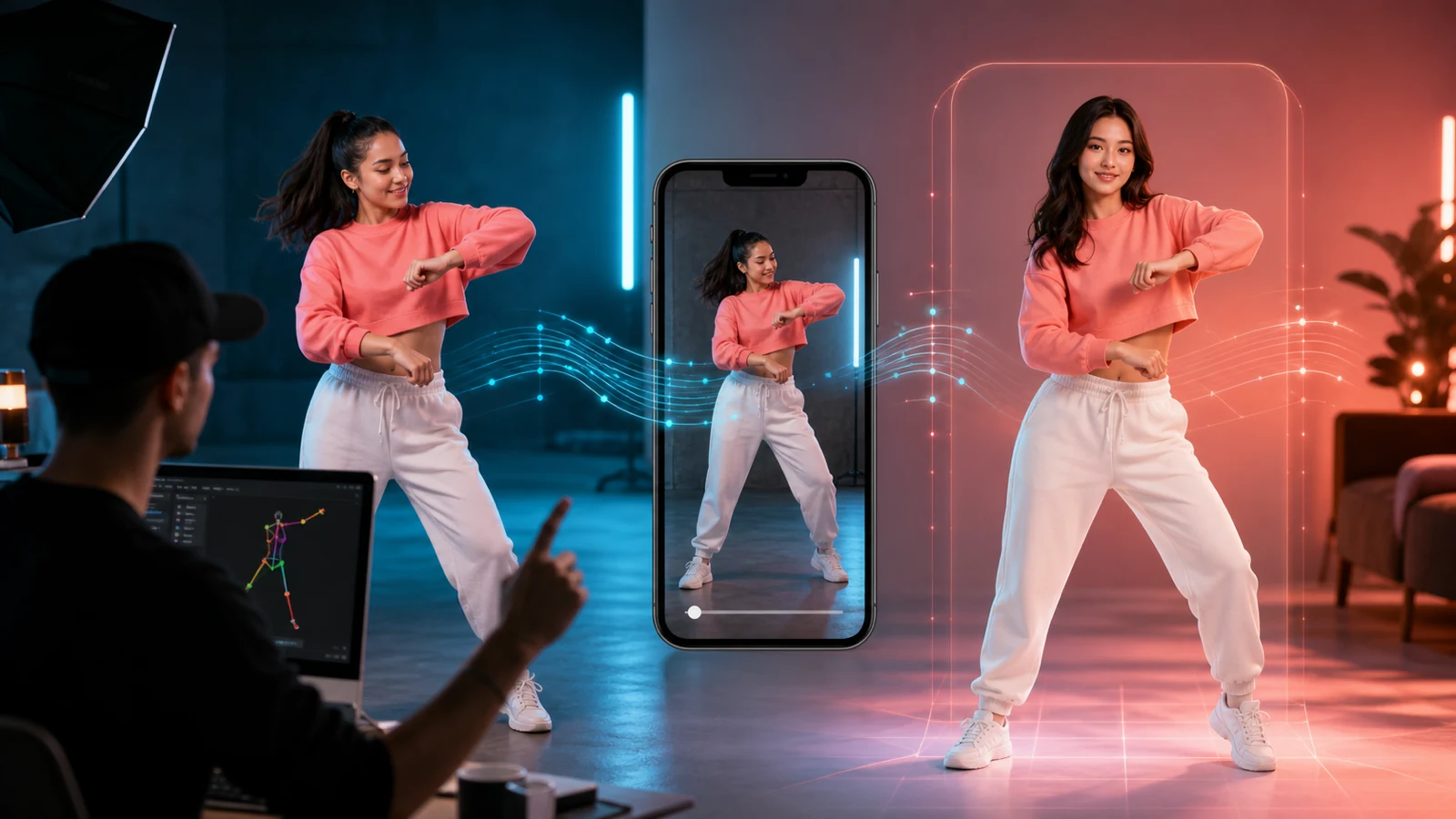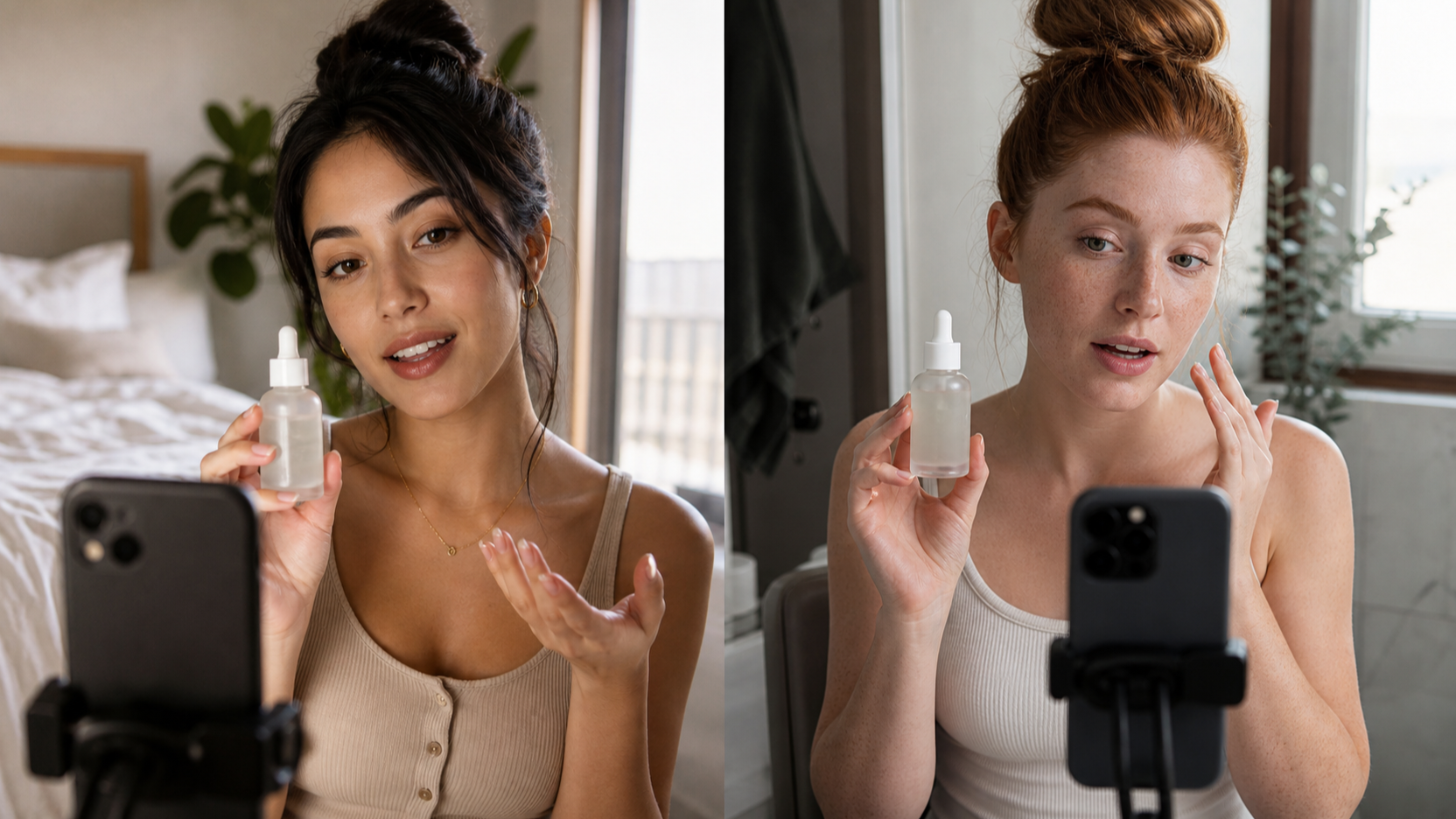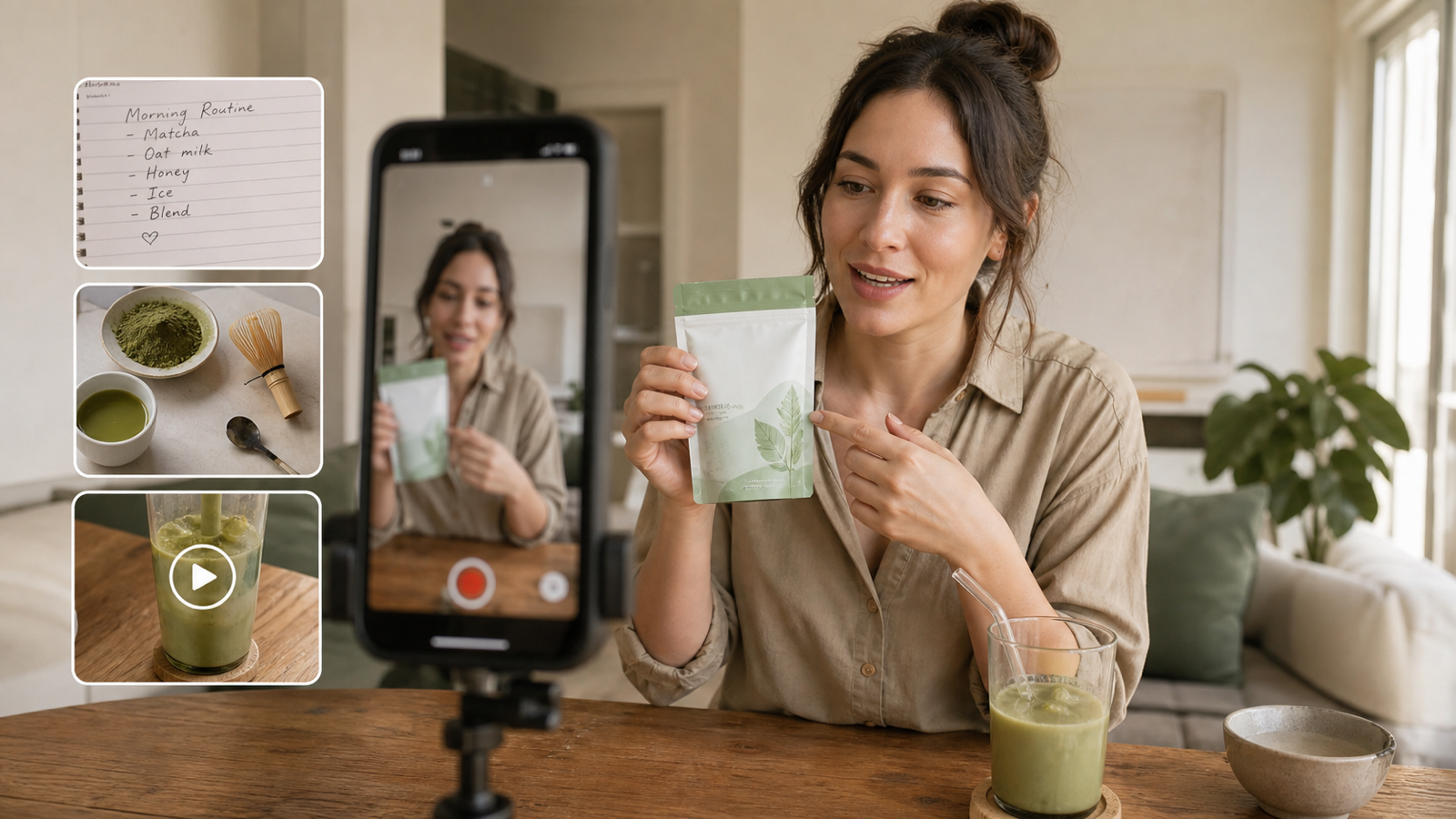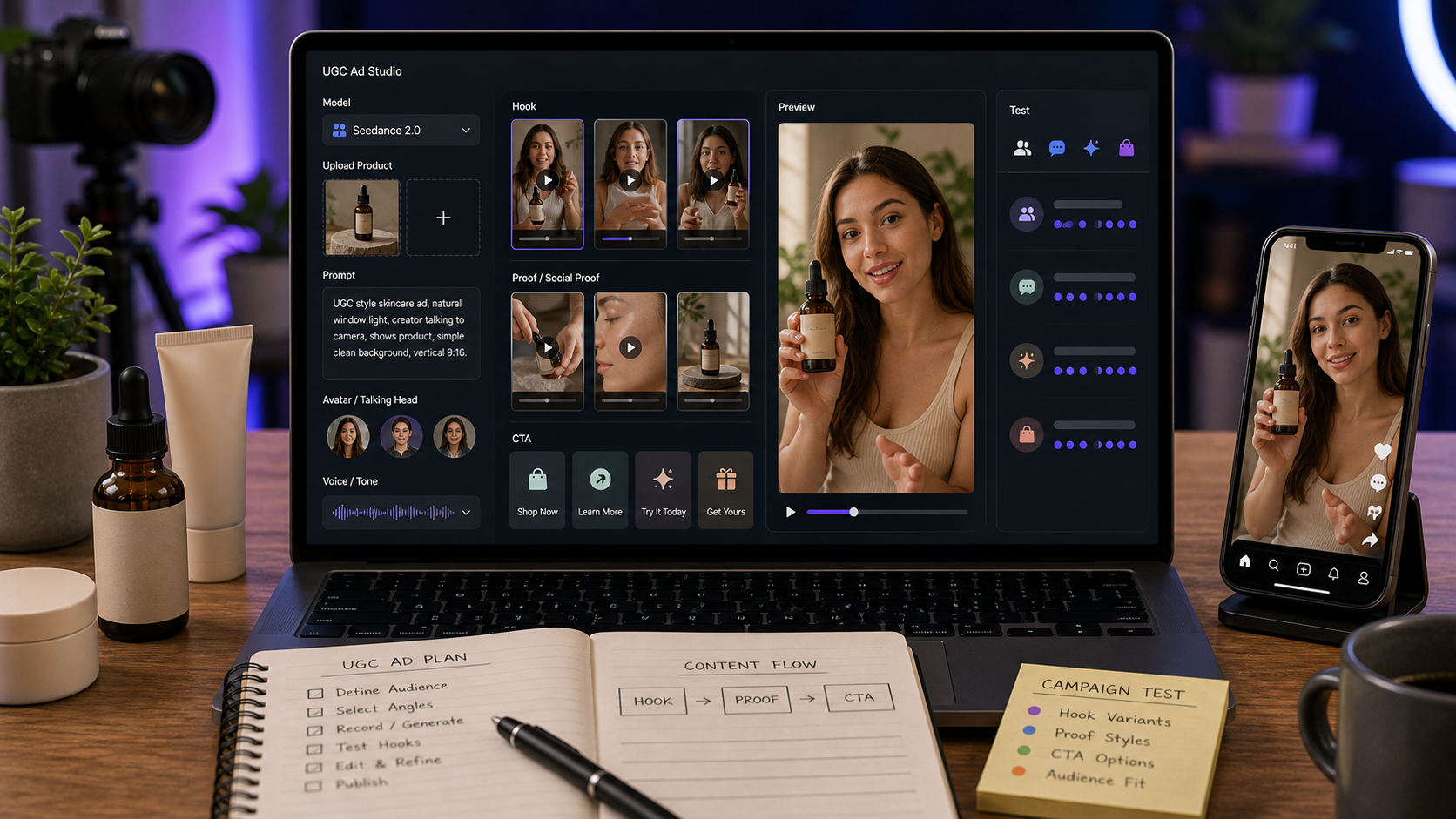
The Seedance 2.0 AI video generator can help growth teams create UGC-style ad concepts faster, especially when they need product demos, creator reactions, app walkthroughs, short ad variants, and mobile-first social clips. For marketers, app founders, e-commerce sellers, SaaS teams, creators, and performance teams, the value is not that AI-generated ads guarantee results. The value is that they make it easier to test more angles before investing in full production.
This guide explains how to use UGC Maker AI, Seedance 2.0, and related UGC Maker tools to create practical ad drafts for app installs, signups, free trials, product purchases, lead generation, retargeting, and landing page creatives. Treat every AI-generated UGC ad as a creative test asset. Before publishing or running paid campaigns, verify product claims, testimonials, commercial rights, platform ad policies, music/audio rights, privacy rules, disclosure requirements, and before/after claims.

Why UGC Ads Work for User Growth
UGC ads work for user growth because they often feel native to the feed, personal in tone, and easier to understand than polished brand videos. A creator-style clip can show the product in use, name one pain point, show one proof moment, and end with a simple call to action. That makes UGC especially useful for fast testing across TikTok, Reels, Shorts, paid social, landing pages, and retargeting.
For growth teams, the point is iteration. A polished brand ad may take longer to plan, shoot, edit, and approve. A UGC-style ad concept can test a hook, persona, use case, feature, objection, or CTA more quickly. For example, an app founder can test "I finally stopped forgetting my daily goals" against "This is the five-minute routine that fixed my mornings" before choosing the clearer angle.
Seedance 2.0 is useful in this workflow because it can create motion layers for short videos. A static product image can become a product demo. A rough app idea can become a phone-camera scene. A creator prompt can become a short ad variant for review. The output still needs human judgment, but it can shorten the path from idea to testable creative.

How Seedance 2.0 Helps Create UGC Ad Motion
Seedance 2.0 helps when the ad idea depends on visible motion: a creator opening an app, applying a product, packing a bag, recording audio, organizing a desk, or showing one feature in context. On UGC Maker AI, the Seedance 2.0 ad video generator workflow is best used for short scenes with a clear subject, simple camera movement, and a mobile-first format.
Use Seedance 2.0 UGC video prompts for:
- Product demos that show how an item is used.
- Creator reactions that feel casual and social-native.
- Short ad variants with different hooks or CTAs.
- App walkthroughs that avoid readable private data.
- Before/after concepts where the result is safe and visual, such as a desk reset.
- Social proof-style videos that show usage context without fake testimonials.
- Landing page clips that support a product feature or problem statement.
The best Seedance prompts are specific but not overloaded. Ask for one creator persona, one realistic setting, one product action, one proof moment, and one CTA. If the scene needs multiple beats, generate separate clips and edit them together.

How to Use UGC Maker AI for Seedance 2.0 Ads
UGC Maker AI is the practical starting point when the goal is user acquisition, app growth, e-commerce sales, SaaS signups, or retargeting creative. The workflow is simple: choose the right tool, upload product or reference assets, write a creator-style prompt, generate variants, preview the clips, export the strongest drafts, and test them with proper review.
Use this workflow:
- Open the Seedance 2.0 model page or the relevant UGC Maker AI tool.
- Choose Seedance 2.0 as the model when you want motion-focused UGC ad drafts.
- Upload product images, app screenshots, packaging, reference images, start frames, or other approved assets if consistency matters.
- Write a creator-style UGC prompt with target audience, growth goal, hook, scene, demo action, pain point, proof moment, tone, camera, and CTA.
- Create multiple hook variants and CTA variants before generating.
- Generate a first round of 9:16 ad drafts.
- Preview for clarity, product accuracy, motion consistency, and platform fit.
- Export the best drafts for editing, compliance review, and controlled testing.
- Revise prompts based on where viewers might get confused: unclear hook, weak product visibility, too many scene changes, or CTA mismatch.
For short-form social formats, the TikTok Video Generator is useful when the creative needs to feel native to TikTok, Reels, or Shorts. For broader text, image, or audio-to-video tests, use the AI video generator. For dedicated mobile-ready ad variations, use the UGC Ads Generator.

Reusable Seedance 2.0 UGC Ad Prompt Formula
A strong Seedance 2.0 creator ad workflow starts with the growth goal, not just the product. A prompt for app installs should look different from a prompt for retargeting, lead generation, or product purchases. The formula below keeps the creative specific while reducing unsupported claims.
Copy this prompt formula:
Create a 9:16 UGC-style ad video for [product/app/service] using Seedance 2.0.
Target audience: [audience].
Growth goal: [signup/install/purchase/free trial/lead].
Hook: "[first 2-second hook]."
Scene: [creator/persona] filming in [realistic setting].
Show [product/app/demo action] clearly.
Problem: [pain point].
Proof moment: [feature, result, convenience, comparison, social proof, routine].
Tone: authentic, casual, native to TikTok/Reels/Shorts.
Camera: handheld, close-up product/app shots, quick readable cuts.
End with CTA: "[CTA]."
Avoid exaggerated claims.
Use the proof moment carefully. A product texture, setup step, routine use, feature close-up, or comparison of interface states is usually safer than an unsupported promise. For SaaS and apps, avoid fake readable UI text and private data. For beauty, health, finance, pets, and fitness, avoid claims that would require substantiation.

Hook and CTA Variants for User Growth Campaigns
The fastest way to improve a UGC ad test is often to vary the hook and CTA while keeping the demo consistent. A hook changes the first impression. A CTA changes the next step. Both matter for user growth because different audiences respond to different levels of urgency, education, and specificity.
Test hook types by goal:
- App installs: "I tried this before my commute."
- Signups: "This took less time than I expected."
- Free trials: "I wanted to test it before committing."
- Product purchases: "This solved one annoying part of my routine."
- Lead generation: "I needed a clearer way to compare options."
- Retargeting: "I almost missed this feature the first time."
- Landing pages: "Here is the workflow in 10 seconds."
Test CTA types without overpromising:
- "Try it free today."
- "Start your first lesson."
- "Set up your budget today."
- "Take another look."
- "Make mornings easier."
- "Reset your workspace."
- "Start with a better draft."
Keep the CTA aligned with the actual offer. A free trial ad should not imply a permanent free product. A purchase ad should not imply guaranteed results. A retargeting ad should highlight one concrete reason to return.

14 Copy-to-Use Seedance 2.0 UGC Ad Prompts
Use these AI video prompt examples for UGC ads as draft templates. Replace product names, audiences, claims, offer details, and CTAs with approved language before publishing.
1. Habit-Tracking App Install Ad
Create a 9:16 UGC-style ad for a habit-tracking app. A young professional films at a desk with coffee and a phone. Hook: "I finally stopped forgetting my daily goals." Show the app opening, checking off habits, and a clean weekly progress screen without readable private data. Natural handheld camera, calm productivity mood, CTA: "Try it free today."
Best for app installs and free trial campaigns where the proof moment is routine-based.
2. Skincare Serum Product Ad
Create a Seedance 2.0 UGC ad for a skincare serum. A beauty creator films in a bathroom with soft morning light. Hook: "I wanted a glow serum that didn't feel sticky." Show the bottle, texture on hand, and gentle application. Keep claims realistic, product close-up visible, CTA: "Add it to your morning routine."
Best for e-commerce purchase campaigns. Avoid medical or guaranteed beauty-result claims.
3. Language Learning App Install Ad
Generate a mobile app install ad for a language learning app. A student films on a couch before class. Hook: "I practiced Spanish for five minutes before my commute." Show quick lesson cards, speaking practice, and a small streak moment. Casual phone-camera style, upbeat tone, CTA: "Start your first lesson."
Best for user acquisition when the app value is a short daily routine.
4. Portable Blender Product Demo
Create a UGC ad for a portable blender. A creator adds fruit and milk, blends quickly, and pours a smoothie. Hook: "This is my fastest breakfast trick." Bright kitchen lighting, handheld shots, clear product demo, CTA: "Make mornings easier."
Best for clear product demo ads and landing page embeds.
5. Budgeting App Signup Ad
Create a Seedance 2.0 ad for a budgeting app. A creator sits at a cafe table with a laptop and phone. Hook: "I needed a simpler way to see where my money went." Show category tracking and a clean spending overview without real numbers. Calm lifestyle mood, CTA: "Set up your budget today."
Best for signups. Avoid implying financial outcomes or savings guarantees.
6. Wireless Microphone Creator Ad
Generate a UGC ad for a wireless microphone. A creator films at a desk, clips the mic onto their shirt, and records a short video. Hook: "Your phone audio might be hurting your content." Show simple before/after style moment without fake claims, close-up product shot, CTA: "Upgrade your recording setup."
Best for creator tools, but final ads should use real audio comparisons.
7. AI Writing Tool Free Trial Ad
Create a user-growth ad for an AI writing tool. A creator stares at a blank document, types one rough idea, then reacts to a clean outline. Hook: "When your brain has zero content ideas..." Avoid readable fake UI text, professional creator tone, CTA: "Start with a better draft."
Best for free trials and SaaS landing page creatives.
8. Pet Grooming Brush Product Ad
Create a UGC ad for a pet grooming brush. A pet owner brushes a calm dog in a living room. Hook: "If pet hair is everywhere, this helped my routine." Show gentle brushing and collected loose fur. Warm lighting, friendly tone, avoid medical claims, CTA: "Try it for your next grooming day."
Best for e-commerce campaigns where the demo is visual and gentle.
9. Online Course Lead Ad
Generate a short ad for an online course platform. A creator films in a study corner with laptop and notebook. Hook: "I wanted to learn without watching random videos for hours." Show course browsing, lesson progress, and note-taking. Clear educational mood, CTA: "Start learning today."
Best for lead generation or signups when the offer is educational.
10. Desk Organizer Purchase Ad
Create a UGC ad for a desk organizer. Start with a messy desk, then show the creator sorting pens, cables, sticky notes, and headphones. Hook: "My desk finally stopped stressing me out." Overhead shots, satisfying quick cuts, CTA: "Reset your workspace."
Best for visual before/after concepts that do not imply sensitive outcomes.
11. Meal Planning App Signup Ad
Generate a Seedance 2.0 ad for a meal planning app. A busy parent films in a kitchen. Hook: "I stopped asking 'what's for dinner?' every night." Show meal plan selection, grocery list, and simple cooking prep. Natural home setting, CTA: "Plan your week in minutes."
Best for routine-based app growth and family lifestyle angles.
12. Travel Backpack Product Ad
Create a UGC ad for a travel backpack. A creator packs clothes, laptop, charger, water bottle, and passport. Hook: "I packed three days into one backpack." Show compartments clearly, bedroom packing scene, CTA: "Pack smarter for your next trip."
Best for product purchases and retargeting where feature visibility matters.
13. SaaS Dashboard Retargeting Ad
Create a retargeting UGC ad for a SaaS dashboard. A founder-style creator films beside a laptop. Hook: "I almost missed this feature the first time." Show a clean abstract dashboard with no readable private data, highlight one simple workflow improvement, CTA: "Take another look."
Best for retargeting users who visited but did not convert.
14. Fitness Water Bottle Shorts Ad
Generate a YouTube Shorts-style UGC ad for a fitness water bottle. A creator packs it in a gym bag, drinks after workout, and shows the straw lid. Hook: "This is the bottle I actually remember to bring." Energetic gym setting, CTA: "Make hydration easier."
Best for short-form social ads. Avoid health or performance claims that are not substantiated.
These Seedance 2.0 product demo prompts work best when the prompt has one clear motion and a safe proof moment. If a scene needs a talking avatar, a real voiceover, or multiple ad cuts, combine Seedance 2.0 drafts with the relevant UGC Maker workflow.

Which UGC Maker AI Tool Should You Use?
Use the UGC Maker tool that matches the creative job. Seedance 2.0 is useful for motion-driven ad drafts, but a growth workflow often needs more than one tool: avatar delivery, mobile-ready variations, TikTok-native formatting, and broader text/image/audio-to-video generation.
Recommended routing:
| Tool | Best fit | Use it when |
|---|---|---|
| AI UGC Maker | Talking-head or avatar-style delivery | You need an AI talking UGC video generator or AI creator ad video maker workflow |
| UGC Ads Generator | Mobile-ready ad variations | You want a UGC video ads generator for hooks, CTAs, and product-focused ad tests |
| TikTok Video Generator | Short-form social formats | You are making TikTok, Reels, Shorts, or native vertical social creatives |
| AI Video Generator | Broader video workflows | You need an AI video generator for ads with text, image, or audio-to-video flexibility |
| Seedance 2.0 | Motion-focused UGC ad drafts | You want Seedance 2.0 for user growth with product demos, app scenes, and social ad variants |
For many campaigns, the workflow is combined. Use Seedance 2.0 for motion concepts, AI UGC Maker for talking-head delivery, UGC Ads Generator for mobile-ready variants, and TikTok Video Generator for short-form platform fit.

Publishing Checks for AI-Generated UGC Ads
AI-generated UGC ads should be treated as creative test assets, not guaranteed conversion machines. Before you publish, export, or run paid campaigns, review the parts that could create legal, platform, or brand risk.
Check these areas:
- Product claims: Verify claims about results, health, finances, beauty, performance, savings, productivity, and durability.
- Testimonials: Do not present a generated creator as a real customer unless the claim is true and properly disclosed.
- Commercial rights: Confirm rights for product images, app screenshots, uploaded references, logos, packaging, audio, and exported video.
- Platform ad policies: Review TikTok, Meta, YouTube, Google Ads, app store, and marketplace policies for the specific campaign.
- Music and audio rights: Use cleared audio for paid and organic placements.
- Privacy rules: Avoid readable private data, real customer information, and sensitive dashboard details.
- Disclosure requirements: Follow rules for AI-generated content, sponsored ads, endorsements, and testimonials.
- Before/after claims: Use visual before/after concepts cautiously and avoid sensitive or misleading outcomes.
- Brand safety: Review faces, hands, background objects, text, props, and unintended implications.
This protects the usefulness of AI UGC ads for user growth without overselling what the generated clip can prove. A good creative test still needs clean claims, accurate product behavior, and platform-safe delivery.

Recommended Articles for UGC Ads and Seedance Workflows
Use these related articles when you want to improve prompting, compare models, or build a broader UGC ad production workflow.
Related articles:
- UGC Prompts for Seedance 2: How to Create Native AI Video Ads
- How to Use Seedance 2 for AI UGC Ads That Convert
- Seedance 2.0 for TikTok Videos: How Creators Can Turn Ideas Into Scroll-Stopping Clips
- UGC AI Video Prompts: 12 Copy-and-Paste Templates for Better Ads
- UGC Video Ads Guide: How to Make UGC Ad Videos With UGC Maker AI
- How to Use Seedance 2.0 to Create Better Short Videos
- UGC Image Generator User Guide: How to Create Better UGC-Style Product Visuals Faster
- Kling 3.0 UGC Video Generation Guide: Prompt, Audio, and Ad Variants
People also read:
- Seedance 2.0 Video Generation Guide: Tutorial + Prompts
- How to Create Better TikTok Videos with Google Veo 3.1 on VideoWeb
- Seedance 2.0 Prompt Tips for More Human, Realistic AI Video
- How to Create TikTok Videos with HeyDream AI That Actually Feel Native to the Feed
- How to Use Seedance 2.0 on SeaImagine AI to Make Better Short Videos
- Seedance 2.0 Video Generation Guide: How to Get Controlled, Consistent Results
- Seedance 2.0 API Guide: How to Use Flaq AI for Faster Text-to-Video Workflows

FAQ: Seedance 2.0 UGC Ads for User Growth
What is the best Seedance 2.0 prompt structure for UGC ads?
Use product, target audience, growth goal, two-second hook, creator setting, product demo action, pain point, proof moment, tone, camera direction, CTA, and a claim-safety instruction.
Should I use Seedance 2.0 or AI UGC Maker?
Use Seedance 2.0 when you need motion-driven product demos, app walkthroughs, and short ad variants. Use AI UGC Maker when you need talking-head or avatar-style UGC delivery.
Can AI-generated UGC ads improve user acquisition?
They can help teams test more creative angles, but they do not guarantee user acquisition results. Performance depends on offer, audience, channel, targeting, landing page, claims, and creative quality.
What growth goals fit UGC ad testing?
UGC ads can support app installs, signups, free trials, product purchases, lead generation, retargeting, landing page creatives, and social proof-style education.
What should I check before running paid UGC ads?
Verify product claims, testimonials, commercial rights, platform ad policies, music/audio rights, privacy rules, disclosure requirements, before/after claims, and brand safety.

Conclusion: Build a Repeatable UGC Ad Testing Workflow
The best Seedance 2.0 AI video generator workflow for user growth is repeatable: define the goal, choose the audience, write the hook, show one product or app action, add a safe proof moment, end with a relevant CTA, generate variants, and review before testing. Seedance 2.0 can help create motion drafts, but the growth process still depends on clear positioning, honest claims, and disciplined creative testing.
Use UGC Maker AI as the broader workflow hub. Start with Seedance 2.0 for motion concepts, use AI UGC Maker for talking-head delivery, use UGC Ads Generator for mobile-ready ad variations, use TikTok Video Generator for short-form formats, and use the AI video generator for broader text, image, and audio-to-video workflows.
Try Seedance 2.0 on UGC Maker AI when you are ready to turn these UGC ad prompts into campaign-ready drafts for review and testing.