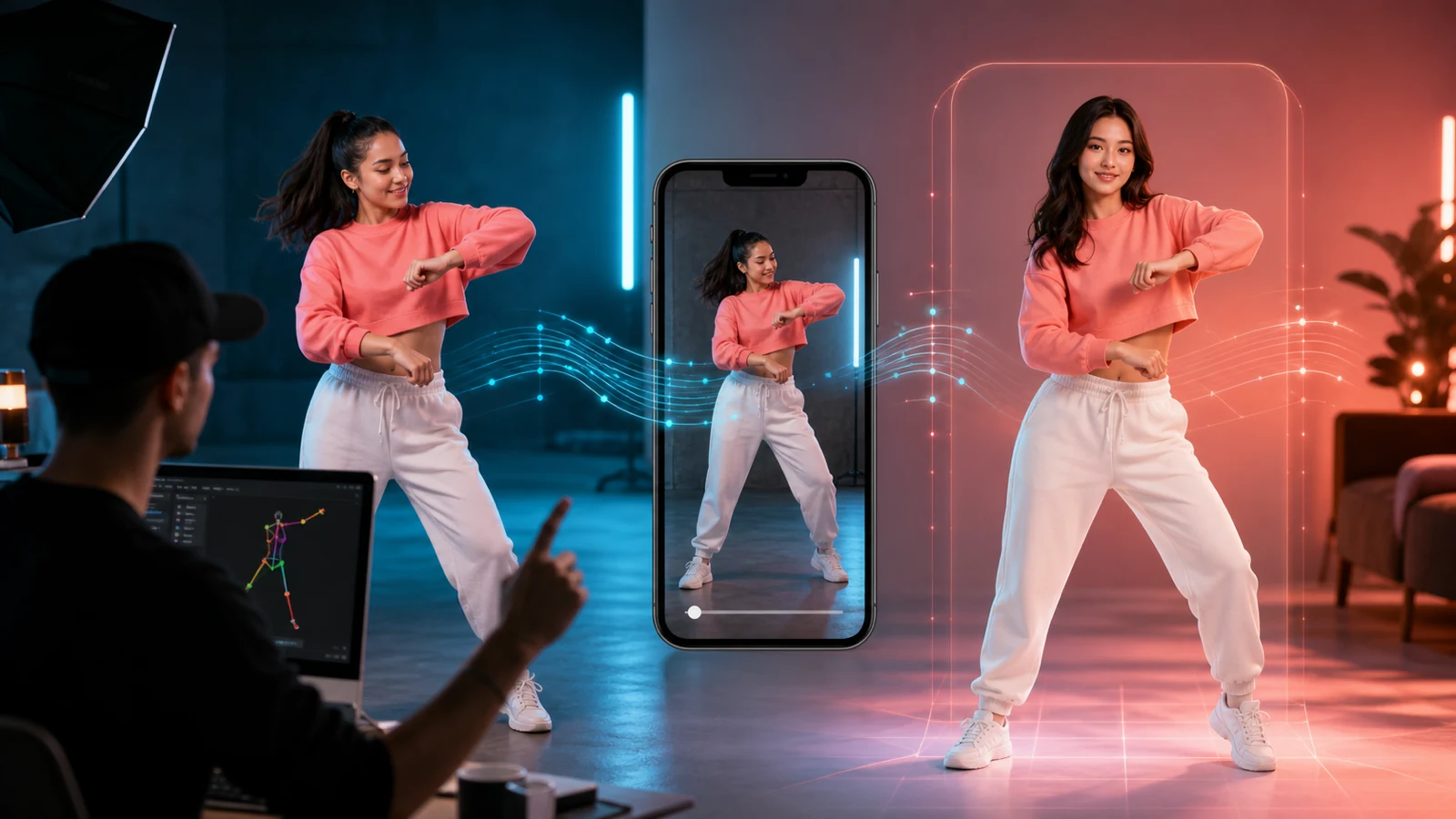
Gemini Omni Flash could make AI UGC video creation more iterative: start with a product brief, reference image, or rough clip, generate a short video, then refine it with natural-language follow-up instructions. Google’s official documentation identifies the preview model as gemini-omni-flash-preview, with text-to-video, image-to-video, video editing, and conversational refinement through the Interactions API. Google’s model documentation currently lists 3–10-second, 720p video output at 24 frames per second.
For performance marketers, ecommerce sellers, agencies, creators, and startup teams, the practical question is not only what Gemini Omni Flash can do. It is what you can use now to move from a campaign brief to testable UGC-style videos. UGC Maker AI is the practical platform to evaluate for that job, while its dedicated Gemini Omni AI Video Generator page should currently be treated as a release-watch page rather than confirmed Gemini Omni Flash access.

What Is Gemini Omni Flash for UGC Video?
Gemini Omni Flash is Google’s preview multimodal video model for generating and editing short videos. Google says Gemini Omni can process combinations of text, images, audio, and video, then generate a cohesive video grounded in the prompt and references. The API model identifier is gemini-omni-flash-preview.
The model is relevant to UGC video because a typical ad brief is already multimodal. It may contain product photos, a script, a creator reference, a rough phone clip, sound direction, and a target format such as 9:16. Gemini Omni Flash’s value proposition is bringing those inputs into one generation and refinement loop rather than treating the image, motion, voice, and edit as disconnected tasks.
Google’s release material also emphasizes conversational editing: each follow-up instruction builds on the previous video while attempting to preserve the parts the creator did not ask to change. That could make prompt iteration feel closer to a real edit conversation than a sequence of unrelated generations. Google’s Gemini Omni announcement describes the model’s multimodal inputs and natural-language video editing.

What Could Gemini Omni Flash Change for UGC Creators?
The biggest change may be shorter distance between a creative idea and a useful video draft. A marketer could start with a product image and a clear hook, then request a product demonstration, a creator-style reaction, or a different camera angle without rebuilding the entire scene from scratch.
That matters for testing. A team can explore a curiosity hook, problem-solution hook, demonstration-first hook, and founder explanation while keeping the same product, audience, setting, and core benefit. Conversational editing could also make small changes more economical: bring the product into the first second, make the delivery less scripted, change the framing to a close-up, or adapt a single concept into a different vertical social format.
The model does not remove the need for creative judgment. It changes where the judgment happens. Instead of spending every iteration on technical prompting, creators can spend more time deciding which product claim is supportable, which opening is relevant to the audience, and which version is appropriate for TikTok, Reels, Shorts, or paid social.

Gemini Omni Flash UGC Video Use Cases Worth Testing
Gemini Omni Flash is most useful when the team has a specific short-form job to test. The following use cases fit its documented text-and-image-to-video direction, while the final output still needs human review.
- Product demonstrations: animate a product photo into a short unboxing, setup, or use-case sequence while preserving the product’s shape, label, and colors.
- Creator-style reactions: create a first-reaction concept around a product without presenting the generated person as a real customer or verified testimonial.
- Testimonial concepts: draft a presenter-led explanation around one supportable feature, then replace or review the synthetic delivery before publishing.
- Ecommerce ads: turn product references and a direct-response brief into several vertical ad concepts with different hooks.
- App walkthroughs: show a fictional user completing one real app action, while avoiding invented interface features.
- TikTok hooks: create a fast first-second opening, then refine the pace, framing, or product reveal through follow-up prompts.
- Campaign variations: preserve the central product message while changing the opening, visual rhythm, captions, or ending for different channels.
These are concept and production-test use cases, not guarantees of conversion, product accuracy, or platform approval. The more a video relies on a real person’s identity, an important product claim, or a regulated category, the more review it needs before publication.

How Conversational Editing Could Improve AI UGC Video Workflows
Conversational editing is the most distinct workflow idea to test. Google’s API documentation shows a stateful pattern in which a follow-up interaction references the previous interaction ID, allowing the creator to request an edit without re-uploading the original video. The model documentation also recommends concise edit prompts and the instruction “Keep everything else the same” when consistency matters.
A practical UGC sequence might look like this:
- Generate a 9:16 product video from a short brief and an uploaded product image.
- Review the first result for product accuracy, hook clarity, creator identity, and visual distortions.
- Ask for one focused change, such as “Show the product within the first second. Keep everything else the same.”
- Ask for a second focused change, such as “Make the delivery more conversational and reduce the camera movement.”
- Save the approved concept as a reference for a human editor, creator, or campaign batch.
The key is to edit one variable at a time. A prompt that changes the setting, speaker, product position, camera angle, pacing, audio, and CTA simultaneously makes it difficult to know which instruction caused a new problem.

Gemini Omni Flash UGC Video Prompt Formula and Examples
Use this structure when planning a Gemini Omni Flash UGC video or drafting a concept in a related UGC workflow:
Create a [duration]-second, 9:16 UGC-style video for [product] targeting [audience]. Begin with [hook]. Show [creator, product, or demonstration] in [setting]. Highlight [one supported benefit]. Camera: [framing and movement]. Audio: [dialogue, ambience, and sound direction]. End with [CTA]. Preserve [product shape, label, colors, and creator identity]. Avoid [unsupported claims, visual distortions, or excessive commercial polish].
Copy-to-use prompts:
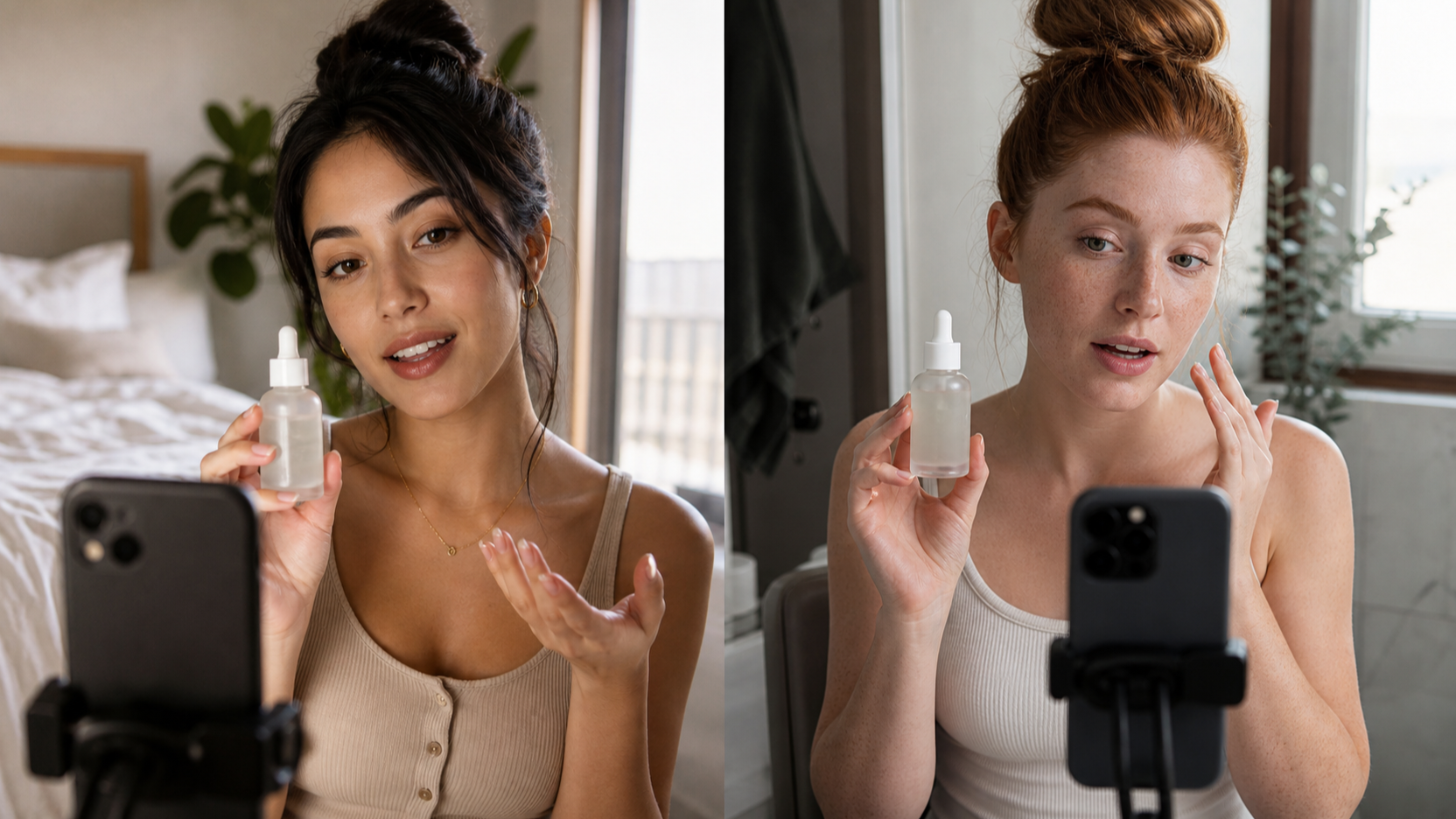
Create a 9:16 creator-style skincare ad. Begin with: “I changed one thing in my morning routine.” Show a creator holding [product] near a bathroom mirror, applying it naturally, and describing one supported benefit. Use handheld phone framing, natural daylight, and a soft CTA.Use the uploaded product photo as the fixed reference. Create a short ecommerce demonstration showing [product] being removed from its packaging, used correctly, and presented in a final close-up. Preserve its shape, label, colors, and printed details.Create three versions of the previous UGC ad: a curiosity hook, a problem-solution hook, and a demonstration-first hook. Keep the same product, audience, creator, setting, and core benefit. Change only the opening two seconds.Create a casual founder-style video for [brand]. The speaker explains why the product was created, the customer problem it addresses, and one verifiable product feature. Use direct-to-camera delivery, natural pauses, and understated editing.Create a vertical app walkthrough for [app]. Start with the pain point “[problem].” Show the user opening the app, completing one key action, and viewing the result. Use clear phone-screen framing, concise narration, and no invented interface features.Create a TikTok-style unboxing video for [product]. Open with the sealed package close to the camera, show the unboxing, capture a genuine first reaction, and demonstrate one feature. Use quick handheld shots and authentic room ambience.Edit the previous video so the product appears within the first second, the creator sounds less scripted, and the camera feels more like a real phone recording. Keep the product, dialogue meaning, creator identity, and background unchanged.Remix the approved video for TikTok, Instagram Reels, and YouTube Shorts. Preserve the central product message but adjust the opening hook, pacing, captions, and ending for each platform. Explain the changes made to each version.

What Creators Can Use Now: UGC Maker AI
Until direct Gemini Omni Flash access is verified inside a third-party platform, creators can use UGC Maker AI as a practical UGC production platform rather than assuming it is a Gemini Omni Flash interface.
The most useful starting points are:
- AI UGC Maker for talking-head videos, uploaded audio, lip-sync, presenter-style product explanations, and testimonial concepts that still require truthful scripting and review.
- UGC Ads Generator for product-image-led vertical advertising, product demonstrations, and ecommerce ad concepts.
- TikTok Video Generator for mobile-first hooks, short social clips, and vertical campaign variations.
- Free UGC Prompt Generator for developing reusable campaign directions before choosing a generation workflow.
UGC Maker’s current AI UGC Maker page describes talking-head and UGC video creation with image and audio inputs, while its tool navigation also exposes product ads, TikTok videos, YouTube Shorts, motion control, and prompt utilities. Those tools can support the surrounding workflow today even when Gemini Omni Flash itself is not confirmed in the live selector.

Gemini Omni Flash Access, Pricing, and the UGC Maker Release Watch
Gemini Omni Flash is still a preview model. Google’s model documentation was last updated June 30, 2026, giving this article’s release snapshot a clear reference date. The same documentation lists gemini-omni-flash-preview, text, image, and video inputs, 3–10-second 720p output at 24 FPS, and natural-language video editing through the Interactions API. It also notes important limitations, including unsupported audio references in the current API, restrictions around recognizable people, and SynthID watermarking on generated videos.
Google’s current Gemini API pricing page lists Gemini Omni Flash Preview on the paid tier. It shows $1.50 per 1 million input tokens and $17.50 per 1 million output video tokens; Google translates the latter into an effective price of approximately $0.10 per second for standard 720p video. API pricing is not the same thing as a platform’s credits, subscription, or export price.
The UGC Maker Gemini Omni page currently says “Coming Soon.” Its visible generation interface shows “Veo 3.1 Fast,” while the page describes a Gemini Omni-style multimodal workflow. Do not treat “Gemini Omni,” “Gemini Omni Flash,” “Veo 3.1 Fast,” and “Gemini Omni-style workflow” as interchangeable names. Check the live model selector and platform documentation immediately before publication or production use.

Responsible AI UGC Video Checks Before Publishing
AI UGC video is a production aid, not permission to make a claim that the product cannot support. Before an ad goes live, check the product details, dialogue, captions, demonstrations, before-and-after scenes, and implied results.
Advertisers should not fabricate testimonials, present generated reactions as real customer experiences, invent statistics, promise medical or financial outcomes, or use a real person’s likeness without authorization. A creator-style video can look casual while still being an advertisement, so disclosure and platform rules may apply. Google’s official announcement notes SynthID watermarking for Omni-generated videos; that provenance mark does not replace a publisher’s own disclosure and rights review.
Also verify direct availability, supported inputs, duration, resolution, audio generation, editing controls, credits, pricing, export format, watermark policy, private-generation options, commercial rights, and API access. These details may differ between Google’s API and UGC Maker’s own product plans.
Is Gemini Omni Flash available for UGC video now?
Google’s API documentation lists Gemini Omni Flash Preview and its API identifier, but access can depend on the current preview program, paid tier, region, and account. UGC Maker’s dedicated page currently says “Coming Soon,” so do not claim confirmed Gemini Omni Flash generation inside UGC Maker without checking the live selector.
Can Gemini Omni Flash create videos from product images?
Yes. Google’s API guide documents image-to-video generation using a reference image and a text instruction. Product accuracy still needs review, especially for packaging, labels, buttons, dosage, fit, and other details that can affect an ad’s truthfulness.
Is Gemini Omni Flash the same as Veo 3.1 Fast?
No. They are different names and should not be treated as interchangeable. The UGC Maker Gemini Omni page currently displays Veo 3.1 Fast in its visible interface, which is why its page should be treated as a release-watch page for Gemini Omni Flash access.
What should creators use while they wait?
Use UGC Maker’s AI UGC Maker, UGC Ads Generator, TikTok Video Generator, and Free UGC Prompt Generator to plan and produce practical UGC-style concepts now. Keep model names and commercial-use claims tied to what the live product documentation confirms.
Conclusion
Gemini Omni Flash could make UGC video creation more conversational, multimodal, and iterative by connecting product images, prompts, short videos, and follow-up edits in one workflow. For release-aware creators, the right next step is to test the official API or wait for confirmed platform access while using UGC Maker AI for practical talking-head videos, product ads, TikTok hooks, and prompt planning today.