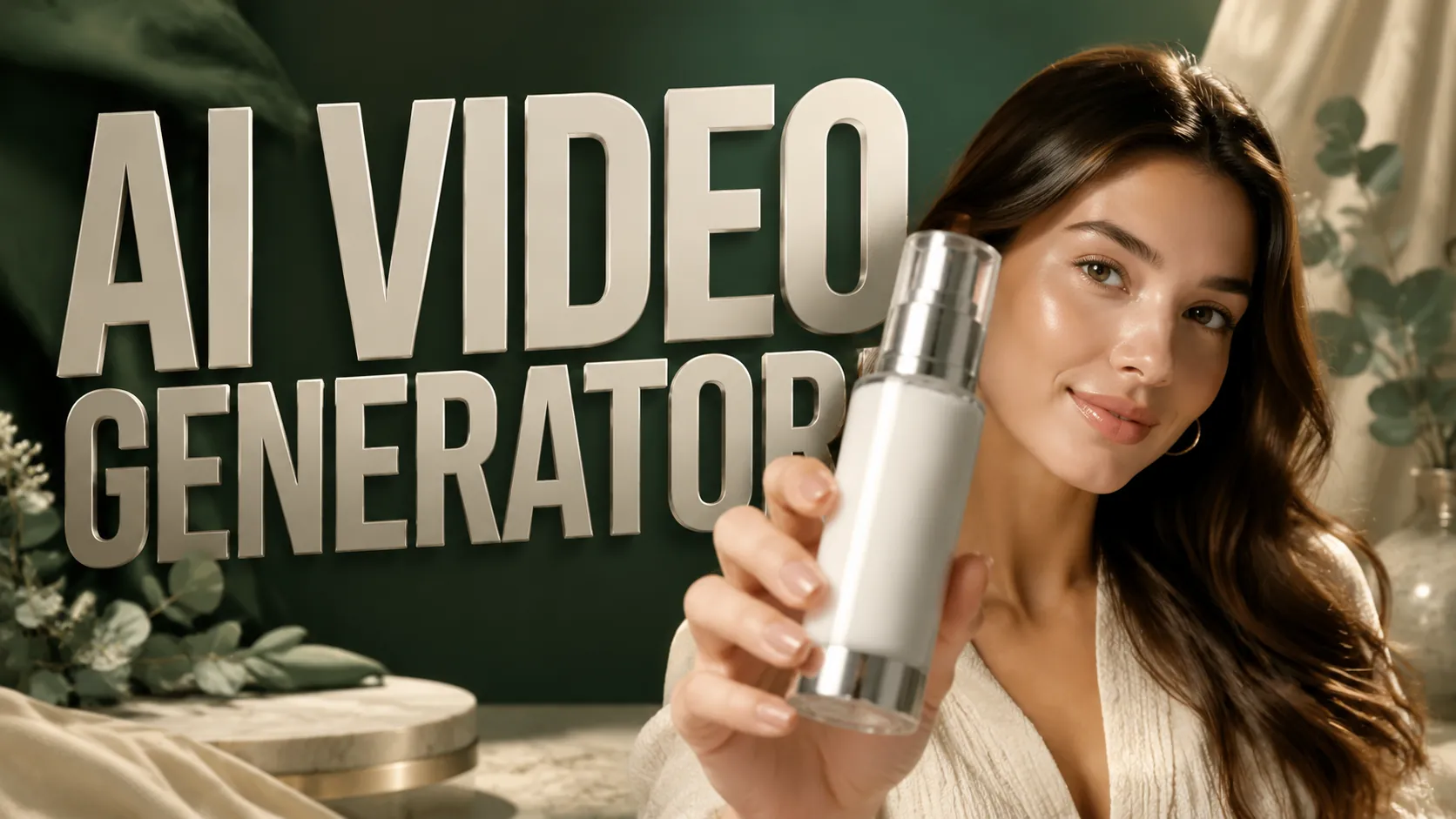
Video Creations
UGC AI Video Generator: Create Videos from Text and Images
UGC AI Video Generator is an online AI video maker that helps creators, brands, and marketing teams create short videos from text to video prompts, image to video references, templates, and optional audio. New users can try AI video creation with limited free credits, no credit card required, turning ideas into product videos, social media clips, UGC-style content, brand openers, and visual stories without complex filming or manual editing.
Examples of UGC AI Video Generator
AI Video Generator examples show how text-to-video prompts, image-to-video references, first frame guidance, last frame guidance, templates, and audio settings can turn a simple idea into a dynamic, ready-to-post short video with clear motion, stable composition, and share-ready pacing.
Original Image
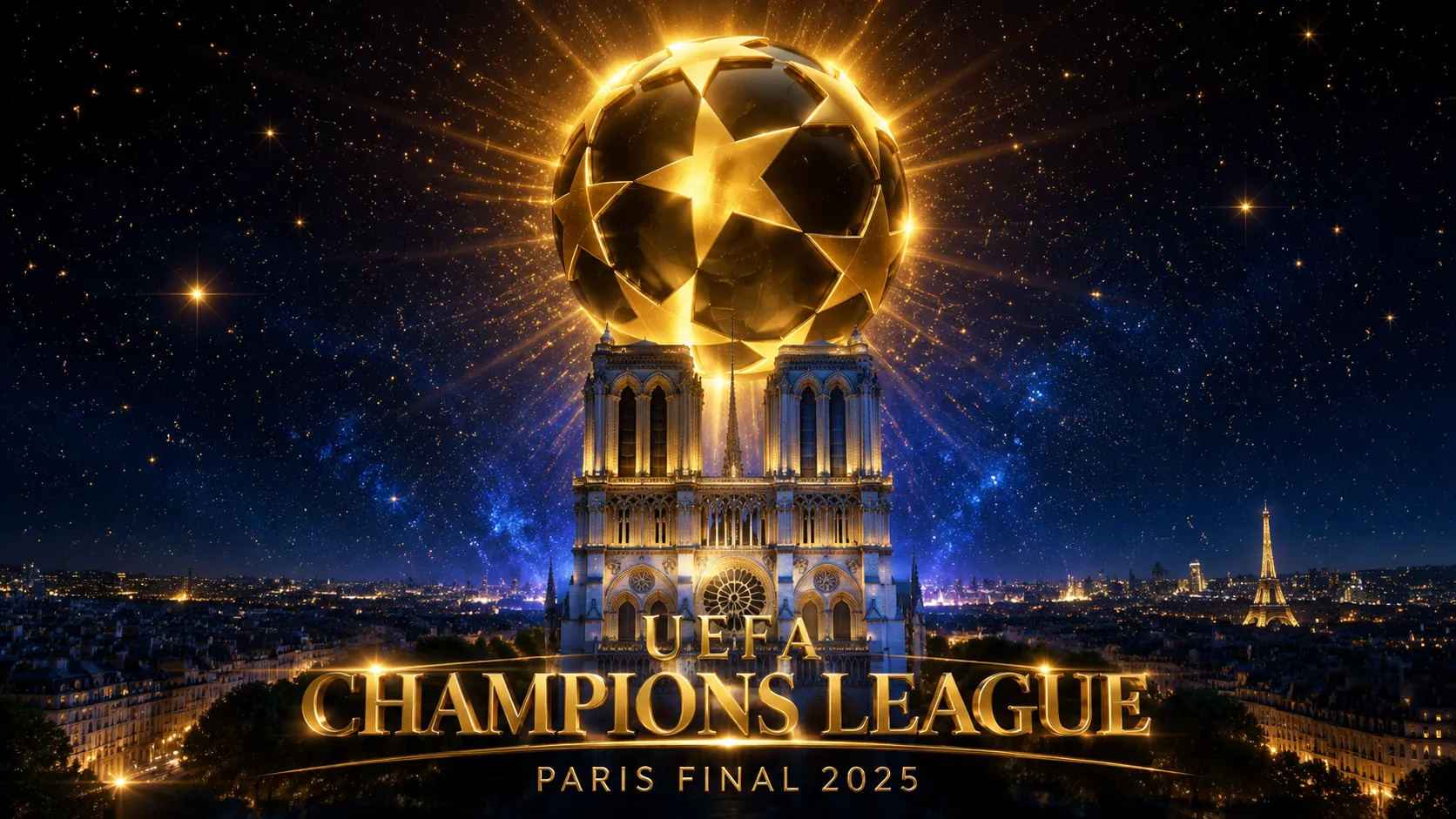
Video
Prompt
Shortened Prompt:Blockbuster 3D cinematic UEFA Champions League semifinal opener. Colossal Bavarian Lion Knight Titan vs Parisian Royal Titan on a starlit European battlefield.[0:00-0:03] Camera descends through falling golden CL stars into a gothic stadium. Push through crimson fog tunnel. Bayern Lion Titan in red Teutonic armor stands at center, sword in ground. It pulls the blade, splitting the pitch with red energy and roars a shockwave that flattens flags.[0:03-0:06] Regal horn. PSG Royal Titan descends on blue energy platform, cape billowing. Graceful landing, raises glowing Eiffel lance with floating fleur-de-lis shields. Charges silently, freezing ground in French patterns.[0:06-0:09] Lion charges on all fours with crimson trail. Violent center-circle clash — broadsword vs lance. High-speed orbit camera shows red-blue energy bursts. Lion’s overhead strike deflected; shield bash sends it sliding back in sparks.[0:09-0:12] Royal Titan fires orbiting golden CL stars. Lion deflects them in slow-mo, catches last one and throws it back, shattering the shield. Both charge and collide in huge red-blue-gold explosion.[0:12-0:15] Titans locked in weapon struggle amid golden dust. Pull back over half-red half-blue pitch. "BAYERN VS PSG" in gold font. Starball spins. "UEFA CHAMPIONS LEAGUE • SEMIFINAL". Epic wide shot with titans silhouetted under golden stars.Ridley Scott Gladiator style meets CL anthem. Midnight blue atmosphere, saturated crimson, royal blue, rich gold. Dynamic cameras, speed ramping between brutal action and elegant slow-mo.Sound: CL anthem organ into epic orchestral war score with choir, sword clashes, roars, horns, whooshing stars, heavy bass, grand climax on reveal.
Core Features of UGC AI Video Generator
AI Video Generator focuses on fast online video creation, combining text-to-video generation, image-to-video guidance, creative presets, optional audio generation, and practical output controls for social, brand, and product content.
Text-to-Video AI Creation
Describe the subject, scene, motion, mood, camera direction, product angle, or visual style you want, and this AI video creator turns your text to video prompt into a short video with coherent movement and clear visual intent.
Image-to-Video and Frame Guidance
Upload images to guide image to video creation, or use first frame and last frame uploads to control how the video starts and where it finishes for more consistent storytelling.
Ready-Made Video Templates
Choose creative presets for common video needs such as product showcases, brand videos, social clips, UGC-style scenes, and visual story concepts, reducing prompt-writing effort.
Flexible Video Settings
Adjust practical settings such as audio generation, video length, and aspect ratio so each generated video can fit short-form feeds, ads, websites, presentations, or wider campaign placements.
Core Advantages about UGC AI Video Generator
AI Video Generator improves the speed, flexibility, and repeatability of online video production, helping users move from idea to generated video with fewer manual editing steps. It is free to try with limited credits for new users, and no credit card is required to start.
Faster Video Production
Create videos from text prompts, images, and templates in minutes instead of planning shoots, recording footage, arranging assets, and editing every transition by hand.
Lower Creative Barriers
Users can generate useful video drafts without filming equipment, editing experience, or a full production team, making video creation easier for individuals and small teams.
More Consistent Visual Direction
Image uploads and first-to-end frame controls help guide product placement, scene composition, opening shots, ending shots, and brand visuals across multiple generated versions.
Scalable Content Testing
Generate multiple video concepts, hooks, styles, durations, and aspect ratios quickly, making it easier to test ideas for social posts, ads, product launches, and marketing videos.
Use Cases for UGC AI Video Generator
AI Video Generator is built for creators, e-commerce sellers, social media managers, agencies, educators, and brands that need fast, repeatable, and visually engaging short video assets.
Social Media Video Creation
Generate short videos online for TikTok, Instagram Reels, YouTube Shorts, Facebook, and other content channels where strong motion and clear visual hooks help capture attention.
Product Videos and E-commerce Content
Turn product images, feature notes, and campaign ideas into dynamic product videos, promo videos, and product demos for launches, marketplace listings, sales events, and store promotions.
UGC-Style Marketing Clips
Create creator-style videos, product recommendations, review concepts, lifestyle scenes, and ad variations without arranging a full filming workflow.
Brand Stories and Visual Concepts
Use AI-generated videos to explore campaign ideas, brand videos, storyboards, educational explainers, and presentation clips before investing in larger production.
How to Use our UGC AI Video Generator
Create AI videos online in three easy steps
Step 1: Enter Prompt or Choose Template
Write a detailed text to video prompt, or choose a creative preset that matches your goal, such as product showcase, social clip, UGC-style video, or brand video.
Step 2: Upload Images and Set Parameters
Upload reference images, first-frame images, or end-frame images when needed, then choose whether to generate audio, set the video length, and select the aspect ratio.
Step 3: Generate, Preview, and Export
Click generate to create your AI video, preview the result, refine the prompt or images if needed, then export and download the publish-ready video for sharing, posting, or campaign testing.

Explore More AI Tools for AI Video Creation
Continue from AI video generation into UGC makers, ad generators, image tools, and prompt utilities built for faster campaign and content production.



Read MoreShow Less









FAQs of UGC AI Video Generator
More Articles About UGC AI Video Generator
2026-08-03
How to Use AI Motion Control for Precise TikTok UGC Videos
AI motion control gives TikTok creators a more direct way to shape movement instead of hoping a text prompt will produce the right gesture. By combining a source image with a reference motion video, you can guide a virtual presenter, avatar, mascot, or character through a defined performance and build UGC video concepts with more repeatable action, cleaner timing, and stronger creative intent.
Read More
2026-07-22
Creatify AI UGC Video Ads Alternative: Create Product Ads with UGC Maker AI
Compare Creatify and UGC Maker AI for product URLs, talking presenters, vertical ads, hooks, credits, privacy, usage rights, and creator-style workflows today.
Read More
2026-07-09
Seedance 2.5 vs Seedance 2.0 for UGC Ads: Which AI Video Model Is Better for Creators?
Compare Seedance 2.5 vs Seedance 2.0 for UGC ads, creative testing, product demos, TikTok ads, and UGC Maker AI workflows for short-form marketers now online.
Read More
2026-07-01
YouTube Short Generator: Create Better Shorts with AI Product Hooks
Learn how UGCMaker YouTube Short Generator helps creators and brands turn prompts, images, product hooks, and UGC ideas into faster short-form video drafts.
Read More