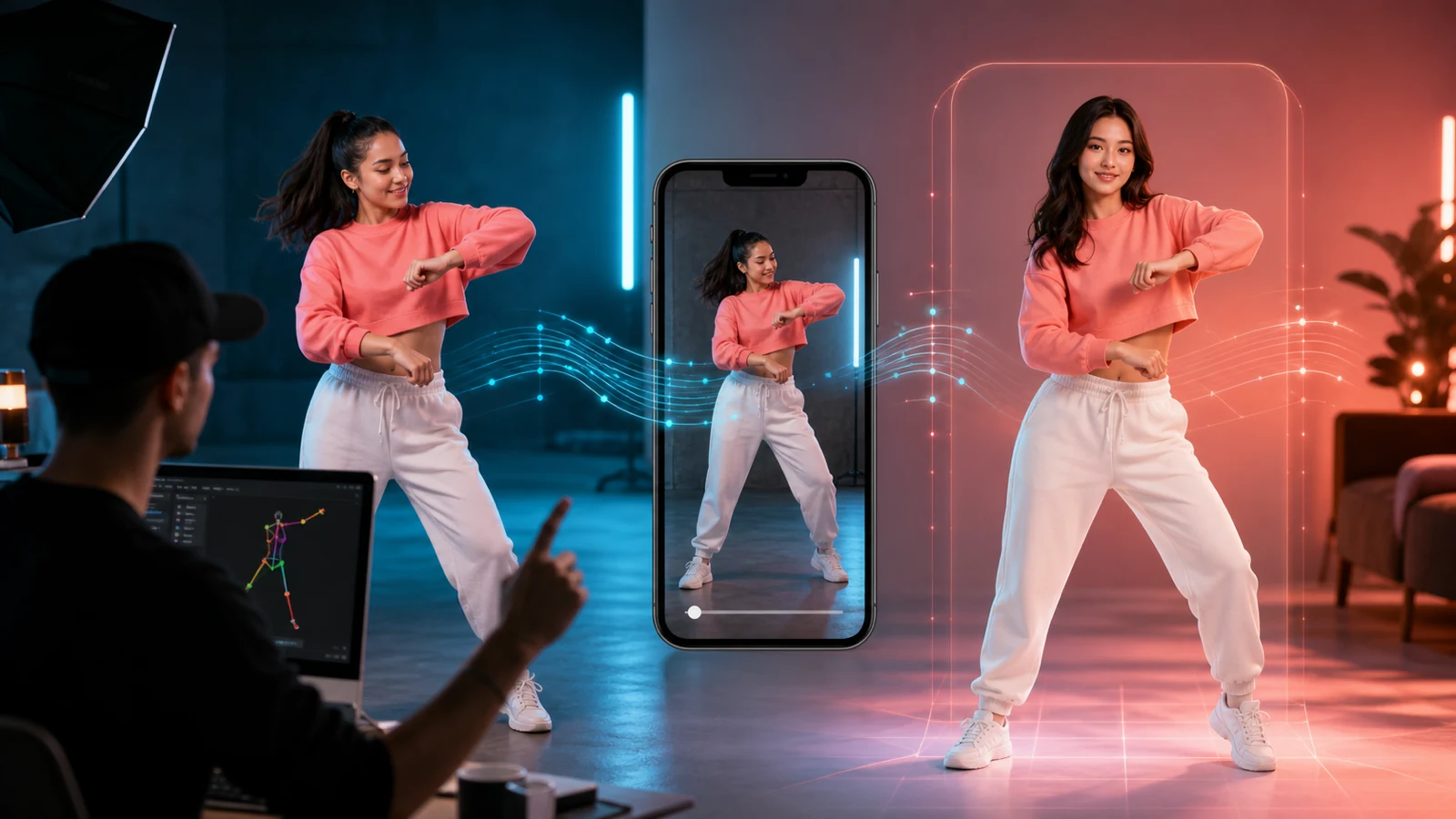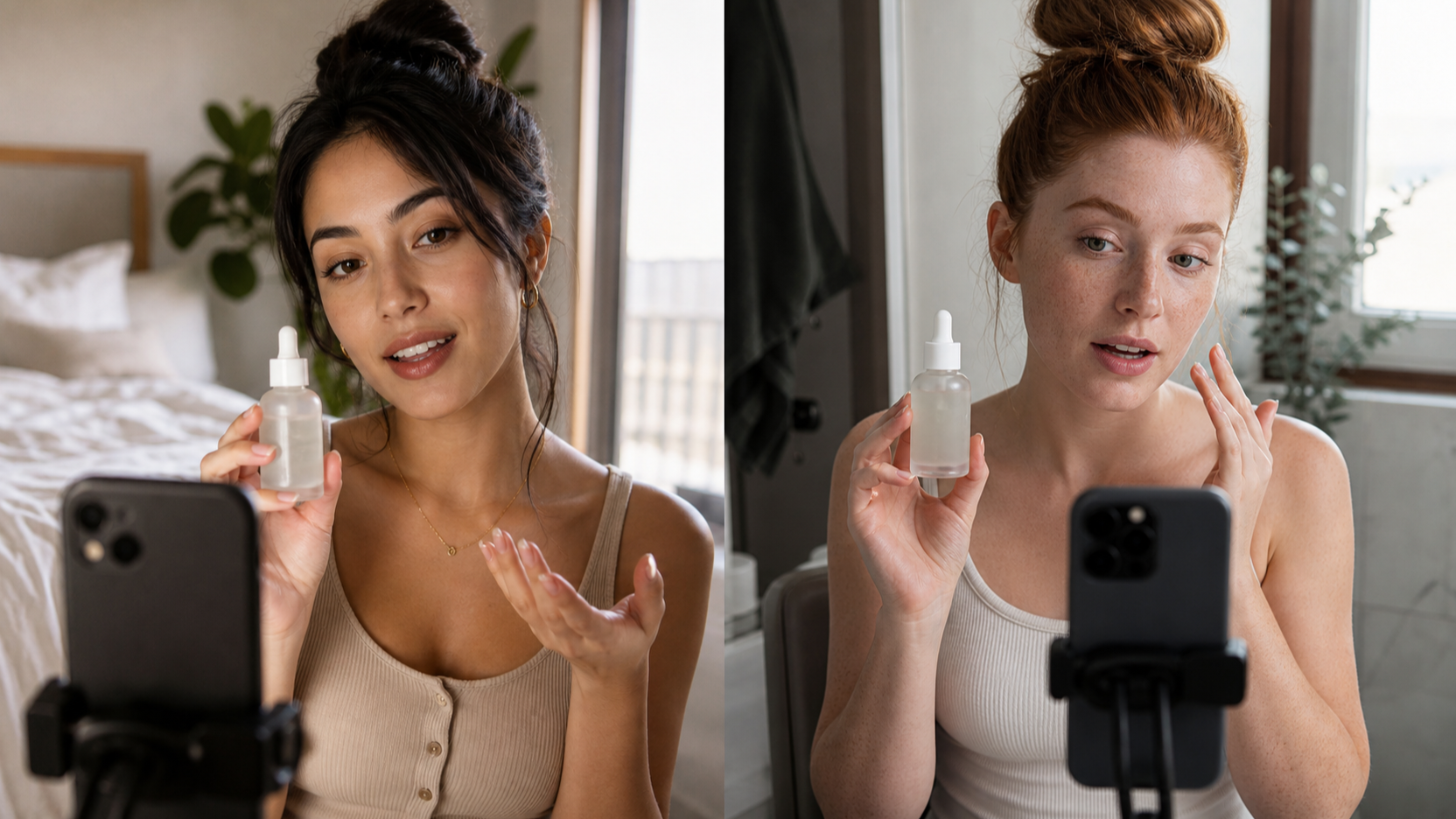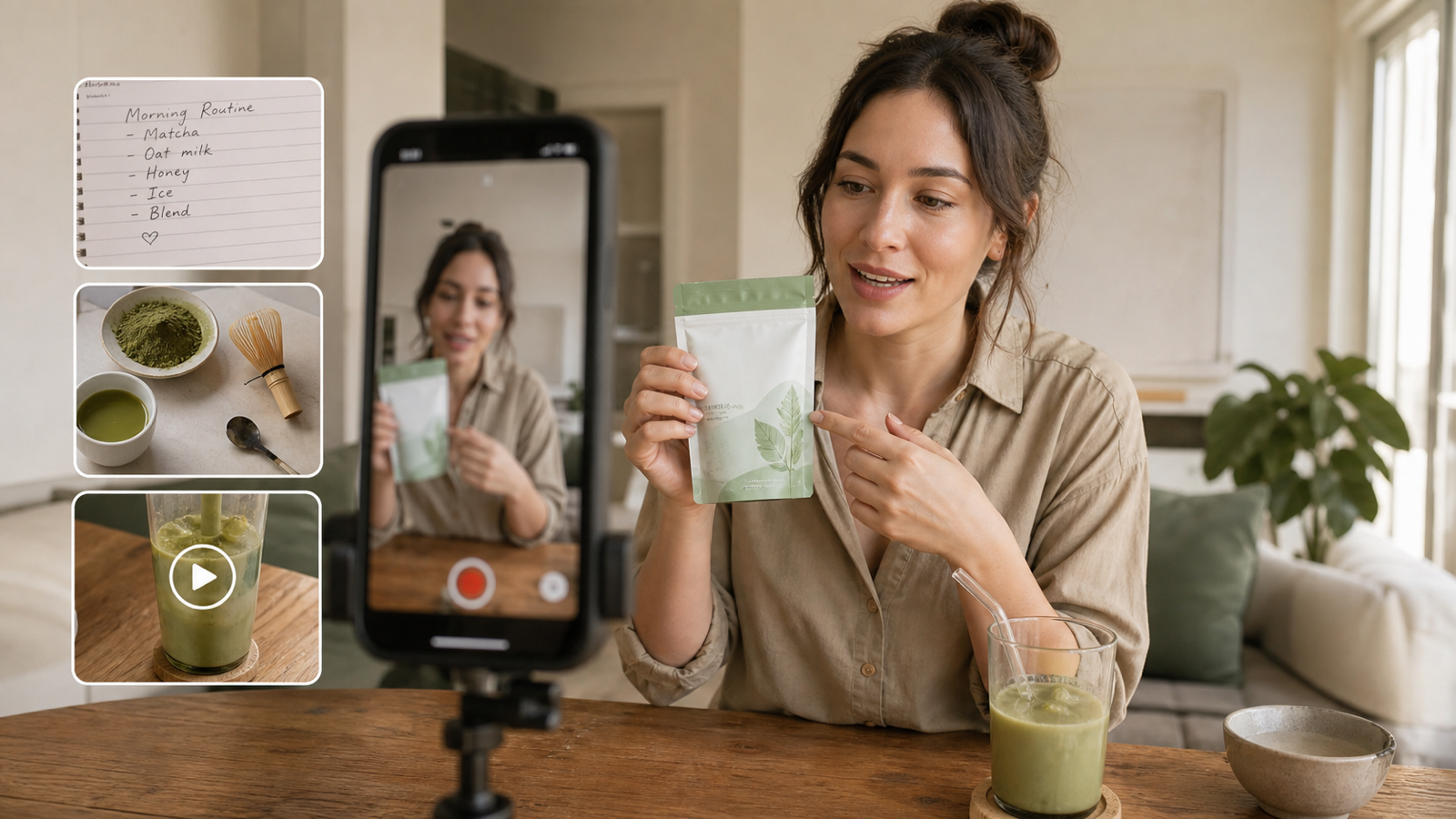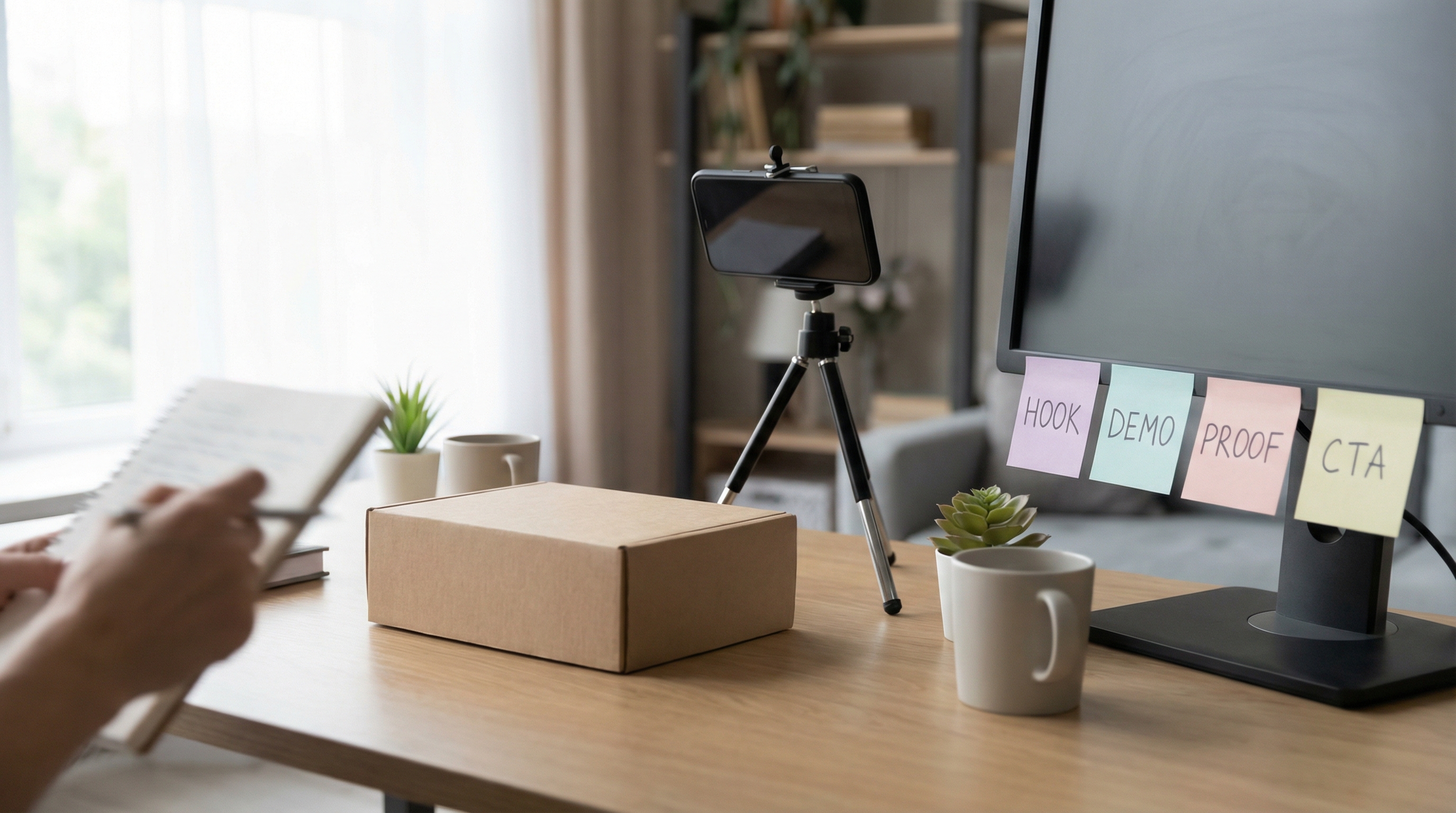
UGC-style ads are everywhere for one reason: they work. They feel like content first and marketing second—so people don’t instantly scroll past. The good news is you don’t need a full creator pipeline to start testing. With UGC Maker AI’s AI UGC Maker, you can generate UGC-style video variations fast, then refine what performs.
In this tutorial, you’ll learn how to plan, generate, and iterate UGC video ads step by step—plus get copy‑paste prompts you can reuse for e-commerce, Shopify, and TikTok.
What Makes UGC Ads Convert (The 5 Elements)
Before prompts and tools, you need the conversion basics. High-performing UGC ad videos usually share these five traits:
-
A hook in the first 1–2 seconds Your opening line or visual should answer: “Why should I care right now?”
-
A clear problem → proof → payoff Show the pain, show the solution, show the outcome.
-
Human pacing Natural pauses, casual phrases, tiny imperfections. Polished commercials don’t feel like UGC.
-
Product clarity People should understand what it is and what it does quickly. If they’re confused, they bounce.
-
One clean CTA Don’t stack “shop now + follow + comment + DM.” One action.
Quick UGC-style checklist (use this every time)
- Handheld vibe, natural lighting, simple background
- Short sentences and everyday words
- Show the product close-up early
- Captions that match the voiceover
- Avoid exaggerated claims; keep it believable
Set Up Your Project in UGC Maker AI (Fast Start)
Open UGC video for ads inside UGC Maker AI and set your creative like a performance marketer—not like a filmmaker.
1) Choose your format
- 9:16 for TikTok, Reels, Shorts (best default)
- 4:5 for Meta feeds (great scale format)
- 1:1 for some placements and product grids
2) Pick a quality level
Start with a lighter render setting for early testing. Once you find winners, re-generate at higher quality.
3) Upload your inputs
Most workflows use one or both:
- Upload Image: product photo, lifestyle image, packaging shot, or a creator-style frame
- Upload Audio: voiceover track (or generate voice if your workflow includes it)
4) Decide your target length
A simple starter set:
- 6–8s: hook + one proof + CTA (fast test)
- 12–15s: hook + demo + proof + CTA (best general length)
- 20–30s: for higher-consideration products (more explanation)
The Script Framework You’ll Reuse for Almost Every UGC Ad
When people search for a UGC video ads guide, what they really want is a repeatable structure. Use this:
- Hook — call out the problem or curiosity
- Credibility — who are you / why trust you
- Demo — show the product doing the job
- Proof — results, social proof, comparison, or specifics
- CTA — one action
A mini swipe file: 12 hook formulas
Use these to generate variations quickly:
- “I didn’t believe this worked until…”
- “If you’re struggling with ___, do this instead…”
- “Here’s what no one tells you about ___…”
- “Stop doing ___—try this.”
- “This is why your ___ isn’t working.”
- “I wish I found this earlier.”
- “POV: you finally fix ___.”
- “3 things I learned after trying ___.”
- “The easiest way to get ___ (without ___).”
- “I tested ___ so you don’t have to.”
- “Don’t buy ___ before you see this.”
- “This tiny change made a huge difference.”
Prompt Playbook: Copy-Paste Templates for UGC Maker AI
Below are practical prompts for UGC marketing video creation. Replace the bracketed sections.
Tip: If your output ever looks too polished, add: “casual delivery, slight imperfections, natural pauses, no commercial vibe.”
Prompt 1 — Classic Testimonial (Best baseline)
Template
Create UGC video ads in a casual, authentic creator style.
- Opening hook: “[HOOK]”
- Tone: friendly, conversational, slight imperfections
- Show: [PRODUCT] close-ups + 2–3 usage moments
- Key points: [BENEFIT 1], [BENEFIT 2], [BENEFIT 3]
- Proof: [SOCIAL PROOF/RESULT]
- End with CTA: “[CTA]”
- Camera: subtle handheld movement, natural light, realistic pacing
- Format: 9:16
Example (e-commerce)
Create UGC ad videos for a stainless water filter bottle.
- Hook: “I stopped buying plastic bottles because of this.”
- Show the bottle, filling it, sipping, and a quick close-up of the filter.
- Benefits: saves money, tastes better, easy to carry.
- Proof: “I’ve used it every day for 3 weeks.”
- CTA: “Tap to check today’s deal.”
Prompt 2 — Problem → Solution Demo (High clarity, high intent)
Template
Make UGC style ads that starts with a real-life frustration: [PROBLEM SCENE].
Then show the fix using [PRODUCT] with step-by-step visuals.
Include 3 on-screen text beats:
- “[TEXT 1]”
- “[TEXT 2]”
- “[TEXT 3]”
Keep motion subtle, smooth, and realistic. Maintain original image fidelity.
Example Problem scene: “hair is frizzy and hard to style in humidity.” Product: “leave-in anti-frizz spray.” Text beats: “Humidity-proof,” “No sticky feel,” “Smooth in 30 seconds.”
Prompt 3 — Unboxing + First Impression (Great for cold audiences)
Template
Create UGC ads with an unboxing opener.
Shots: package reveal → product close-up → first use reaction → quick recap.
Voice: excited but not exaggerated; believable first-time energy.
Finish with: “If you want [RESULT], try [PRODUCT]—[CTA].”
Prompt 4 — Comparison / “This vs That” (Kills objections)
Template
Create UGC video for ads comparison ad: [PRODUCT] vs [ALTERNATIVE].
Focus on 3 criteria:
- [CRITERIA 1]
- [CRITERIA 2]
- [CRITERIA 3]
Visuals: alternating shots or a split-screen feel.
End with a simple verdict + CTA.
Prompt 5 — TikTok-First Fast Cuts (Retention boost)
Create UGC video ads for TikTok with quick pacing (1–2 second beats).
- Hook in first second: “[HOOK]”
- Use punchy captions and short lines
- Show the product immediately
- Keep energy high but still natural
- End with CTA in the last 2 seconds
UGC Video Ads for E-commerce: 3 Winning Angles (With Prompts)
If you sell products, angle variety matters as much as visuals. Here are three reliable angles to generate and test.
Angle A: Fix a daily annoyance
Prompt
Create UGC video ads for ecommerce showing a daily frustration: [ANNOYANCE].
Demonstrate how [PRODUCT] solves it in 2–3 steps. Show the outcome clearly.
Close with CTA: “[CTA].”
Angle B: Unexpected benefit / hidden use
Prompt
Make UGC ad videos that reveals a surprising benefit of [PRODUCT].
Hook: “I bought this for [REASON 1], but I kept it for [REASON 2].”
Show both use cases and end with a simple CTA.
Angle C: Giftability / bundle value
Prompt
Create UGC style ads focused on gifting and bundles.
Hook: “This is my go-to gift for people who love [INTEREST].”
Show bundle contents, quick highlights, and close with CTA.
UGC Ads for Shopify: Store-Ready Creative Checklist
If you’re building UGC ads for Shopify, the biggest mistake is misalignment: the ad promises one thing, the product page shows another.
Make your ad match your offer
- If your store uses bundles, show bundles in the video
- If you run “free shipping,” mention it once (don’t shout it)
- If you have variants (colors/sizes), show the best-selling option
Align your landing page to your ad
- Same headline as the hook
- Same top 3 benefits
- Same “proof” (reviews, results, comparison)
Keep claims believable
- Avoid absolute medical claims
- Use realistic language like “helped me,” “noticed,” “felt like,” “works for me”
Editing & Variations: How to Get 10 Ads From 1 Concept
A single concept can generate a full testing batch. Here’s a simple multiplication approach:
- Swap hooks (keep the body)
- Swap proof (testimonial vs numbers vs comparison)
- Swap CTA (shop now vs learn more vs see colors)
- Make 3 lengths: 6–8s / 12–15s / 20–30s
- Make 2 formats: 9:16 and 4:5
That’s 10–20 usable variants without reinventing your idea.
A Simple Creative Testing Plan (Beginner-Friendly)
Start small and structured.
A starter matrix
- 3 hooks × 2 angles × 2 CTAs = 12 creatives
What to watch
- Hold rate / retention: Are people staying?
- CTR: Is the hook pulling clicks?
- Landing page conversion: Does the page match the video promise?
When to iterate vs kill
- Iterate when retention is decent but CTR is low (improve hook/CTA)
- Kill when people drop instantly (weak opening or unclear visuals)
Troubleshooting: Fix Common UGC Ad Problems
“It looks too AI / too polished”
Add: “casual delivery, natural pauses, imperfect creator vibe, no commercial lighting.”
“People don’t understand the product”
Force an early close-up and a one-line definition: “It’s a [WHAT] that helps you [RESULT].”
“Hook feels weak”
Try pain-point hooks and contrasts: “I used to [BAD THING], now I [GOOD THING].”
“It’s too long”
Move the demo earlier. Remove extra benefits. Keep one proof point.
FAQ
How long should UGC ad videos be?
For most products, 12–15 seconds is a strong default for testing. Use shorter cuts for TikTok-style hook tests and longer cuts for higher-consideration products.
Do UGC-style ads work for services and apps?
Yes—swap physical demo shots for screen recordings, before/after dashboards, or “day in the life” scenarios.
What’s the best first prompt to start with?
Start with Prompt 1 (Testimonial) and generate 3 different hooks.
How many variations do I need per product?
A practical starting point is 10–12 creatives per product per month. Winners become your new baselines.
Conclusion: Your Repeatable Workflow
If you remember only one thing: UGC ads win because they’re simple and believable.
Here’s your repeatable workflow:
- Pick one angle
- Write 3 hooks
- Generate 6–12 variations using the prompts above in UGC Maker AI
- Test, measure, iterate
When you’re ready, create your first batch today with How to make UGC video ads prompts—and let performance choose the winners.