Quick Summary
Higgsfield UGC Builder vs UGC Maker AI is most useful as a workflow comparison, not a contest of polished launch samples. For teams making synthetic creator-style ads, UGC Maker AI is the practical starting point when a talking presenter, a source image, a voice-led message, and repeated vertical variants need to live in one focused production flow. Higgsfield may suit teams that prefer a more scene-directed approach, but the winner should be decided from matched tests, current access, and cost per approved creative.
Every presenter and testimonial concept in this article is synthetic. Review product details, claims, permissions, and applicable disclosure rules before publishing.

How to Test AI UGC Video Ads Fairly
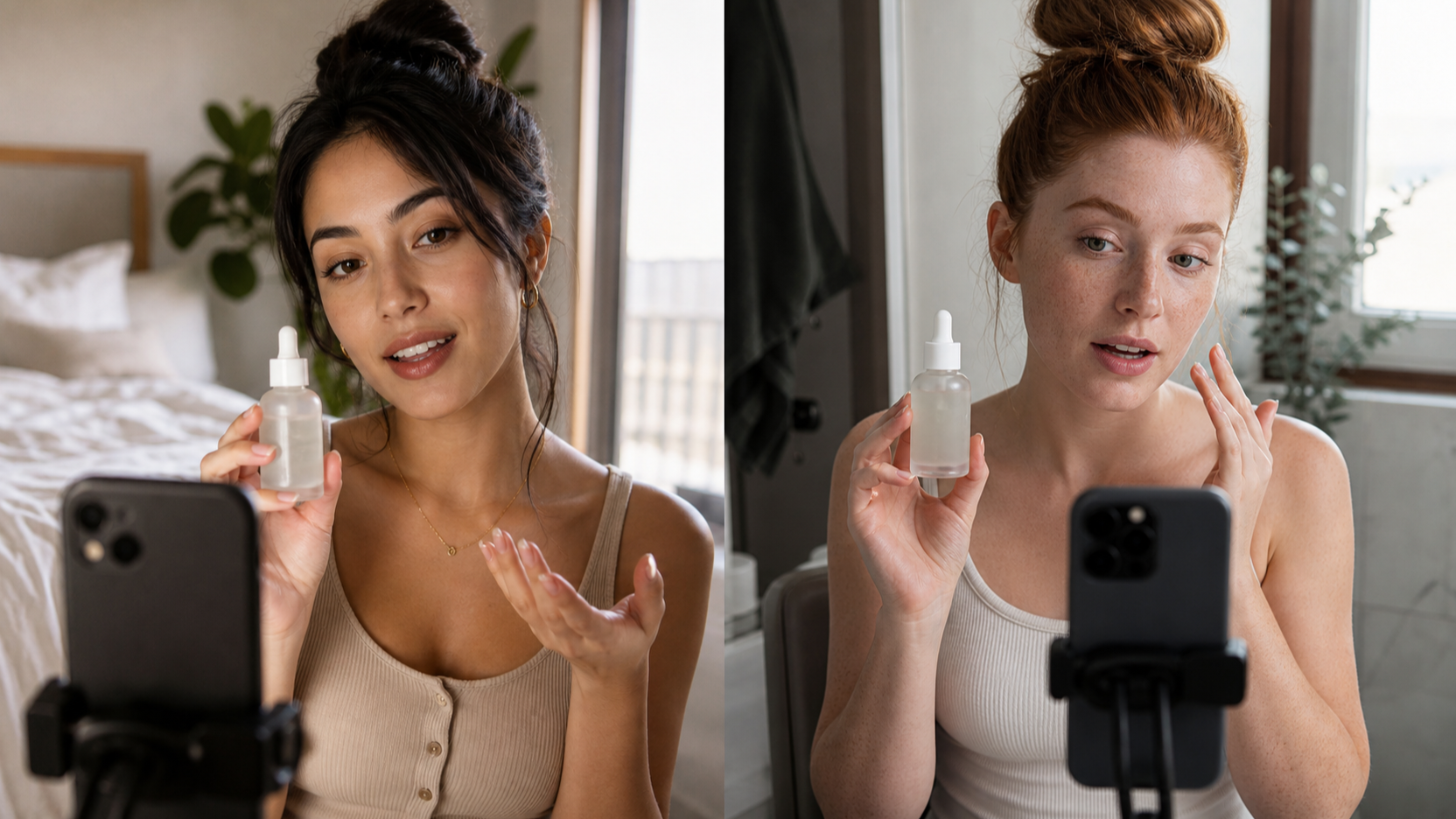
Use the same product image, 15- to 20-second script, creator brief, 9:16 ratio, language, and CTA on both platforms. Test a skincare item, a simple consumer electronic, and an apparel product, then log generation time, failed attempts, revisions, and how many outputs are usable without deceptive claims or product corrections.
Score each result separately for voice, lip sync, gestures, product fidelity, continuity, hook strength, and edit workload. The important commercial measure is cost per usable creative, not the most attractive single generation.

Higgsfield UGC Builder vs UGC Maker AI at a Glance
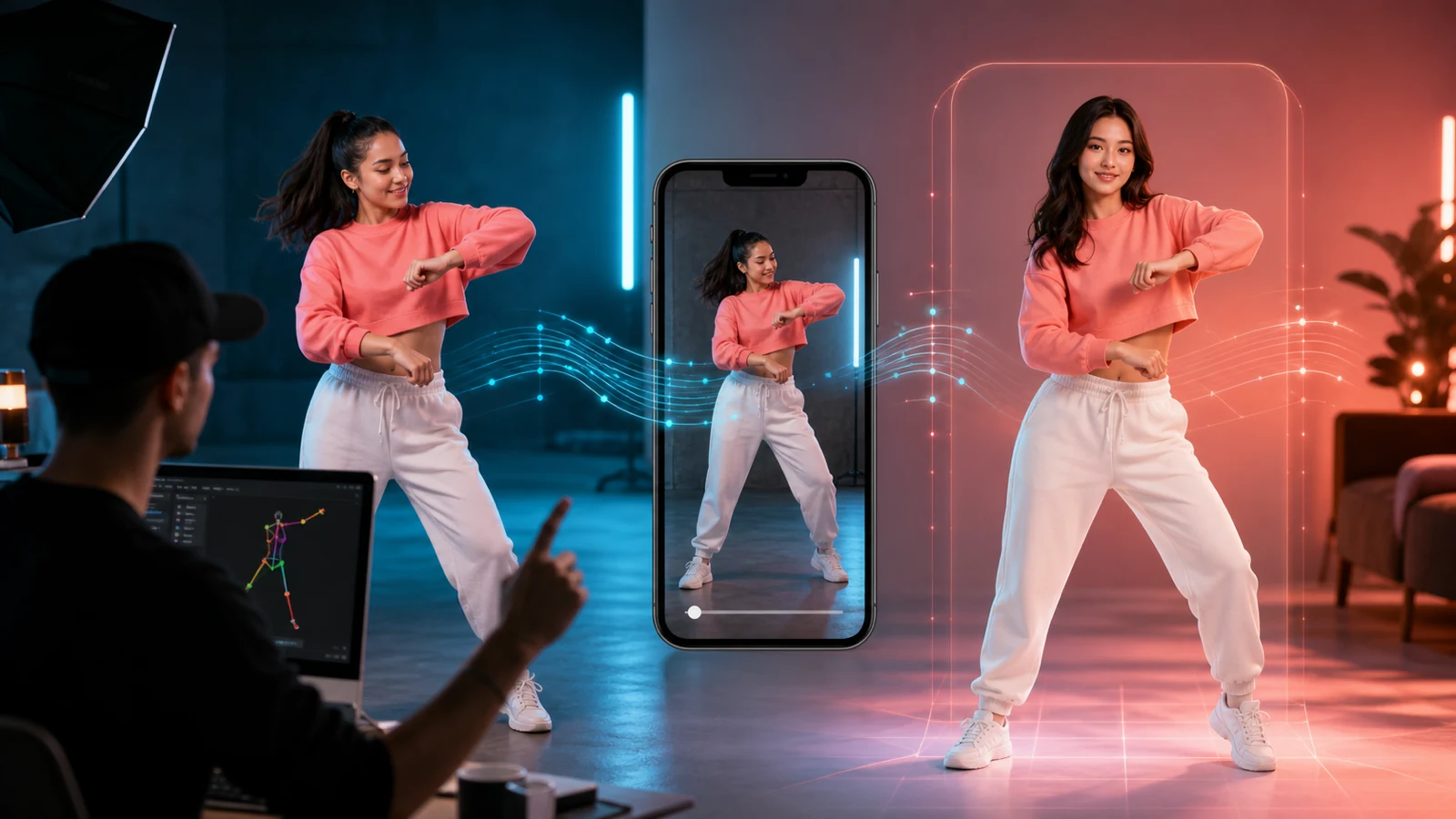
The practical distinction is creative emphasis. Higgsfield UGC Builder is generally discussed as a scene-directed UGC workflow with attention to motion, emotion, voice, visual style, and scene construction. UGC Maker AI presents an avatar-led workflow that starts with an image, audio or generated voice, and a prompt; its adjacent UGC Ads Generator is more product-image-centered.
| Decision area | What to test | Practical reading |
|---|---|---|
| Talking creator | Script delivery, eyes, lip sync, expression | Favor the tool that needs fewer retakes for direct-to-camera hooks. |
| Product demo | Packaging, hands, use sequence | Favor the tool that preserves the supplied item under motion. |
| Multi-scene ad | Identity, wardrobe, room, light | Favor the tool with the least continuity repair. |
| Variant production | Five hooks from one brief | Favor the workflow that keeps the product and claim set stable. |
| Cost | Credits and failed outputs | Compare only approved exports, not raw generations. |

Where UGC Maker AI Fits Best
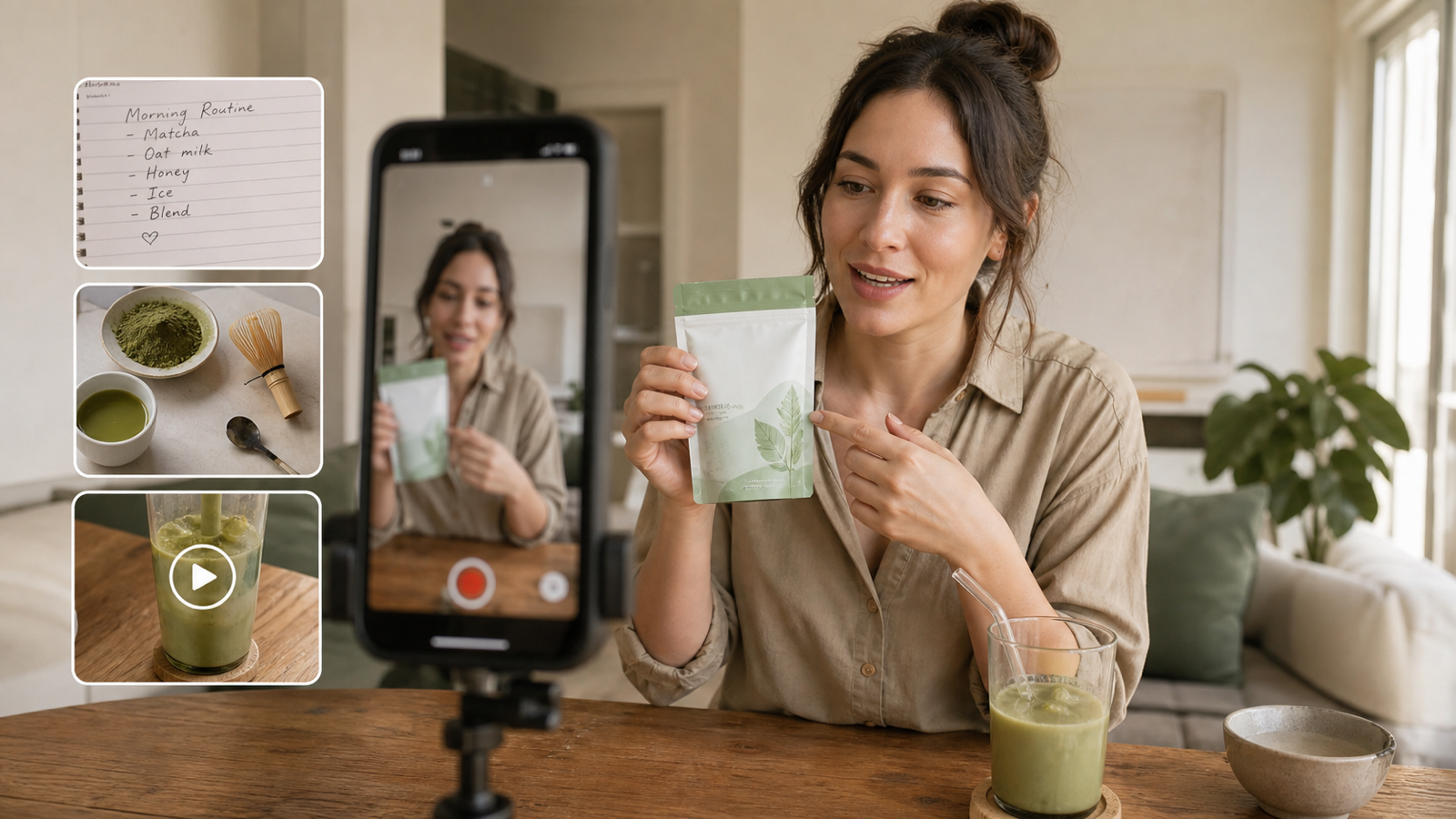
Create talking-head UGC videos with UGC Maker AI when the ad is fundamentally presenter-led: a creator image, a spoken script, a voice, and an expression-driven delivery. The live page describes image upload, audio upload or voice creation, prompt controls, and talking-avatar use cases; treat its current model selector and generation settings as live details to verify before a test.
Use the UGC Ads Generator when the product image is the key source asset. Its page currently exposes image upload, a prompt field, and a vertical-ad positioning, which makes it a sensible second route for visual product demonstrations and short paid-social drafts.

Talking-Head Test: Voice, Lip Sync, and Believable Delivery
Run one plainspoken testimonial-style script with a fictional adult presenter. Keep the claim factual and label the output as a synthetic creator-style ad. Check consonants, pauses, eye contact, head motion, gestures, and whether the delivery still feels natural after the first five seconds.
Do not score a platform from a silent beauty shot. A usable talking-head clip must preserve the message and avoid an implied real customer endorsement. For a creator-first starting point, AI UGC video maker is the closest relevant UGC Maker route.

Product Demonstration Test: Preserve the Object Before the Performance
The product demonstration test catches the failures that matter in paid social: altered labels, unreadable packaging, changed buttons, mismatched colors, impossible hands, and implausible use. Supply a clean reference photo and ask both tools to show one simple, real action.
For a product-led draft, turn product images into UGC video ads with a prompt that explicitly locks shape, package, logo placement, color, materials, and proportions. Product claims, prices, ingredients, and on-screen text still require human review.

Test Hooks, Unboxings, and Multi-Scene Continuity Separately
A native-feeling hook, an unboxing, and a four-scene advertisement stress different capabilities. Test the opening with three alternative first lines, then test a sealed-package reveal, then test direct-to-camera hook, product close-up, demonstration, and CTA as one sequence.
Track whether the presenter, clothing, room, light, and product remain stable between shots. That test is more revealing than a single isolated generation because it surfaces the editing work hidden behind a smooth-looking sample.

A Simple Scorecard for Usable Creative
Give each output a 1-to-5 editorial score across product preservation, voice and lip sync, creator realism, continuity, hook clarity, vertical framing, and revision burden. Keep separate notes for a cosmetic issue and a publication-blocking issue; a changed product label is not a minor polish problem.
The recommended result is conditional: choose UGC Maker AI when its creator and product workflows produce the most compliant approved variations from your exact brief. Choose Higgsfield when its current scene controls demonstrably reduce revisions for the campaign structure you need.

UGC Maker AI Workflow for Vertical Ad Variants
Start with a clean presenter image for a talking-head concept, or a clean product image for an item-led concept. Write one approved claim set, then create five hook variations while holding the product, offer, CTA, and visual brief constant. Use the TikTok video generator for a TikTok-oriented variation only after confirming its current settings and export options.
Keep a simple naming system for each creative: product, audience, hook, version, and approval status. It makes a revision audit possible when a product change or legal check arrives later.

Copy-to-Use AI UGC Video Prompts
Use this formula: Create a [duration] vertical synthetic creator-style advertisement for [product]. The fictional adult creator is a [description] in [setting]. Open with “[hook].” Show [problem], demonstrate [product use], explain [verified benefit], and end with “[CTA].” Preserve [product details]. Use [camera, voice, pacing]. Avoid [errors].
Create a 20-second vertical synthetic creator-style advertisement for [product]. Open with “I wish I had found this sooner.” Show one everyday problem, demonstrate correct use, state one verified benefit, and end with “Tap to learn more.” Preserve the uploaded product exactly.
Create three versions of the same product demo. Change only the opening hook: “Nobody told me this existed,” “Stop scrolling if you struggle with [problem],” and “Here is the feature I use most.” Keep the product, verified benefit, and CTA identical.
Create a four-scene vertical ad: direct-to-camera hook, accurate product close-up, practical demonstration, and final CTA. Keep the same fictional creator, wardrobe, product, room, lighting, and smartphone-video style across scenes.

Compliance and Product-Accuracy Checks Before Export
Treat generated creators as synthetic presenters, not customers. Do not manufacture testimonials, outcomes, before-and-after claims, or endorsements. Obtain permission for a real face, voice, footage, product photography, or trademark asset before uploading it.
Before export, manually inspect labels, logos, ingredients, prices, screens, package geometry, subtitles, voice language, and the final CTA. Confirm live pricing, credits, duration, resolution, watermarks, commercial-use terms, privacy, and refund policies on the exact product pages you use.

Related Reading
- Free UGC Video Creator: Make AI UGC Ads with UGC Maker AI
- UGC Video Ads Guide for Ecommerce, Shopify, and TikTok
- 12 Copy-and-Paste AI UGC Video Prompts
- How to Make TikTok UGC Videos with an AI Talking Avatar
- TikTok UGC Video Prompts and AI Tool Workflow

FAQ
Is UGC Maker AI a practical Higgsfield UGC Builder alternative?
It can be, especially for creator-led talking videos and product-image-based UGC drafts. Run matched tests before deciding because live models, credits, and controls can change.
Can AI UGC videos use real customer testimonials?
Only with permission and accurate representation. A synthetic presenter should not be framed as a genuine buyer or evidence of a product result.
What makes an AI UGC ad usable?
The product must remain accurate, the message must be supportable, the creator must not be misleading, and the resulting clip must need an acceptable amount of revision.

Conclusion
For Higgsfield UGC Builder vs UGC Maker AI, the useful answer is based on which current workflow produces the most trustworthy approved creative from the same brief. Start with UGC Maker AI when you need connected talking-head, product-ad, and TikTok-oriented routes; use a documented matched test to decide whether a scene-directed Higgsfield workflow earns its place beside it.