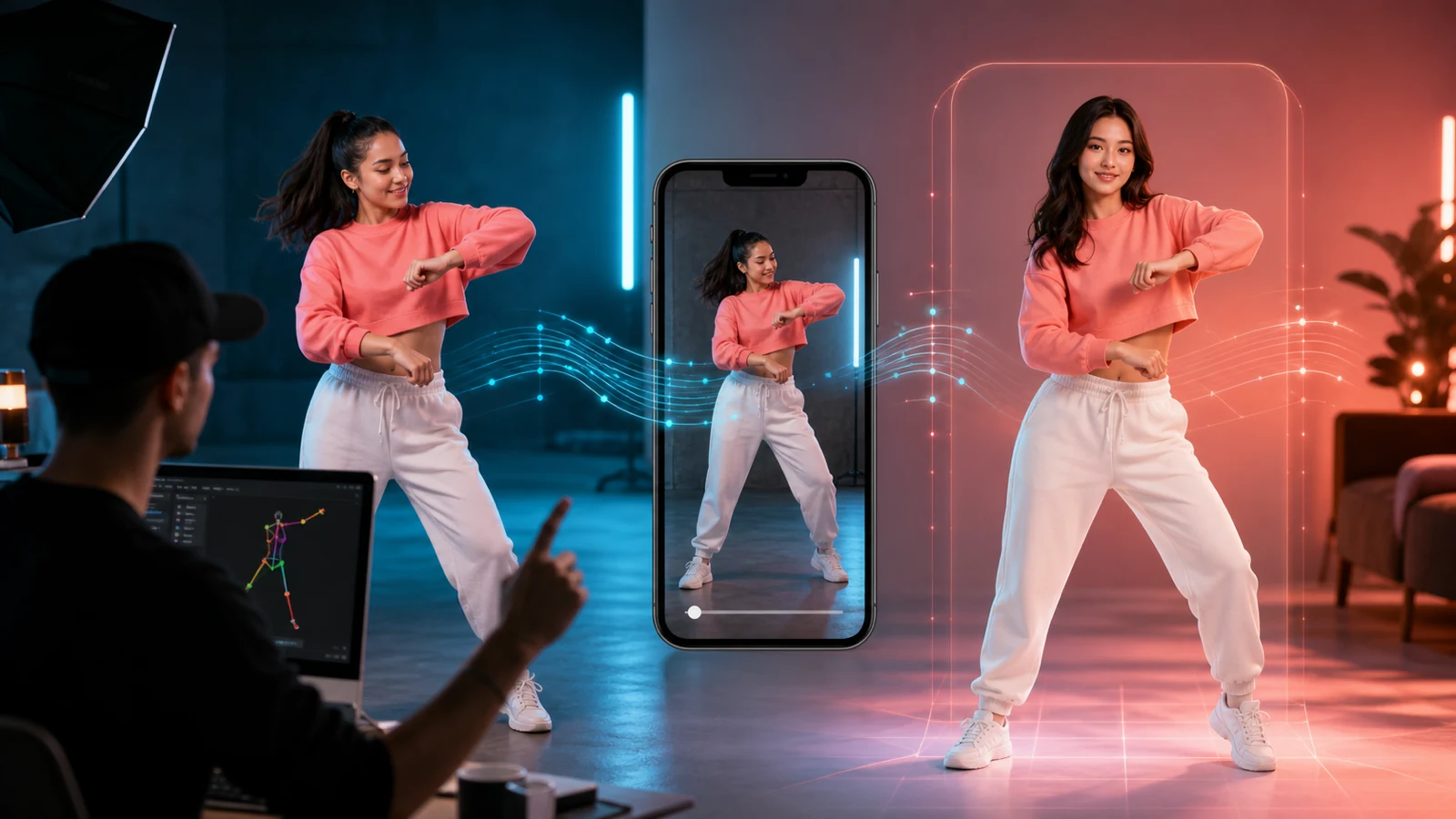
A good UGC ad does not feel like a commercial first. It feels like a real person showing, explaining, reacting to, or recommending a product in a way that belongs on TikTok, Reels, or Shorts. That is why the best AI UGC ads are not driven by “cinematic” prompts alone. They are driven by creator logic: a fast hook, a believable proof moment, a clear benefit, and a natural delivery style.
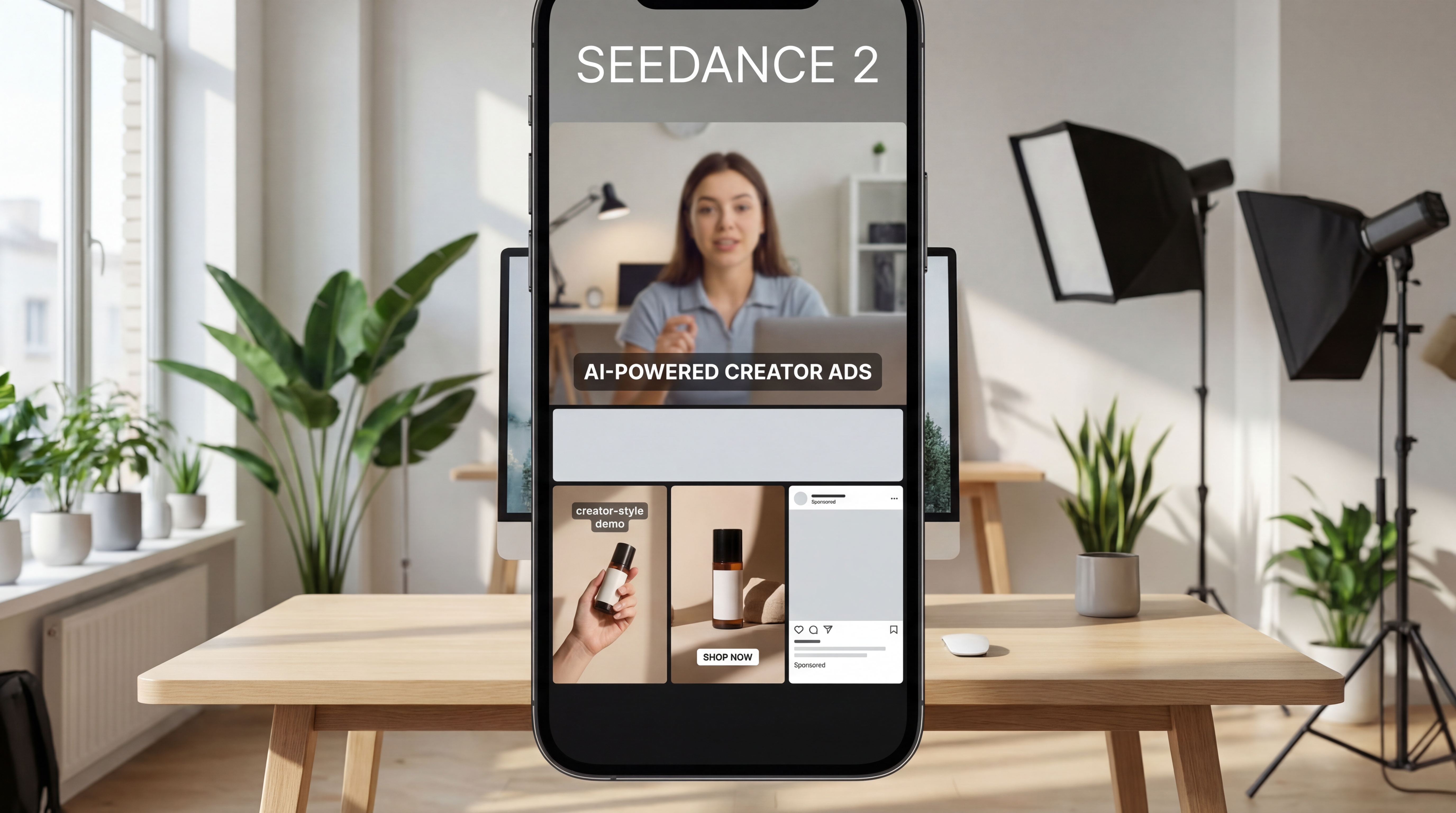
That is exactly where the Seedance 2 Video Generator becomes useful. On UGCMaker AI, Seedance 2.0 is positioned as a next-generation multimodal video engine built for prompt-based video creation, reference-driven direction, and more advanced audio-visual control. But raw model power is only part of the story. If your real goal is a creator-style promotional video, pairing that model with AI UGC Ad and the supporting tools on UGCMaker AI usually gives you a more practical workflow.
Start with the ad angle before you touch the model
One of the fastest ways to waste time with AI video is to start generating before you know what kind of ad you are making. Most winning UGC ads are built around one primary angle, not ten different ideas stacked together.
A few common angles work especially well:
- problem and solution
- honest reaction or testimonial
- creator-style recommendation
- product demo or use case
- before-and-after transformation
- “I didn’t expect this to work” curiosity hook
Before you write a prompt, decide what the viewer is supposed to understand in the first few seconds. If they should immediately know that the product solves a pain point, build around that. If the ad depends on personality and spoken delivery, begin with AI UGC Ad instead of trying to force everything through a more general video prompt.
The strongest UGC ads tend to be simple at their core. One person. One product. One claim or benefit. One proof sequence. One call to action.
Prompt Seedance 2 for authenticity, not for spectacle
This is the most important mindset shift. If you prompt Seedance 2 the way you would prompt a trailer, brand film, or fashion commercial, the result may look impressive but perform poorly as UGC. A UGC ad needs to feel native to the feed.
That means your prompts should emphasize things like handheld framing, casual creator energy, natural lighting, product-in-hand shots, mirror-style filming, home or lifestyle environments, direct address to camera, and believable short-form pacing.
A practical prompt formula looks like this:
hook + creator setup + product action + proof moment + CTA
For example:
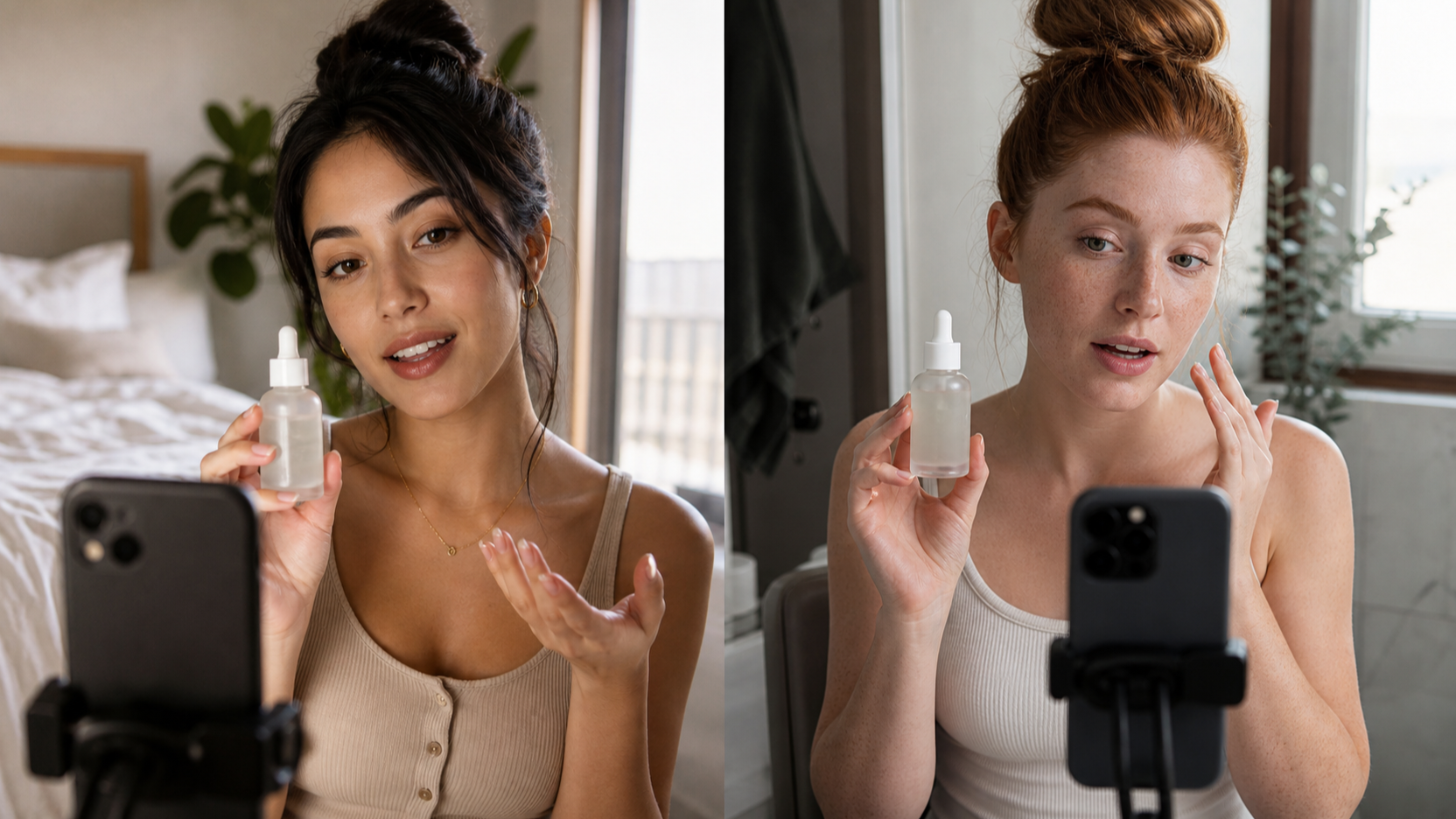
“Vertical short-form UGC ad, casual creator speaking to camera in natural bathroom lighting, holding skincare serum, fast hook in first second, close-up of product texture, before-and-after style proof, natural facial expression, native TikTok pacing, clear end CTA.”
That kind of structure gives the Seedance 2 Video Generator something useful to work with. You are not just asking for a pretty clip. You are asking for an ad.
Use reference assets whenever the product needs to be clear
If the product itself matters visually, reference assets can make a major difference. Product photos, packaging shots, founder images, brand colors, or short demo clips help keep the video grounded. UGCMaker’s Seedance 2.0 page specifically highlights multimodal input and reference-based direction, which makes it a good fit for ad concepts that need stronger brand or product consistency.
This is also where UGC Ads Generator becomes a smart supporting tool. Instead of relying only on an abstract video prompt, you can use a more product-first workflow to turn static visuals and ad intent into mobile-friendly marketing variants. That is especially useful when you want multiple fast ad concepts from the same product photos.
The more important the product proof is, the less you should rely on vague cinematic language. Be specific. Show the packaging. Show the use moment. Show the effect. Show the context.
Structure the video like a short-form conversion asset
Even the best-looking AI video will underperform if the structure is weak. UGC ads usually work because they respect short attention spans.
A simple pattern that works well is:
- first 1–2 seconds: the hook
- next few seconds: the setup or pain point
- middle: product demonstration or proof
- ending: benefit recap and CTA
This is where a lot of creators overcomplicate things. They think they need more footage, more talking points, or more effects. Usually they need more clarity instead.
If your ad is presenter-led, AI UGC Ad is often the better place to build that structure because it is designed around talking-head, explainer, and demo-style workflows. That lets you focus on scripting and delivery, while the broader Seedance workflow handles the more cinematic or motion-heavy side of the creative stack.
Match the ad style to the platform
Not all UGC should feel the same. A TikTok ad often works best when it feels a little more spontaneous and personal. Instagram Reels usually rewards something cleaner, but still natural. YouTube Shorts often benefits from a slightly clearer explanatory structure.
That means you should not aim for one “perfect” ad. You should build several close variants. Change the opening line. Change the first visual proof. Change the CTA. Keep the winning structure, but rotate the surface details.
UGCMaker AI’s other tools make that easier. UGC Image Generator is useful when you want supporting visuals that look more like creator-shot lifestyle content rather than polished product photography. AI Image Generator can help produce additional concept frames, thumbnails, or brand-supporting visuals for the wider campaign.
That matters because good ad systems are not just one video. They are families of creative variations.
Use AI UGC Maker when the ad needs a face, voice, or spokesperson
Some products sell best when someone talks directly to the viewer. That is especially true for beauty, wellness, apps, gadgets, household tools, and many direct-response products. In those cases, a presenter-led ad often feels more trustworthy than a montage-only edit.
That is where AI UGC Ad becomes one of the most practical tools on the site. UGCMaker presents it as a way to create talking-head and UGC-style videos with voice, lip-sync, and synchronized facial expression behavior for ads, explainers, promos, and product demos. In other words, it is built for the kind of delivery that many UGC campaigns actually need.
A strong workflow here is to let the presenter do only one or two jobs. For example:
- introduce the pain point
- show the product
- make one believable claim
- transition into a proof moment
- close with one CTA
The more lines you cram into the script, the less believable it feels. UGC works because it sounds like a person, not a brochure.
Use UGC Ads Generator for product-first campaigns
Not every ad needs a virtual presenter. Sometimes the product itself is the hero. If the campaign depends on packaging, product motion, feature highlights, or fast mobile-format performance testing, UGC Ads Generator may be the better center of gravity.
This is particularly useful for:
- ecommerce brands testing many offers
- Shopify stores needing fast vertical ad variants
- affiliates making benefit-led creatives
- brands with strong product visuals already prepared
In those situations, the best use of the Seedance 2 Video Generator may be to create the motion concepts, transitions, and high-energy short-form feel, while UGC Ads Generator helps organize that into repeatable marketing outputs.
Build a repeatable workflow instead of chasing one perfect ad
The smartest way to use Seedance 2 for UGC is to build a pipeline, not a one-off experiment.
A practical workflow looks like this:
Start with one clear angle. Then use the Seedance 2 Video Generator to build the core motion concept or creative direction. If the campaign needs a person speaking to camera, shift to AI UGC Ad for the presenter-driven version. If the product visuals matter most, create extra variants with UGC Ads Generator. Then use UGC Image Generator or AI Image Generator to support the ad with matching lifestyle imagery, covers, or static assets.
This approach is stronger than trying to get everything out of one tool because it mirrors how real ad production works. One tool handles the core video concept. Another handles the spokesperson or creator format. Others support testing, visuals, and creative scaling.
Prompt ideas that work well for AI UGC ads
Here are a few directions that are easier to test than broad, generic prompts:
“Creator-style skincare review filmed in bathroom mirror, vertical format, casual speech, product close-up, texture demo, natural morning lighting, TikTok pacing, end CTA.”
“Handheld unboxing video for kitchen gadget, creator speaking off camera, close-up hands-on demo, fast proof shots, believable home setting, casual voiceover, short-form UGC style.”
“Founder-style product recommendation, direct to camera, simple desk setup, clean background, quick pain point explanation, product shown in hand, before-and-after proof visual, native social ad pacing.”
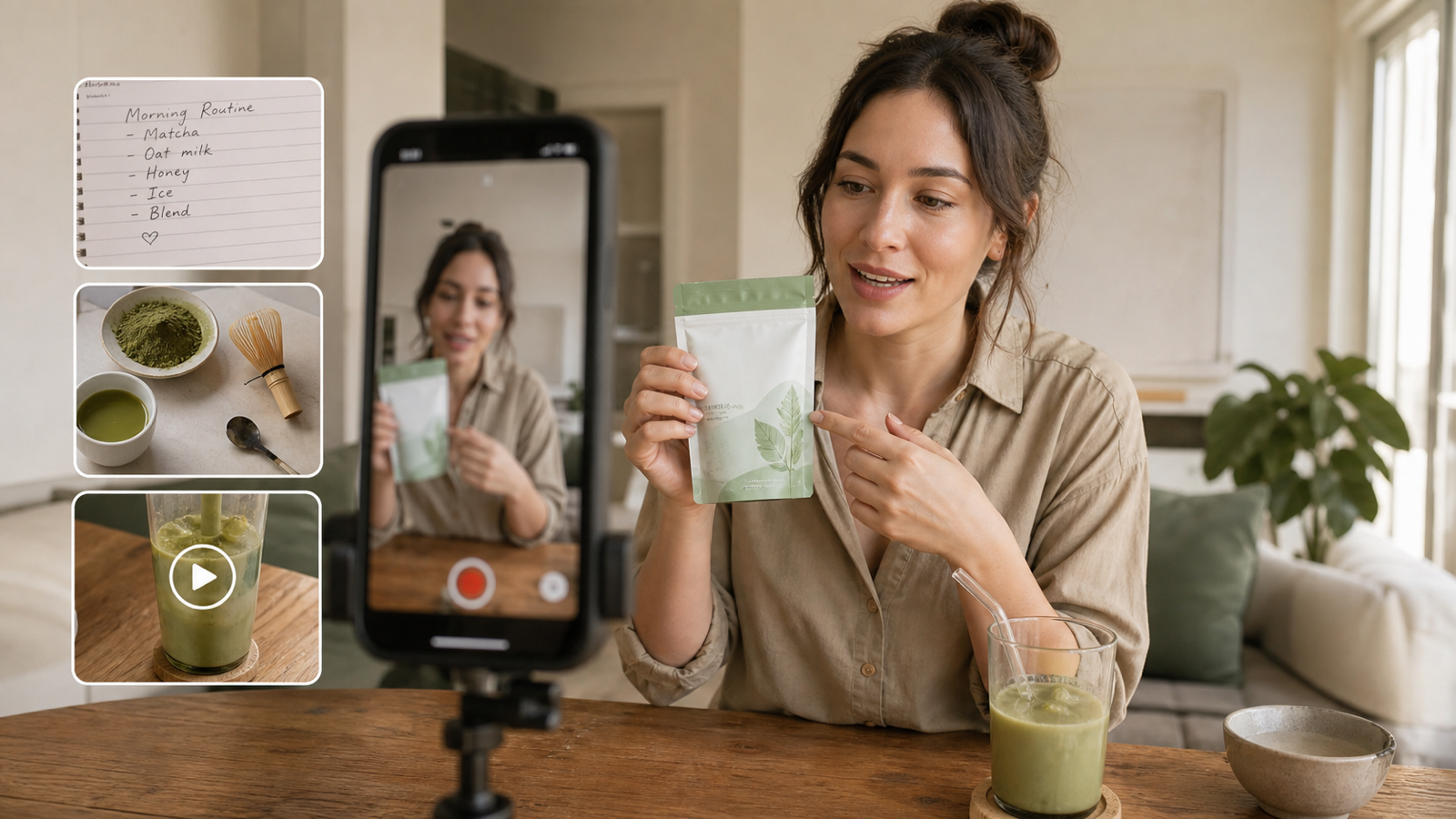
“Lifestyle wellness supplement demo, creator talking to camera, realistic apartment environment, morning routine framing, product shown naturally, soft natural light, feed-native pacing, clear call to action.”
These are the kinds of concepts that are easier to refine inside the Seedance 2 Video Generator, then adapt into a stronger presenter-led AI UGC Ad workflow if needed.
Final takeaway
Seedance 2 is most useful for AI UGC ads when you treat it like a creative engine, not a magic shortcut. The winning result usually comes from the angle, structure, proof, and variation strategy more than from the model name alone.
On UGCMaker AI, the most practical setup is to use the Seedance 2 Video Generator for the core motion layer, AI UGC Ad for creator-style delivery, and tools like UGC Ads Generator, UGC Image Generator, and AI Image Generator to scale the creative system around it.
If you build with a real short-form ad mindset instead of just asking for a cool video, your AI UGC ads will immediately feel more native, more believable, and more testable.
Reading recommendation
If you want to keep exploring this workflow, these UGCMaker AI articles are a strong next step:
- UGC Video Ads Guide: How to Make UGC Ad Videos With UGC Maker AI
- Kling 3.0 UGC Video Generation Guide (UGC Maker AI)
- UGC Image Generator User Guide: How to Create Better UGC-Style Product Visuals Faster
- Creatify AI UGC Ads Guide: A Comprehensive Step-by-Step Workflow (Plus the Alternative)
- How to Make UGC Images in Minutes with UGC Maker (2026 Guide)