UGC-style images work because they don’t feel like ads.
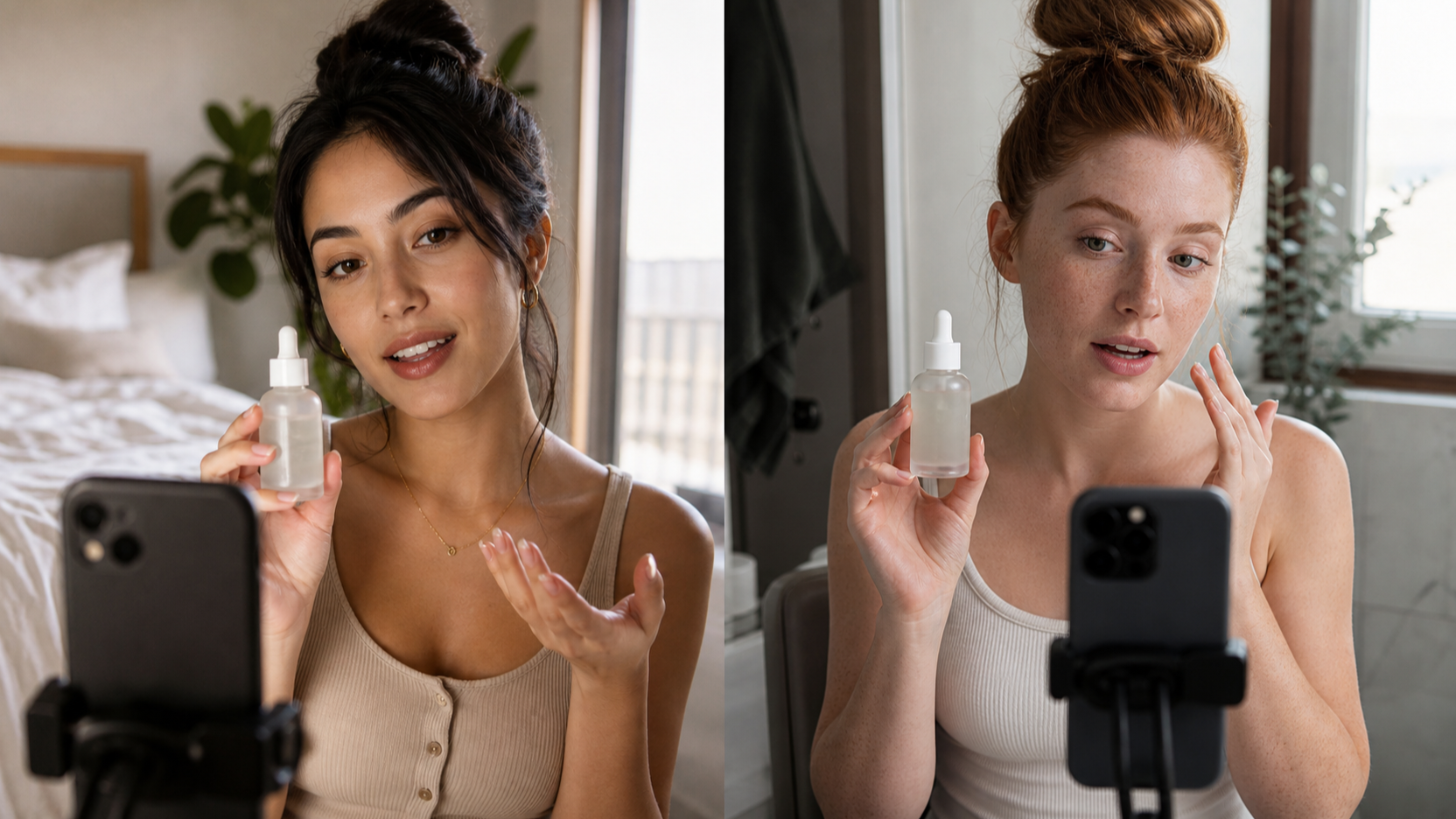
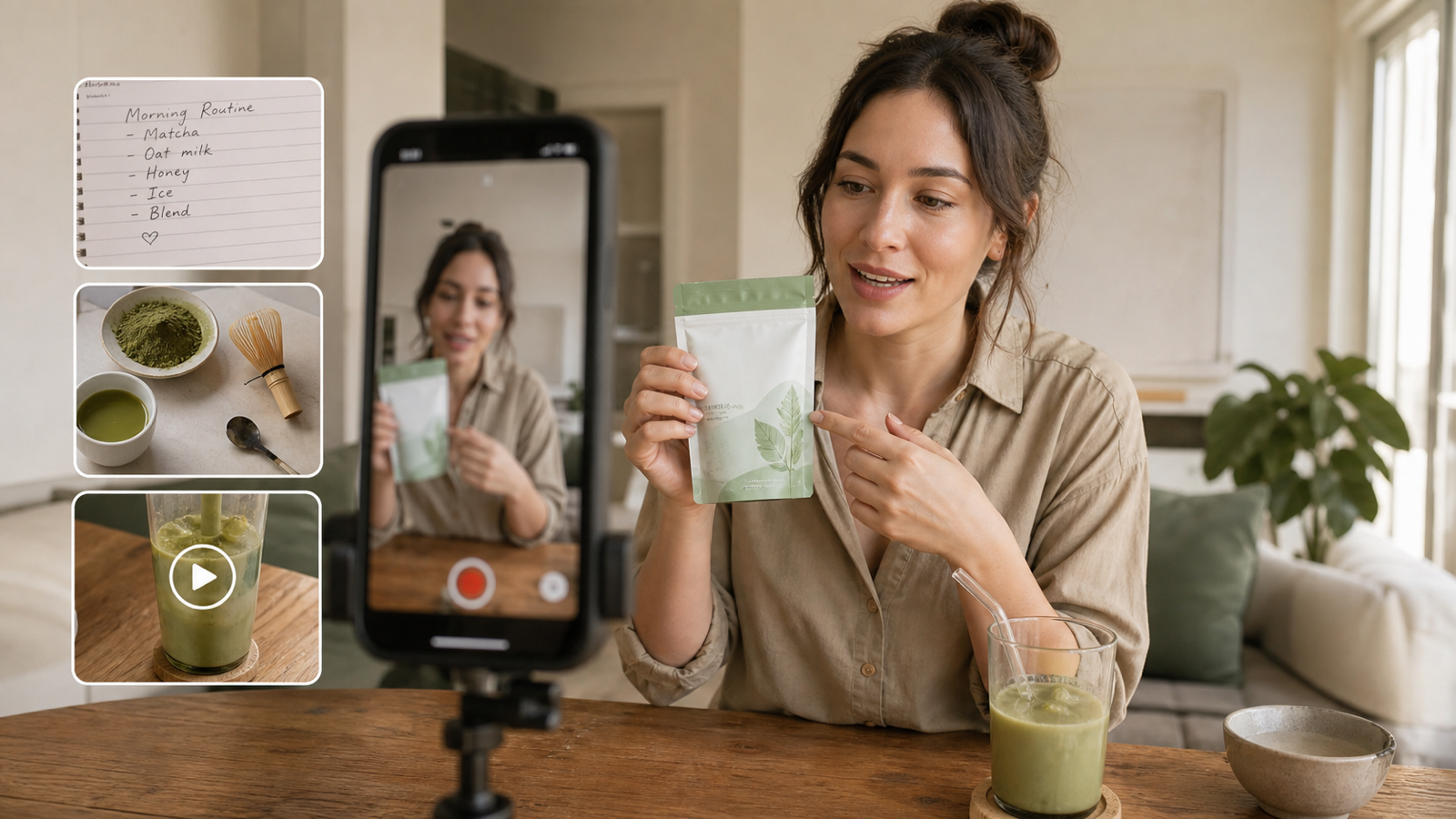
They feel like the kind of photo a real person would take: a quick unboxing on a kitchen table, a product held in-hand by a window, a “this is what I actually use every day” moment. And that’s exactly why they convert — viewers trust what looks familiar.
The good news: you don’t need to hire models, book a studio, or spend hours staging lifestyle shoots just to get that authentic look. In this guide, I’ll show you how to make ugc images using UGC Maker’s AI Image Generator, and how to shape the results for ads, ecommerce, and product pages without the “AI tell.”
We’ll keep it practical, creator-friendly, and focused on what your audience actually notices.
Why UGC images work so well right now
Here’s the honest reason: most people are scroll-trained to ignore polished studio photos.
UGC images feel like social proof. They look like:
- “someone tried this and liked it”
- “this fits into real life”
- “this is what it looks like in normal lighting”
That’s why brands use UGC images as:
- scroll-stopping creatives for paid campaigns
- conversion builders on product pages
- trust signals on marketplaces
When you consistently produce UGC-style visuals that look human, you’re not just creating content — you’re reducing buyer doubt.
What you’ll learn in this how-to
By the end of this article, you’ll have a repeatable system for how to create ugc images that look natural and usable.
Specifically, you’ll know how to:
- pick the right “UGC story” for a product
- write prompts that generate believable lifestyle photos
- batch-produce variations quickly (so you always have options)
- tailor outputs for ads, ecommerce, product pages, Shopify, and Amazon listings
Before you generate: a viewer-first UGC checklist
If you want your results to feel real, you need to think like a viewer — not like a marketer.
1) Choose one product story (don’t skip this)
UGC isn’t “a random lifestyle photo.” It’s a moment.
Pick one simple story per batch:
- unboxing / first impression
- daily routine use (morning skincare, gym bag, desk setup)
- before/after vibe (clean vs messy, dry vs hydrated — without making claims)
- “in my bag” / “what I packed”
- gifting moment
- quick recommendation vibe
This one decision will make your prompts cleaner and your images more consistent.
2) Choose the UGC vibe
UGC is usually:
- natural light
- handheld framing
- casual composition (slightly imperfect, but still readable)
- real-world backgrounds (countertops, bathrooms, desks, car seats)
If you prompt “perfect studio lighting, symmetrical composition,” you’ll get something that looks like an ad — which defeats the goal.
3) Decide output format by channel
You’ll get better performance if you generate with the platform in mind:
- Ads and feeds: 4:5 and 1:1
- Stories/Reels/TikTok: 9:16
- Blog and hero banners: 16:9
4) Gather your inputs (optional, but recommended)
You can generate purely from text, but uploads help a lot.
Good inputs:
- a clean product packshot
- label close-up (for readability)
- brand color reference
- optional background reference (your preferred kitchen/bathroom/desk style)
Step-by-step: create UGC images with UGC Maker
Let’s turn this into a repeatable workflow.
Step 1: Open UGC Maker and choose a model
Go to UGC Maker’s AI Image Generator and set up a generation.
Your goal is realism, not perfection — choose settings that produce clean, natural lifestyle output.
Start here: how to make ugc images.
Step 2: Upload the right images (if you have them)
Uploads are especially helpful when:
- your packaging needs to stay consistent
- your product has a specific label, logo, or texture
- you want the same “product identity” across many UGC scenes
If you don’t upload a product image, the model may invent packaging that looks “close enough,” but not brand-accurate.
Step 3: Write a UGC prompt that looks human
Here’s the prompt formula that reliably produces UGC-style images:
Scene + interaction + lighting + camera + realism notes
Example structure:
- Scene: “kitchen counter” / “bathroom sink” / “desk setup”
- Interaction: “hand holding” / “opening the box” / “pouring into a cup”
- Lighting: “soft window light” / “warm indoor evening light”
- Camera: “smartphone photo, handheld”
- Realism notes: “natural shadows, slight grain, casual framing”
A small but important trick: include smart imperfections.
Real UGC often has:
- slightly off-center framing
- natural grain
- imperfect but believable shadows
- props that look casually placed
That’s how you avoid the “AI showroom” vibe.
Step 4: Generate 6–12 variations fast
Don’t generate one image and hope it’s perfect.
Generate a small batch and pick winners.
The most reliable way to iterate is to change only one variable per batch:
- Batch A: same prompt, different angles
- Batch B: same angle, different lighting
- Batch C: same lighting, different background props
This keeps your results consistent and makes it easy to compare.
Step 5: Export at the right quality for your channel
A fast rule:
- higher resolution for product pages
- optimized sizes for ads
- vertical crops for short-form content
If your product label matters, always prioritize clarity.
Prompt templates you can copy/paste
Below are practical templates you can paste into UGC Maker and customize in seconds.
Editor tip: keep the prompt focused on one moment. UGC works because it feels like a snapshot.
Template A: “In-hand” moment (most reliable UGC)
“Smartphone photo, handheld. A person’s hand holding [product] in a real home setting, [kitchen counter / living room / car seat], soft natural window light, casual framing, natural shadows, slight grain, realistic textures, product clearly visible, no text overlay.”
Template B: Unboxing sequence (perfect for ads + social)
“UGC unboxing moment. Hands opening a package on a wooden table, tissue paper and simple packaging visible, [product] being revealed, warm indoor lighting, casual imperfect framing, realistic textures, slight grain, authentic home vibe, product in focus.”
Template C: Daily routine use (skincare, kitchen, tech)
“Lifestyle UGC photo. [product] being used in a daily routine, [bathroom sink / desk / gym bag], natural daylight, handheld smartphone framing, subtle background clutter, realistic skin and textures, natural shadows, slight grain, product remains clear and readable.”
Template D: Before/After vibe (without risky claims)
“Two-scene UGC style: same location and lighting. Scene 1: messy counter / unorganized setup. Scene 2: clean organized setup with [product] present. Smartphone photo look, casual framing, natural shadows, realistic textures, subtle grain.”
Template E: Aesthetic shelfie (great for product pages)
“UGC shelfie. [product] on a bathroom/kitchen shelf with everyday items nearby, soft window light, cozy realistic vibe, slightly imperfect arrangement, smartphone photo look, natural shadows, realistic textures, slight grain, clean but lived-in.”
Make UGC images that actually convert: channel playbooks
This is where you stop making “nice images” and start making useful images.
For ugc images for ads
Ads need clarity and speed.
A simple ad-ready set:
- wide lifestyle context shot
- medium in-use shot
- tight label/feature close-up
Two pro moves:
- leave negative space for copy (don’t generate text inside the image)
- make the product readable in under one second
For ugc images for ecommerce
Ecommerce images should reduce questions.
Build a buyer-journey set:
- “what is it?” hero lifestyle
- “how do I use it?” in-use moment
- “what does it look like close up?” detail shot
- “how big is it?” scale cue (hand, desk items, bag)
For ugc images for product pages
Product pages need supportive variety.
A strong product page pack:
- 1 hero lifestyle image
- 3 benefit moments (use scenes)
- 2 detail close-ups
- 1 scale/size shot
- 1 packaging/unboxing moment
UGC-style images are especially powerful when they answer objections visually.
For ugc images for shopify
Shopify stores win with consistency.
Aim for:
- a consistent lighting style across your collection
- repeatable backgrounds that match your brand vibe
- “variant-safe” scenes (same scene, swap color/flavor/label)
This makes your store feel cohesive even with UGC-style content.
For ugc images for amazon listing
Amazon shoppers scan fast and trust clarity.
Focus on:
- accurate product appearance
- clean readability
- compliance-safe lifestyle (avoid adding bold claims in the image)
Keep your UGC images honest and straightforward — the goal is confidence, not exaggeration.
Fast troubleshooting: fix the most common AI UGC issues
Issue: hands look weird
Fixes:
- prompt “hands partially visible”
- use “product on table with hand entering frame”
- reduce “dynamic motion” words
Issue: product label warps or becomes unreadable
Fixes:
- add “sharp label, readable packaging, no distortion”
- use a product upload/reference image if possible
Issue: the image looks too perfect (doesn’t feel like UGC)
Fixes:
- add “smartphone photo, slight grain, casual framing”
- reduce “studio lighting” words
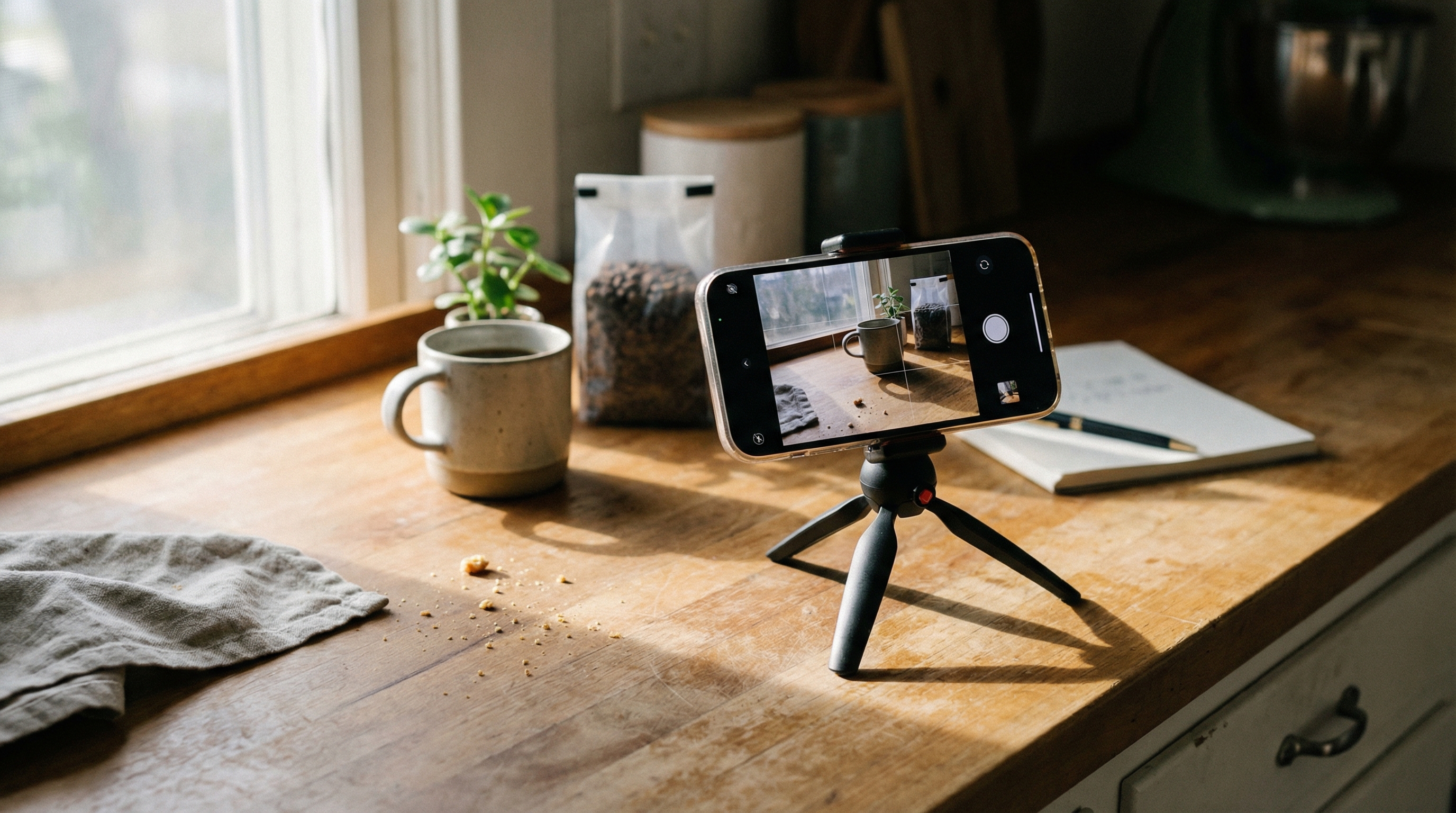
- include everyday props (keys, mug, towel, notebook)
Issue: background looks fake
Fixes:
- specify a real place: “bathroom sink,” “kitchen counter,” “car seat,” “gym locker room”
- keep props minimal so the scene stays believable
A simple workflow to produce 30 UGC images per product
If you want an always-on pipeline, use this:
Batch 1: 10 “in-hand” variations
- change angle and lighting only
Batch 2: 10 “in-use” moments
- pouring, applying, packing, wearing, opening
Batch 3: 10 “product page support” shots
- close-ups, scale cues, unboxing, shelfie
This gives you enough variety for ads, pages, and social — without feeling repetitive.
Final recommendation: Use UGC Maker as your always-on UGC studio
If you’re trying to scale content without losing that authentic “real person” feeling, UGC Maker is built for exactly this.
Start with one simple goal: learn how to make ugc images that look human.
Once you’ve got a few winning prompts, you can turn them into a repeatable system:
- generate batches
- pick winners
- export by channel
- reuse your best templates for every new product launch
That’s how you create UGC content at scale — without looking like you copied a template from everyone else.