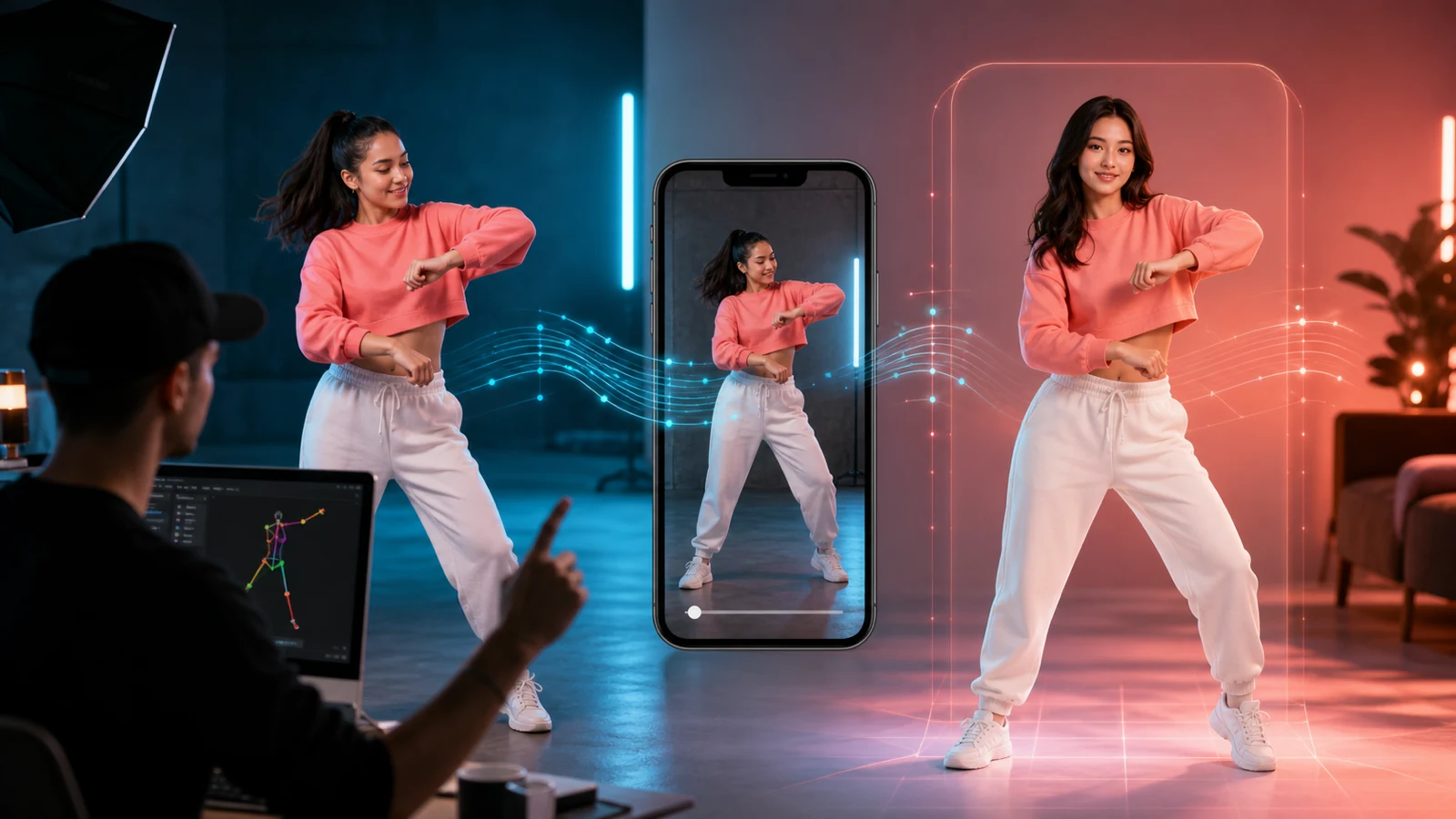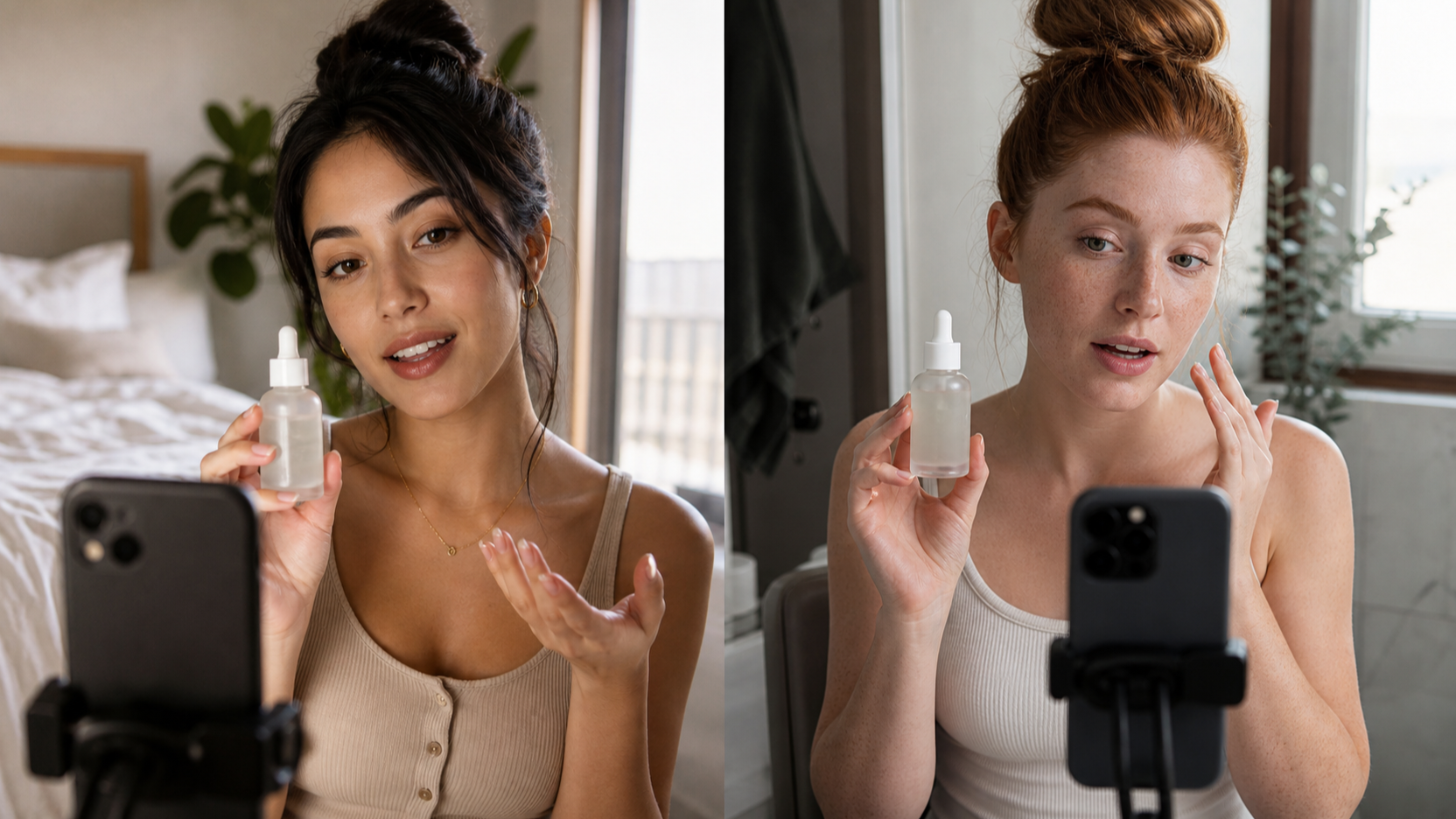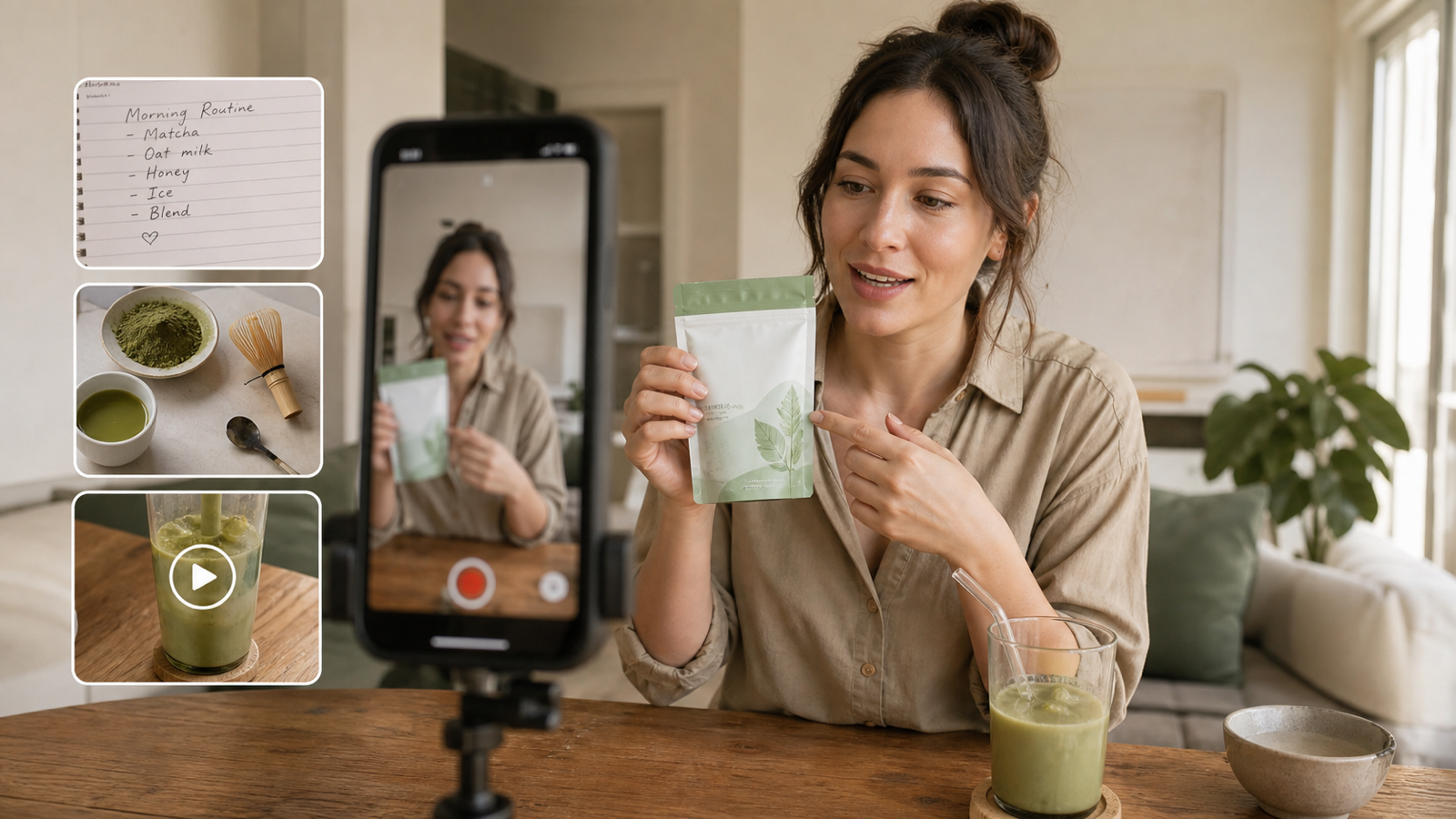
If you want Pinterest visuals that feel useful instead of generic, start with a stronger prompt workflow. This UGC image prompt guide shows how creators, e-commerce sellers, bloggers, affiliate marketers, Shopify brands, and social media managers can use Pinterest Pin Generator workflows on UGC Maker AI to create product pins, blog pins, lifestyle pins, tutorial pins, recipe pins, fashion pins, decor pins, and ad-style Pinterest creatives.

Quick Summary: Pinterest Pin Generator Workflow
The fastest way to create Pinterest-ready visuals is to treat each pin like a focused creative brief: one audience, one subject, one benefit, and one clean vertical layout. A browser-based AI Pinterest pin generator can help you test different product scenes, blog graphic ideas, and lifestyle compositions without starting every design from a blank canvas.
For most users, UGC Maker AI is a practical starting point because its tool stack covers the key creative stages. Use the Pinterest Pin Generator when you want a direct Pinterest pin maker for product pins. Use the UGC Image Generator when you want product-led lifestyle visuals or UGC-style ad image variations. Use the AI Image Generator when you want broader text-to-image generator for pin design work, blog graphics, mood boards, and brand visuals.
The goal is not to create a "perfect" pin from one prompt. The stronger workflow is to generate several drafts, compare visual clarity, check whether the image leaves room for a short headline, and revise the prompt until the subject, setting, ratio, and mood match your Pinterest board or campaign.

Why Pinterest Pin Prompts Need a Different Structure
Pinterest pins work differently from square social posts because the visual has to carry a clear idea at a tall vertical size. A good prompt for Pinterest should describe the main subject, audience, setting, composition, lighting, mood, benefit, and ratio instead of only naming an object.
For example, "coffee mug on a desk" is too thin for a useful pin. A stronger prompt says who the pin is for, what mood it should create, where headline space should sit, and which visual details matter: warm light, notebook, cinnamon, wood texture, and a clean upper area for text. That extra structure helps the AI image generator for Pinterest produce an image that is closer to a finished creative concept.
This matters even more for UGC-style images. A UGC product image generator prompt should make the product feel naturally used in a real setting, but it still needs visual control. Ask for realistic hands, a believable countertop or desk, clear product visibility, and no fake claims or copied brand assets.

How to Use UGC Maker AI for Pinterest-Ready Visuals
UGC Maker AI is most useful when you choose the tool based on the type of pin you are making. For a direct Pinterest workflow, open the Pinterest Pin Generator and use it as your main place to test pin ideas, product visuals, and vertical layouts. If your pin needs a product-led lifestyle scene, open the UGC Image Generator and build variations around your product or reference. If you are still exploring art direction, use the AI Image Generator for broader AI image prompts for social media and brand visuals.
Here is a simple workflow:
- Choose the most relevant UGC Maker AI tool for the job: Pinterest Pin Generator, UGC Image Generator, or AI Image Generator.
- Upload a product image or reference material when the pin needs a fixed product, packaging, color palette, room, outfit, or visual direction.
- Write a prompt that includes audience, subject, setting, composition, lighting, style, mood, benefit, ratio, and restrictions.
- Use a Pinterest-friendly ratio such as 2:3 or 4:5 when supported by the current tool settings.
- Generate several drafts, then compare subject clarity, composition, text space, hand quality, background clutter, and brand safety.
- Revise with fewer scene changes, clearer product placement, and more specific lighting or camera direction.
If a winning image concept later needs movement, mention the AI UGC Maker for creator-led content workflows or the UGC Ads Generator for teams turning still-image concepts into ad variations. Keep the still pin workflow focused first, then expand into video or ads only after the visual idea works.

Reusable Pinterest Pin Prompt Formula
The best Pinterest prompts are reusable because they force you to define the creative goal before generating the image. Use this formula as a starting point for product pins, blog pins, affiliate graphics, recipe images, home decor ideas, and ad-style creatives:
Create a vertical Pinterest pin image for [topic/product/niche] targeting [audience]. Show [main subject] in [setting] with [composition], [lighting], [style], and [mood]. Include visual space for a short headline but do not add tiny unreadable text. Emphasize [benefit/use case/seasonal angle]. Make it clean, scroll-stopping, realistic, and Pinterest-friendly. Ratio: [2:3 or 4:5]. Avoid [brand logos, fake claims, distorted hands, clutter, copied assets].
Use the bracketed fields as controls, not decoration. "Targeting budget-conscious apartment renters" will produce a different image than "targeting luxury home decor shoppers." "Top-down flat lay" will behave differently from "handheld UGC-style product shot." The more accurately you name the pin type and reader intent, the easier it is to create useful AI image prompt examples without stuffing the prompt with random adjectives.
For text-heavy pins, keep the prompt focused on image space rather than asking the image model to write the final headline. Many image models can struggle with small typography, so a safer workflow is to generate a clean background with a clear headline zone, then add final copy in your design editor or publishing tool.

12 Copy-to-Use UGC Image Prompts for Pinterest Pins
Use these prompts as starting points, then revise the niche, audience, color palette, season, and CTA area for your own brand. They are written for a Pinterest image generator for creators workflow, but you can also adapt them for the UGC Image Generator or AI Image Generator.
-
Create a vertical Pinterest pin image for a minimalist skincare serum targeting women interested in clean beauty. Show the serum bottle on a marble bathroom counter with soft towels, green leaves, water droplets, and gentle morning light. Use a centered product composition, realistic luxury lifestyle style, fresh calm mood, and clean space near the top for a short headline. Emphasize a simple morning skincare routine. Ratio: 2:3. Avoid brand logos, fake claims, distorted hands, clutter, and copied assets.
-
Create a vertical Pinterest pin image for a cozy home decor coffee idea targeting readers who like warm morning routines. Show a ceramic coffee mug on a wooden desk with a notebook, cinnamon, soft fabric, and warm window light. Use a lifestyle composition, shallow depth of field, cozy editorial style, and space for a short headline. Emphasize calm home inspiration. Ratio: 2:3. Avoid unreadable tiny text, brand logos, and clutter.
-
Create a UGC-style portable blender product pin targeting busy students and office workers. Show a realistic hand holding the blender near fruit on a kitchen counter, with bright natural lighting and a casual product demo feel. Use a clean 4:5 composition, clear product visibility, energetic kitchen mood, and headline space on one side. Emphasize quick breakfast prep. Ratio: 4:5. Avoid fake claims, distorted hands, copied packaging, and crowded props.
-
Create a blog pin for "10 small bedroom organization ideas" targeting renters and small-space homeowners. Show a bright bedroom with under-bed storage, floating shelves, folded blankets, and a tidy bedside table. Use a clean vertical interior design composition, natural daylight, airy lifestyle style, and clear top space for a headline. Emphasize simple storage ideas. Ratio: 2:3. Avoid messy clutter, real brand logos, and unreadable text.
-
Create a recipe pin for a healthy strawberry yogurt bowl targeting wellness-focused food readers. Show a top-down bowl with strawberries, granola, honey drizzle, and a linen napkin on a light kitchen surface. Use bright natural light, fresh editorial food photography style, and clean space for an ingredient headline. Emphasize quick breakfast inspiration. Ratio: 2:3. Avoid fake nutrition claims and cluttered backgrounds.
-
Create a fashion pin for a spring capsule wardrobe targeting minimalist style shoppers. Show a flat lay with neutral trousers, a linen shirt, sandals, sunglasses, and a handbag. Use soft daylight, balanced spacing, premium editorial styling, and clear headline space at the top. Emphasize easy outfit planning. Ratio: 2:3. Avoid real brand logos, copied designer assets, and crowded composition.
-
Create a digital planner template pin targeting students and productivity creators. Show a tablet on a tidy desk with a stylus, coffee, calendar, sticky notes, and a clean workspace. Use blue-white tech lifestyle lighting, organized composition, and visual space for a headline. Emphasize planning a week with less stress. Ratio: 2:3. Avoid readable fake UI text and private data.
-
Create a UGC-style travel backpack product pin targeting weekend travelers. Show the backpack beside a suitcase, passport, sunglasses, and folded clothes on a bed. Use natural bedroom lighting, realistic travel prep mood, 4:5 vertical composition, and a clear area for a short headline. Emphasize packing smarter for short trips. Ratio: 4:5. Avoid fake capacity claims, real airline logos, and clutter.
-
Create a handmade jewelry pin targeting small-shop shoppers and gift buyers. Show a gold necklace on a ceramic dish with linen fabric, dried flowers, and soft window light. Use macro product photography, delicate warm tones, clean ad-style composition, and space for a short headline. Emphasize thoughtful handmade gifting. Ratio: 2:3. Avoid fake designer branding and copied assets.
-
Create an online course personal finance pin targeting beginners who want a budget routine. Show a laptop, notebook, calculator, coffee, and a clean budget worksheet on a desk. Use professional lifestyle lighting, neat composition, and a blank top area for a headline. Emphasize learning simple money habits. Ratio: 2:3. Avoid fake income claims, private numbers, and unreadable tiny text.
-
Create a home workout guide pin targeting beginners exercising at home. Show a yoga mat, dumbbells, water bottle, sneakers, and a sunlit living room. Use bright natural light, clean wellness style, balanced vertical composition, and headline space near the top. Emphasize a simple at-home routine. Ratio: 2:3. Avoid medical claims, body-shaming visuals, and clutter.
-
Create a holiday gift guide pin targeting shoppers looking for cozy seasonal ideas. Show wrapped gifts with ribbon, candles, winter greenery, and a blank card on a neutral table. Use warm holiday lighting, polished lifestyle styling, clean vertical composition, and space for a gift-guide headline. Emphasize thoughtful seasonal gifting. Ratio: 2:3. Avoid real logos, copied packaging, and misleading discount claims.

Prompt Tips by Pin Type: Product, Blog, Recipe, Fashion, Decor, and Ads
Different pin types need different prompt details. A product pin should prioritize the item, use case, and clean background. A blog pin should create a strong visual metaphor for the article topic. A recipe pin should emphasize food texture, light, and a clear top-down or close-up composition. A fashion pin should describe materials, season, color palette, and outfit consistency. A decor pin should name the room, style, lighting, and mood.
For product pins, use a product image to anchor the generation when possible. Then prompt for a lifestyle scene around that product: countertop, desk, nightstand, gym bag, suitcase, or bathroom shelf. This is where a product lifestyle image generator workflow can help because it lets you explore more realistic commercial scenes than a plain isolated product photo.
For blog and affiliate pins, leave more empty space for a headline. Pinterest users often scan vertically, so a pin that has one clear subject and one headline zone is usually easier to use than a crowded collage. For ad-style Pinterest creatives, include a benefit or use case, but avoid unsupported claims such as guaranteed results, medical outcomes, fake testimonials, or unrealistic before-and-after promises.

UGC Maker AI Tool Stack: Pinterest Pin Generator vs UGC Image Generator
Use the Pinterest Pin Generator when the end goal is a Pinterest-ready visual. It is the most direct path for users searching for a create Pinterest pins with AI workflow, an AI tool for Pinterest pin visuals, or a Pinterest pin prompt guide. It is especially useful when you want a vertical pin concept quickly and plan to test several prompt variations.
Use the UGC Image Generator when the pin needs a product-led, social-native look. This is a better fit for AI UGC images for Pinterest, UGC lifestyle image prompts, product samples, ad concept boards, and scenes that should feel like a real creator used the product. It can also support UGC image generator for ads workflows when your Pinterest concept may later become a paid social creative.
Use the AI Image Generator when the work is broader than Pinterest: blog graphics, brand visual exploration, mood boards, campaign imagery, product backgrounds, or social creative ideation. If your still-image direction becomes a video concept, the AI UGC maker for creator content workflow can help you explore creator-led motion later. For growth teams, UGC Ads Generator can be useful after the pin concept is proven and you need variants for mobile ad testing.
| Tool | Best fit | Practical use |
|---|---|---|
| Pinterest Pin Generator | Pinterest-ready visuals | Product pins, blog pins, recipe pins, decor pins, affiliate pins |
| UGC Image Generator | Product-led UGC visuals | Lifestyle product scenes, ad image concepts, social-native stills |
| AI Image Generator | Broad image ideation | Blog graphics, brand visuals, text-to-image concepts, mood boards |
| AI UGC Maker | Creator content follow-up | Turning still ideas into creator-led UGC content workflows |
| UGC Ads Generator | Ad variation workflow | Testing hook, offer, product, and CTA directions beyond Pinterest |

Visual Quality and Safety Checklist Before Publishing
AI-generated Pinterest visuals should be treated as creative drafts until you review them carefully. Output quality can vary by prompt clarity, reference image quality, ratio support, model behavior, credits, and the amount of visual complexity in the scene.
Before publishing or using a pin commercially, check:
- Ratio and crop: Confirm the current tool supports your desired 2:3 or 4:5 format, and make sure important product details are not cut off.
- Product accuracy: Compare generated packaging, color, shape, and materials against the real product.
- Claims: Remove unsupported product claims, fake testimonials, fake discounts, and misleading before-and-after implications.
- Text: Avoid tiny unreadable text in the generated image. Add final headlines in a design tool if needed.
- Rights: Verify commercial usage rights, export terms, watermark rules, platform terms, and Pinterest sharing options.
- Brand safety: Do not use copied brand assets, protected characters, celebrity likenesses, real logos, private data, or copyrighted imagery unless you have permission.
- Privacy: Check public/private generation settings before uploading product references or campaign materials.
This checklist is especially important for Shopify brands, affiliate marketers, and social media teams that reuse a pin across organic Pinterest, landing pages, email, and paid creative tests.

Related Resources for UGC Image and Pinterest Creative Workflows
If you want to go deeper into UGC-style image creation, start with UGC Image Generator User Guide: How to Create Better UGC-Style Product Visuals Faster. For model and prompt ideas, read ChatGPT Image 2 for UGC Creators, ChatGPT Image 2 UGC Prompt Guide, Nano Banana 2 on UGC Maker, 60 Nano Banana 2 Prompt Examples, and Seedream 5.0 vs Nano Banana 2 AI.
People also read these related guides: Pinterest Pin Creation with AI, HeyDream AI Image Generator Guide, How to Turn Images Into Better AI Prompts with HeyDream AI, Nano Banana Pro Guide, 10 Best Prompt Ideas for Nano Banana Pro, and GPT-Image 2 for Ad Posters and UGC-Style Content.
Use these articles as creative context, not as a substitute for testing. The best Pinterest workflow is still practical: write a strong prompt, generate several drafts, review the visual, and revise based on the audience and pin type.

FAQ: UGC Image Prompts for Pinterest Pins
What is the best ratio for Pinterest pin images?
Pinterest commonly favors vertical visuals, and many creators use 2:3 as a starting point. Some product or ad-style creatives may also work in 4:5. Always verify the current ratio options in the tool you are using before generating or publishing.
Should I ask the AI image model to add headline text?
Usually, it is safer to ask for clean headline space instead of final tiny text. Generate the image first, then add readable headline copy in a design editor or pin publishing workflow.
Can I use product photos as references?
Yes, when the tool supports image input. Uploading a product or reference image can help with product consistency, but you still need to check shape, color, packaging, and claim accuracy before publishing.
How many pin variations should I generate?
Generate enough variations to compare layout, product visibility, lighting, and headline space. The goal is not volume for its own sake; it is to find a clear visual direction that matches the audience and topic.
Can Pinterest pin ideas become UGC ads later?
Yes. A strong still-image concept can inform UGC ad creative, creator video concepts, and landing page visuals. Use AI UGC Maker or UGC Ads Generator only after the still visual idea is clear enough to adapt.

Conclusion: Build a Repeatable Pinterest Prompt Workflow
A strong Pinterest workflow is repeatable: choose the right UGC Maker AI tool, define the audience, write a clear UGC image prompt, generate vertical drafts, check quality and rights, then refine. The Pinterest Pin Generator is the most direct tool for Pinterest-ready visuals, while UGC Image Generator and AI Image Generator help expand into product lifestyle scenes, campaign images, and broader brand visuals.
Use this UGC image prompt guide as a practical base, but keep your final review human. Before publishing or using images commercially, verify commercial rights, Pinterest rules, watermark requirements, product claims, privacy settings, and export terms.