The release of GPT Image 2 gives creators, marketers, and e-commerce teams a stronger way to turn rough visual ideas into usable campaign assets. Officially introduced as ChatGPT Images 2.0, the new image mode focuses less on “AI art for fun” and more on practical image generation: clearer text, better layouts, stronger prompt-following, more realistic styles, and more useful editing.
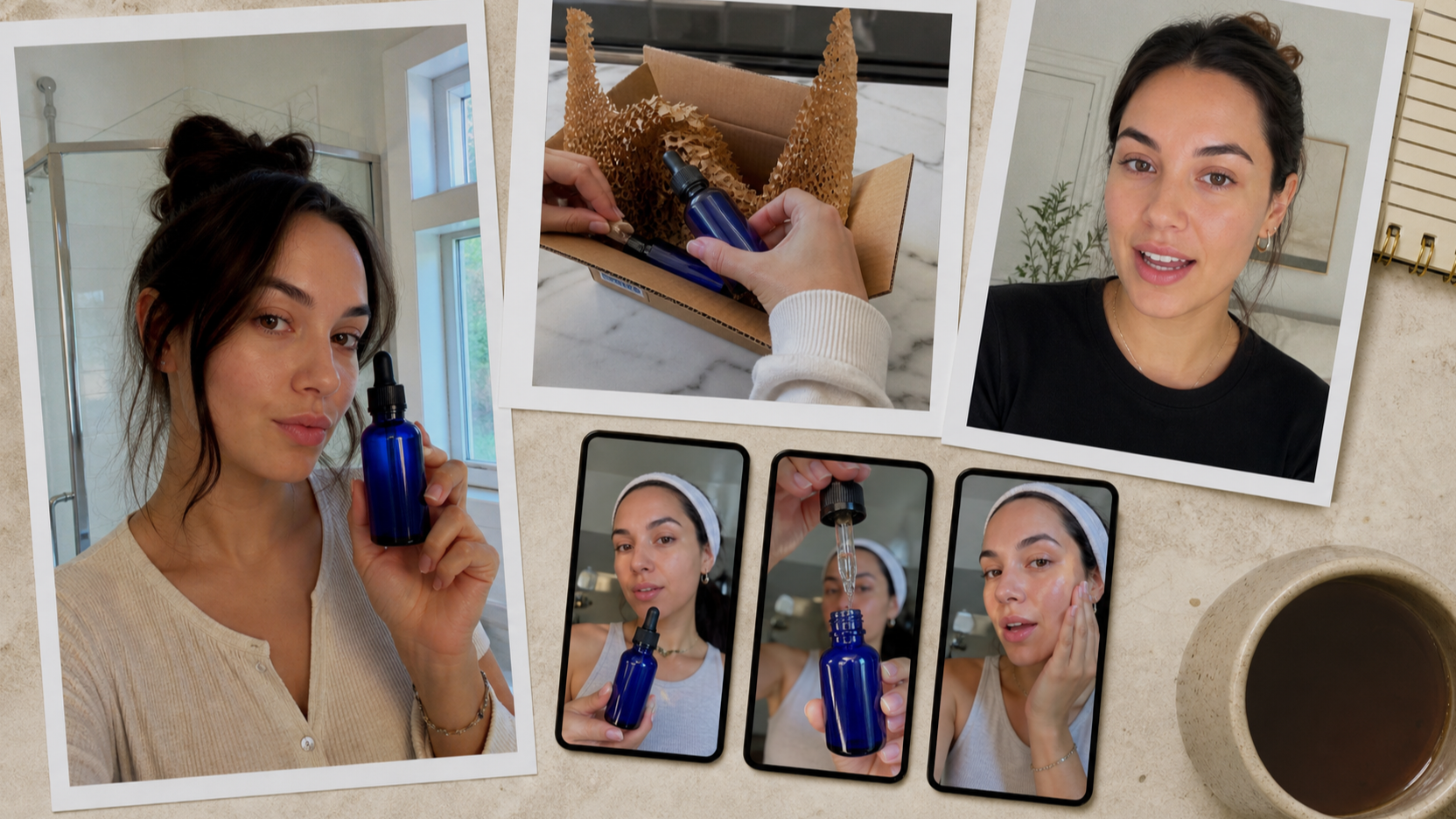
That matters because UGC images are not supposed to look like perfect studio ads. A good UGC visual feels natural, relatable, and platform-native. It might look like a creator holding a skincare bottle in a bathroom mirror, a fitness influencer showing a shaker after a workout, or a shopper taking a casual product photo on a kitchen counter. With better visual control, OpenAI Image 2.0 makes these everyday marketing scenes easier to plan and generate.
What’s New in ChatGPT Images 2.0?
The biggest improvement in OpenAI GPT Image 2 is that it feels more useful for real design work. Earlier AI image tools could create beautiful pictures, but they often struggled with exact instructions, readable text, product placement, and layout-sensitive images. ChatGPT Images 2.0 is built to handle more structured visual requests, which is especially helpful for creators making ads, thumbnails, product mockups, and social posts.
One key upgrade is better text rendering. That means it can be more useful for posters, labels, product callouts, comparison cards, and social media graphics where words inside the image matter. It also supports stronger multilingual image creation, which helps brands that need visuals for international audiences.
Another important change is improved editing. Instead of regenerating an entire image every time something looks off, users can ask for targeted changes: adjust the hand position, make the product label clearer, change the background, soften the lighting, or make the scene feel more casual. For UGC production, this saves time because the best result usually comes from iteration, not from a perfect first prompt.
GPT Image 2 vs. Previous Versions: What Feels Different?
The practical difference is control. GPT Image 2 from OpenAI is better at understanding not only what should appear in the image, but also how the image should function. A product ad, a creator selfie, a TikTok thumbnail, and a landing-page hero image all need different framing. The new model is more capable of following those differences.
Compared with previous versions, the improvements are most noticeable in four areas. First, prompt accuracy is stronger, so the output is less likely to ignore important details. Second, text inside images is more usable, especially for marketing-style visuals. Third, image editing feels more practical for fixing weak areas. Fourth, the model handles realism and stylized design with more flexibility, making it easier to create both polished brand visuals and casual UGC-style shots.
For developers and advanced users, the ChatGPT image API can also be part of a more automated image workflow, especially when teams want to test prompts, create variations, or connect image generation with content systems.
How Good Is ChatGPT Image 2 for UGC Images?
For UGC images, the new ChatGPT image 2.0 is especially promising because it can create visuals that feel more specific. UGC content depends on small details: a natural pose, a believable room, slightly imperfect lighting, clear product visibility, and a scene that looks like it belongs on TikTok, Instagram, Amazon, or a product landing page.
The mistake many creators make is prompting it like a general art model. They ask for “a beautiful ad image” and get something too glossy. A better approach is to write prompts like a creator brief. Describe the person, product, setting, camera angle, platform format, lighting, and emotional hook. For example, instead of asking for a skincare ad, ask for a bathroom mirror selfie where a creator casually holds a serum bottle near natural morning light.
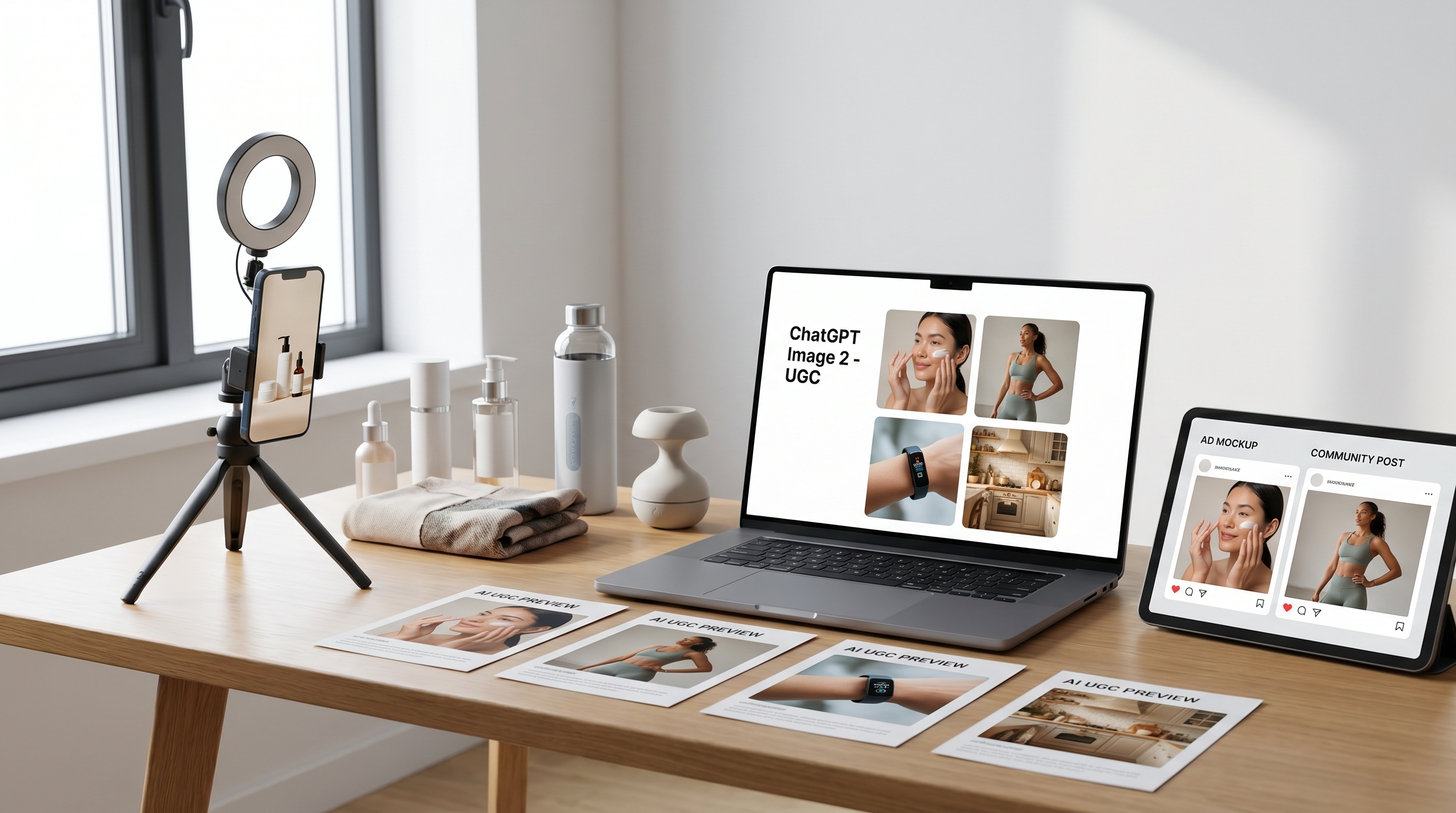
This is where GPT Image 2 can help marketers test many visual angles before booking a real shoot. You can create product-in-hand concepts, unboxing stills, testimonial-style images, lifestyle photos, comparison graphics, and social thumbnails. The goal is not always to replace real creators. Often, the goal is to prototype ideas faster, brief creators more clearly, and produce more variations for testing.
Best UGC Use Cases for GPT Image 2
The new OpenAI Image 2.0 workflow fits several practical UGC needs. For e-commerce brands, it can create lifestyle product images that feel warmer than plain product photography. For social media teams, it can generate vertical visuals for Reels, TikTok, and Shorts thumbnails. For paid ads, it can produce multiple creative directions before a designer finalizes the campaign.
It is also useful for testing audience angles. A coffee brand can compare cozy morning kitchen scenes, office desk scenes, travel mug scenes, and post-workout scenes. A beauty brand can test different bathroom lighting, age groups, skin tones, creator expressions, and product-use moments. A tech accessory brand can compare desk setup images, commuter images, and casual home-use images.
The more specific the scene, the more useful the output becomes. That is why the ChatGPT image model should be treated like a visual collaborator rather than a one-click ad machine.
Tips for Better UGC Generation
To make AI UGC images look less artificial, avoid over-polished language. Words like “cinematic,” “luxury,” “perfect,” and “ultra-glamorous” often push the image toward a studio-ad style. For UGC, use terms like smartphone photo, casual creator shot, natural daylight, real room, mirror selfie, slightly messy counter, relaxed pose, and everyday lifestyle setting.
Product clarity is also important. Tell the model where the product should appear and how visible it should be. If the label matters, ask for a clean, readable label area, but do not overload the image with too much text. If the product is small, place it close to the camera or in the creator’s hand.
Another useful tactic is to generate by campaign angle. Create one version for “first impression,” one for “problem-solution,” one for “daily routine,” one for “before and after,” and one for “social proof.” This makes GPT Image 2 OpenAI more useful for real marketing tests because each image has a different purpose.
Finally, edit instead of restarting. If the face looks good but the hand is awkward, ask only to fix the hand. If the product placement works but the background feels too clean, ask for a more casual room. If the lighting feels fake, ask for natural window light and softer shadows.
A Simple Workflow for UGC Campaigns
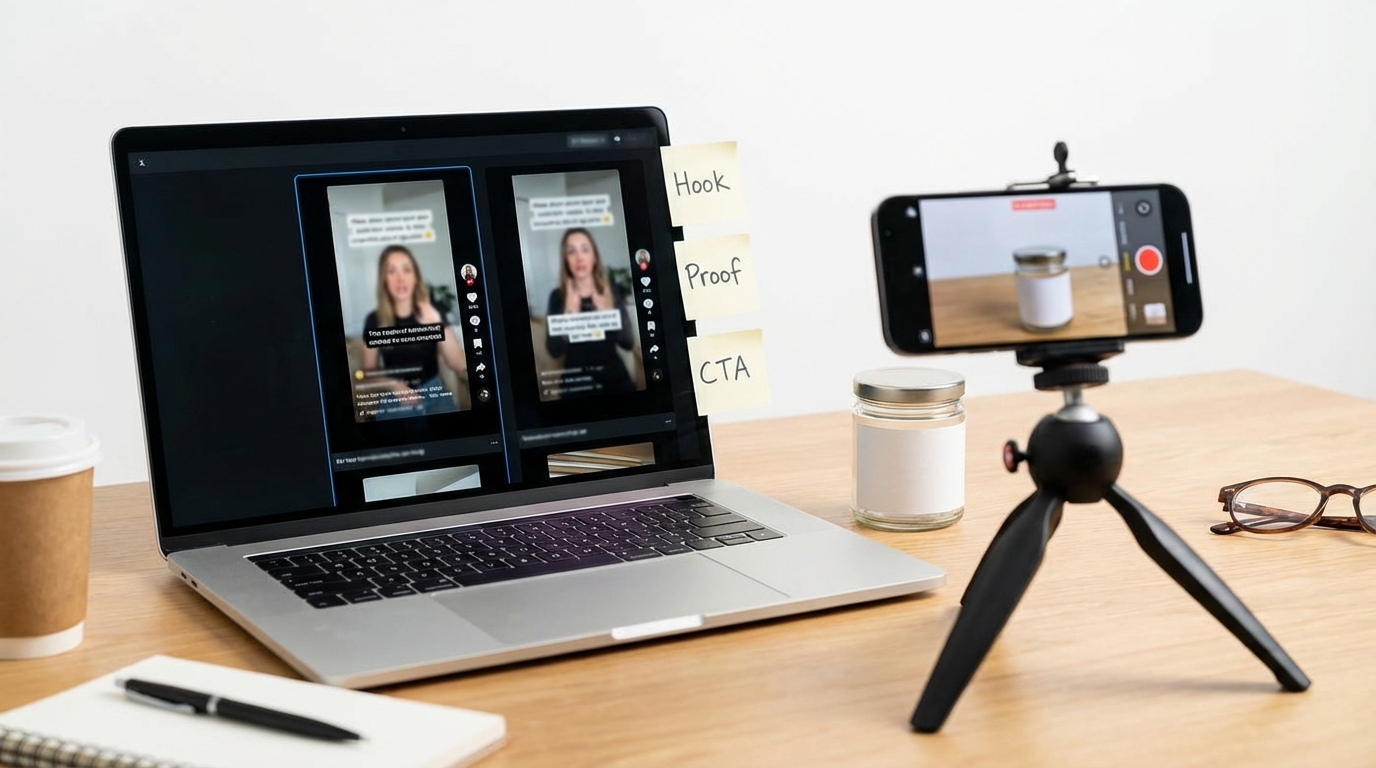
A strong UGC image workflow starts with the offer, not the model. First, define the product, target audience, core benefit, and platform. Then write three to five scene ideas. After that, use OpenAI GPT Image 2 to generate rough concepts. Pick the images that feel most believable, then refine the weak details through editing.
For example, a skincare brand might create one bathroom selfie, one “product on counter” image, one before-and-after card, one creator testimonial still, and one TikTok thumbnail. A small gadget brand might create a desk setup image, an unboxing image, a hand-demo image, and a lifestyle image showing the product in daily use.
This approach turns ChatGPT image 2.0 from a random image generator into a practical creative testing tool. It helps teams see which visual direction feels native before spending more time on final design, influencer briefs, or ad production.
Why UGC Maker AI’s UGC Image Generator Is a Strong Alternative
While ChatGPT Images 2.0 is powerful for broad image creation, UGC Image Generator is a considerable alternative for users who want a more focused UGC workflow. Instead of starting from a general image prompt, it is designed around product visuals, creator-style scenes, lifestyle images, and ad-ready concepts.
That makes it useful for brands that do not want to build every prompt from scratch. If your goal is specifically to make product-led UGC images, creator-style ad visuals, or e-commerce lifestyle scenes, UGC Image Generator can be a more direct choice. A practical workflow is to use ChatGPT Images 2.0 for brainstorming and concept exploration, then use UGC Maker AI for focused campaign-style production.
Prompt Examples for UGC Image Generation
Skincare UGC Prompt
Create a realistic UGC-style vertical image of a young creator holding a serum bottle in front of a bathroom mirror. Natural morning light, slightly messy counter, clean product visibility, realistic skin texture, casual smile, smartphone photo style, suitable for a TikTok skincare ad. Avoid glossy studio lighting, plastic skin, distorted hands, unreadable labels, and overly perfect composition.
Fitness Product Prompt
Generate a casual post-workout UGC image of a creator holding a protein shaker in a gym locker room. The person looks relaxed and slightly tired after training. Include a towel, gym bag, natural overhead light, clear product placement, and realistic phone-camera framing. Make it feel like a real creator review, not a polished studio campaign.
Home Gadget Prompt
Create a realistic kitchen counter UGC image of a person using a compact home gadget while making breakfast. Warm daylight, casual kitchen mess, hands visible, product clearly shown, natural lifestyle framing, vertical 9:16 format. The image should feel like a creator sharing a useful daily-life discovery.
Fashion Try-On Prompt
Create a mirror selfie of a creator trying on a casual jacket in a bedroom. The outfit details should be visible, the room should feel real and lived-in, and the pose should be natural. Use smartphone camera quality, soft daylight, and a relaxed try-on-haul feeling.
Recommended Tools on UGC Maker AI
- AI Image Generator — best for general image creation, product concepts, and visual experimentation.
- UGC Image Generator — best for product-led UGC visuals, lifestyle ad images, and creator-style campaign assets.
- AI UGC Maker — useful when still-image concepts need to become creator-style video content.
- UGC Ads Generator — useful for building ad-ready creative variations around a product or offer.
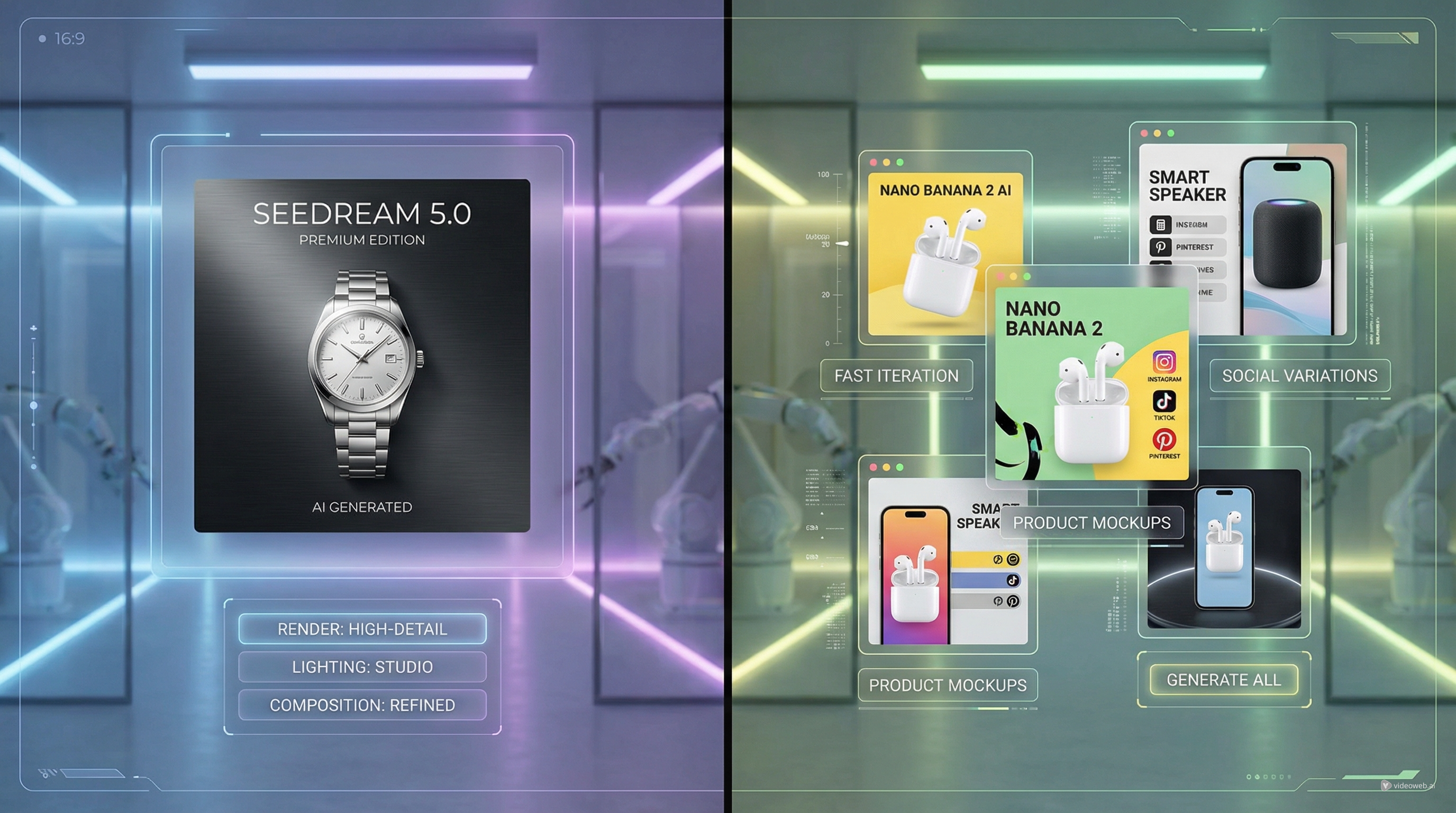
- Nano Banana 2 AI — useful for image generation and editing workflows that need fast visual iteration.
- Seedream 5.0 — useful for polished image generation, visual refinement, and high-quality creative production.
Related Article
- UGC Image Generator User Guide: How to Create Better UGC-Style Product Visuals Faster
- How to Make UGC Images in Minutes: 2026 Guide
- Seedream 5.0 vs Nano Banana 2 AI: Which Image Model Should You Use?
- Nano Banana 2: Best Scenes, Prompt Ideas, and How to Use It
- How to Use Seedance 2 to Create AI UGC Ads That Actually Feel Native
People Also Read
- Image Generator Guide: Best Models for Text-to-Image and Image-to-Image
- Nano Banana 2 vs Qwen Image 2.0 vs Seedream 5.0: Which Model Fits Your Workflow?
- How to Use Nano Banana 2 for AI Image Generation and Editing
- GPT Image 2 Is Here: What’s New, What It Changes, and Where You Can Access It
- Nano Banana 2 vs Seedream 5.0: A Practical Comparison Guide
- GPT Image 2: What’s New for Realistic Human Images