The release of GPT Image 2 gives creators, marketers, and e-commerce teams a stronger way to turn rough visual ideas into usable campaign assets. Officially introduced as ChatGPT Images 2.0, the new image mode focuses less on “AI art for fun” and more on practical image generation: clearer text, better layouts, stronger prompt-following, more realistic styles, and more useful editing.
這一版本的推出,為創作者、行銷人員和電商團隊提供了一個更強大的方式,能將粗略的視覺概念轉化為可實際使用的行銷素材。ChatGPT Images 2.0(官方名稱)這個全新的圖片模式,重點不再只是「好玩的 AI 藝術」,而是更實用的圖片生成:文字更清晰、版面更佳、對提示指令的遵從度更高、風格更逼真,以及更實用的編輯能力。
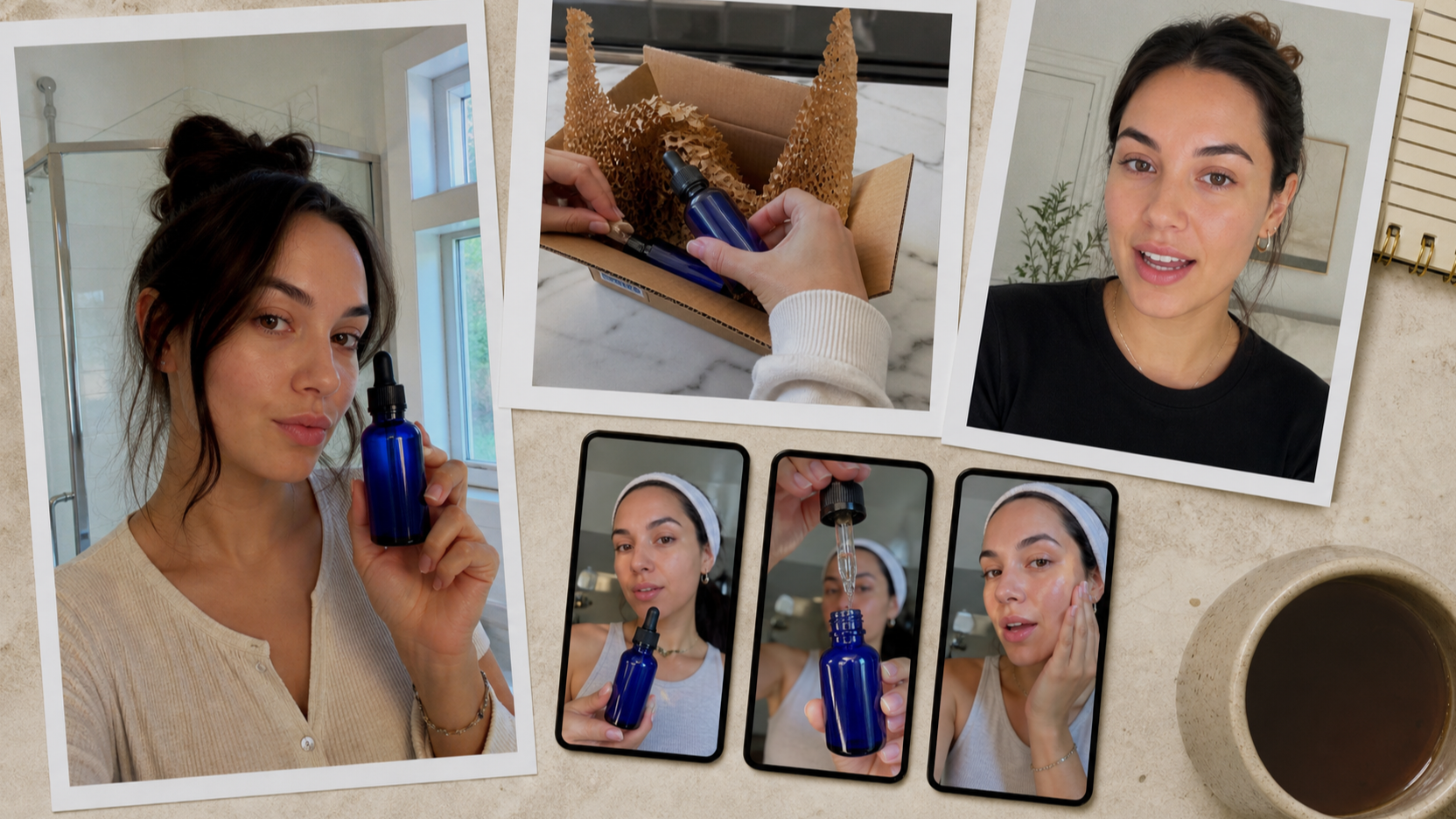
That matters because UGC images are not supposed to look like perfect studio ads. A good UGC visual feels natural, relatable, and platform-native. It might look like a creator holding a skincare bottle in a bathroom mirror, a fitness influencer showing a shaker after a workout, or a shopper taking a casual product photo on a kitchen counter. With better visual control, OpenAI Image 2.0 makes these everyday marketing scenes easier to plan and generate.
這點很重要,因為 UGC 圖片本來就不該看起來像完美的棚拍廣告。一張好的 UGC 視覺會給人自然、容易產生共鳴、並符合平台原生風格的感覺。它可能像是一位創作者在浴室鏡子前拿著保養品瓶子、一位健身網紅在運動後拿著搖搖杯,或是一位消費者在廚房檯面上隨手拍下產品照片。有了更好的視覺控制,OpenAI Image 2.0 讓這些日常行銷場景更容易規劃與生成。
What’s New in ChatGPT Images 2.0?
ChatGPT Images 2.0 有哪些新功能?
The biggest improvement in OpenAI GPT Image 2 is that it feels more useful for real design work. Earlier AI image tools could create beautiful pictures, but they often struggled with exact instructions, readable text, product placement, and layout-sensitive images. ChatGPT Images 2.0 is built to handle more structured visual requests, which is especially helpful for creators making ads, thumbnails, product mockups, and social posts.
OpenAI GPT Image 2 最大的進步,是對真正的設計工作來說更實用。早期的 AI 圖像工具可以生成漂亮的畫面,但常常難以精準遵守指令、難以呈現清晰可讀的文字、產品位置不準,或在需要精細版面配置的圖片上表現不佳。ChatGPT Images 2.0 則是專為處理更結構化的視覺需求而打造,對於需要製作廣告、縮圖、產品模型與社群貼文的創作者特別有幫助。
One key upgrade is better text rendering. That means it can be more useful for posters, labels, product callouts, comparison cards, and social media graphics where words inside the image matter. It also supports stronger multilingual image creation, which helps brands that need visuals for international audiences.
其中一項關鍵升級是文字呈現更優秀。這代表它對於海報、標籤、產品重點標示卡、比較圖卡,以及圖片內文案很重要的社群圖像,會變得更實用。它也支援更強的多語言圖片生成,對需要為國際受眾製作視覺素材的品牌非常有幫助。
Another important change is improved editing. Instead of regenerating an entire image every time something looks off, users can ask for targeted changes: adjust the hand position, make the product label clearer, change the background, soften the lighting, or make the scene feel more casual. For UGC production, this saves time because the best result usually comes from iteration, not from a perfect first prompt.
另一個重大改變,是編輯功能大幅提升。使用者不再需要因為畫面某一小部分不理想就整張重生,而是可以要求針對性修改:調整手部姿勢、讓產品標籤更清楚、變更背景、柔和光線,或讓畫面看起來更隨性。對 UGC 製作而言,這節省了大量時間,因為最好的結果通常來自反覆調整,而不是一次就寫出完美提示詞。
GPT Image 2 vs. Previous Versions: What Feels Different?
GPT Image 2 與前代版本相比:有什麼不同感受?
The practical difference is control. GPT Image 2 from OpenAI is better at understanding not only what should appear in the image, but also how the image should function. A product ad, a creator selfie, a TikTok thumbnail, and a landing-page hero image all need different framing. The new model is more capable of following those differences.
實際上的差別在於「可控性」。OpenAI 的 GPT Image 2 不只更懂得圖片中「要出現什麼」,也更理解圖片「應該如何被使用」。產品廣告、創作者自拍、TikTok 縮圖、以及首頁 Hero 圖,都需要截然不同的構圖方式,而新模型在遵守這些差異上表現更好。
Compared with previous versions, the improvements are most noticeable in four areas. First, prompt accuracy is stronger, so the output is less likely to ignore important details. Second, text inside images is more usable, especially for marketing-style visuals. Third, image editing feels more practical for fixing weak areas. Fourth, the model handles realism and stylized design with more flexibility, making it easier to create both polished brand visuals and casual UGC-style shots.
與先前版本相比,最大的提升在四個面向。第一,提示詞的準確度更高,輸出結果比較不會忽略關鍵細節。第二,圖中內文字更實用,特別適合行銷風格的視覺。第三,圖片編輯對於修補畫面弱點時更實際可用。第四,模型在寫實風格與風格化設計之間的彈性更大,更容易同時創造精緻的品牌視覺與隨性的 UGC 風格照片。
For developers and advanced users, the ChatGPT image API can also be part of a more automated image workflow, especially when teams want to test prompts, create variations, or connect image generation with content systems.
對開發者與進階使用者來說,ChatGPT image API 也能納入更自動化的圖片工作流程中,特別適合需要測試大量提示詞、產生多種變化,或將圖像生成串接到內容系統的團隊。
How Good Is ChatGPT Image 2 for UGC Images?
ChatGPT Image 2 做 UGC 圖片有多好用?
For UGC images, the new ChatGPT image 2.0 is especially promising because it can create visuals that feel more specific. UGC content depends on small details: a natural pose, a believable room, slightly imperfect lighting, clear product visibility, and a scene that looks like it belongs on TikTok, Instagram, Amazon, or a product landing page.
對 UGC 圖片而言,全新的 ChatGPT image 2.0 特別具有潛力,因為它可以創造出更具「情境感」的畫面。UGC 內容很仰賴細節:自然的姿勢、可信的房間環境、略帶不完美的光線、清楚可見的產品,以及看起來就應該出現在 TikTok、Instagram、Amazon 或產品頁面上的場景。
The mistake many creators make is prompting it like a general art model. They ask for “a beautiful ad image” and get something too glossy. A better approach is to write prompts like a creator brief. Describe the person, product, setting, camera angle, platform format, lighting, and emotional hook. For example, instead of asking for a skincare ad, ask for a bathroom mirror selfie where a creator casually holds a serum bottle near natural morning light.
許多創作者常犯的一個錯誤,是把它當成一般「藝術創作模型」來下指令。他們只寫「一張漂亮的廣告圖」,結果得到的畫面過於光鮮亮麗。更好的方式,是把提示詞寫得像「創作者腳本 brief」。描述人物、產品、場景、鏡頭角度、平台格式、光線與情緒訴求。例如,不要只說要一張保養品廣告,而是描述成:「在浴室鏡子前的自拍照,創作者隨手拿著精華液瓶子,旁邊有自然早晨光線。」
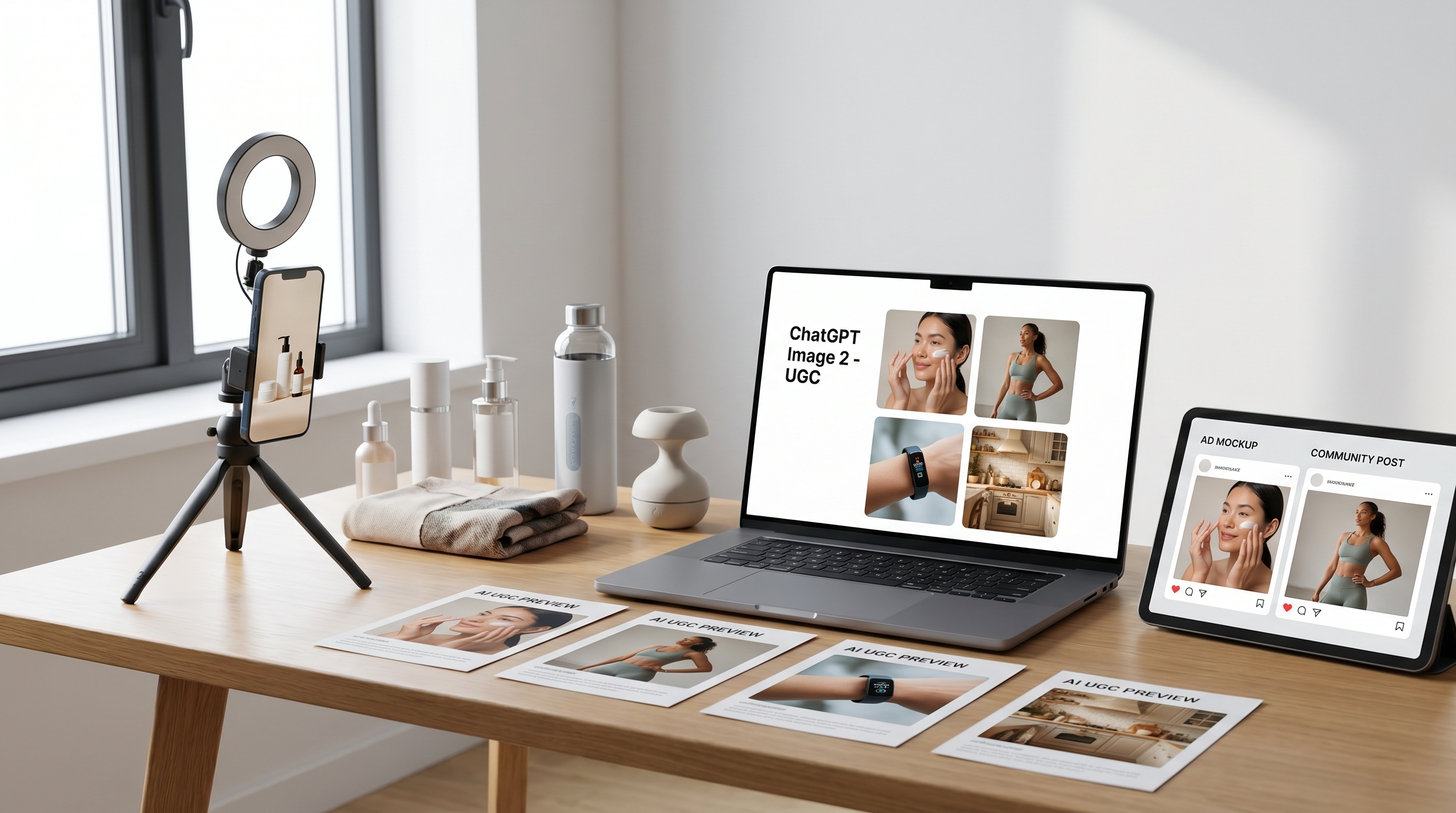
This is where GPT Image 2 can help marketers test many visual angles before booking a real shoot. You can create product-in-hand concepts, unboxing stills, testimonial-style images, lifestyle photos, comparison graphics, and social thumbnails. The goal is not always to replace real creators. Often, the goal is to prototype ideas faster, brief creators more clearly, and produce more variations for testing.
這正是 GPT Image 2 可以發揮作用的地方:在真的預訂拍攝前,幫行銷人員測試各種視覺角度。你可以生成「手持產品」構圖、開箱靜態畫面、見證風格圖片、生活風格照片、比較圖以及社群縮圖。目標不一定是取代真正的創作者,而是更快做出概念原型、更清楚地 brief 創作者,並產出更多可 A/B 測試的版本。
Best UGC Use Cases for GPT Image 2
GPT Image 2 最佳 UGC 應用情境
The new OpenAI Image 2.0 workflow fits several practical UGC needs. For e-commerce brands, it can create lifestyle product images that feel warmer than plain product photography. For social media teams, it can generate vertical visuals for Reels, TikTok, and Shorts thumbnails. For paid ads, it can produce multiple creative directions before a designer finalizes the campaign.
全新的 OpenAI Image 2.0 工作流程,對多種實際 UGC 需求都很適合。對電商品牌來說,它可以生成比純產品照更有生活感的情境圖片。對社群團隊來說,它可以產出 Reels、TikTok、Shorts 的直式縮圖與畫面。對付費廣告來說,它能在設計師定稿前,先產出多種創意方向供選擇。
It is also useful for testing audience angles. A coffee brand can compare cozy morning kitchen scenes, office desk scenes, travel mug scenes, and post-workout scenes. A beauty brand can test different bathroom lighting, age groups, skin tones, creator expressions, and product-use moments. A tech accessory brand can compare desk setup images, commuter images, and casual home-use images.
它對測試不同受眾視角也很有幫助。一個咖啡品牌可以比較「溫馨早晨廚房」、「辦公桌」、「外出隨行杯」、「運動後」等不同場景。一個美妝品牌可以測試不同浴室光線、年齡層、膚色、創作者表情,以及實際使用產品的瞬間。一個科技配件品牌可以比較桌面配置、通勤使用與在家隨手使用等畫面。
The more specific the scene, the more useful the output becomes. That is why the ChatGPT image model should be treated like a visual collaborator rather than a one-click ad machine.
場景描述越具體,輸出就越有價值。這也是為什麼 ChatGPT image model 應該被視為「視覺協作夥伴」,而不是「一鍵生成廣告機器」。
Tips for Better UGC Generation
讓 UGC 圖片更自然的實用技巧
To make AI UGC images look less artificial, avoid over-polished language. Words like “cinematic,” “luxury,” “perfect,” and “ultra-glamorous” often push the image toward a studio-ad style. For UGC, use terms like smartphone photo, casual creator shot, natural daylight, real room, mirror selfie, slightly messy counter, relaxed pose, and everyday lifestyle setting.
要讓 AI 生成的 UGC 圖片看起來不那麼人工,請避免過度華麗的用語。像是「電影感」、「奢華」、「完美」、「極度華麗」等字眼,常常會把畫面推向棚拍廣告風格。對 UGC 而言,更適合使用「手機拍攝」、「創作者隨手拍」、「自然日光」、「真實房間」、「鏡子自拍」、「有點凌亂的檯面」、「放鬆姿勢」、「日常生活場景」這類描述。
Product clarity is also important. Tell the model where the product should appear and how visible it should be. If the label matters, ask for a clean, readable label area, but do not overload the image with too much text. If the product is small, place it close to the camera or in the creator’s hand.
產品清晰度同樣重要。要告訴模型產品應該出現在畫面的哪裡,以及需要多明顯。如果標籤很關鍵,就要求乾淨、清楚可讀的標籤區域,但不要在畫面中塞太多文字。如果產品體積較小,讓它靠近鏡頭或放在創作者手中。
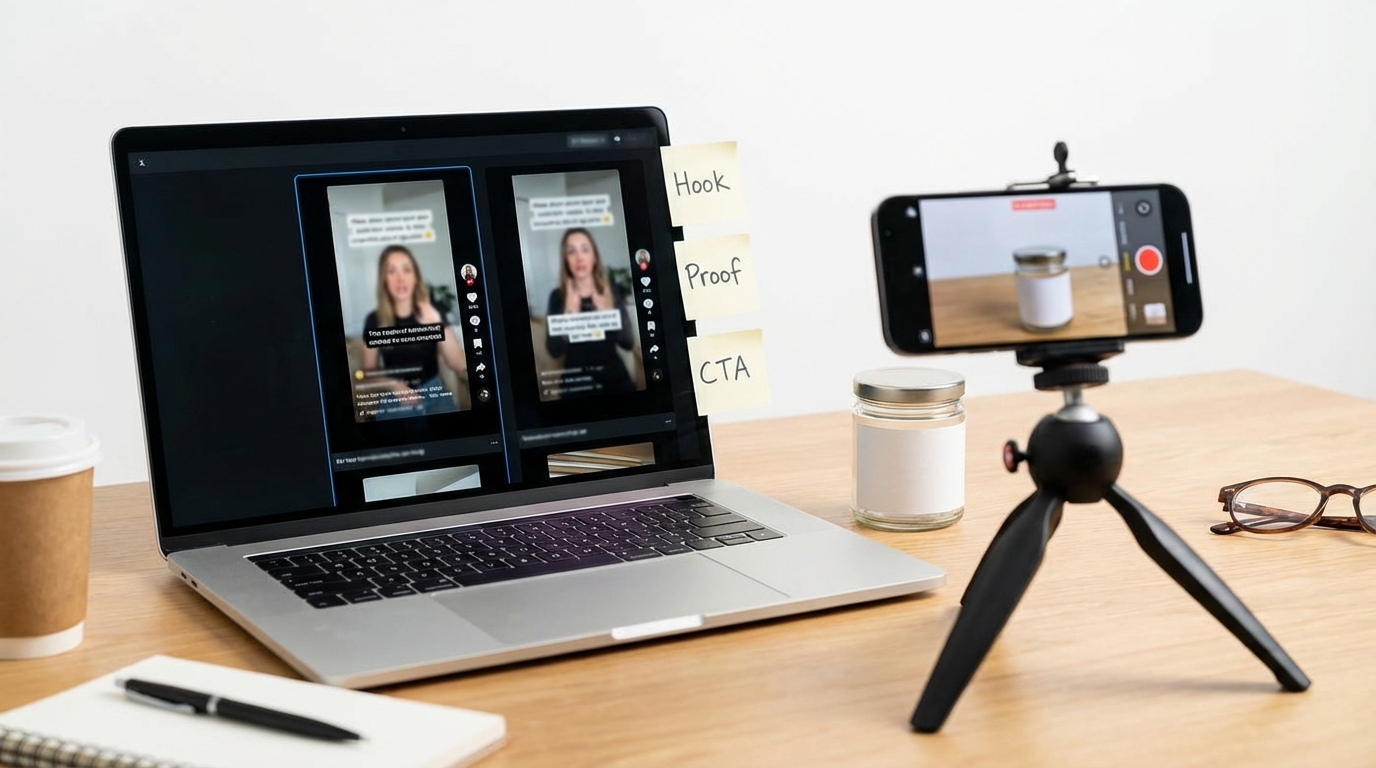
Another useful tactic is to generate by campaign angle. Create one version for “first impression,” one for “problem-solution,” one for “daily routine,” one for “before and after,” and one for “social proof.” This makes GPT Image 2 OpenAI more useful for real marketing tests because each image has a different purpose.
另一個實用策略,是依照行銷訴求來生成圖片。做一張「第一印象」版本、一張「問題-解決方案」版本、一張「日常使用流程」版本、一張「前後對比」版本,以及一張「社會證明(Social Proof)」版本。這會讓 GPT Image 2 OpenAI 在實際行銷測試中更有價值,因為每張圖都有不同的目的。
Finally, edit instead of restarting. If the face looks good but the hand is awkward, ask only to fix the hand. If the product placement works but the background feels too clean, ask for a more casual room. If the lighting feels fake, ask for natural window light and softer shadows.
最後,盡量「編輯」而不是「重來」。如果臉部表現很好但手部姿勢怪異,只要求修正手部即可。如果產品位置很理想但背景太乾淨,就改成更生活化的房間。如果光線感覺太假,請求「自然窗光」與「較柔和的陰影」。
A Simple Workflow for UGC Campaigns
UGC 行銷活動的簡易工作流程
A strong UGC image workflow starts with the offer, not the model. First, define the product, target audience, core benefit, and platform. Then write three to five scene ideas. After that, use OpenAI GPT Image 2 to generate rough concepts. Pick the images that feel most believable, then refine the weak details through editing.
一個有效的 UGC 圖片工作流程,應該從「方案與訴求」開始,而不是從模型開始。先定義產品、目標受眾、核心利益與投放平台,接著寫出三到五個場景構想。之後再使用 OpenAI GPT Image 2 生成初步概念圖,挑出看起來最真實可信的版本,再透過編輯修正其中的弱項細節。
For example, a skincare brand might create one bathroom selfie, one “product on counter” image, one before-and-after card, one creator testimonial still, and one TikTok thumbnail. A small gadget brand might create a desk setup image, an unboxing image, a hand-demo image, and a lifestyle image showing the product in daily use.
例如,一個保養品牌可以生成一張浴室自拍、一張「產品放在檯面」的照片、一張前後對比卡、一張創作者見證的靜態畫面,以及一張 TikTok 縮圖。一個小型 3C 小物品牌可以生成桌面配置照、開箱照、手持示範照,以及一張顯示產品日常使用情境的生活照。
This approach turns ChatGPT image 2.0 from a random image generator into a practical creative testing tool. It helps teams see which visual direction feels native before spending more time on final design, influencer briefs, or ad production.
這樣的做法,能把 ChatGPT image 2.0 從「隨機圖片產生器」,變成「實用的創意測試工具」。團隊可以在投入更多時間做最終設計、寫 KOL 合作 brief、或正式拍廣告之前,先看清楚哪一種視覺方向最符合平台原生感。
Why UGC Maker AI’s UGC Image Generator Is a Strong Alternative
為什麼 UGC Maker AI 的 UGC Image Generator 是有力的替代方案
While ChatGPT Images 2.0 is powerful for broad image creation, UGC Image Generator is a considerable alternative for users who want a more focused UGC workflow. Instead of starting from a general image prompt, it is designed around product visuals, creator-style scenes, lifestyle images, and ad-ready concepts.
雖然 ChatGPT Images 2.0 在廣泛的圖像生成上非常強大,但對於想要更專注在 UGC 工作流程的使用者而言,UGC Image Generator 是一個相當值得考慮的替代方案。它不是從一般的圖像提示詞出發,而是圍繞產品視覺、創作者風格場景、生活化圖片與可直接用於廣告的概念來設計。
That makes it useful for brands that do not want to build every prompt from scratch. If your goal is specifically to make product-led UGC images, creator-style ad visuals, or e-commerce lifestyle scenes, UGC Image Generator can be a more direct choice. A practical workflow is to use ChatGPT Images 2.0 for brainstorming and concept exploration, then use UGC Maker AI for focused campaign-style production.
這對那些不想每次都從零開始寫提示詞的品牌特別有用。如果你的目標,明確就是要做「產品為主導的 UGC 圖片」、「創作者風格的廣告視覺」或「電商生活情境圖」,那麼 UGC Image Generator 會是一個更直接的選擇。實務上,你可以先用 ChatGPT Images 2.0 做腦力激盪與概念探索,再用 UGC Maker AI 進行更聚焦、偏向行銷活動的產出。
Prompt Examples for UGC Image Generation
UGC 圖片生成的提示詞範例
Skincare UGC Prompt
保養品 UGC 提示詞
Create a realistic UGC-style vertical image of a young creator holding a serum bottle in front of a bathroom mirror. Natural morning light, slightly messy counter, clean product visibility, realistic skin texture, casual smile, smartphone photo style, suitable for a TikTok skincare ad. Avoid glossy studio lighting, plastic skin, distorted hands, unreadable labels, and overly perfect composition.
請生成一張真實感 UGC 風格的直式圖片:一位年輕創作者在浴室鏡子前手拿精華液瓶。畫面有自然早晨光線、稍微凌亂的檯面,產品清晰可見,膚質真實、帶有自然微笑,整體呈現手機拍攝風格,適合用在 TikTok 保養品廣告。避免使用過於光亮的棚拍打光、塑膠感皮膚、手部變形、標籤難以辨識,以及構圖過度完美的畫面。
Fitness Product Prompt
健身產品提示詞
Generate a casual post-workout UGC image of a creator holding a protein shaker in a gym locker room. The person looks relaxed and slightly tired after training. Include a towel, gym bag, natural overhead light, clear product placement, and realistic phone-camera framing. Make it feel like a real creator review, not a polished studio campaign.
請生成一張運動後隨性感 UGC 圖片:創作者在健身房更衣室手拿蛋白搖搖杯。人物看起來放鬆、帶點訓練後的疲憊感。畫面中包含毛巾、健身包、自然頂燈光線、清楚的產品位置,以及符合手機拍攝的真實構圖。整體感覺要像真實的創作者心得分享,而不是精修過的棚拍廣告。
Home Gadget Prompt
家用小電器提示詞
Create a realistic kitchen counter UGC image of a person using a compact home gadget while making breakfast. Warm daylight, casual kitchen mess, hands visible, product clearly shown, natural lifestyle framing, vertical 9:16 format. The image should feel like a creator sharing a useful daily-life discovery.
請生成一張真實感廚房檯面 UGC 圖片:一個人在準備早餐時使用一款小型家用電器。畫面有溫暖日光、自然略亂的廚房、手部清楚可見、產品明顯呈現,構圖偏向自然生活風格,直式 9:16 比例。整體畫面要讓人感覺像創作者在分享一個實用的日常小發現。
Fashion Try-On Prompt
穿搭試穿提示詞
Create a mirror selfie of a creator trying on a casual jacket in a bedroom. The outfit details should be visible, the room should feel real and lived-in, and the pose should be natural. Use smartphone camera quality, soft daylight, and a relaxed try-on-haul feeling.
請生成一張創作者在臥室試穿休閒外套的鏡子自拍照。穿搭細節應該清楚可見,房間要有真實、有人居住的感覺,姿勢自然不做作。畫質呈現手機相機風格,搭配柔和日光,整體氛圍像輕鬆的試穿分享(try-on haul)影片截圖。
Recommended Tools on UGC Maker AI
UGC Maker AI 上推薦的工具
-
AI Image Generator — best for general image creation, product concepts, and visual experimentation.
-
AI Image Generator — 適合一般圖像生成、產品概念發想與視覺實驗。
-
UGC Image Generator — best for product-led UGC visuals, lifestyle ad images, and creator-style campaign assets.
-
UGC Image Generator — 最適合以產品為主的 UGC 視覺、生活風廣告圖以及創作者風格的行銷素材。
-
AI UGC Maker — useful when still-image concepts need to become creator-style video content.
-
AI UGC Maker — 當靜態圖像概念需要延伸成創作者風格影片內容時特別有用。
-
UGC Ads Generator — useful for building ad-ready creative variations around a product or offer.
-
UGC Ads Generator — 適合圍繞產品或優惠,生成多種可直接投放的廣告創意變化。
-
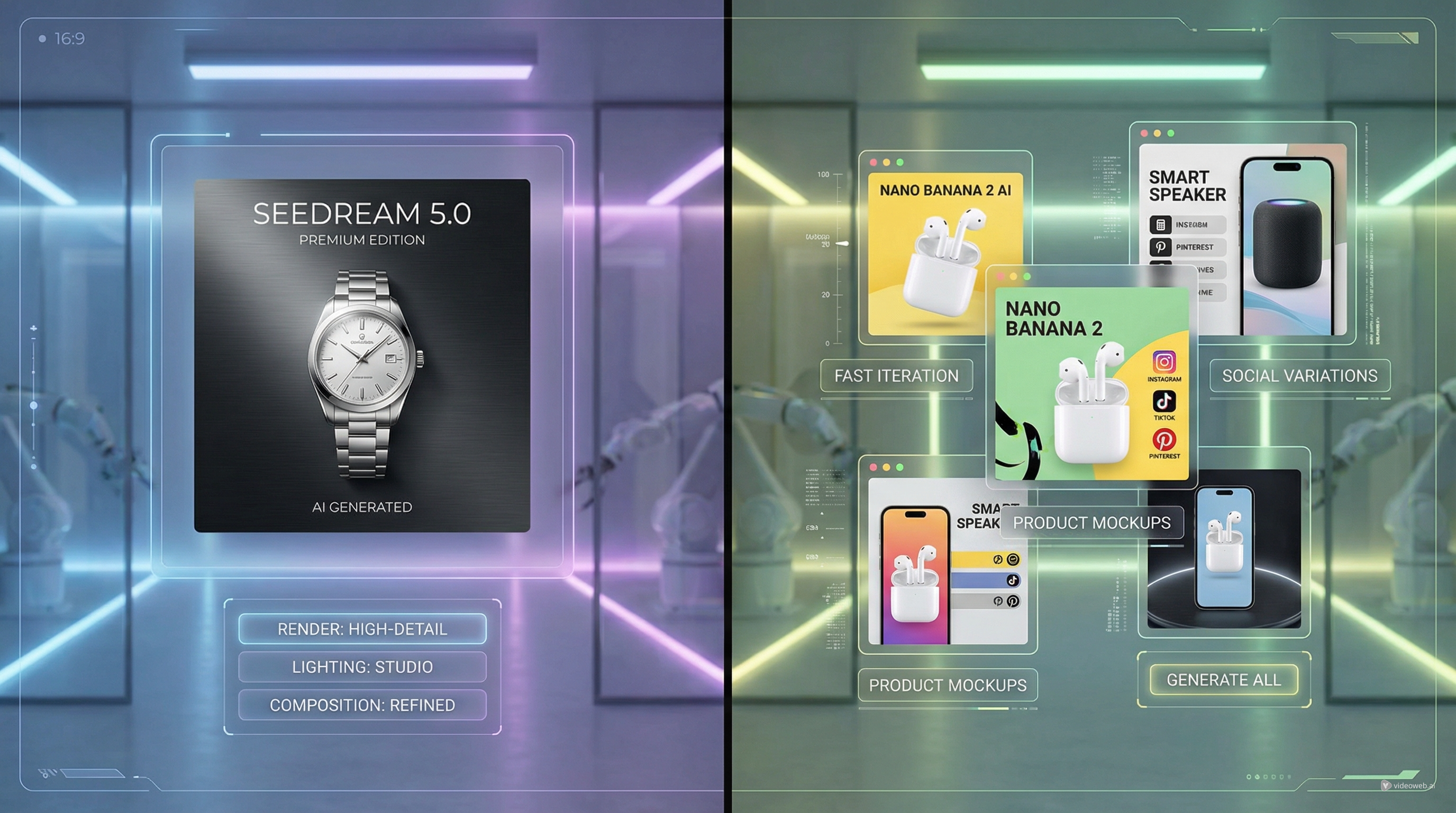
Nano Banana 2 AI — useful for image generation and editing workflows that need fast visual iteration.
-
Nano Banana 2 AI — 適合需要快速反覆調整的圖像生成與編輯流程。
-
Seedream 5.0 — useful for polished image generation, visual refinement, and high-quality creative production.
-
Seedream 5.0 — 適合精緻圖像生成、視覺細緻化與高品質創意製作。
Related Article
相關文章
-
UGC Image Generator User Guide: How to Create Better UGC-Style Product Visuals Faster
-
《UGC Image Generator 使用指南:如何更快速打造更好的 UGC 風產品視覺》
-
《如何在幾分鐘內完成 UGC 圖片:UGC Maker 2026 全攻略》
-
Seedream 5.0 vs Nano Banana 2 AI: Which Image Model Should You Use?
-
《Seedream 5.0 vs Nano Banana 2 AI:你該用哪一個圖像模型?》
-
《Nano Banana 2:最佳場景、提示詞靈感與實際使用方法》
-
How to Use Seedance 2 to Create AI UGC Ads That Actually Feel Native
-
《如何使用 Seedance 2 打造真正有原生感的 AI UGC 廣告》
People Also Read
你可能也會想看
-
Image Generator Guide: Best Models for Text-to-Image and Image-to-Image
-
《圖像生成器指南:最佳文字轉圖與圖轉圖模型》
-
Nano Banana 2 vs Qwen Image 2.0 vs Seedream 5.0: Which Model Fits Your Workflow?
-
《Nano Banana 2 vs Qwen Image 2.0 vs Seedream 5.0:哪個模型最符合你的工作流程?》
-
How to Use Nano Banana 2 for AI Image Generation and Editing
-
《如何使用 Nano Banana 2 進行 AI 圖像生成與編輯》
-
GPT Image 2 Is Here: What’s New, What It Changes, and Where You Can Access It
-
《GPT Image 2 來了:新功能、改變了什麼,以及在哪裡可以使用》
-
《Nano Banana 2 vs Seedream 5.0:實用比較指南》
-
《GPT Image 2:在擬真人像生成上的新進展與實際表現》