Why Nano Banana 2 Is Getting So Much Attention
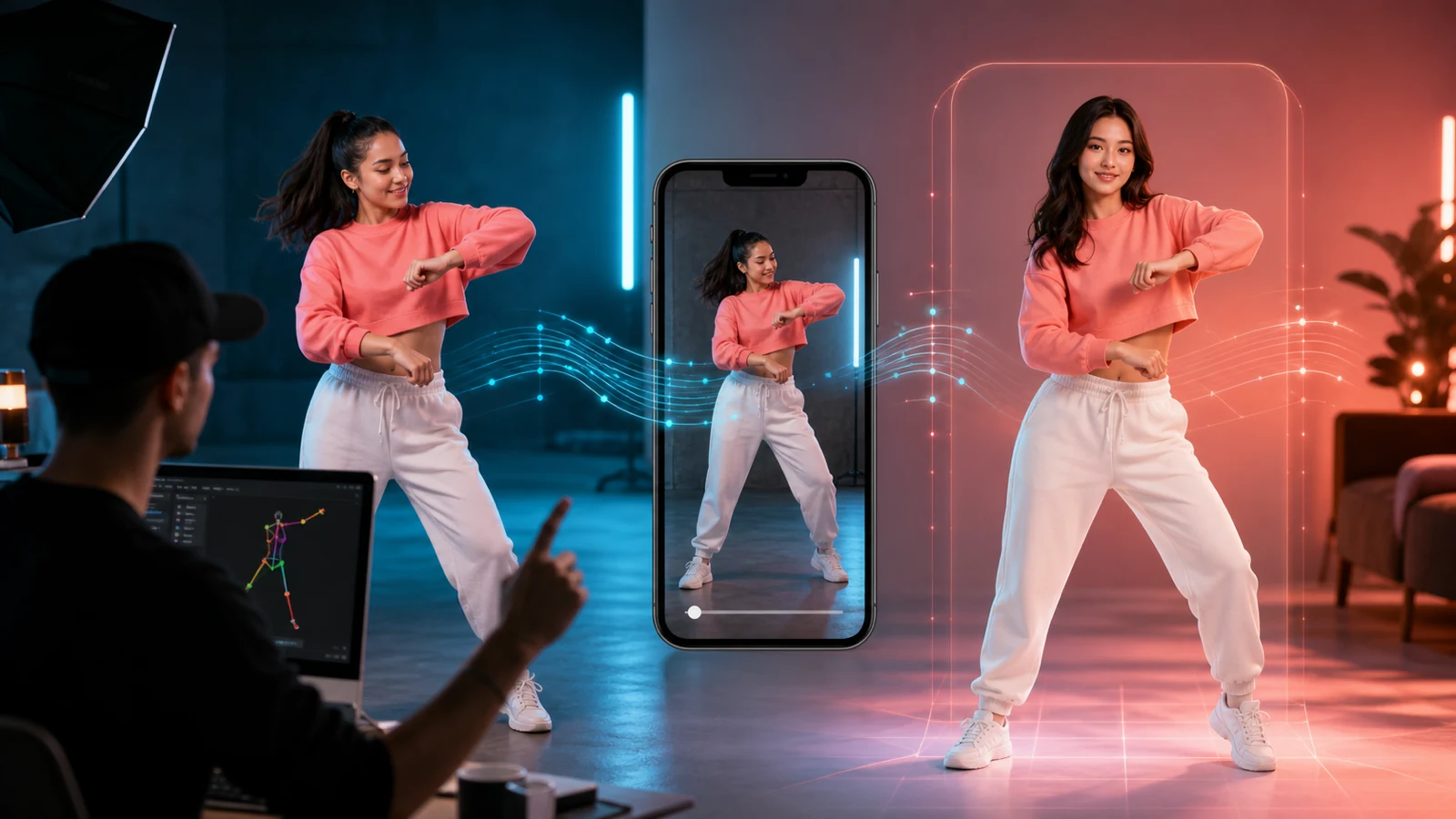
If you have been looking for a fast, flexible image model for ads, social content, and product visuals, you have probably seen people talking about Nano Banana 2. It is getting attention for a simple reason: it is positioned as a practical model for both image generation and image editing, not just a showcase tool for one perfect render.
That matters for marketers, e-commerce teams, and creators who need more than pretty images. They need speed, consistency, and enough control to turn a rough concept into something usable. That is also why some users search for Google Nano Banana 2 or Gemini Nano Banana 2. They are usually looking for the same thing: a model associated with fast generation, solid prompt understanding, and a workflow that feels practical rather than overly technical.
On UGC Maker, the appeal is even clearer. Instead of treating the model like a standalone experiment, the platform places it inside a creator-focused workflow built for ads, product visuals, and quick-turn content production.
Why Use It on UGC Maker Instead of Hunting for a Separate API
A lot of people also search for a Nano Banana 2 API, but that is not always the smartest starting point. If your goal is to generate creative assets, test image concepts, or build ad-style visuals, using the model directly on UGC Maker is usually simpler than trying to piece together your own toolchain.
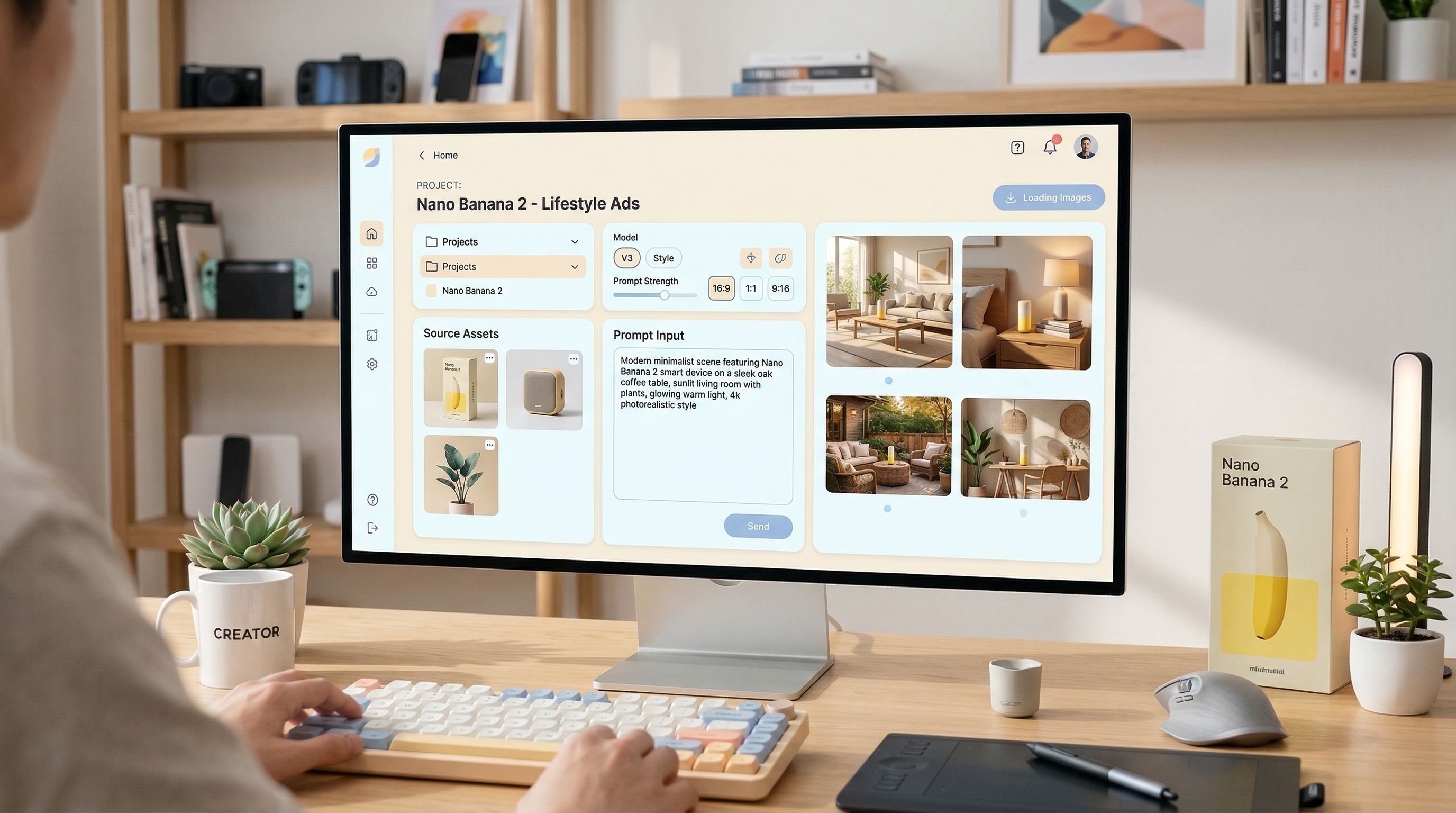
That is especially true for solo creators, media buyers, brand teams, and store owners. Most of them do not need a custom engineering workflow first. They need a place where they can pick the model, upload references, write a clear prompt, choose the format, and generate quickly.
So when people look up a Nano Banana 2 API, the more practical answer is often this: if you mainly want creative output rather than backend integration, just use it directly on UGC Maker AI. It is faster, easier to test, and much closer to how real content teams actually work.
The Best Scenes to Create With the Nano Banana 2 Image Generator
The Nano Banana 2 image generator is most useful when you give it scenes that match real marketing and creator needs. Instead of thinking only in terms of “beautiful images,” think in terms of “assets I can actually publish, test, or adapt.”
A strong first category is the product hero shot. This works well for cosmetics, tech accessories, food packaging, supplements, home goods, and fashion items. You can place the product on marble, wood, glass, a bathroom counter, a kitchen table, or a clean studio backdrop depending on the brand look you want.
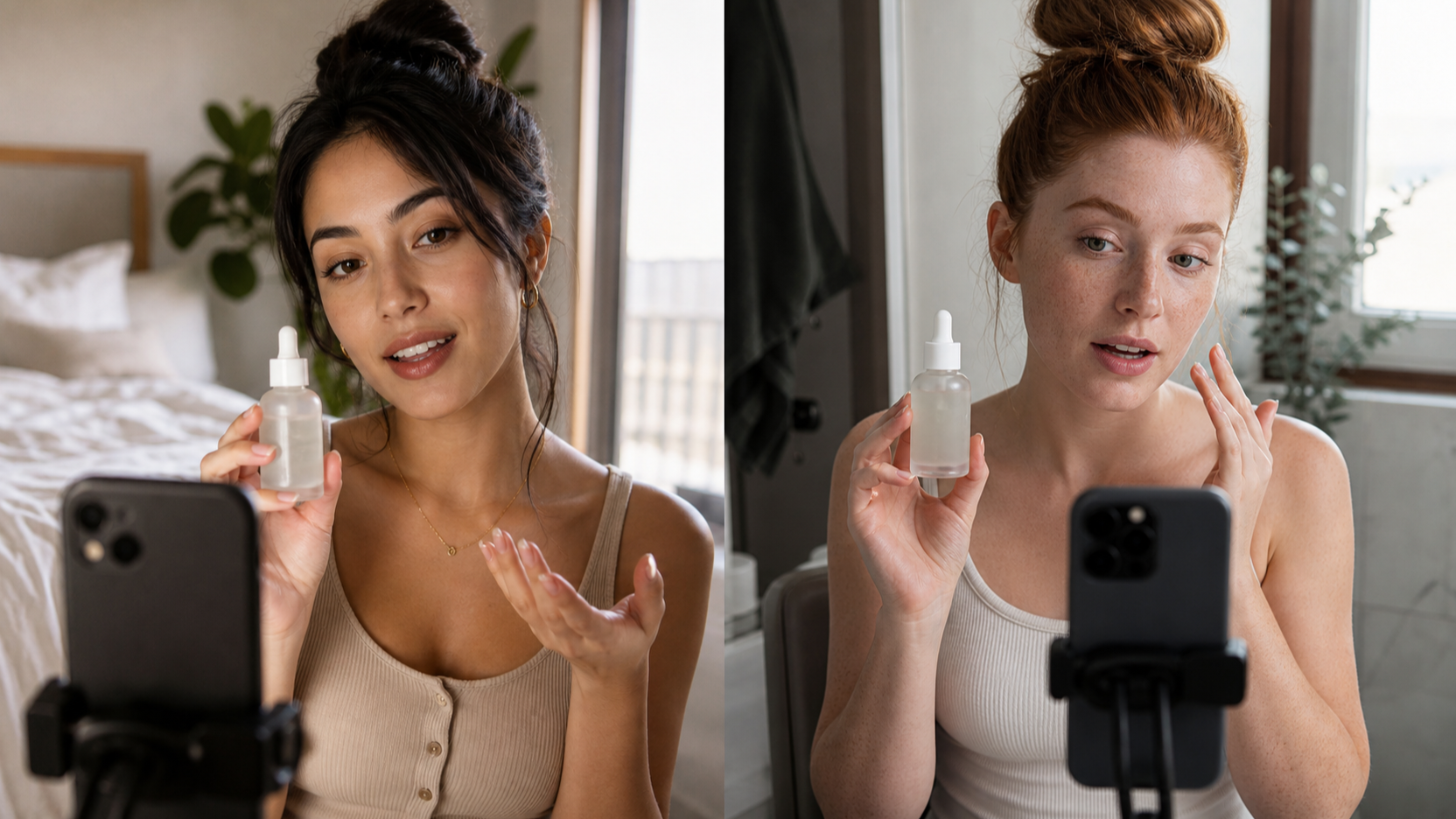
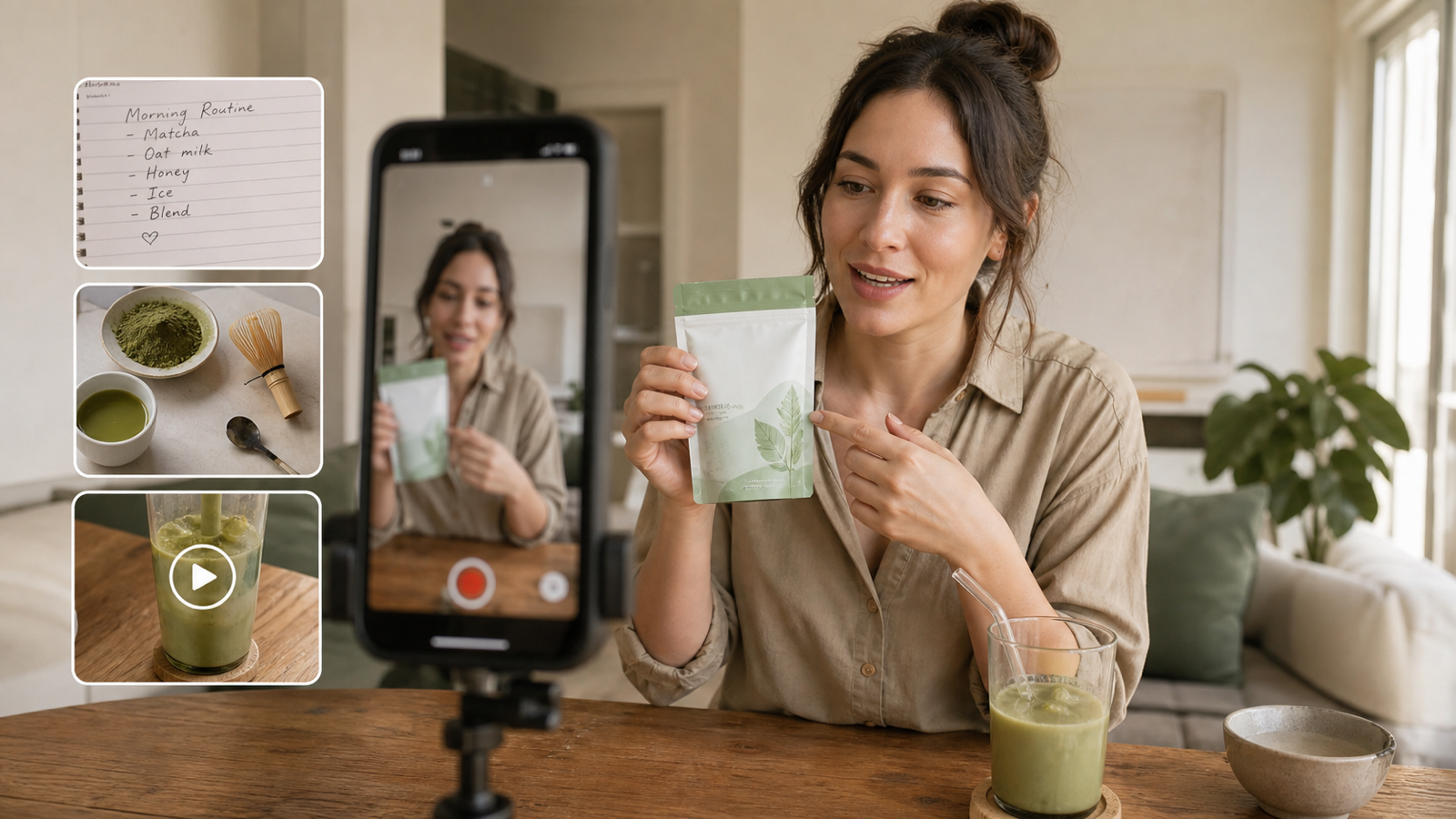
The second category is the UGC-style lifestyle scene. These are the images that look like they came from a real creator or customer: someone holding a skincare bottle in natural window light, using a kitchen product mid-demo, showing a phone case at a café table, or taking a mirror selfie wearing an outfit you want to promote.
The third category is before-and-after or transformation content. This is useful for beauty, wellness, home, and cleaning products. The model can help you build comparison visuals, upgrade backgrounds, or restyle the same subject into multiple variations.
The fourth category is the testimonial or reaction scene. Think bathroom mirror reactions, desk setup reveals, car interior “first impression” shots, or a creator opening a package and smiling toward the camera.
The fifth category is simple multi-character storytelling. If you want a couple, friends, or small group in a lifestyle situation, Gemini Nano Banana 2 is especially interesting because consistency and scene instruction are part of its appeal. That makes it suitable for scenes like friends at brunch, a family product moment, or a two-person home demo.
Scene Ideas That Work Especially Well for Ads
If you want useful results fast, start with scene types that already match how brands advertise.
For beauty and skincare, try prompts like: a creator in a bright bathroom holding a serum bottle, soft natural light, clean mirror, realistic skin texture, product label visible. For food and beverage, try a kitchen counter setup with morning sunlight, casual hand interaction, and a product placed naturally in the frame.
For fashion or accessories, use everyday scenes rather than runway language. A hallway mirror selfie, café seating shot, casual bedroom outfit check, or street-style walking frame often feels more native to social content. If you are using Google’s Nano Banana 2 for ad ideation, these relatable scenes are often more valuable than overly cinematic prompts.
For gadgets and home products, desk scenes work especially well. Ask for a modern workspace, warm daylight, realistic clutter, hand interaction, and one clear product focus. For fitness or wellness, try locker room, gym mirror, kitchen supplement prep, or post-workout lifestyle scenes.
The key is to write prompts that combine subject, setting, action, lighting, and intent. The more your prompt sounds like a real shot brief, the more the output tends to feel useful.
How to Use Nano Banana 2 on UGC Maker Step by Step
Using Nano Banana 2 on UGC Maker is straightforward.
Step 1: Open the model page and select Nano Banana 2. Start on the UGC Maker model page and make sure the active model is Nano Banana 2.
Step 2: Upload reference images if needed. You can work from text alone, but reference images make a big difference when you want product consistency, identity preservation, background changes, or style-guided edits.
Step 3: Write a direct, visual prompt. Instead of vague ideas like “make it look better,” describe the actual scene. Mention the subject, environment, lighting, camera feel, product position, and mood. If you are editing, explain what should stay and what should change.
Step 4: Choose the aspect ratio. Use vertical formats for social and ad creatives, widescreen for banners or hero images, and square when you want flexible reuse across platforms.
Step 5: Pick the resolution and generate. Higher settings can help when you need cleaner ad assets, while lower-friction generation is useful for fast testing and iteration.
Step 6: Review and rerun with tighter instructions. The best workflow is not one-and-done. Generate, inspect, adjust the prompt, and rerun. In practice, the Nano Banana 2 image generator is strongest when you treat it as a fast creative partner for iteration.
A Smarter Workflow for Creators and Marketers
The real value of Nano Banana 2 is not just that it can make an image. It is that it fits a broader content pipeline.
You can use it to generate a product concept image, then move into the UGC Image Generator for more lifestyle-focused outputs. You can also turn successful visual directions into broader campaign assets using the main UGC Maker AI platform or continue into ad production flows with the UGC Ads Generator.
That is why using the model directly on UGC Maker makes sense. You are not just testing a model in isolation. You are building a workflow around speed, iteration, and publishable output.
Final Take
Nano Banana 2 is best understood as a practical image model for everyday creative work. Whether you call it Google Nano Banana 2, Gemini Nano Banana 2, or simply a flexible Nano Banana 2 image generator, the real strength is the same: fast, useful visual generation and editing for real-world content needs.
If you are mainly looking up a Nano Banana 2 API, it is worth asking whether you actually need one yet. For most creators, marketers, and e-commerce teams, the better move is to use it directly on UGC Maker AI, test scene ideas quickly, and build from there.
Recommended Tools
- Nano Banana 2 — the main tool to recommend for fast image generation and editing.
- UGC Image Generator — useful for turning products into realistic lifestyle-style ad images.
- UGC Ads Generator — useful when you want to turn image concepts into ad-ready creative output.
- UGC Maker AI Platform — the broader workspace for building UGC-style visual campaigns.
Related Articles
- UGC Video Ads Guide: How to Make UGC Ad Videos With UGC Maker AI
- How to Use Seedance 2 to Create AI UGC Ads That Actually Feel Native
- UGC Image Generator User Guide: How to Create Better UGC-Style Product Visuals Faster
People Also Read
- Nano Banana 2 vs Qwen Image 2.0 vs Seedream 5.0: Which HeyDream Model Fits Your Workflow?
- Nano Banana 2 vs Nano Banana Pro: What Changed and Which One Fits Your Workflow?
- Nano Banana 2 vs Nano Banana Pro: Which AI Image Model Should You Use?
- How to Use Nano Banana 2 for AI Image Generation and Editing
- Nano Banana 2 vs Seedream 5.0: A Practical Comparison Guide