影片創作
AI TikTok 影片生成器:用 AI 建立爆款短影片
AI TikTok 影片生成器可協助創作者、品牌與社群團隊透過提示詞、圖片、模板與可選音訊,快速建立 TikTok 風格短影片。無需複雜拍攝或剪輯,也能生成吸睛的直式影片、產品介紹、品牌開場、UGC 風格片段與社群廣告。
AI TikTok 影片生成器範例
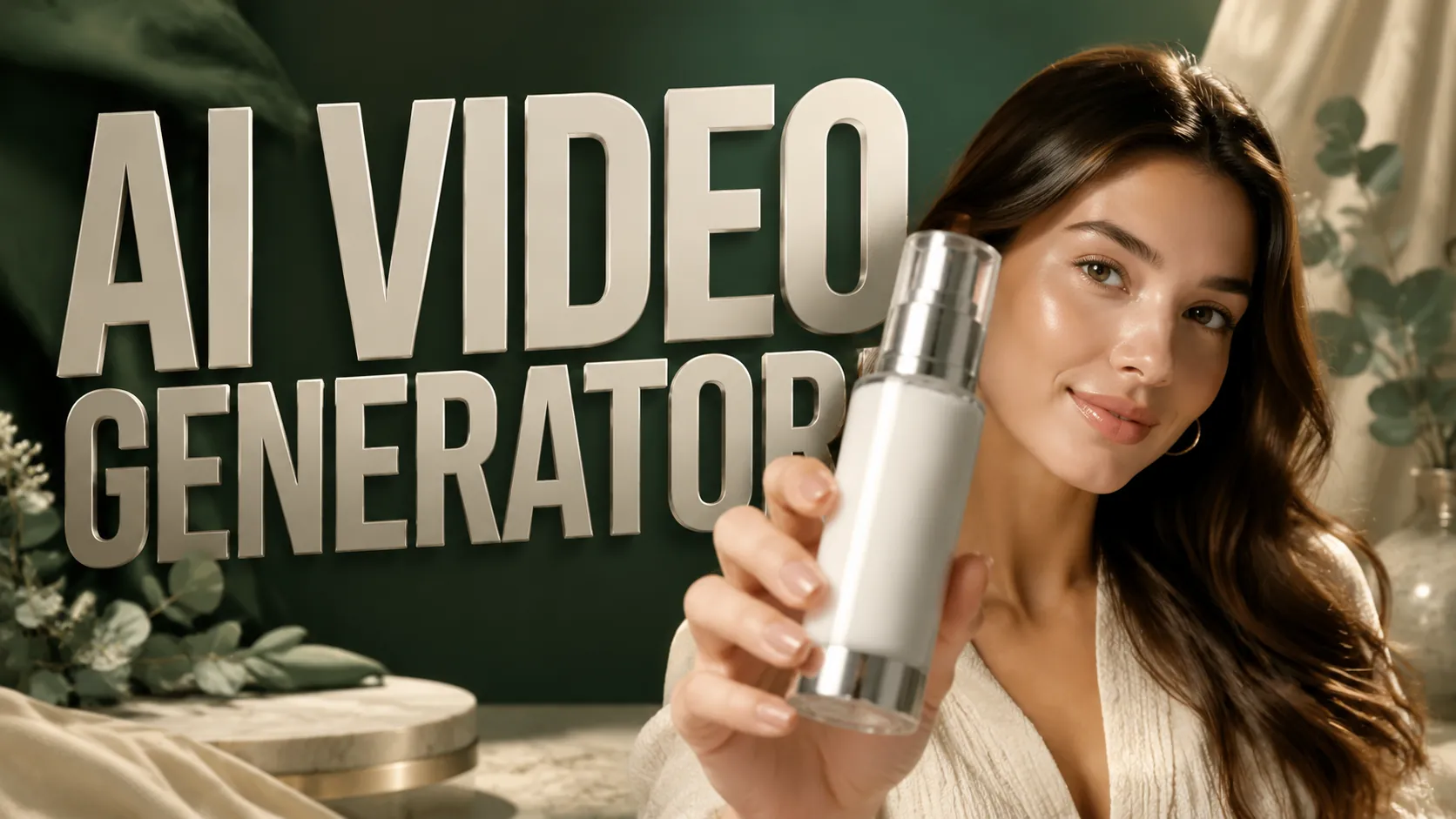
AI TikTok 影片生成器範例展示如何透過提示詞、首幀圖、尾幀圖與現成模板,把簡單想法轉化為具有清晰動態、強開場鉤子與平台適配構圖的 TikTok 風格短影片。
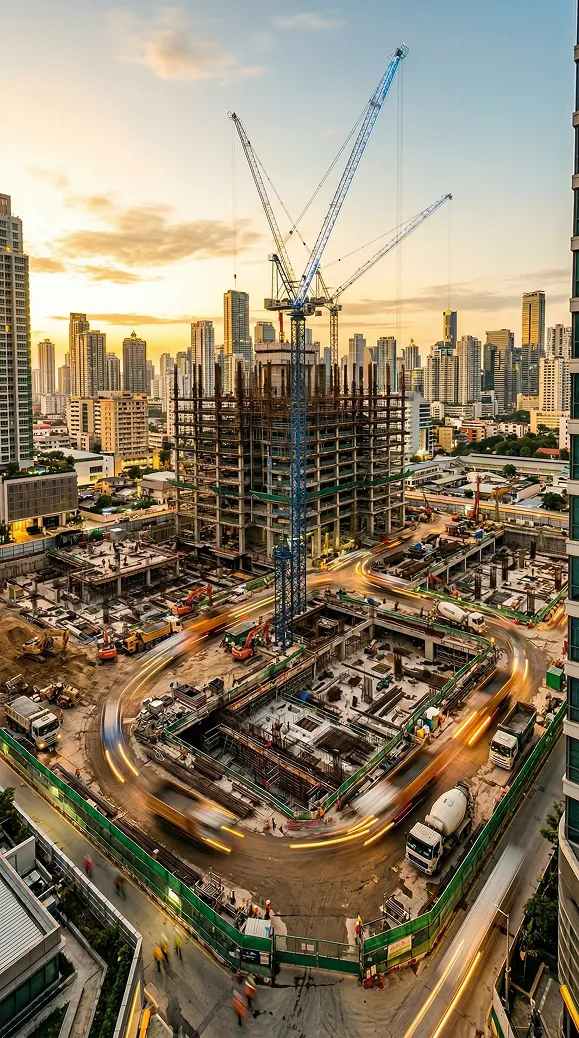
原始圖片
提示詞
Scene 1 (hook):
Handheld camera with natural shake, woman standing in a luxury apartment with large windows and city skyline. Gray sweatshirt, amber sunglasses. She says: "Okay, I was fully expecting these gut gummies to do nothing… but I was wrong." Animated gestures, confident but casual tone. Bright natural light, slight camera movement adds authenticity.
Scene 2 (product):
Starts with shallow depth of field, clear bottle labeled "Gummies" held very close to the camera in sharp focus, colorful gummies visible inside. Then she pulls the bottle back to chest level, camera adjusts to a natural medium shot showing her full upper body in the apartment. She says: "These are Gummies, and yeah, they actually taste really good." Natural gesture holding the bottle, relaxed delivery, casual energy.
Scene 3 (testimonial):
Back to the handheld camera in the same apartment setting with large windows. She removes her sunglasses, revealing excited eyes, and leans slightly toward the camera. She says: "My digestion feels way better, I’m not as bloated, and somehow my skin improved too. After like two weeks." Big genuine smile, enthusiastic but natural hand gestures. Bright natural lighting, authentic energy, slight camera shake continues.
影片
AI TikTok 影片生成器核心功能
AI TikTok 影片生成器聚焦短影片創作,結合基於提示詞的影片生成、首尾幀引導、模板預設與行動端優先的輸出控制,幫助使用者更快製作可直接用於 TikTok 的影片。
基於提示詞的 TikTok 影片創作
在提示詞中描述你的創意、產品、開場鉤子、場景或視覺風格,AI 就會將其轉化為具有連貫動態、清晰節奏與社群感外觀的 TikTok 短影片。
首幀與尾幀引導
上傳首幀與尾幀圖片來控制影片如何開始與如何結束,讓最終結果更貼近你想要的故事、產品展示或品牌視覺。
TikTok 模板預設
使用內建提示詞與圖片模板,快速製作產品介紹、品牌開場、Logo 展示與動態社群短片等常見 TikTok 影片風格,減少反覆試錯。
短影片就緒控制項
可選擇音訊生成、4 秒/6 秒/8 秒時長,以及 9:16 或 16:9 比例,讓每支影片都能適配 TikTok、Reels、Shorts、廣告投放或網站展示。
AI TikTok 影片生成器核心優勢
AI TikTok 影片生成器提升短影片製作的速度、一致性與可擴展性,幫助創作者與行銷團隊以更少的人工剪輯步驟產出更多 TikTok 內容。
更快的 TikTok 內容製作
從創意到成片只需幾分鐘。無需事先規劃拍攝、錄製素材與手動剪輯轉場,使用者可直接基於提示詞、模板與圖片參考生成短影片。
更強的短影片開場鉤子
在前幾秒建立更強的視覺節奏,更適合快速滑動的 TikTok 資訊流,因為開場瞬間往往決定使用者是否繼續觀看。
更一致的品牌與產品呈現
首幀與尾幀控制有助於在多個影片版本中維持產品位置、Logo 可見度、場景方向與最終構圖的一致性。
可規模化的創意測試
快速生成多種 TikTok 影片概念、開場鉤子、風格與比例,更容易測試不同的自然內容、付費廣告與 UGC 風格活動方向。
AI TikTok 影片生成器適用場景
AI TikTok 影片生成器適用於創作者、電商賣家、社群營運、代理商與品牌團隊,幫助他們為 TikTok 與其他直式平台快速批量製作可重複使用且具視覺吸引力的短影片素材。
TikTok 帳號介紹影片
為個人帳號、創作者頻道、品牌首頁與系列內容生成統一風格的開場短片,讓每支影片都具備易於辨識的開頭節奏。
新品發布與電商短影片
將產品圖片轉化為適用於新品上架、限時促銷、產品示範與商城推廣的動態短影片,同時保持產品主體清晰可見。
UGC 風格社群短片
無需完整拍攝設備,也能製作適用於評測、推薦、開箱、生活方式開場與達人廣告的 TikTok 風格短影片。
付費社群廣告與創意測試
批量產出適用於 TikTok 廣告、Instagram Reels、YouTube Shorts 等短影片廣告版位的活動開場、產品鉤子與品牌片段。
如何使用 AI TikTok 影片生成器
三步建立 TikTok 風格短影片
步驟 1:輸入提示詞或選擇模板
撰寫詳細的 TikTok 影片提示詞,或選擇具備成品創意方向的模板預設,用於產品介紹、Logo 展示或社群短片。
步驟 2:上傳圖片並設定參數
依需求上傳首幀與尾幀圖片,然後選擇是否生成音訊、設定影片時長,並調整目標平台所需的畫面比例。
步驟 3:生成、預覽並匯出
點擊生成即可建立 AI TikTok 影片,預覽結果後,如有需要可繼續調整提示詞或圖片,最後匯出用於發布或廣告測試。
探索更多用於 TikTok 影片創作的 AI 工具
以 TikTok 風格影片為基礎,搭配提示詞生成器、UGC 廣告工具、AI 圖片創作和 YouTube Shorts 工作流程,更快測試短影音內容。





AI TikTok 影片生成器常見問題
更多關於 AI TikTok 影片生成器的文章
2026-08-03
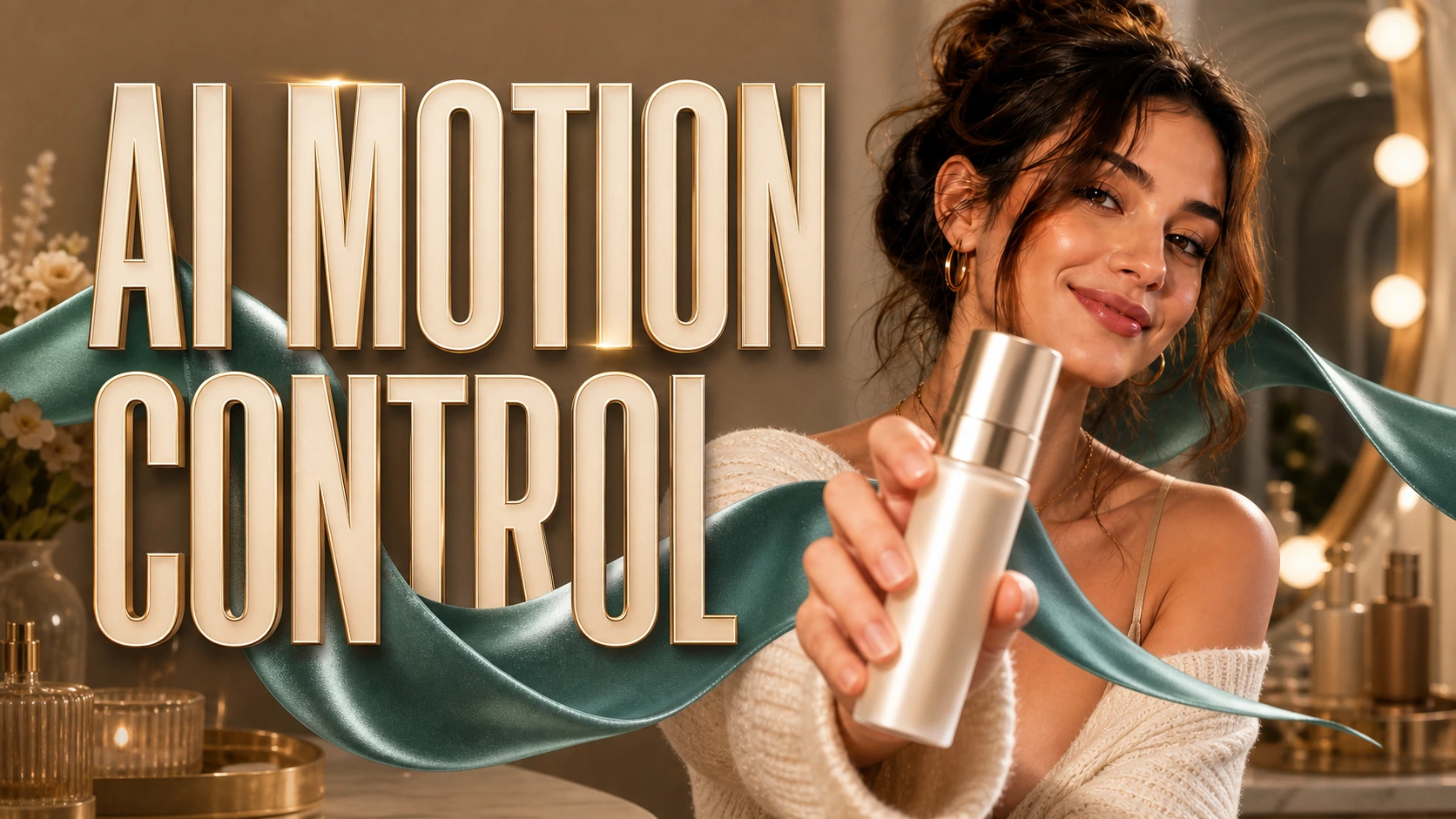
如何使用 AI 動作控制來製作精準的 TikTok UGC 影片
AI 動作控制為 TikTok 創作者提供了一種更直接塑造動作的方式,而不必寄望於文字提示能產生正確的手勢。透過結合來源影像與參考動作影片,你可以引導虛擬主持人、虛擬化身、吉祥物或角色完成明確設定的表演,並打造具有更可重複的動作、更乾淨的節奏,以及更強創意意圖的 UGC 影片概念。
閱讀更多
2026-07-16
Gemini Omni Flash 用於 UGC 影片:它可能改變什麼,以及創作者現在能用什麼
了解 Gemini Omni Flash 可能為 UGC 影片帶來哪些改變、對話式剪輯如何改善廣告測試,以及創作者今天就能透過 UGC Maker 使用哪些工具。
閱讀更多
2026-07-09
Seedance 2.5 vs Seedance 2.0 用於 UGC 廣告:哪個 AI 影片模型更適合創作者?
比較 Seedance 2.5 與 Seedance 2.0:針對 UGC 廣告、創意測試、產品示範、TikTok 廣告,以及面向「現在線上的」短影音行銷人之 UGC Maker AI 工作流程
閱讀更多
2026-06-25
免費 UGC 影片製作工具:使用 UGC Maker AI 製作 AI UGC 廣告
立即使用 UGC Maker AI,作為 UGC 影片創作者的免費試用工作流程,用於口播(對鏡頭)廣告、產品示範、Hook 測試、腳本、CTA(行動呼籲)以及廣告變體測試。
閱讀更多
2026-06-11
Higgsfield 超級電腦替代方案:這對 AI 創意工作流程意味著什麼,以及為何 UGC Maker 是一個實用的選擇
比較 Higgsfield Supercomputer 與 UGC Maker 在 AI UGC 廣告、TikTok 影片、產品示範、UGC 圖像,以及團隊可落地的活動創意工作流程上的差異。
閱讀更多
2026-05-21
UGC AI 影片提示詞:12 個可直接複製貼上的範本,打造更出色的廣告
適用於 TikTok、Reels、Shorts 與付費社群廣告的可直接複製使用 UGC AI 影片提示詞,並附有評論、示範、見證、鉤子、CTA 與廣告測試的範本。
閱讀更多