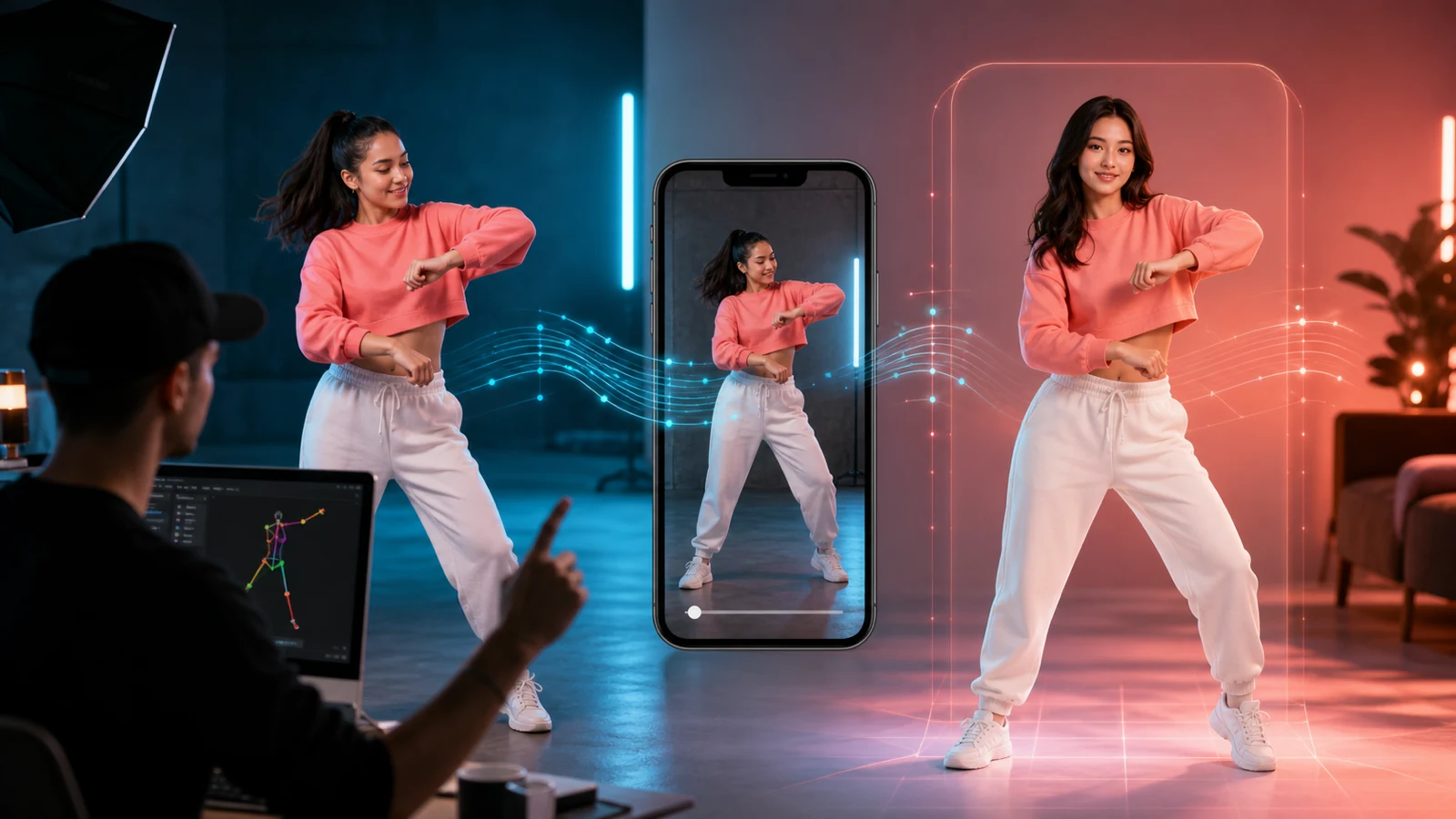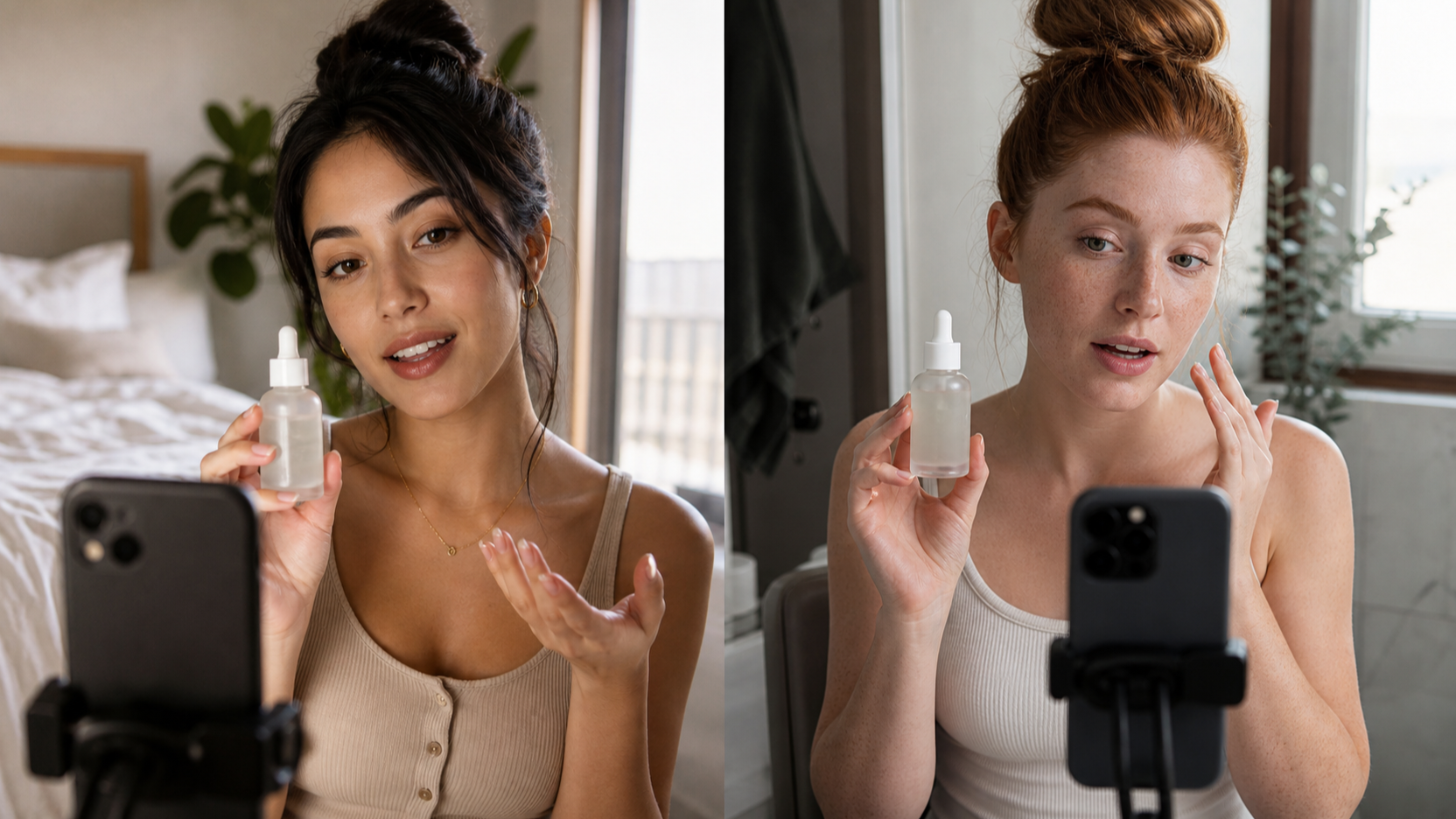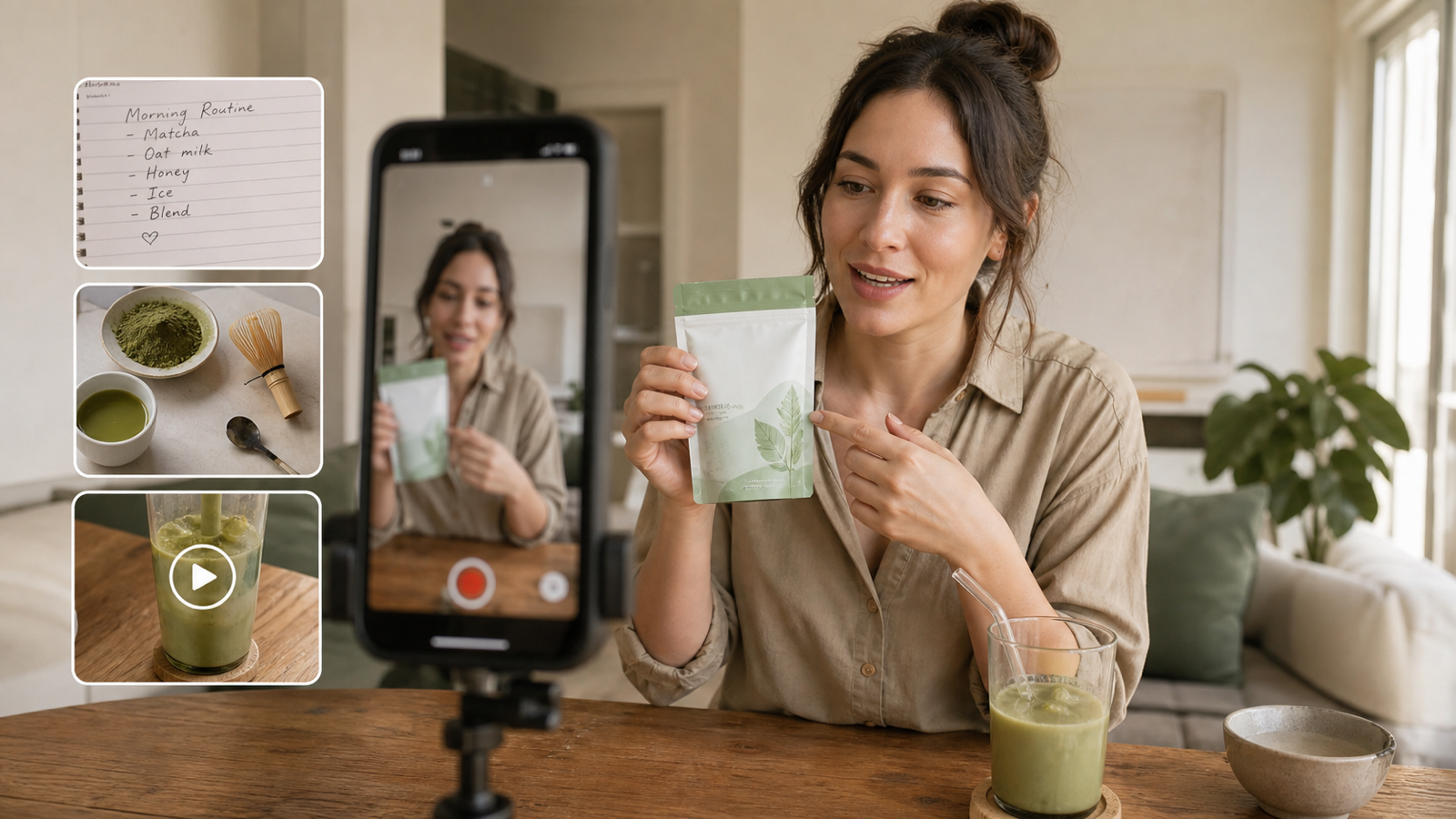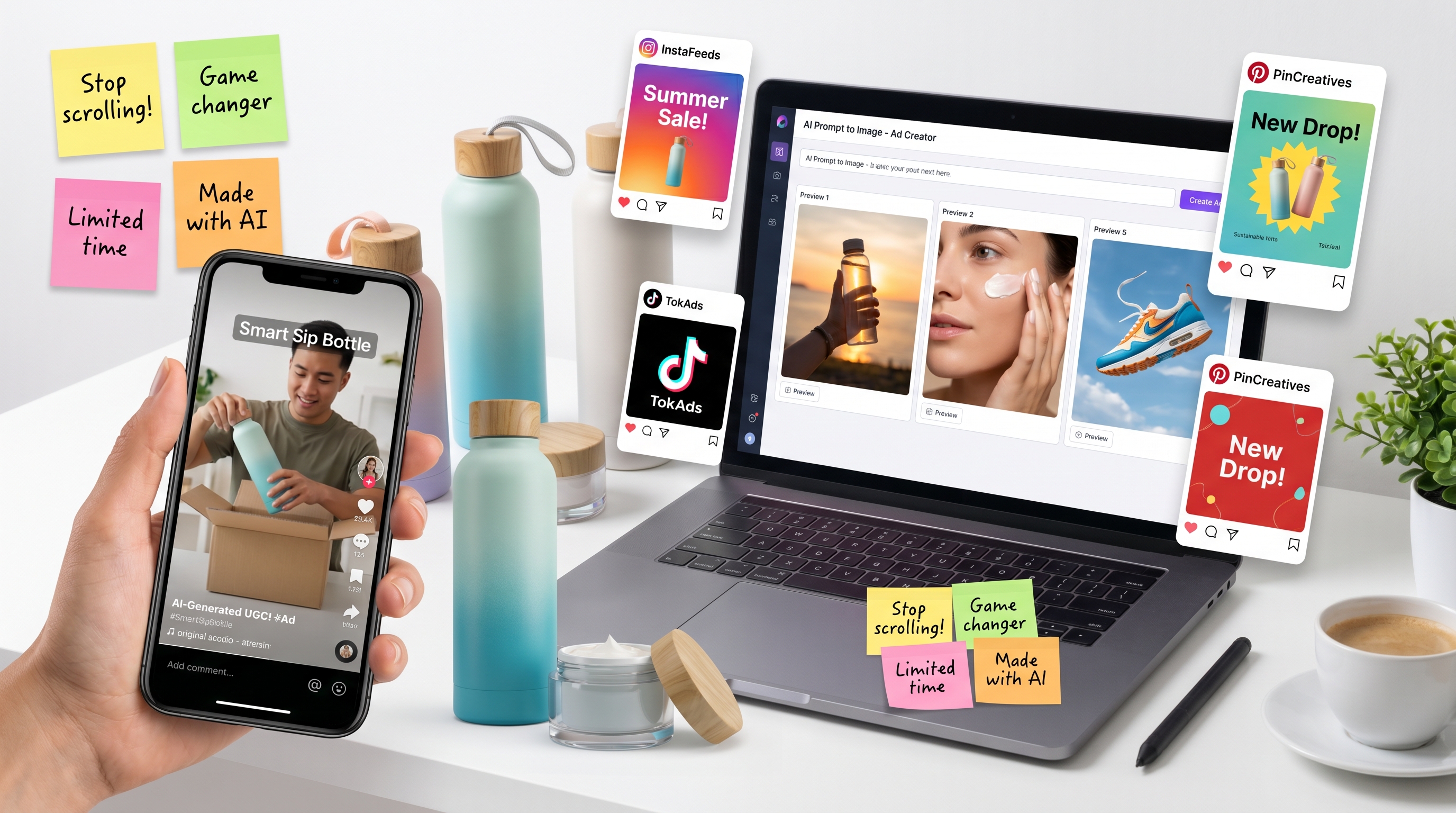
UGC content works because it feels close to real life. A polished studio ad can look beautiful, but a casual creator-style image can feel more believable: a product on a bathroom counter, a founder packing orders at midnight, a snack bag caught in the glow of an open fridge, or a simple poster that looks like something a creator would actually post.
That is why prompt writing matters so much. With ChatGPT Image 2, the goal is not only to create a pretty picture. The goal is to describe a small, specific, believable moment that could become a TikTok hook, Instagram ad, ecommerce visual, poster, meme, or campaign concept. The stronger the creative brief, the more useful the image becomes.
For creators and small brands, this is especially helpful. You may not have a studio, actors, props, lighting, and a full creative team ready every day. But you can still build image concepts that look natural, test different hooks, and turn one product idea into multiple visual directions. The key is learning how to prompt like a content creator, not like a machine.
Start With the UGC Moment, Not the Product Alone
A common beginner mistake is prompting only the product: “Create an ad for a water bottle” or “Make a skincare poster.” That usually gives you something generic. UGC-style content needs context. Where is the product? Who is holding it? What just happened? Why would someone stop scrolling?
A stronger prompt begins with a moment. For example, instead of asking for a simple product photo, ask for a creator holding a reusable bottle on a sunny sidewalk while friends blur in the background. Instead of a clean skincare ad, ask for a bathroom mirror selfie with morning light, a towel on the counter, and the product held close to the camera.
This is where ChatGPT image generation becomes useful for UGC. It can help you visualize the kind of casual scene that usually requires a photoshoot. You can test a cozy morning version, a funny late-night version, a founder-story version, or a polished product-poster version before committing to one direction.
Think like a creator asking: “What is the screenshot moment?” If the image looks like a frame from a real video, a phone photo, or a creator post, it will usually feel more native to social platforms.
Use a Simple Prompt Formula: Scene, Subject, Hook, Product, and Rules
The easiest way to write better UGC prompts is to use a repeatable structure. You do not need complicated language. You need clarity.
Start with the format. Is it a 9:16 TikTok-style image, a 4:5 Instagram poster, a square meme ad, or a clean ecommerce product visual? Then describe the scene. A bedroom floor, café table, kitchen counter, messy desk, city sidewalk, bathroom mirror, or living room can instantly make the image feel more human.
Next, describe the subject. Is there a creator, founder, pet, friend group, hand model, or product-only setup? Give the subject a natural action: holding the product, opening a box, pointing at a phone, reaching for a bottle, laughing with friends, or reacting with surprise.
Then write the hook text exactly. For example: “Wait… this actually worked?” or “I did NOT expect it to look this good.” Put the text in quotation marks and tell the model where it should appear. Finally, add rules: no extra text, no watermark, keep the product readable, keep the typography clear, avoid fake claims, and avoid fake logos.
A practical structure looks like this:
Create a [format] for [platform or use case].
Scene: [realistic place].
Subject: [creator, product, or action].
Mood: [funny, honest, cozy, premium, chaotic, etc.].
Text on image: "[exact words]".
Composition: [where the product, face, text, and CTA should appear].
Constraints: no extra text, no watermark, keep typography readable.
This approach helps the ChatGPT image model understand the creative intention. It also keeps the output closer to ad-ready instead of turning into a random aesthetic image.
Prompt Different UGC Formats for Different Jobs
Not every UGC image should look the same. A TikTok hook image, an Instagram product poster, a founder story, and a funny meme ad all need different prompt logic.
For TikTok-style UGC ads, prioritize vertical framing, a strong facial reaction, simple overlay text, and a product that is visible immediately. The image should feel like a paused video. Prompts such as “front-camera selfie,” “mirror selfie,” “paused TikTok frame,” or “casual iPhone photo” can help create that feeling.
For Instagram posters, you can be more designed. Use a 4:5 layout, clean negative space, lifestyle props, and polished typography. A perfume bottle on a café table, a water bottle on a sunny desk, or stationery arranged in a colorful flat lay can all work well.
For ecommerce ads, keep the product clear and readable. A good ecommerce-style UGC prompt should show the product in use, not floating in an empty void. Show it in a bag, on a counter, in a hand, beside a laptop, or next to the problem it solves.
For fun content, loosen the rules and make the idea more playful. A fake movie poster called “ONE MORE CART,” a fake magazine cover about romanticizing your to-do list, or a snack meme about “just one bite” can make your brand feel more human.
Used well, GPT Image 2 can support both serious ad production and casual content experiments. That flexibility is useful because not every visual has to be a final campaign asset. Some images are for testing hooks, finding a vibe, or pitching an idea.
Make the Image Feel Human, Not Overproduced
The best UGC-style images are usually not perfect. They need small human details: a slightly messy desk, natural skin texture, imperfect tissue paper, a half-full coffee cup, a towel on the sink, or a casual outfit. These details make the image feel like it came from someone’s day, not a stock photo library.
Avoid overusing words like “flawless,” “ultra-perfect,” or “luxury masterpiece” unless you truly want a polished brand campaign. For creator content, phrases like “realistic phone photo,” “casual camera roll image,” “natural indoor lighting,” “slightly imperfect framing,” and “authentic UGC style” usually work better.
Emotion matters too. Instead of asking for a person who is “happy,” describe a more specific expression: tired but proud, surprised but believable, caught in the act, relieved, excited, skeptical, or laughing naturally. These emotional details make the image more clickable.
Text also needs discipline. UGC ad text should be short enough to read in one second. A line like “This fixed my messy desk” is stronger than a long explanation. A caption like “POV: you said you weren’t hungry” is more social-native than a formal slogan.
When prompting ChatGPT Image 2, always tell it to keep the text perfectly legible and include no extra words. This is especially important for posters, meme ads, and product visuals where the copy is part of the design.
Build Platform-Specific Variations
A single prompt can become a whole mini-campaign if you adapt it by platform. For TikTok or Reels, use 9:16 vertical images with big hook text and a creator in the frame. For Instagram feed, use 4:5 posters with stronger composition and cleaner design. For ecommerce, create product-in-use images with fewer distractions. For paid social, keep the message direct and the CTA visible.
For example, one iced coffee product could become four different visuals. One version shows a creator holding the drink during a morning desk reset. Another shows a late-night fridge scene with funny snack energy. A third looks like a casual camera-roll summer photo. A fourth becomes a clean “limited drop” poster for paid ads.
This variation mindset is important because creators rarely know the winning angle immediately. You may think the premium version will perform best, but the funny version might get more clicks. You may love the founder story, while your audience responds to the simple before-and-after visual.
This is where UGCMaker can fit into the workflow. You can start with static image concepts, then expand the strongest ideas into broader UGC assets using tools such as UGC Maker AI, AI Image Generator, and AI UGC Maker. The practical workflow is simple: generate a visual idea, test the hook, refine the image, then turn the best concept into a larger ad direction.
Turn One Prompt Into a Repeatable Creative System
The smartest way to use AI for UGC ads is not to chase one perfect image. It is to build a repeatable system. Start with a product, choose three angles, write three hooks, and generate three visual styles. Then compare which image feels clearest, most human, and easiest to understand.
For each product, you can test a funny version, a practical version, and an aspirational version. The funny version might use a meme or POV caption. The practical version might show the product solving a problem. The aspirational version might show the product inside a lifestyle scene.
From there, you can build a small creative library: one hero poster, one TikTok hook image, one founder story, one product flat lay, one testimonial-style visual, and one meme-style post. This gives creators more content options without starting from zero every time.
For teams that want to move from manual testing to scaled production, the ChatGPT Image 2 API can also be part of a larger workflow. It is especially useful when you need repeatable prompt structures, multiple campaign variations, or image generation connected to a product, ecommerce, or ad-testing system.
The real advantage is not just speed. It is creative range. With the right prompts, you can explore more angles, make better decisions, and create UGC-style visuals that feel less like generic AI output and more like content people might actually stop to look at.
Prompt Bank: Ready-to-Use UGC Prompts
1. Beauty Product Selfie Ad
Create a photorealistic 9:16 vertical UGC-style ad image that looks like an authentic iPhone mirror selfie. A creator stands in a bright bathroom holding a skincare bottle close to the camera. The counter has a towel, hair clip, water glass, and morning sunlight. Add the exact text: "3 days in and my skin looks calmer." Use clean white social-caption typography. Keep the product label readable. No extra text, no watermark, no fake medical claims.
2. Product Unboxing UGC Image
Create a 9:16 vertical UGC-style unboxing image. A creator sits on a bedroom floor opening a delivery box with tissue paper, stickers, and product cards around them. The creator holds the product toward the camera with a surprised smile. Add the exact text: "I did NOT expect it to look this good." Make it feel casual, warm, and believable. No extra words, no watermark, no distorted hands.
3. Funny Snack Ad
Create a square meme-style UGC ad for a spicy snack. A person sits on a couch eating the snack with a dramatic expression. The snack bag is clearly visible in the center. Add the exact text: "Me: just one bite" at the top and "Also me:" near the bottom. Make it funny, realistic, and social-media-ready. No real brand names, no watermark, no extra text.
4. Founder Story Ad
Create a photorealistic 9:16 UGC-style image of a small business founder packing orders at a kitchen table. Shipping boxes, thank-you cards, and product units are around them. The founder holds one product toward the camera with a proud but tired smile. Add the exact text: "We packed every order ourselves." Warm indoor light, honest small-business feeling, no fake awards, no watermark.
5. Premium Lifestyle Poster
Create a 4:5 Instagram product poster for a premium water bottle. Scene: sunny desk setup with laptop, notebook, sunglasses, and the bottle standing upright with condensation. A hand reaches into frame to grab it. Add the exact text: "Hydration that keeps up." Use clean modern typography and clear negative space. Product should be sharp and centered. No extra words or fake logos.
Recommended UGCMaker Tools
After creating static image ideas, creators can use UGCMaker to expand those concepts into broader UGC assets.
Use UGC Maker AI as the main creative workspace for developing UGC-style ad concepts, social visuals, and creator-led campaign ideas.
Use the AI Image Generator when the goal is to create product images, ecommerce visuals, posters, and lifestyle-style social assets.
Use AI UGC Maker when you want to move from static visuals into UGC-style video ideas, avatar content, product demos, or creator-style ad variations.
Related Article
-
How to Make UGC Images in Minutes with UGC Maker Recommended for readers who want a practical workflow after learning prompt basics.
-
Kling 3.0 UGC Video Guide: Prompt, Audio, and Ad Variants Recommended for readers who want to move from static UGC ad images into video ad production.
-
UGC AI Image Generator Guides Recommended for readers who want more examples of image prompts, ecommerce visuals, and campaign-ready UGC image ideas.
People Also Read
-
ChatGPT Image 2 Prompting and Creative Use Cases Good for readers who want to understand the model’s creative strengths for ads and visual campaigns.
-
AI Video Ad Creation With Image-to-Video Models Good for readers who want to turn UGC posters into short-form ad videos.
-
AI Image Editing for Social Avatars, Posters, and Product Photos Good for creators building personal-brand visuals and viral social content.
-
UGC-Style Product Photography With AI Image Generators Good for ecommerce brands that need fast lifestyle images.
-
AI Background Removal and Product Ad Design Guides Good for users who want cleaner product visuals before creating UGC-style posters.
-
Nano Banana, Seedream, and Other AI Image Model Comparisons Good for readers comparing alternative image models for ad creatives.
Final Recommendation: Access GPT Image 2 API on Flaq AI
If you want to move beyond one-off image creation and build a repeatable workflow for UGC ads, product posters, ecommerce visuals, and creator-style campaign images, you can access the ChatGPT Image 2 API on Flaq AI. It is a practical option for teams that want to test prompts online, generate campaign variations, or connect GPT Image 2 into a larger creative production system.