A good UGC video prompt is not the same as a normal AI video prompt. A normal prompt may focus on cinematic visuals, beautiful lighting, or a dramatic camera move. A UGC prompt needs something more practical: a quick hook, a believable creator, a real product moment, a short demonstration, an emotional reaction, and a clear CTA.
That is why UGC prompts for Seedance 2 should be written like short-form ad directions, not like movie scenes. Seedance 2.0 can help create expressive motion, product moments, and creator-style clips, but the result feels much more native when the prompt includes the rhythm of TikTok, Reels, Shorts, and e-commerce ads.
This guide shows how to structure Seedance 2 UGC prompts for beauty, fashion, gadgets, apps, SaaS, food, fitness, home products, and product demos. It also explains how to use UGCMaker AI tools around Seedance 2.0 to build a full ad creative workflow.
1. Why Seedance 2.0 Works Well for UGC-Style Videos
UGC-style ads work because they feel quick, personal, and low-friction. The viewer should understand the problem, see the product, notice a useful moment, and know what to do next within a few seconds. This is where the Seedance 2.0 AI Video Generator can be useful: it gives creators a motion layer for short-form concepts, product demos, creator reactions, and fast ad variation testing.
Seedance 2.0 is especially relevant for UGC because short creator ads depend on motion more than polish. A hand picking up a product, a quick face-to-camera reaction, a before-and-after scene change, a product close-up, or a phone-screen walkthrough can communicate faster than a static image.
The goal is not to make every clip look like a luxury commercial. In fact, overly cinematic AI video can feel fake in a UGC feed. A strong Seedance 2.0 prompt should feel like something a creator could actually record in a bedroom, bathroom, kitchen, car, gym, office, or small studio.
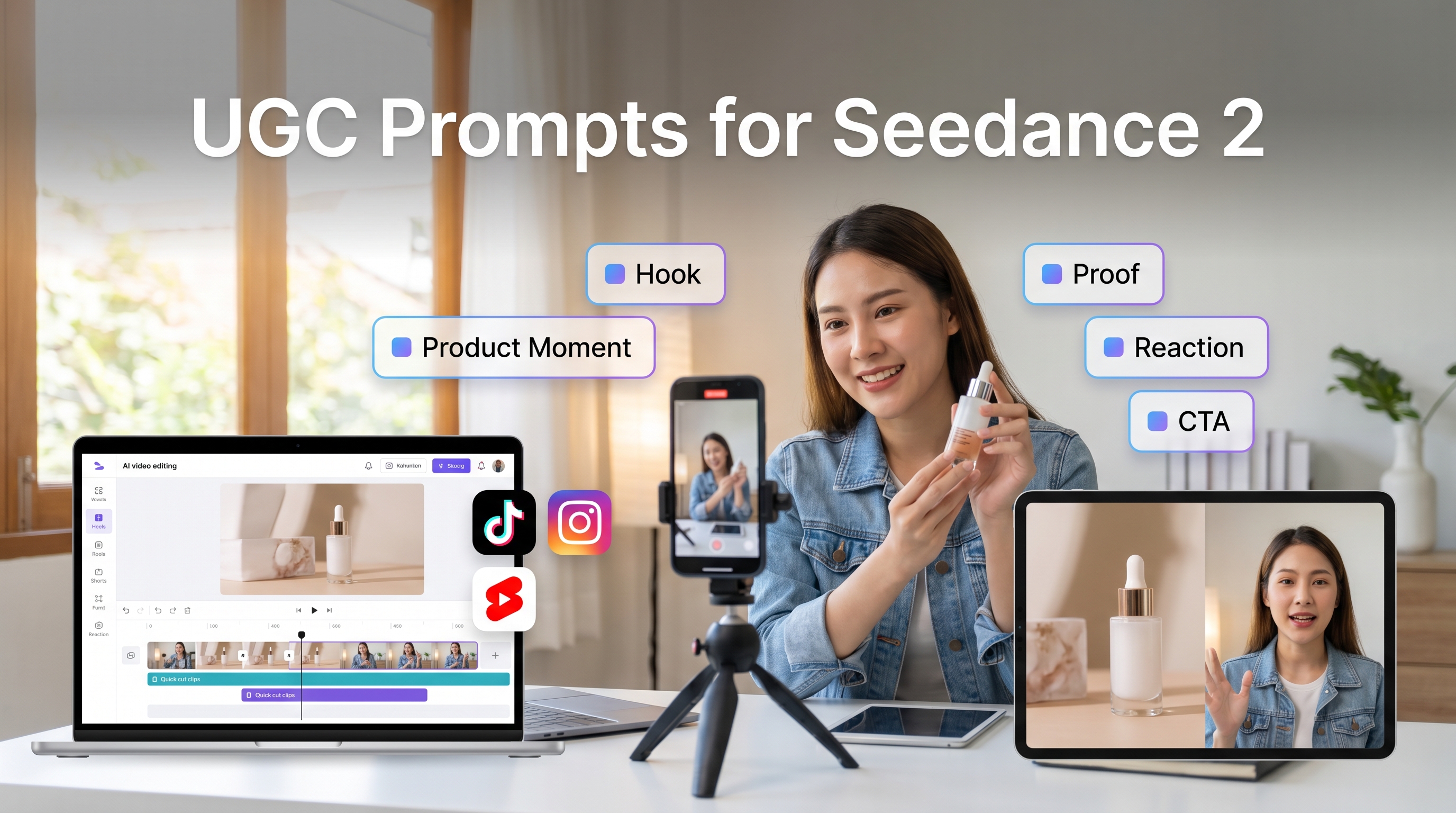
2. The UGC Prompt Formula: Hook, Product, Proof, Reaction, CTA
The best UGC prompt formula is:
Creator + Setting + Hook + Product Moment + Demonstration + Emotion + Camera Movement + CTA
The creator is the person or perspective in the clip: a skincare creator, busy parent, student, founder, fitness beginner, small-business owner, or everyday shopper. The setting makes the video feel real. A kitchen counter, bathroom mirror, messy desk, gym bag, or apartment hallway often feels more native than a perfect studio.
The hook is the first line or visual moment. It should answer why the viewer should keep watching. The product moment is where the item appears early and clearly. The demonstration shows use: applying serum, opening a package, comparing two outfits, tapping through an app, pouring a drink, or organizing a shelf. Emotion is the human reaction: surprise, relief, curiosity, confidence, or “I wish I found this earlier.” Camera movement controls pacing. The CTA tells viewers what to do next.
For example, a weak prompt would be: “Make a nice skincare ad video.” It has no creator, no hook, no proof, and no platform rhythm.
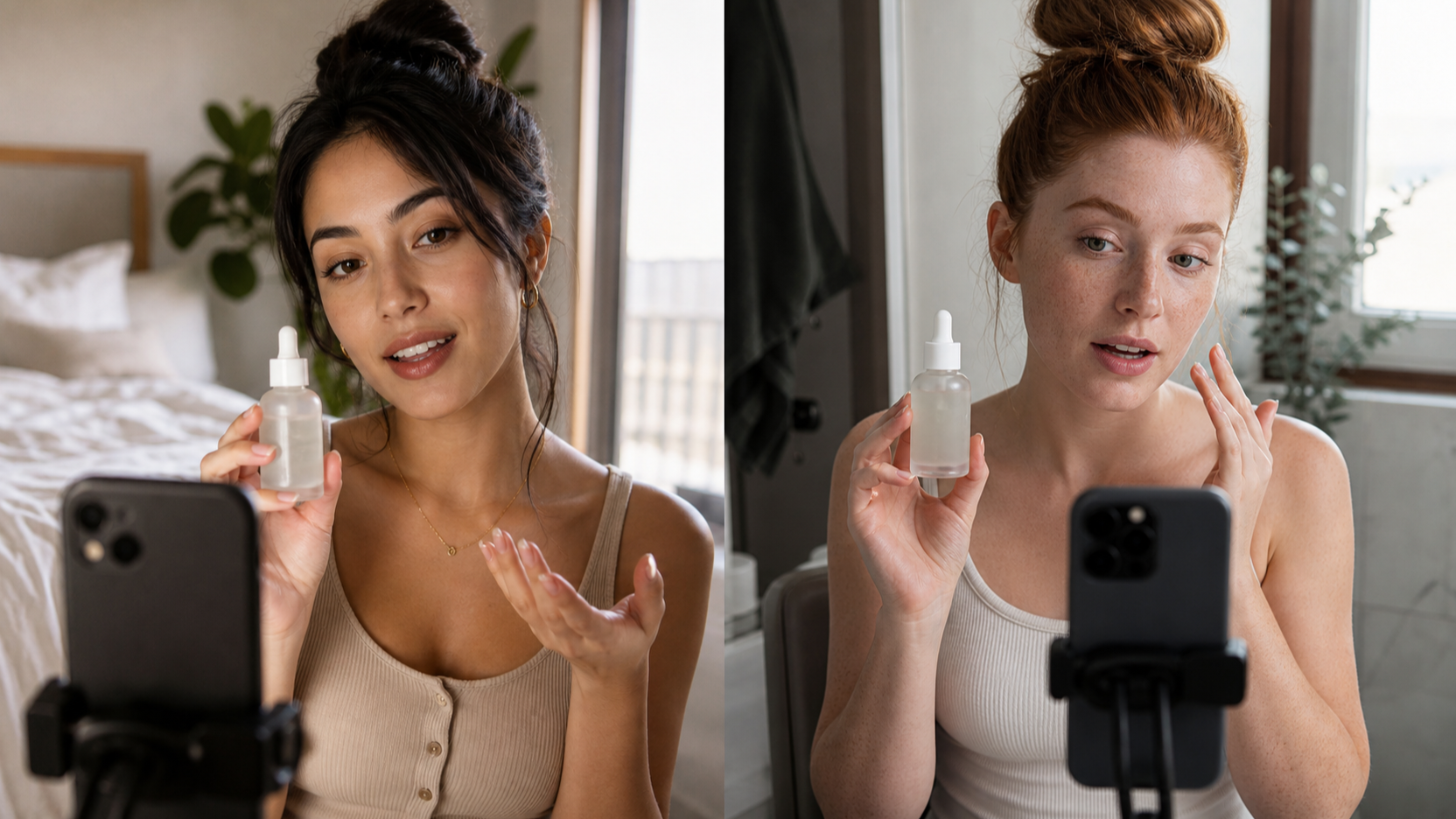
A stronger prompt for Seedance 2.0 for UGC ads would be: “Create a vertical TikTok-style UGC ad featuring a skincare creator in a bright bathroom. Start with a face-to-camera hook: ‘I didn’t expect this to make my morning routine faster.’ Show the creator holding the product in the first two seconds, applying it once, then reacting with a natural smile. Use handheld phone-style camera movement, quick cuts, soft daylight, realistic bathroom background, and end with the CTA: ‘Try it in your routine this week.’”
If you want to plan the creator angle first, the AI UGC Maker can help shape the ad direction before you generate video motion.
3. Prompt Patterns for Different UGC Ad Types
A problem-solution ad should begin with a specific pain point. For example: “My desk cables always looked messy.” Then show the product solving the problem in one clear action. This pattern works well for home, tech, productivity, and lifestyle products.
A testimonial ad should feel personal, but it must not invent fake claims. Use placeholders such as “[insert verified claim]” or “[insert real customer quote].” The prompt should describe a creator speaking casually, showing the product, and reacting naturally.
An unboxing ad should focus on curiosity. Start with the package, show hands opening it, reveal the product, then move into a first impression. Keep the camera handheld and close enough to see texture, packaging, and reaction.
A product demo ad should be direct: show what the product does, how it works, and what changes after using it. The UGC Ads Generator can support this kind of conversion-oriented structure when you need multiple variations.
A before-and-after concept should be clear but not misleading. For beauty, fitness, health, or finance-related claims, avoid exaggerated promises. Use verified, modest language and show a visual contrast only when it is appropriate.
An app walkthrough should show the phone screen, the user’s hand, and one simple feature. The Product to Video workflow can help when the product itself is the center of the ad, while the TikTok Video Generator is useful when you want vertical short-form pacing.
4. Seedance 2.0 Prompt Examples You Can Copy
When writing prompts for Seedance 2.0 TikTok videos, keep them short but complete. A good prompt should tell the model who is on screen, where they are, what happens first, when the product appears, how the camera moves, and what the CTA says.
The Seedance 2 video generator is best treated as the motion and scene layer. You still need ad logic. For a beauty product, ask for a mirror setup, product close-up, application, and reaction. For a gadget, ask for unboxing, close-up, use case, and result. For an app, ask for a hand holding a phone, screen interaction, facial reaction, and short CTA.
Good AI UGC video prompts usually include platform pacing. Use phrases like “vertical 9:16,” “quick cuts,” “first two seconds,” “handheld phone camera,” “creator-style lighting,” and “natural expression.” These details help the video feel native instead of overproduced.
A simple rule: if the prompt sounds like a film trailer, it may not work as UGC. If it sounds like a creator briefing another creator before filming, it is probably closer.
5. How to Build a Full UGC Workflow on UGCMaker AI
UGCMaker AI works best when you use the right tool for each stage of the ad. Start with the idea: What is the product? Who is the viewer? What problem does it solve? What proof can you honestly show? What reaction should the creator have?
If you need product or lifestyle stills, use the UGC Image Generator or AI Image Generator to create visual assets. These can help you define product placement, background, color mood, and creator setting before moving into video.
Then use the Seedance 2.0 AI Video Generator for motion: a hand grabbing the product, a creator turning toward the camera, a product close-up, or a quick scene change. If you need a broader video workflow, test the AI Video Generator. If you already have a strong image, use Image to Video AI. If you want to start from a written concept, use Text to Video AI.
After that, create ad variations. Test different hooks, product moments, scene orders, and CTAs. One version can feel like a testimonial, another like a product demo, and another like a fast TikTok reaction. UGC is about iteration, not one perfect video.
6. Common Mistakes That Make AI UGC Prompts Feel Fake
The first mistake is making the prompt too cinematic. UGC should feel native to the feed. Fix it by asking for handheld camera movement, natural lighting, imperfect real-world settings, and quick creator-style pacing.
The second mistake is missing the hook. If nothing interesting happens in the first two seconds, the video feels slow. Fix it by starting with a direct line, surprising product moment, or visible problem.
The third mistake is showing the product too late. In most UGC ads, the product should appear early. Fix it by asking for the creator to hold, open, use, or point to the product within the first few seconds.
The fourth mistake is no human reaction. UGC needs a face, gesture, or emotional shift. Add a natural smile, raised eyebrow, quick laugh, relieved expression, or “I get it now” moment.
The fifth mistake is vague camera movement. “Make it dynamic” is not enough. Use “handheld phone camera,” “quick push-in,” “cut to close-up,” “over-the-shoulder phone screen,” or “fast jump cut.”
The sixth mistake is using celebrities, copyrighted characters, or misleading claims. Avoid prompts that imitate real public figures or protected characters. For testimonials, use verified claims only, or write placeholders like “[insert verified customer result].”
7. Final Recommendation: Who Should Use These Seedance 2.0 UGC Prompts?
These prompts are useful for creators, e-commerce sellers, ad teams, agencies, product marketers, and social media managers who need short-form video ideas quickly. Seedance 2.0 can help create motion, scene variation, product moments, and expressive creator-style visuals. UGCMaker AI helps connect that motion layer to a larger ad creative system.
Use Seedance 2.0 when you need visual movement. Use AI UGC Maker when you need creator direction. Use UGC Ads Generator when you need ad variations. Use image and video tools when you need assets, product clips, or alternate workflows.
The best UGC prompt does not try to impress the model. It gives a clear filming brief: who is speaking, what they show, why the viewer should care, how the product appears, and what action comes next.
Seedance 2.0 UGC Prompt Examples to Copy
1. Beauty Product Problem-Solution Ad
Create a vertical 9:16 TikTok-style UGC ad. Creator type: skincare creator in a bright bathroom. Hook: “My makeup kept clinging to dry patches until I changed this step.” Product moment: creator holds the moisturizer in the first two seconds. Action: apply a small amount, show close-up texture, then cut to smoother makeup application. Emotion: relieved and pleasantly surprised. Camera: handheld phone camera, quick cuts, soft daylight. CTA: “Try it before your next makeup routine.” Use “[insert verified claim]” only if needed.
2. Skincare Testimonial-Style UGC
Create a testimonial-style Reels ad with a casual skincare user sitting near a window. Hook: “I wanted something simple enough to actually use every night.” Product appears immediately in hand. Show the user applying the product, looking in the mirror, and smiling naturally. Include a text-card moment with “[insert real customer quote].” Camera: close-up, handheld, natural light, authentic pacing. CTA: “See if it fits your routine.”
3. Fashion Try-On Reaction Clip
Create a vertical fashion UGC clip in a bedroom mirror setup. Hook: “I didn’t think this jacket would work with three outfits, but watch.” Product moment: creator holds the jacket, then quick cuts to three outfits. Emotion: confident, playful, surprised. Camera: phone mirror angle, jump cuts, natural bedroom lighting. CTA: “Which look would you wear?”
4. Gadget Unboxing Video
Create a short UGC unboxing ad for a compact desk gadget. Setting: small home office desk. Hook: “This tiny thing fixed the most annoying part of my desk setup.” Show hands opening the package, close-up of the gadget, one clear use case, and a quick before-and-after desk shot. Camera: handheld close-up, fast cuts, realistic desk clutter. CTA: “Check it out if your setup needs this.”
5. App Walkthrough TikTok Ad
Create a TikTok-style app walkthrough. Creator type: busy student at a café table. Hook: “I use this whenever my week starts getting messy.” Product moment: phone screen appears in the first second. Action: show tapping through one feature, adding a task, and seeing a clean dashboard. Emotion: calm and relieved. Camera: over-the-shoulder phone shot, quick screen close-up, natural café lighting. CTA: “Try it for your next busy week.”
6. SaaS Founder-Style Explainer
Create a founder-style UGC ad for a SaaS dashboard. Setting: small office desk, laptop open. Hook: “We built this because teams were losing hours to manual updates.” Product moment: founder points to the dashboard on screen. Action: show one workflow before and after using the product. Emotion: confident but casual. Camera: face-to-camera intro, cut to laptop close-up, quick return to founder. CTA: “Book a demo if this sounds familiar.” Use “[insert verified metric]” only if supplied.
7. Fitness Product Demo
Create a vertical fitness UGC ad in a home gym. Hook: “This made my quick workouts feel way less chaotic.” Product moment: creator picks up the fitness accessory immediately. Action: show setup, one exercise, and a post-workout reaction. Emotion: energetic and satisfied. Camera: handheld phone camera, quick cuts, natural indoor lighting. CTA: “Add it to your next home workout.” Avoid medical or guaranteed performance claims.
8. Food Product Taste Reaction
Create a short food UGC video in a kitchen. Hook: “I tried this because I needed a snack that didn’t feel boring.” Product moment: package shown in the first two seconds. Action: open package, pour or plate the product, take one bite, react naturally. Emotion: curious, then pleasantly surprised. Camera: handheld kitchen counter close-ups, warm daylight, fast pacing. CTA: “Save this for snack ideas.”
9. Home Product Before-and-After Clip
Create a home product UGC clip showing a messy counter before and a cleaner setup after. Hook: “This corner was driving me crazy.” Product moment: creator places the organizer on the counter. Action: quick before shot, product setup, after reveal. Emotion: relieved and proud. Camera: handheld, quick push-in, clean final close-up. CTA: “Try this if your counter looks like my before shot.”
10. E-Commerce Sale Announcement
Create a vertical creator-style sale announcement. Setting: creator at a desk with the product beside them. Hook: “Quick heads up: this is the one I’d grab before the sale ends.” Product moment: product shown immediately. Action: show two close-up benefits and one lifestyle use. Emotion: excited but natural. Camera: face-to-camera, product close-up, fast cuts. CTA: “Tap through before the deal ends.” Do not include unsupported discount numbers.
11. Creator-Style Product Comparison
Create a short UGC product comparison video. Creator type: everyday shopper in a bedroom or office. Hook: “I tested the old way versus this, and the difference was obvious.” Product moment: show both options side by side. Action: demonstrate one practical difference, then react naturally. Camera: handheld, split-screen style if possible, close-up product shots. CTA: “Pick the one that fits your routine.” Use only verified comparison points.
12. Three-Shot UGC Ad Structure
Create a 9:16 three-shot UGC ad. Shot 1: creator faces camera and says, “I almost skipped this, but it solved [problem].” Shot 2: product close-up in use, with a clear demonstration and natural hand movement. Shot 3: creator reacts with a small smile and says, “This is staying in my routine.” Camera: handheld phone style, quick cuts, natural light, native TikTok/Reels pacing. CTA: “Try it and see if it works for you.”
Recommended UGCMaker AI Tools for UGC Video Workflows
- Seedance 2.0 AI Video Generator — useful for generating short-form motion, product moments, creator reactions, and UGC-style clips.
- AI UGC Maker — helpful for shaping creator-style ad direction before building video variations.
- UGC Ads Generator — practical for conversion-oriented ad concepts, hooks, CTAs, and product-focused variations.
- UGC Image Generator — useful for creating product and lifestyle stills before moving into video.
- AI Image Generator — helpful for building visual assets, thumbnails, and background concepts.
- AI Video Generator — useful for general video generation beyond one model workflow.
- Product to Video — practical when your product image or listing asset is the center of the ad.
- Image to Video AI — helpful for animating a product photo, creator still, or lifestyle image.
- Text to Video AI — useful when you want to start from a written scene or ad concept.
- TikTok Video Generator — designed for vertical short-form video pacing and platform-native concepts.
- HappyHorse 1.0 — worth testing for alternative UGC motion styles and short ad experiments.
- Nano Banana 2 — useful for image-based ad assets, product scenes, and creator-style visuals.
- Kling 3.0 — helpful for motion-heavy short video tests and alternative image-to-video workflows.
Related Articles
- How to Use Seedance 2.0 for UGC Ads That Feel Native
- Seedance 2.0 for TikTok Video Prompts and Short-Form Clips
- UGC Image Generator Guide for Product and Lifestyle Assets
- UGC Ads Generator Workflow for Faster Ad Variations
- HappyHorse 1.0 for UGC Ads and Short Video Ideas
- Nano Banana 2 Image Ad Guide for UGC Creatives
- Product to Video Workflow for E-Commerce Ad Creators
- TikTok Video Generator Guide for Native Short-Form Ads
People Also Read
- AI Video Model Comparisons for Creator Workflows
- Image-to-Video Ideas for Product and Social Ads
- Short-Form Video Prompt Tips for Faster Creative Testing
- AI Image Workflows for Brand and Product Concepts
- Model API Ideas for Advanced Creative Automation
- AI Tool Updates for Video and Image Creators
- AI Music Ideas for UGC Ads and Social Clips
- AI Chat and Image Tools for Prompt Planning
- Virtual Try-On Workflows for Fashion UGC Content