TikTok moves fast, but that does not mean every video has to feel rushed. The best short-form videos usually feel simple, clear, and native to the platform. They hook you in the first second, show you one strong visual idea, and keep moving before your attention drifts.
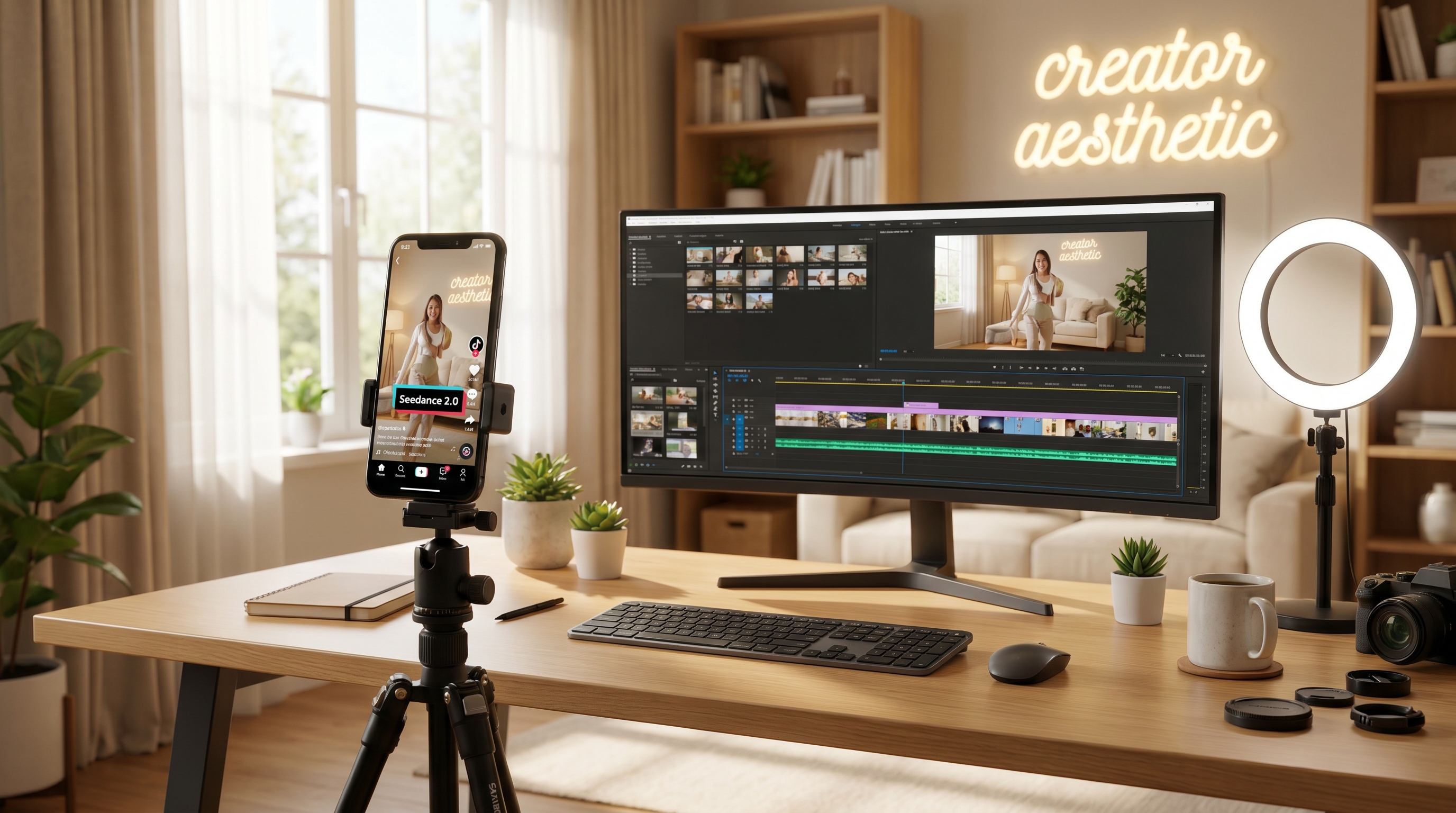
That is why Seedance 2.0 AI video generator is worth paying attention to. It is not just another flashy AI model that makes random motion. For creators, it is more useful as a tool for building vertical videos with stronger consistency, clearer scene direction, and a more intentional TikTok feel.
The big mistake people make with AI video is trying to create “AI content” instead of creating platform-native content. TikTok does not reward clips just because they are technically impressive. It rewards videos that feel immediate, readable, and emotionally clear.
So instead of asking, “What can Seedance 2.0 do?” a better question is, “What kind of TikTok video am I actually trying to make?” Once you start there, the workflow gets much easier.
Why Seedance 2.0 fits TikTok better than people expect
A lot of creators still think of advanced AI video tools as cinematic toys. That is only part of the story. TikTok is full of content that sits somewhere between polished and casual. It is not always raw UGC, but it is not full commercial production either.
That middle space is where Seedance 2.0 AI video generator starts to make sense.
On UGCMaker AI, Seedance 2.0 is framed around multimodal input, native audio, and stronger multi-shot consistency. In practice, that means creators can build short vertical clips that feel more stable and more intentional than the usual “prompt and hope” workflow. If your video needs a cleaner opening shot, better continuity, or a stronger visual rhythm, that matters.
For TikTok creators, the appeal is not only image quality. It is control. The more clearly you can guide the video, the easier it becomes to make content that actually fits a hook, a trend, or a campaign angle.
Think in TikTok formats, not just prompts
One reason AI videos underperform on TikTok is that the creator never chooses a real format. The prompt might describe a scene, but it does not describe a piece of content.
TikTok content usually works best when it follows a recognizable shape. For example:
- a fast product reveal
- a casual “you need to see this” recommendation
- an aesthetic lifestyle clip
- a before-and-after transformation
- a trend-friendly motion sequence
- a soft-sell ad that looks like organic content
Once you pick the format, your direction becomes much clearer. You know how fast the opening should be, whether the product or creator should lead, and what kind of visual payoff the clip needs.
That is also when it becomes easier to choose the right companion tools on UGCMaker.
If your content is creator-led, AI UGC Maker may help shape the social-first delivery. If your goal is a vertical ad angle, UGC ads generator may be the smarter companion. If you need stronger image assets before moving into video, UGC image generator or AI image generator can help you create cleaner starting points.
The key is not to force one tool to do everything. The better approach is to build a simple workflow around the kind of TikTok you actually want to publish.
A creator workflow that makes Seedance 2.0 easier to use
The most useful Seedance 2.0 workflow is usually the least complicated one.
Start by choosing one idea. Not three ideas, not a full campaign, not every benefit your product has. Just one angle.
Then decide what kind of TikTok it is. Is it product-first? Vibe-first? Creator-first? That decision changes how the whole clip should feel.
After that, prepare the input.
If you need a better visual foundation, use UGC image generator to build lifestyle-style assets or AI image generator for broader creative ideation. If you want a more structured ad variation, UGC ads generator gives you a more conversion-minded path.
Then move into Seedance 2.0 AI video generator with a prompt that describes a real TikTok video, not just a random aesthetic mood.
That last part is important. A strong Seedance prompt for TikTok usually includes:
- the subject
- the action
- the setting
- the camera feeling
- the lighting
- the platform tone
- one clear outcome or constraint
That works much better than vague requests like “make a viral TikTok.” Viral is not a visual direction. It is a result.
The TikTok scenarios that work especially well
One of the easiest wins is the fast product hook. This works because TikTok rewards clarity. You do not need five shots of setup. You need one strong visual in the first two seconds, then a quick product use moment, then a payoff.
This is where Seedance 2.0 AI video generator can help create a more controlled version of the vertical product clip. If the motion is readable and the product stays clear, the content feels much easier to use in a real campaign.
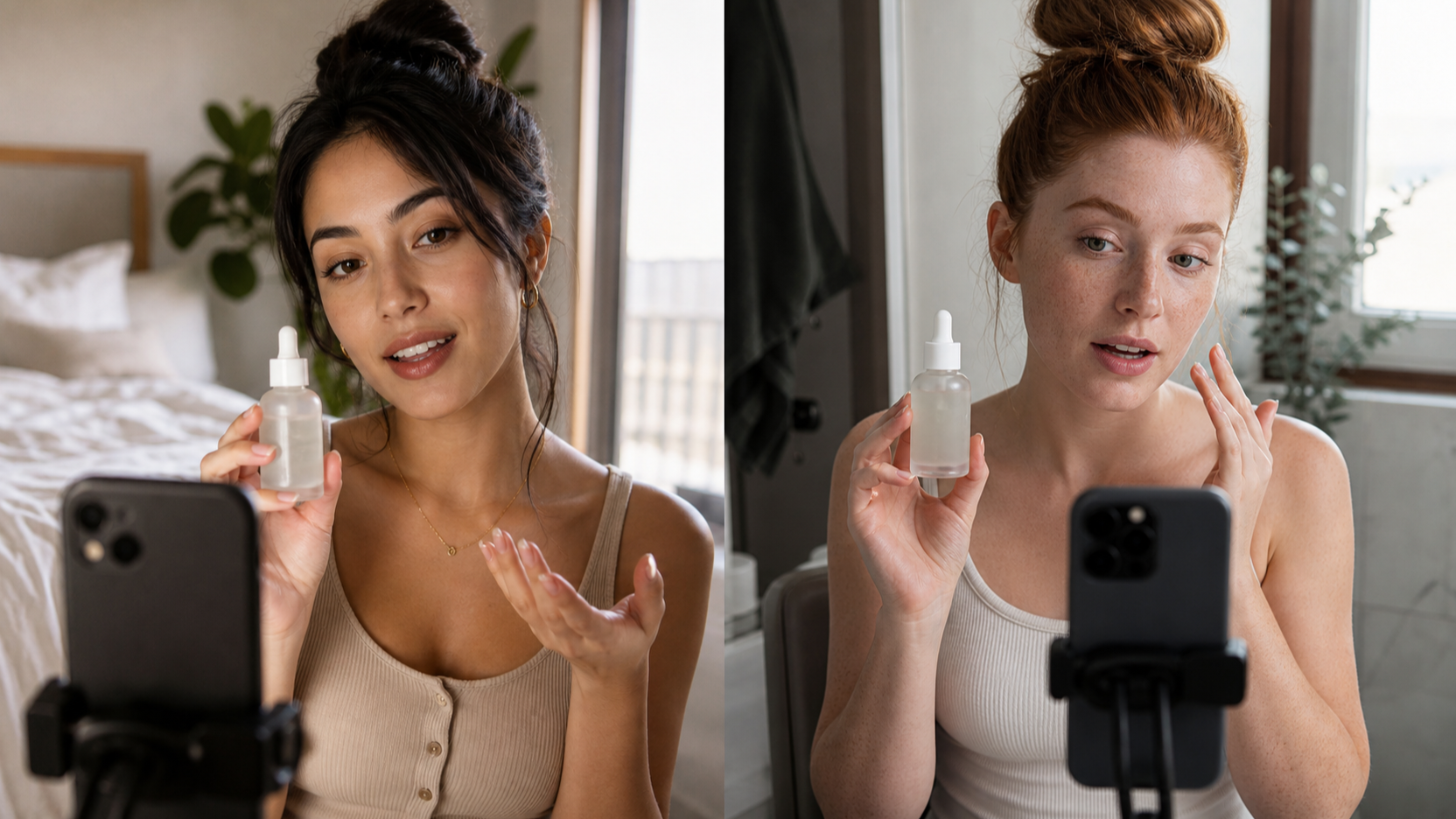
Another strong format is the creator-style recommendation video. This is the “wait, you need to see this” post that feels like a real opinion instead of a brand message. For this kind of content, you can combine Seedance with AI UGC Maker depending on whether the creator presence or the scene itself matters more.
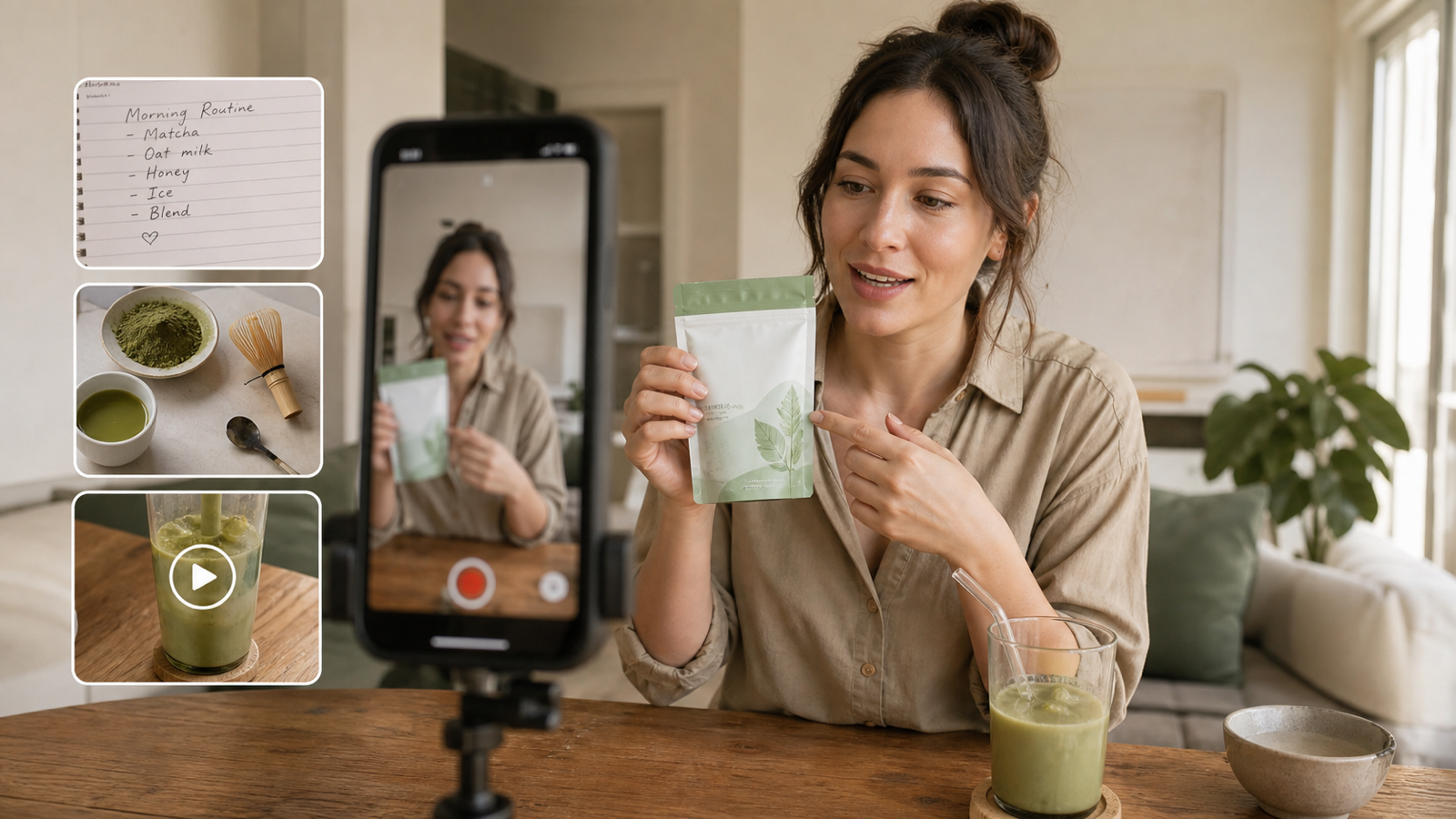
Then there is the aesthetic lifestyle TikTok. This format is less about direct selling and more about mood. It works when the product fits into a routine, a setting, or a feeling. If the look matters first, starting with Seedream 5.0 AI image generator can help you lock in the visual mood before you turn it into motion.
The before-and-after clip is another natural fit. TikTok loves readable contrast. If the transformation is easy to understand on mobile, it can work for beauty, fashion, home, editing-style reveals, and product outcome content. Creating better before and after image assets with UGC image generator or Nano Banana 2 AI image generator can make the video stage much cleaner.
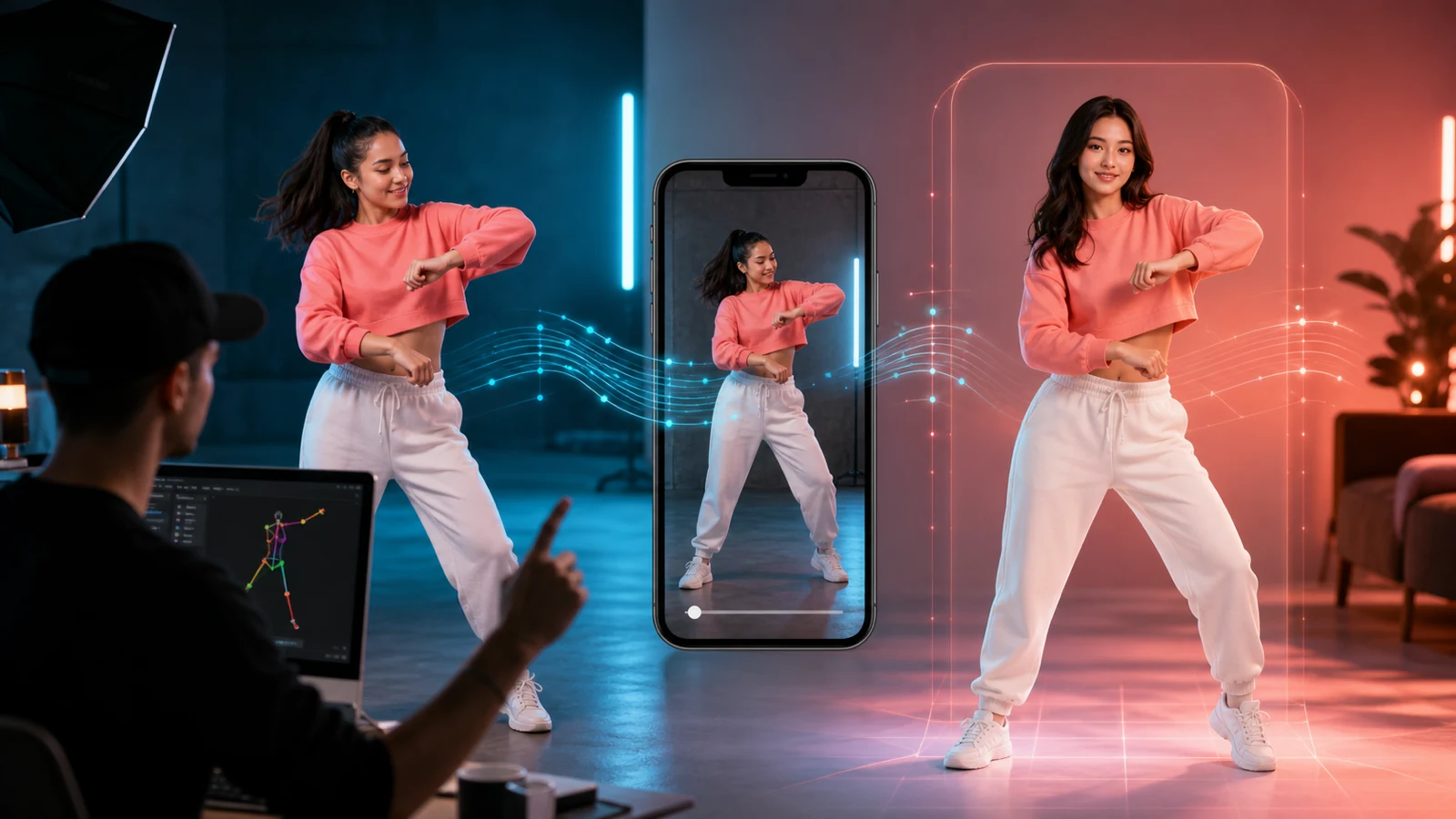
And finally, there is the trend-friendly motion clip. Not every TikTok needs deep storytelling. Some need rhythm, movement, and a format that feels ready for text overlays and music. In those cases, it is worth looking at Kling 3.0 AI video generator as an alternative or companion when you want another motion-focused option inside the same ecosystem.
What actually makes a TikTok-ready prompt better
A lot of prompt advice sounds too technical for creators. The simplest way to improve your results is to describe the clip like you are explaining it to an editor.
Say who is in the frame. Say what they are doing. Say where the clip happens. Say how the camera should feel. Then say what kind of TikTok energy the video should have.
That gives the model something useful to build from.
For TikTok, words like “handheld,” “vertical,” “social-native,” “fast hook,” “natural lighting,” “creator-style,” and “realistic pacing” are often more helpful than stuffing the prompt with dramatic cinematic language that does not match the platform.
It also helps to avoid overbuilding. TikTok videos usually work because they are easy to read. If your prompt tries to cram in too many visual ideas, the result often feels confused.
A better method is to generate a few variations of one concept, compare the first two seconds, and then refine only the strongest option.
The real takeaway for creators
The best way to use Seedance 2.0 AI video generator for TikTok is to stop thinking like a model tester and start thinking like a creator.
You are not trying to prove that AI can make video. You are trying to make content people will actually watch.
That means choosing one clear format, building around one strong hook, and using the rest of UGCMaker AI to support the process instead of doing everything through one prompt box.
That is what makes Seedance 2.0 more useful in practice. It becomes less of a novelty and more of a working part of a short-form content system.
For TikTok, that is what matters most.
Detailed Prompt Examples
1. Fast Product Hook TikTok
Vertical 9:16 TikTok-style product video, fast opening hook, close-up of the product entering frame with strong visual clarity, soft handheld camera energy, bright natural lighting, realistic movement, clean modern background. Show the product being used in one simple way, then end on a satisfying payoff shot that clearly shows the benefit. Make it feel like a real high-performing TikTok ad, not a polished brand commercial.
2. Creator-Style Recommendation TikTok
Vertical TikTok creator-style video, young creator in a bright everyday room, natural body language, slight handheld phone-camera feeling, casual energy as if saying “wait, this is actually kind of good.” Start with a quick reaction shot, cut to the product in hand, then show one short real-world usage moment. Keep facial expression natural, visuals clean, and the overall style social-native rather than cinematic.
3. Aesthetic Lifestyle TikTok
Vertical lifestyle TikTok video with warm morning light, soft camera movement, calm creator aesthetic, product placed naturally in a daily routine scene. Show subtle motion only: hand reaching in, fabric moving lightly, natural head turn, soft sunlight shift. Keep the mood aspirational but believable, like a viral TikTok that feels effortless and quietly polished.
4. Before-and-After Transformation Clip
Vertical transformation TikTok video, begin with a plain or slightly messy before-state, then transition quickly into a cleaner, more attractive after-state. Use a smooth reveal moment, stable framing, realistic textures, and strong visual contrast. The transformation should feel satisfying and easy to understand in under 8 seconds. Keep it social-friendly, clean, and instantly readable on mobile.
5. Trend-Friendly Motion Remix
Vertical TikTok clip designed for fast social engagement, upbeat energy, clear subject motion, strong center framing, quick scene rhythm, and creator-friendly pacing. Use natural but catchy movement, subtle camera drift, and a format that feels ready for hook text and music overlay. Make it look like a trend-aware TikTok video, not a movie trailer.
Recommended Tools on UGCMaker AI
- Seedance 2.0 AI video generator
- AI UGC Maker
- UGC ads generator
- UGC image generator
- AI image generator
- Kling 3.0 AI video generator
- Seedream 5.0 AI image generator
- Nano Banana 2 AI image generator
Related Article
- How to Use Seedance 2 to Create AI UGC Ads That Actually Feel Native
- How to Make UGC Ad Videos With UGC Maker AI
- Kling 3.0 UGC Video Generation Guide
- UGC Image Generator User Guide: How to Create Better UGC-Style Product Visuals Faster
- How to Make UGC Images in Minutes with UGC Maker (2026 Guide)
People Also Read
- Seedance 2.0 vs 1.0: What’s Better for AI Video
- Seedance 2.0 Video Generation Guide: How to Create Better AI Videos
- Seedance 2.0 Video Generation Guide: Tutorial + Prompts
- SeaImagine AI Text-to-Video Guide: How to Choose Models and Create Better Clips
- Seedance 2.0 Review: Real-World Results, Strengths, Limits