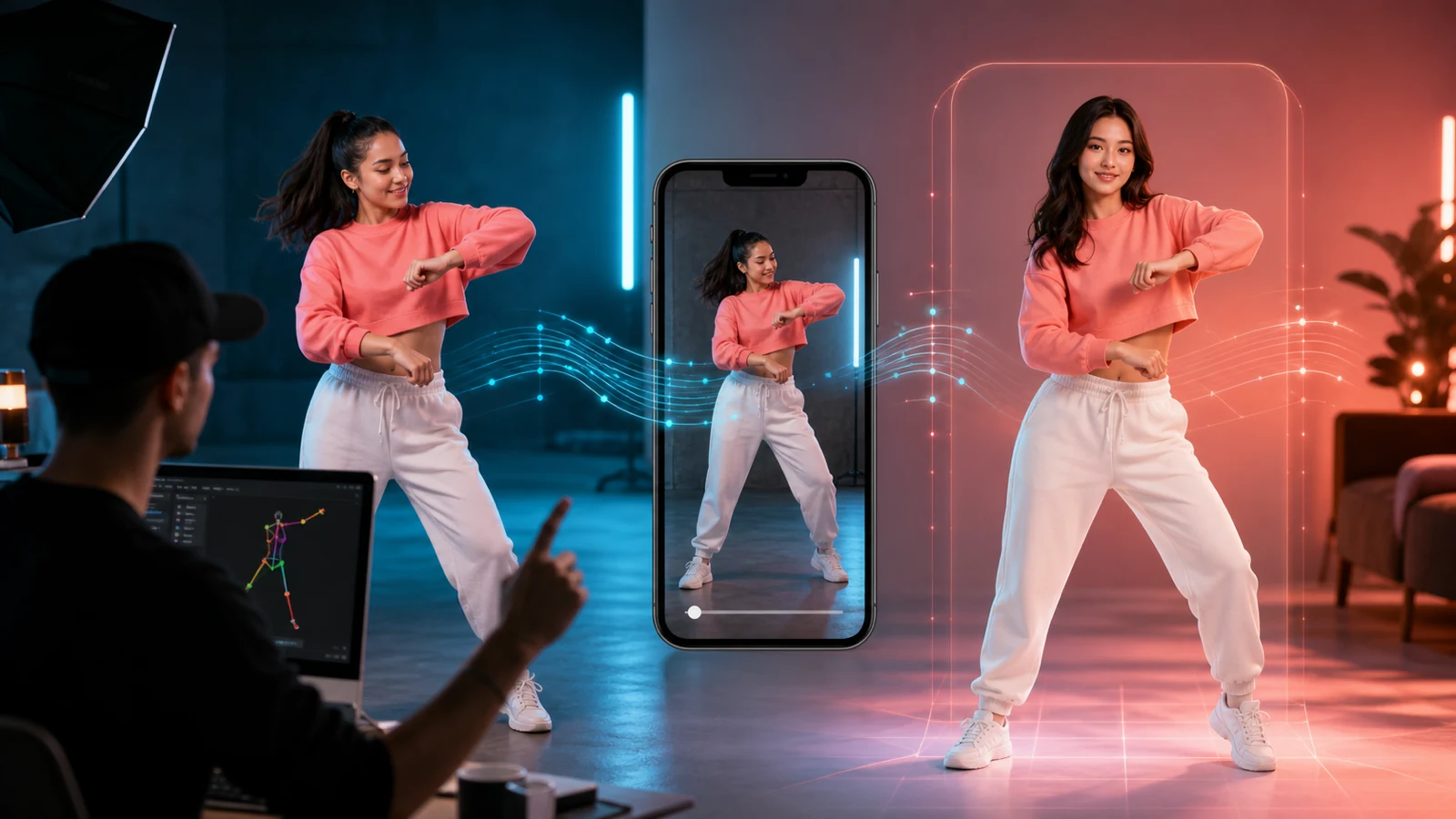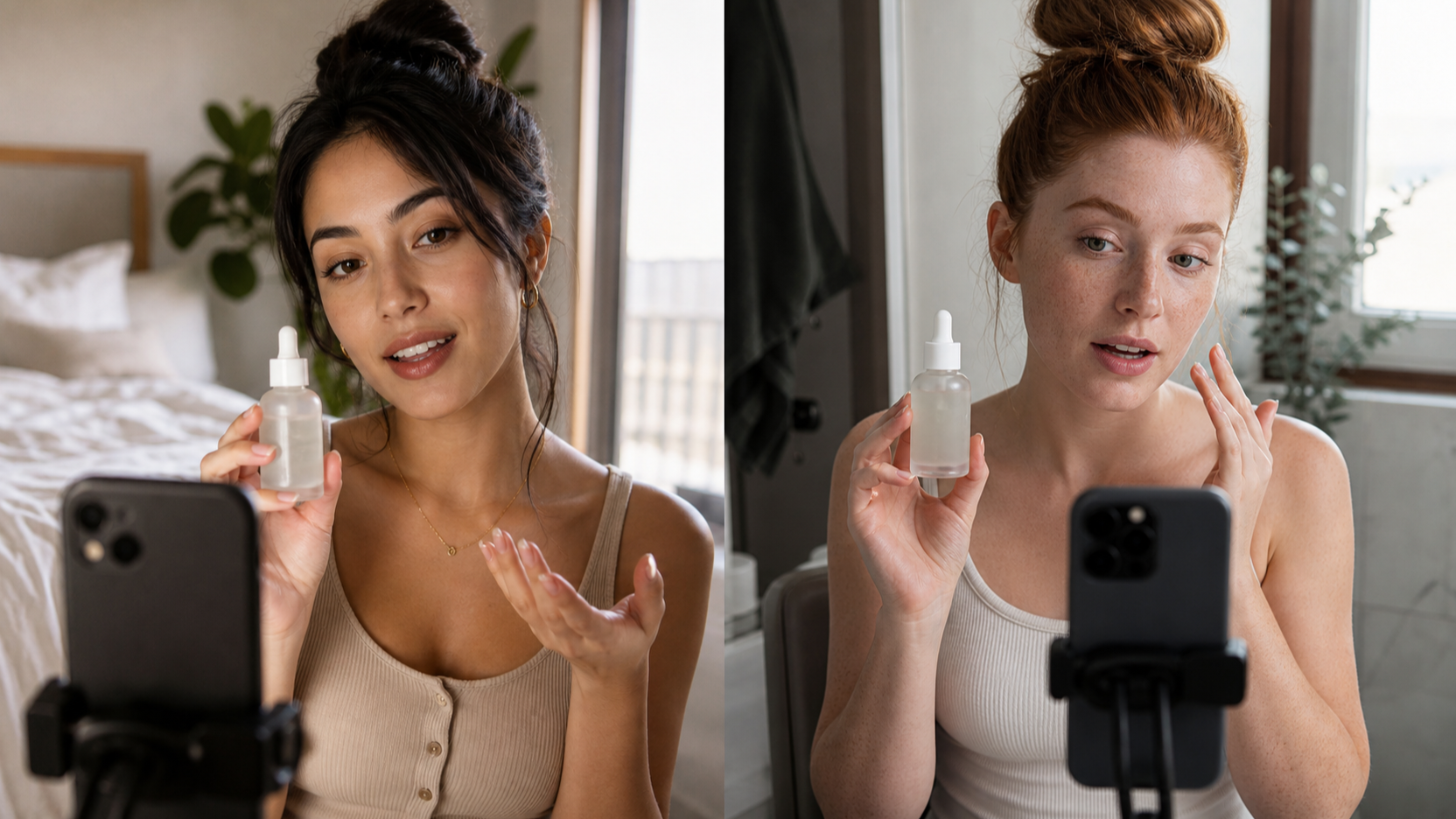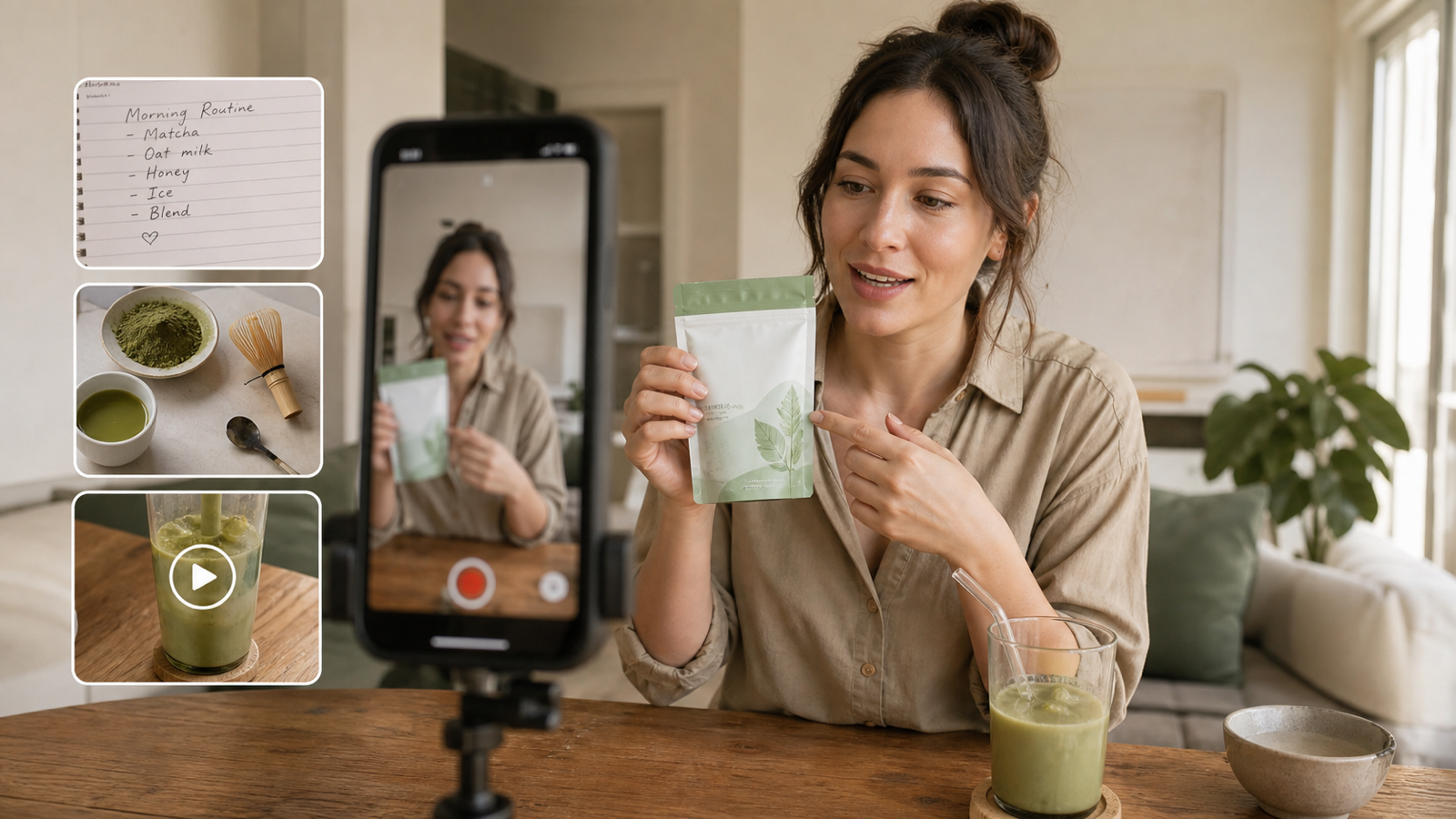
A YouTube Short Generator helps creators turn a text prompt, product photo, or first-frame reference into a short-form video draft. UGCMaker’s YouTube Short Generator is positioned for creators, brands, ecommerce teams, agencies, and beginners who want faster ideas for YouTube Shorts, product hooks, UGC-style clips, vertical ads, channel intros, and campaign tests.

What Is the UGCMaker YouTube Short Generator?
The UGCMaker YouTube Short Generator is a short-form AI video tool for turning creative inputs into vertical video drafts. In practice, that means you can start from a prompt, a product idea, a reference image, or a first-frame concept, then build a draft for a YouTube Short without planning every edit manually.
It should be framed as a practical creative tool, not as an official YouTube product. UGCMaker also offers related pages for AI Video Generator, AI UGC Maker, UGC Ads Generator, TikTok Video Generator, AI Motion Control, Video Prompt Generator, and UGC Prompt Generator. Together, those pages position UGCMaker as a short-form creative platform for video ideas, product hooks, UGC drafts, and prompt testing.
Before publishing, verify current credits, pricing, export rules, watermark status, commercial rights, model availability, audio behavior, duration, and supported aspect ratios on the live UGCMaker page.

Who Should Use a YouTube Short Generator?
A YouTube Short Generator is most useful for people who need many short-form video drafts, not one perfect final edit. YouTube creators can test channel intros and recurring formats. Ecommerce sellers can create product-opening shots. DTC brands can explore hooks for launches. Agencies can produce variations for client review. Educators and app founders can turn abstract topics into visual concepts faster.
The practical value is speed at the draft stage. Instead of waiting for a full shoot, a creator can test whether the first second feels strong, whether the product is clear, and whether the CTA is simple enough for a vertical Short.
Good use cases include:
- Product hooks for ecommerce and DTC brands.
- Faceless channel intros for education, productivity, recipes, and tech.
- UGC-style product demo Shorts.
- Vertical ad concepts for YouTube Shorts, Reels, and TikTok.
- Campaign variations for creative testing.
- Reference-image drafts when product shape, packaging, or color needs consistency.
Treat outputs as creative drafts. They still need review for accuracy, brand safety, platform policy, rights, product claims, and visual quality.

How to Create Shorts from AI Prompts
The fastest workflow starts with the first second. Shorts compete for attention immediately, so a prompt should begin with the visual hook, then define the product, scene, action, camera movement, platform format, and CTA.
Use this reusable formula:
[short video type] + [product/channel/topic] + [first-second hook] + [scene/action] + [camera movement] + [visual style] + [platform format] + [CTA] + [avoid copyrighted characters, real celebrities, logos, false claims, distorted hands, unstable product shape, and misleading results]
Example:
Create a 9:16 YouTube Short for a ceramic coffee mug. First second: steam rises dramatically from the cup. A hand places it beside a notebook near morning window light. Smooth close-up camera push-in, cozy lifestyle mood, CTA: “Start your morning slower.” Avoid logos, copyrighted characters, false claims, distorted hands, and unstable product shape.
Keep one product, one scene, and one CTA per prompt. A narrow prompt is easier to generate, compare, and revise than a crowded prompt trying to show a whole campaign in one clip.

How Reference Images Improve AI YouTube Short Generator Results
Reference images are useful when visual consistency matters. A product photo can help preserve shape, color, packaging, and layout. A first-frame image can guide the opening shot. A mood image can set lighting or composition. For product Shorts, reference images are often more useful than text alone.
Use reference images when you need to preserve:
- Product shape, silhouette, material, or packaging.
- A specific opening frame.
- A color palette or lifestyle mood.
- A room, table, surface, or product arrangement.
- A repeatable UGC ad style across several variations.
Write preservation instructions directly:
Use this product photo as the visual reference. Preserve the product shape, color, label area, and material texture. Create a 9:16 YouTube Short opening with a slow close-up camera push, warm natural light, and a simple CTA. Avoid fake logos, exaggerated claims, distorted product shape, and unreadable text.
If the product must be accurate, compare the generated Short against the source image before using it in ads or product pages.

Product Hooks, CTAs, and UGC-Style Short Videos
The strongest product Shorts usually lead with a visual problem, sensory detail, or satisfying action. The product should be visible early, the movement should be simple, and the CTA should fit the mood of the clip.
Use hook types like:
- Reveal: a lamp turns on, a case opens, steam rises.
- Texture: glossy berries, wax, fabric, marble, water droplets.
- Utility: a backpack pocket opens, meal containers line up, a bottle fits into a gym bag.
- Lifestyle mood: morning routine, cozy evening, city-night audio, bright kitchen.
- Transformation: dark room to warm reading corner, messy ingredients to organized prep.
For UGC-style clips, keep the rhythm casual and believable. Avoid absolute product claims such as guaranteed results, medical benefits, financial promises, or unrealistic transformations. A generated Short can suggest a product moment, but the claims still need human review.

YouTube Shorts Prompt Examples You Can Copy
Use these YouTube Shorts prompt examples as templates. Replace product names and claims with verified details, and keep brands, celebrities, protected logos, and copyrighted characters out of the prompt.
- Create a 9:16 YouTube Short for a ceramic coffee mug. First second: steam rises dramatically from the cup. A hand places it beside a notebook near morning window light. Smooth close-up camera push-in, cozy lifestyle mood, CTA: “Start your morning slower.”
- Create a product hook Short for a skincare serum. First second: the bottle catches soft daylight on marble. Show citrus slices and white flowers around it, slow elegant rotation, clean beauty-ad mood, CTA: “Try a calmer routine.”
- Create a faceless YouTube Short intro for a productivity channel. Hands open a notebook, write three goals, place a coffee beside a laptop, overhead camera, warm lighting, calm pace, CTA: “Plan the day in 30 seconds.”
- Create a UGC-style product demo Short for a compact travel backpack. Show the bag on a clean table, then show pockets opening one by one, quick cuts, clear feature focus, casual creator-style rhythm, CTA: “Pack smarter.”
- Create a YouTube Short for a fictional fitness app. First second: shoes hit wet pavement in slow motion. Cut to phone showing abstract progress shapes without readable brand text, energetic pacing, sunrise light, CTA: “Make today count.”
- Create a 9:16 recipe Short for a colorful fruit tart. Macro close-up of berries, glossy texture, hand adds powdered sugar, warm kitchen light, quick satisfying motion, CTA: “Save this dessert idea.”
- Create a channel intro Short for a tech review channel. A sleek smartphone concept rests on a reflective surface, soft blue light, slow camera orbit, clean futuristic mood, no logos, CTA: “Follow for simple tech tests.”
- Create a YouTube Short ad for a desk lamp. First second: dark room turns warm as the lamp switches on. Show a clean reading corner, linen chair, wood table, cozy shadows, CTA: “Upgrade your evening focus.”
- Create a UGC-style testimonial Short for a fictional water bottle. A person’s hands place the bottle into a gym bag, then onto a desk, then beside a bike. Quick natural cuts, casual handheld feel, CTA: “Take hydration anywhere.”
- Create a short product teaser for wireless earbuds. Earbuds open in a matte case, soft reflections, quick close-up cuts, city-night background, premium lifestyle mood, CTA: “Hear the day differently.”
- Create a faceless educational Short about saving time with weekly meal prep. Show containers lined up, ingredients arranged, quick overhead motion, bright kitchen lighting, clear visual rhythm, CTA: “Prep once, eat easier.”
- Create a launch Short for a fictional candle brand. Candle flame lights in a dim room, wax texture close-up, soft shadows, cozy evening mood, slow push-in, CTA: “Set the mood tonight.”
Generate multiple hook variants before refining the body of the Short. The first second usually decides whether the rest of the idea deserves more editing time.

Where UGCMaker’s Related Tools Fit
UGCMaker’s YouTube Short Generator is the natural starting point for YouTube Shorts, but the related tools can support different parts of the same workflow. Use the UGCMaker AI Video Generator when you want broader text-to-video or image-to-video drafting. Use the AI UGC Maker when the concept needs a creator-style product demo. Use the UGC Ads Generator for ad variations. Use the TikTok Video Generator when you want to adapt a similar idea for another vertical short-form platform.
The AI Motion Control page is relevant when movement needs more control, while the Video Prompt Generator and UGC Prompt Generator can help users turn a vague idea into a stronger prompt.
This does not make UGCMaker an official YouTube tool. It is better described as a practical AI short-form creative platform.

Quality Checks Before Publishing AI-Generated Shorts
Before publishing a generated Short, review it like a draft from a junior editor. Check whether the product is accurate, the hands and movement look natural, the CTA is clear, and the clip avoids protected assets.
Review this checklist:
- Accuracy: Does the Short make any product, health, financial, or performance claim that needs proof?
- Rights: Are there logos, brand marks, copyrighted characters, celebrity likenesses, or protected designs?
- Platform fit: Is the clip suitable for YouTube Shorts and any other platform you plan to repurpose it for?
- Audio behavior: Verify whether the live UGCMaker workflow includes, generates, or exports audio in the way you need.
- Export rules: Check duration, aspect ratio, watermark status, credits, pricing, and download rules on the current page.
- Brand safety: Remove misleading results, unsafe claims, and visuals that imply an affiliation you do not have.
AI video can accelerate ideation, but publishing still requires human judgment.

A Simple Short-Form Testing Workflow
Use UGCMaker to test ideas in batches. Start with three different first-second hooks, then keep the body of the prompt nearly the same. This makes it easier to compare which opening feels strongest.
A practical workflow:
- Pick one product, channel topic, or lesson.
- Write three first-second hooks.
- Generate 9:16 draft variations.
- Compare clarity, motion, product accuracy, and CTA strength.
- Revise the best version with a tighter avoid list.
- Review rights, claims, audio, export rules, and platform policy.
- Publish only after human review.
This workflow is useful for YouTube Shorts, Reels, TikTok, UGC ads, and ecommerce creative testing because the same prompt system can be adapted across short-form channels.

FAQ and Conclusion: Choosing a YouTube Short Generator
What is a YouTube Short Generator?
A YouTube Short Generator is an AI tool that helps create short-form vertical video drafts from prompts, images, or references. UGCMaker’s version is designed for YouTube Shorts-style ideas, product hooks, UGC clips, and vertical ad drafts.
Can I create YouTube Shorts from images?
Yes, image references can help when product shape, packaging, color, layout, or the opening frame needs to stay consistent. Always compare the generated draft against the source before publishing.
Is UGCMaker an official YouTube tool?
No official YouTube affiliation should be assumed unless UGCMaker’s live page states it. The safer framing is that UGCMaker is an AI short-form video platform that can help create drafts for YouTube Shorts.
Can I use generated Shorts commercially?
Do not assume commercial rights. Verify UGCMaker’s current terms, pricing, watermark rules, export rules, source-image permissions, music rights, and platform policies before using generated videos in ads or client work.
What makes a strong YouTube Shorts prompt?
A strong prompt starts with the first-second hook, keeps one product or topic in focus, defines the scene and camera movement, uses 9:16 format, adds one CTA, and lists what to avoid.
Conclusion
The UGCMaker YouTube Short Generator is useful for creators and brands that need faster short-form drafts, stronger hooks, and repeatable prompt systems. Start with a clear first second, add a product or topic, use reference images when consistency matters, and review every generated Short for rights, claims, quality, and platform fit before publishing.