Quick Summary
The practical value of AI motion control is precision: you choose the subject, provide the movement, and use a prompt to clarify camera behavior, setting, mood, and product interaction. For TikTok UGC, this is useful for testing hooks, demonstrations, fashion transitions, dance-led concepts, and presenter gestures without filming every variation from scratch.
The best results still come from good inputs. Use a clear full-body or waist-up image, record an easy-to-read reference action, keep the framing compatible, and refine one variable at a time. Motion control can improve creative consistency, but it does not guarantee views, conversions, perfect anatomy, or exact frame-for-frame copying.
What Is AI Motion Control, and Why Is Kling AI Useful?
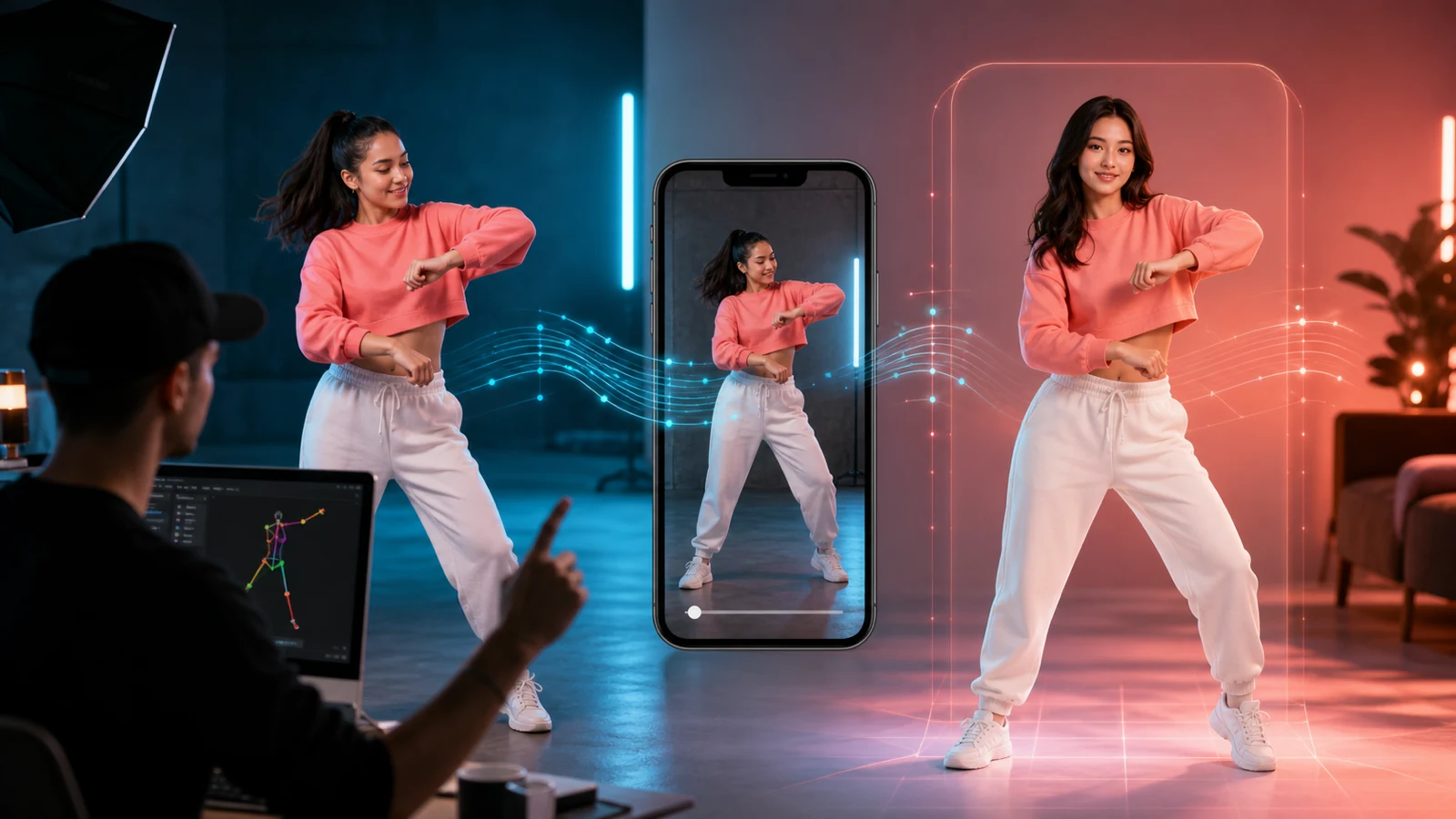
AI motion control is a reference-guided video workflow. One input defines how the subject should look, while another supplies movement such as a hand gesture, dance step, body turn, product reveal, or reaction. The generation model interprets those signals and creates a new clip in which the selected subject follows the reference performance.
This is different from ordinary image-to-video generation. A broad prompt such as “the creator presents the product enthusiastically” leaves much of the performance open to interpretation. A reference clip shows the intended timing, pose changes, and rhythm. The prompt then adds context rather than carrying the entire motion brief.
UGCmaker’s AI Motion Control tool uses Kling motion control in a workflow built around a reference video, a subject image, and an optional prompt. Kuaishou’s official reporting also describes Kling’s motion-control feature as a way to replicate movements from an uploaded video or motion library and pair them with a character reference image for precise body and facial movement guidance. That makes the technology especially relevant when a TikTok concept depends on a recognizable gesture rather than generic motion.
Why Precise Motion Matters for TikTok UGC Video
TikTok viewers make fast decisions, so the first movement in a UGC video needs a job. It might reveal the product, point toward a benefit, create a visual surprise, or set up a seamless loop. When that action is vague, the clip can feel slow even if the image quality is polished.
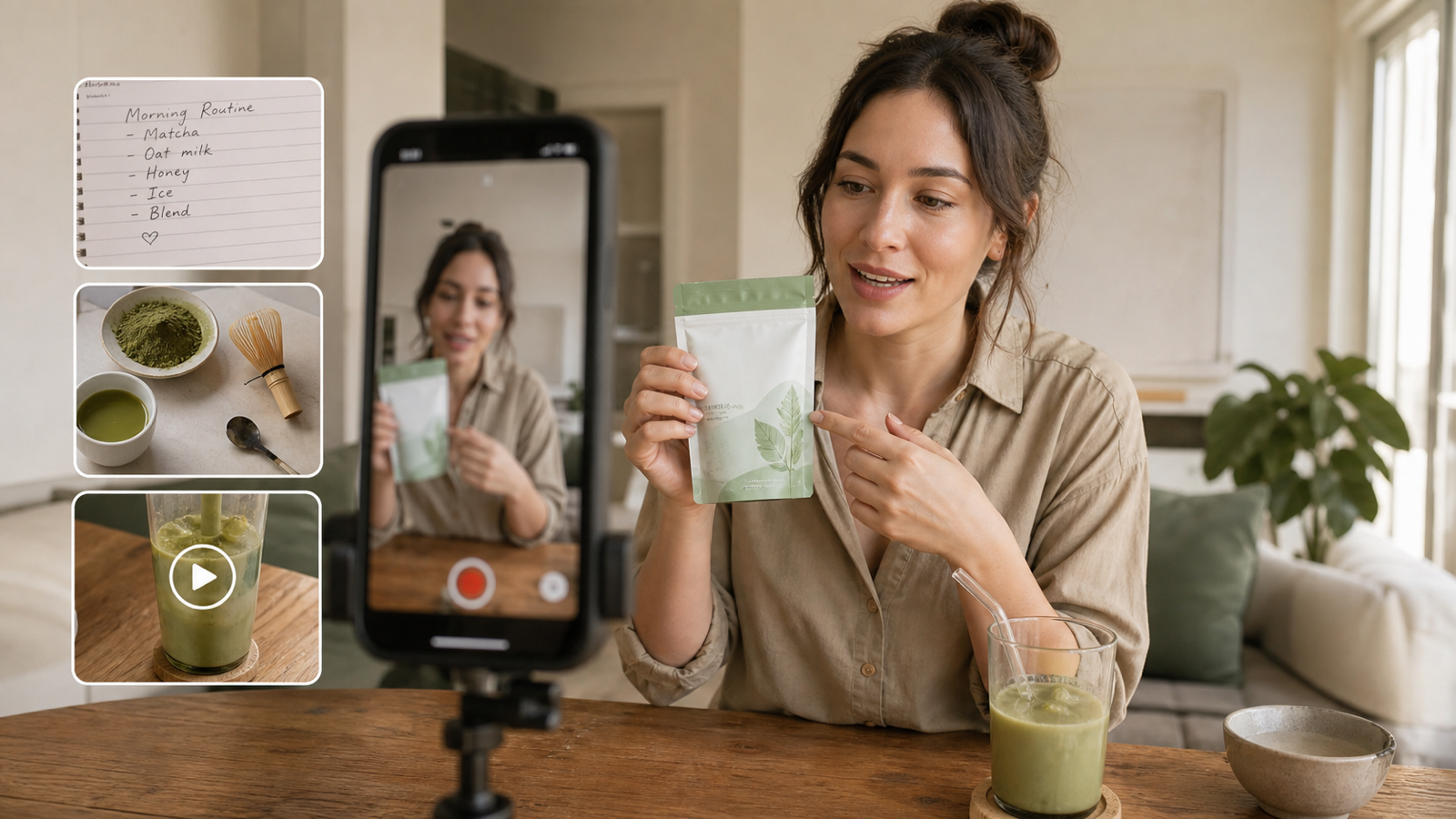
Reference-guided motion helps you design the performance before generation. A creator can record the exact hand path for a bottle reveal, the shoulder turn for an outfit transition, or the pause before a reaction shot. The generated subject then has a clearer behavioral target.
This precision supports a better testing process:
- Keep the same character and compare two opening gestures.
- Keep the movement and compare two products or backgrounds.
- Test a fast hook against a slower explanatory version.
- Reuse a successful motion pattern across localized scripts.
- Create multiple visual treatments without asking a performer to reshoot every take.
More control does not automatically create a viral post. It can, however, make the creative easier to understand, compare, and improve. That disciplined iteration can raise the probability of finding a version that earns stronger attention.
What You Need Before Starting an AI Motion Control Project
Prepare three inputs before you generate anything.
1. A single-action TikTok brief
Define one action and one message. “Point to the product, turn it toward the camera, and smile” is useful. “Make an exciting viral ad” is not. A narrow brief gives both the reference performer and the AI a clearer target.
2. A clean source image
Choose a high-quality image with a visible subject and enough space around the moving limbs. Full-body references are generally better for dance, walking, and outfit transitions. Waist-up images are more suitable for product presentation, facial reactions, and pointing gestures.
Keep the expected motion physically plausible for the source pose. If hands are hidden, legs are cropped, or the body is heavily turned away, the model has less visual information to work with.
3. A readable reference motion video
Record the performer in stable light against a background that separates the body from the scene. Keep the camera steady unless camera movement is part of the concept. The current UGCmaker interface lists reference videos of 3–30 seconds in MP4 or MOV format, up to 100 MB; check the live upload panel before production because requirements can change.

How to Use AI Motion Control for More Accurate Action Transfer
Step 1: Design the motion around the hook
Start with the first one or two seconds. Decide what should make someone stop: a sudden product reveal, a clean pose match, a direct point toward an on-screen claim, or a surprising character action. Record that movement first, then build the rest of the clip around it.
For a loopable TikTok, make the final pose compatible with the opening pose. A hand can return to its starting position, a turn can complete a circle, or an object can move back into the initial frame.
Step 2: Record an uncomplicated reference performance
Use controlled, visible gestures. Avoid crossing the arms over the face, leaving the frame, or handling several props at once during the first test. Exaggerate important beats slightly so the motion path is easy to read, but keep acceleration and balance natural.
Match the reference framing to the source image. A full-body dance reference paired with a tight headshot asks the model to invent too much missing information. Similar camera height, body scale, and orientation reduce ambiguity.
Step 3: Upload the reference video and subject image
Open the UGCmaker AI Motion Control generator, upload the motion clip, and then add the image that should receive the movement. The image can feature a creator-style presenter, character, avatar, mascot, or another clearly defined subject.
For product-led content, distinguish between moving the presenter and moving the product. Kling-style motion transfer is strongest when it can follow a visible character performance. If a hand must hold, open, pour, or rotate a product, treat that interaction as a higher-risk shot and review it closely for grip, label, and object consistency.
Step 4: Write a prompt that supports the reference
Do not restate every body movement if the video already demonstrates it. Use the prompt to define what the reference cannot communicate clearly:
Subject + product interaction + camera + setting + lighting + pace + TikTok format + constraints
Example prompt:
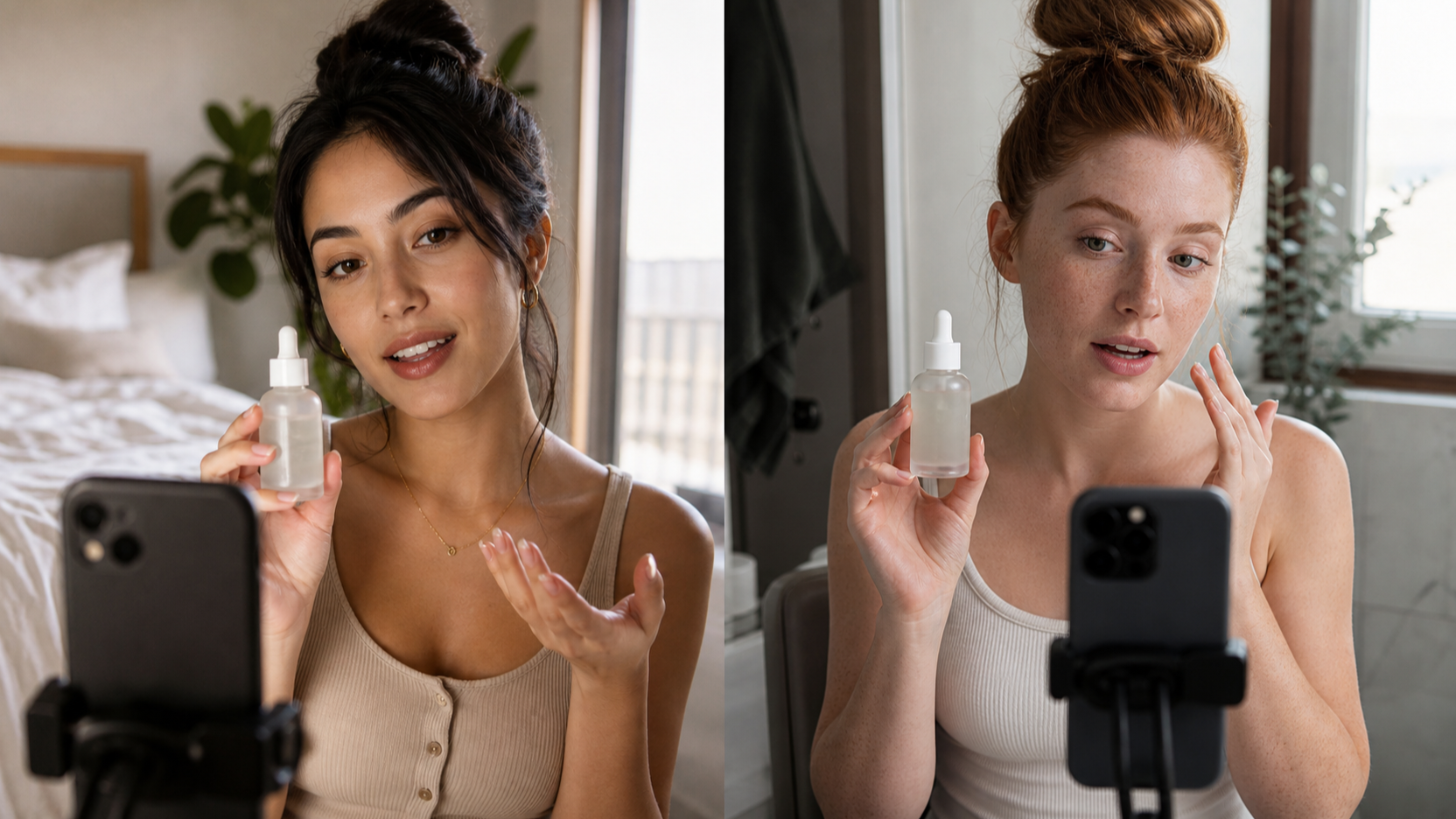
A casual skincare creator presents an unbranded serum bottle, turns it toward the camera, and finishes with a confident smile. Medium shot, steady smartphone camera, soft bathroom daylight, natural UGC style, quick opening beat, clean hand placement, consistent face and product shape, vertical short-form composition.
Avoid stacking conflicting instructions. If the reference shows a fixed camera, do not request a rapid orbit unless you intentionally want the model to reinterpret the scene.
Step 5: Generate and inspect movement before polishing
Review the first result at normal speed and frame by frame. Focus on the action before color, captions, or music.
Check these details:
- Does the opening gesture happen early enough?
- Do hands and feet remain believable through the movement?
- Does the subject preserve a consistent face, outfit, and silhouette?
- Does a held product keep its shape, label area, and scale?
- Does the subject stay inside the intended vertical crop?
- Are camera movement and body movement working together?
- Does the ending support a clean cut or loop?
Step 6: Refine one variable at a time
If the pose is correct but the face drifts, keep the reference motion and improve the source image. If the action is unclear, simplify or rerecord the reference clip. If the composition feels wrong, revise the framing and camera language in the prompt.
Changing one variable per round makes the workflow more precise because you can see which input produced the improvement. Save successful source-image, reference-video, and prompt combinations as reusable motion templates.
Step 7: Finish the video for TikTok
Prepare a 9:16 edit, keep critical action and product details inside the central safe area, and add readable captions during editing. Lead with the result or problem rather than a long introduction. Use sound only when it supports the creative, and follow TikTok’s current rules for AI-generated content, branded content, music, and commercial disclosures.
High-Value TikTok UGC Scenarios for Motion Transfer

Product demonstrations
Transfer a deliberate point, turn, hold, or reveal to a virtual presenter. This works best when the product interaction is simple and remains visible throughout the shot. Use close review for hands, packaging, and unsupported product claims.
Fashion and beauty transitions
Use a reference turn, step, hand sweep, or pose change to create outfit reveals and beauty transformations. Record clean pose endpoints so editors have obvious cut points between variations.
Dance and trend adaptation
A creator can record a short trend-inspired movement and apply it to an original character or mascot. Use only motion, music, characters, and visual material you have permission to use; a public trend does not automatically make every asset commercially reusable.
App and service explainers
Precise pointing and reaction gestures can support captions, interface callouts, and before-and-after storytelling. Keep the phone or interface separate if legibility matters, then composite the screen during editing rather than expecting generated text to remain accurate.
Localized creator variants
Reuse an approved gesture pattern with different presenter visuals, scripts, or voice tracks for regional campaigns. Review every version locally; facial expression, hand timing, product claims, and cultural meaning can change even when the motion reference stays the same.
How to Improve the Chance of More TikTok Views
Motion control should serve the content idea, not become the idea by itself. A technically clean transfer can still underperform when the hook is weak or the message is crowded.
Use this publishing checklist:
- Show a meaningful action immediately.
- Build each clip around one viewer question or product benefit.
- Keep the subject large enough to read on a phone.
- Align the gesture with captions and product visibility.
- Cut dead time before and after the main movement.
- Test multiple hooks while keeping the rest of the clip stable.
- Compare retention and completion data after publishing, then reuse the winning motion pattern.
The goal is not to promise more views. It is to create cleaner creative experiments. When each variant changes one intentional element, performance data becomes more useful for the next production round.
Recommended AI Video Tools for the Next Stage
Motion transfer is one part of a broader AI video workflow. Use different tools when the job changes.
Seedance 2.0 for multimodal video concepts
Seedance 2.0 on UGCmaker is worth testing when the concept needs richer direction across text, image, video, or audio references rather than a single character-motion transfer. It can be a practical option for multi-shot ideas, audio-led scenes, and broader visual storytelling. Confirm the currently available controls and output settings on the live page before committing a campaign.
MiniMax H3 Video Generator for alternative creative tests
Use the MiniMax H3 Video Generator as an additional model option when you want to compare how a different generator interprets the same UGC brief. Keep the prompt, source asset, duration target, and review checklist consistent so the comparison is based on the output rather than a changed brief.
Seedance 2.0 Mini API for scalable UGC production
Teams building automated pipelines can evaluate the Seedance 2.0 Mini image-to-video API on Flaq AI. Its current API page exposes programmatic controls such as a source image, optional end image, prompt, duration, aspect ratio, resolution, sound, and seed. That makes it relevant for batch variation, campaign tooling, approval systems, and other repeatable UGC video workflows.
Recommended Reading for AI UGC and TikTok Creative Workflows
The next step is to connect precise motion generation with a broader creative system: choosing the right production workflow, writing stronger ad briefs, and testing hooks without making unsupported performance claims. These two guides expand on those decisions.
Higgsfield Supercomputer Alternative: What It Means for AI Creative Workflows and Why UGC Maker Is a Practical Choice
Read Higgsfield Supercomputer Alternative: What It Means for AI Creative Workflows and Why UGC Maker Is a Practical Choice when deciding between a broad agentic creative studio and a focused UGC production workflow. The guide compares the two approaches through practical campaign needs such as TikTok videos, product demos, creative variations, review steps, rights, exports, and production readiness.
UGC Ads Creation with Seedance 2.0: Prompt Guide for User Growth
Use UGC Ads Creation with Seedance 2.0: Prompt Guide for User Growth to turn a motion-controlled video idea into a structured growth brief. It includes a reusable prompt formula and 14 templates covering app installs, signups, free trials, purchases, lead generation, retargeting, and landing-page creative, with practical reminders about claims, disclosures, and human review.
Frequently Asked Questions
Is AI motion control the same as text-to-video?
No. Text-to-video describes a scene mainly through words. AI motion control adds a reference performance, giving the model a more concrete target for body movement, gesture timing, and pose changes.
Can AI motion control animate a product instead of a person?
It can support product-centered scenes, but results depend on the object and action. A presenter holding or revealing a product is generally easier to direct than a complex mechanical transformation, liquid pour, or detailed hand-object interaction. Review product geometry and labels carefully.
What makes a good reference motion video?
Use stable framing, clear lighting, a visible silhouette, controlled movement, and minimal occlusion. Match the body scale and camera angle to the source image, and begin with one simple action before testing complex choreography.
Does precise motion transfer guarantee more TikTok views?
No. It can improve creative clarity and make variation testing more systematic, but reach also depends on the hook, relevance, editing, sound, audience fit, posting context, and platform distribution.
Which tool should I use after creating the first motion-controlled clip?
Use Seedance 2.0 when you want to explore broader multimodal or multi-shot concepts, MiniMax H3 when you want an alternative model interpretation, and the Flaq AI Seedance 2.0 Mini API when your team needs programmatic image-to-video generation at scale.
Conclusion
The strongest AI motion control workflow begins with a specific TikTok idea, a readable reference performance, and a source image that matches the intended framing. Kling AI motion control can make action transfer more precise and repeatable, while disciplined prompts and one-variable-at-a-time testing help turn that control into better UGC video experiments.
Start with one gesture-led concept in the UGCmaker AI Motion Control tool, review the movement closely, and build variations only after the core action works. Precision first; scale second.