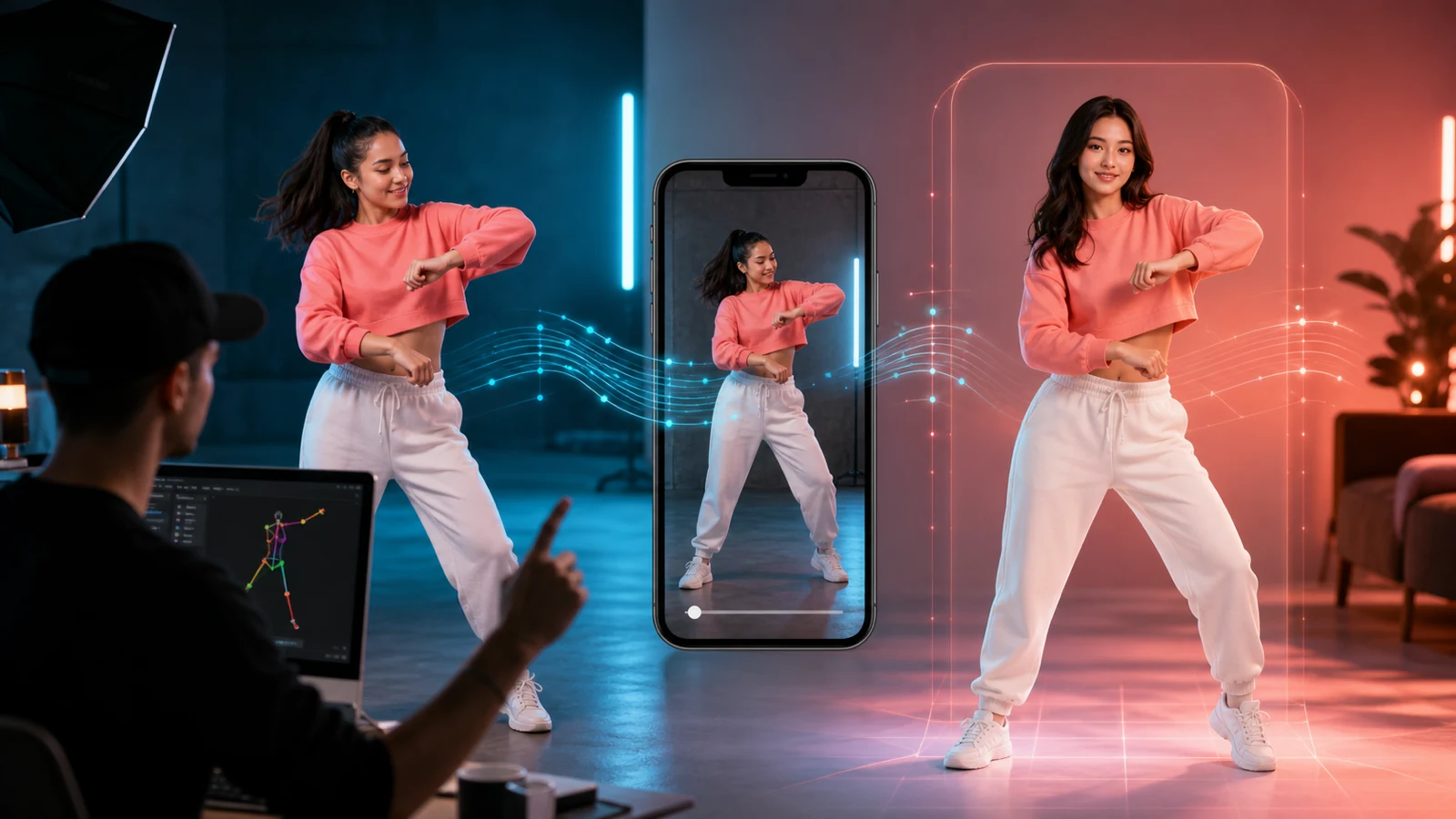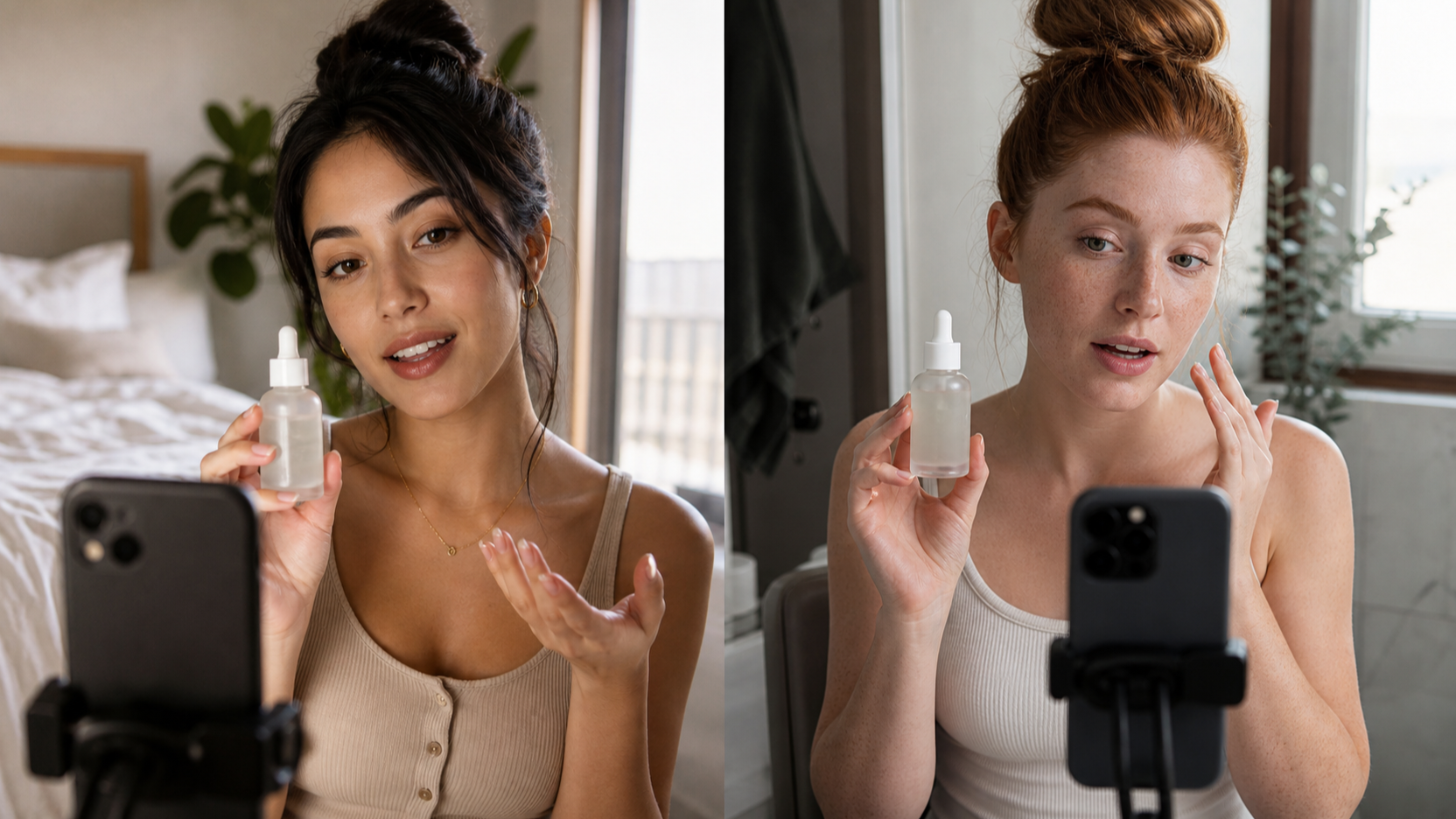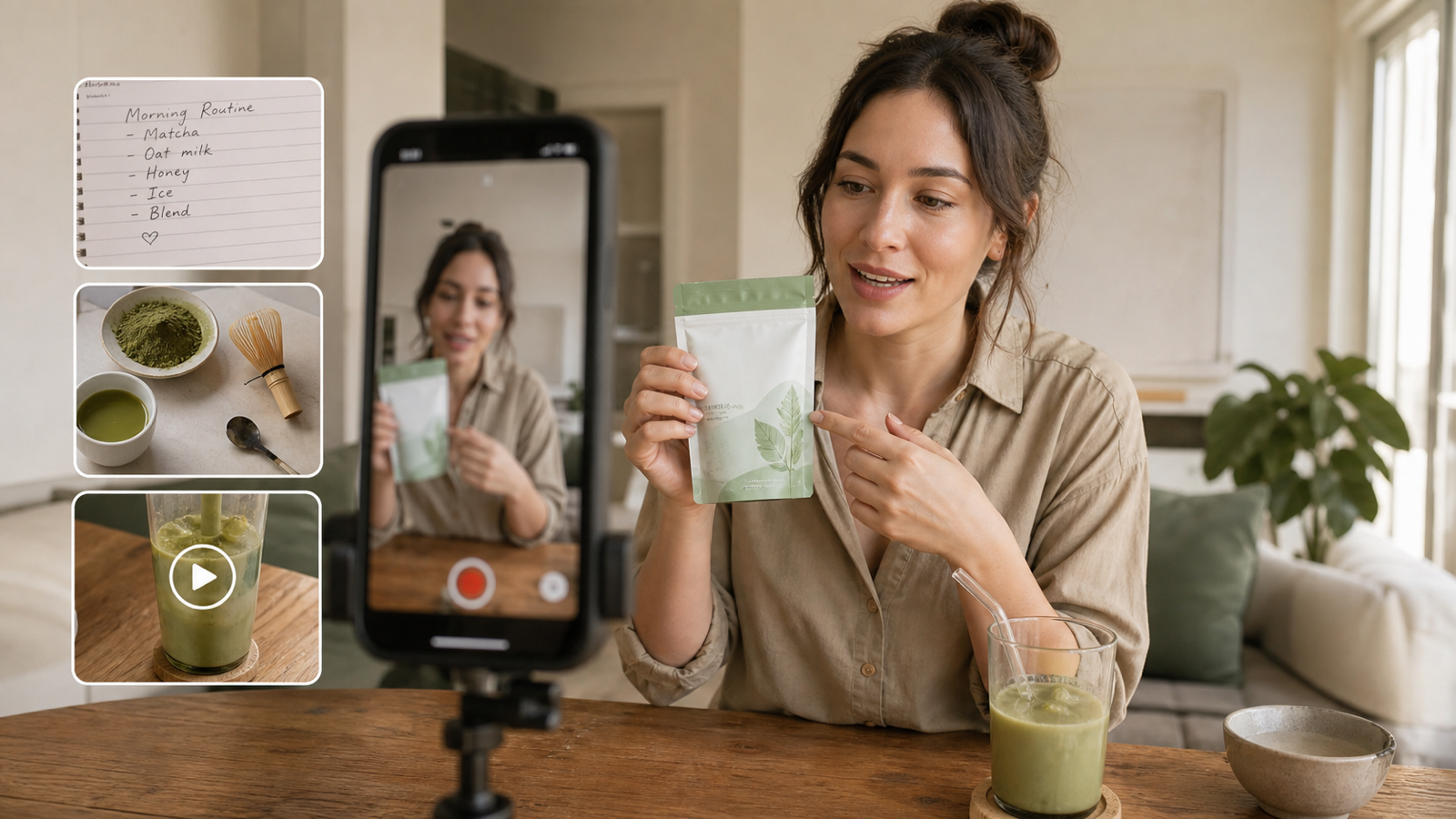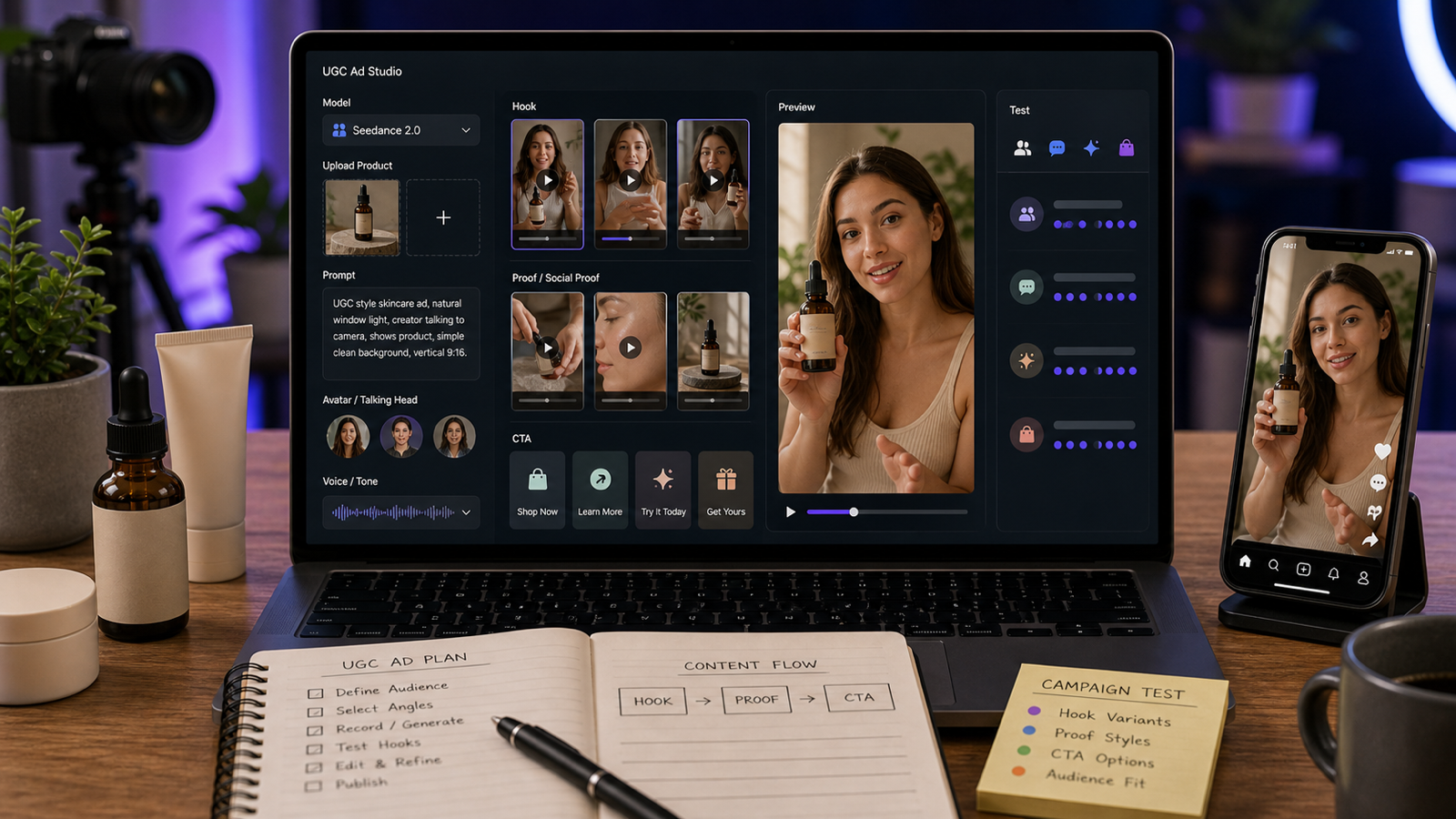
A UGC video creator free workflow is useful when you need more short-form ad angles than your team can film in a week. With UGC Maker AI, the practical goal is to turn a product, hook, script, and CTA into creator-style video drafts for TikTok ads, Reels, Shorts, ecommerce product demos, and paid social testing. Treat "free" as free to try or limited-credit access unless the live UGC Maker AI Pricing page confirms broader free usage at publication time.

Why a UGC Video Creator Free Workflow Helps Ad Testing
A free UGC video creator workflow helps teams test more angles before spending heavily on filming, editing, or creator sourcing. For ecommerce sellers, Shopify brands, agencies, startup founders, and paid social teams, the first bottleneck is often not the final video polish. It is finding which hook, product moment, and CTA deserve more budget.
Use AI drafts for early creative testing: one product can become a pain-point ad, a testimonial-style video, a quick product demo, a TikTok-style reveal, and a short explainer. After a draft performs well, you can decide whether to create more AI variations, brief a human creator, or film a higher-production version. This keeps the free UGC video maker online workflow focused on learning, not pretending every draft is a finished campaign.

What AI UGC Maker Does for Talking-Head and Creator-Style Videos
AI UGC Maker is the main page to start with when you want a direct talking-head or creator-style UGC video workflow. The reason is simple: UGC ads usually depend on a believable creator delivery, not only product footage. A strong AI UGC video maker should help you combine an avatar-style presentation, natural voice, lip-sync, facial expression synchronization, script direction, and product context.
For practical use, think of AI UGC Maker as the page for creator-led ad drafts. Use it when the video needs a person speaking to camera, explaining a product, reacting to an offer, or delivering a testimonial-style script. Then use the broader AI Video Generator when you need more general text-to-video, image-to-video, or short-form production support.
This distinction matters because a talking-head ad and a product-only ad solve different problems. Talking-head videos are useful for trust, objection handling, and direct response. Product-demo clips are better for showing texture, size, usage, before/after context, or a fast visual transformation.

How to Create a UGC Video for Free or with Limited Free Credits
Create your first AI UGC video as a controlled test rather than a full campaign. Start with one product, one audience, one hook, one product moment, and one CTA. This makes the output easier to judge and keeps limited free credits from being spent on scattered ideas.
- Open AI UGC Maker and check the current free-credit or trial rules on the pricing page.
- Choose the product, service, app, offer, or landing page you want to promote.
- Write a short hook for the first 1-2 seconds.
- Add the problem, product moment, proof point, tone, camera style, and CTA.
- Generate one creator-style draft first.
- Review lip-sync, facial expression synchronization, voice tone, product visibility, captions, pacing, and CTA clarity.
- Save the best angle, then create 3-5 variations around that same concept.
If the live page shows free credits, use them for learning the workflow and testing script quality. If the draft will become a paid ad, verify commercial-use rights, watermark status, avatar and voice permissions, export format, privacy settings, and platform policy fit before launch.

Best UGC Video Formats to Test First
The best first formats are the ones that answer a buyer objection quickly. For most ecommerce and app campaigns, start with a talking-head review, a hands-on product demo, a problem-solution ad, a testimonial-style video, and a short explainer. These formats are simple enough to produce quickly and varied enough to reveal which message resonates.
Use UGC Ads Generator when the goal is ad variation generation. Use TikTok Video Generator for TikTok-native pacing, YouTube Short Generator for Shorts-style framing, and UGC Image Generator or AI Image Generator when you need supporting stills for thumbnails, product shots, or social creative tests.
For a Shopify product, test one video where the creator explains the pain point, one where the product appears in the first two seconds, and one where the CTA is the main difference. For SaaS or apps, use abstract screen-style demos instead of fake UI screenshots unless you have actual product visuals.

How to Write Better UGC Hooks and Scripts
Better UGC hooks make the viewer understand the problem before they decide to scroll. The hook does not need to be loud. It needs to be specific, fast, and matched to the audience's existing frustration.
Use this reusable UGC video prompt formula:
Create a UGC-style video ad for [product/service/app/offer].
Target audience: [audience].
Hook: [first 1-2 second attention grabber].
Problem: [pain point].
Product moment: [how the product appears or is used].
Proof point: [benefit, feature, social proof, or demonstration].
Tone: [casual / excited / honest / skeptical-to-convinced / tutorial / testimonial-style].
Camera style: [talking head / handheld / product close-up / desk demo / mirror shot / phone selfie].
CTA: [shop now / try it / download / learn more].
Format: [9:16 TikTok/Reels/Shorts], with natural pacing and clear captions.
Use this talking-head UGC script formula:
Write a 20-30 second creator-style talking-head script.
Start with a hook, introduce the problem, show the product or solution, explain one concrete benefit, add a believable personal reaction, and end with one clean CTA.
Keep the language casual, short, and native to TikTok/Reels.
Strong hooks usually fit one of five patterns: pain point, curiosity, social proof, price/value, or problem-solution. Keep each version short enough to read aloud naturally, then test the same product moment behind each hook.

Product Demo, Testimonial, Talking-Head, and Explainer Workflows
Each UGC format needs a different prompt because each format earns trust in a different way. A product demo should show the product early. A testimonial-style video should sound like a believable personal reaction. A talking-head ad should make eye contact and deliver one clear point. An explainer should simplify a feature or offer without turning into a long tutorial.
For product demos, use this formula:
Create a mobile-first UGC product demo video.
Show the product in the first 2 seconds, demonstrate one key use case, include a natural creator reaction, add a simple before/after moment, and end with a clear CTA.
Keep the background simple, the lighting natural, and the product visible.
For AI talking head UGC video, avoid overloading the script with five benefits. One strong product moment plus one believable reaction usually performs better than a packed feature list. For explainer clips, keep the visual language abstract if you do not have approved product screenshots.

How to Create More Ad Variations with UGC Maker AI Tools
Create more ad variations by changing one variable at a time. If you change the hook, avatar, voice, product shot, CTA, and format together, you will not know what caused the result. A cleaner testing system gives you better learning from fewer exports.
Use this ad-variation testing formula:
Generate 5 UGC video ad variations for the same product.
Keep the product and CTA the same, but change the hook angle:
pain-point hook, curiosity hook, social-proof hook, price/value hook, and problem-solution hook.
Make each version suitable for A/B testing on TikTok, Reels, Shorts, and paid social.
Use supporting pages based on the asset you need next. Try Free Video Prompt Generator for script direction, Free Image Prompt Generator for product-image ideas, Pinterest Pin Generator for still creative, and UGC Image Generator when you need product-led social visuals around the winning video angle.

Prompt Examples for Ecommerce, Apps, Courses, SaaS, and TikTok Ads
Prompt examples are useful because most AI UGC ad creator results improve when the input includes audience, hook, product moment, proof point, tone, camera style, and CTA. Start with these examples, then replace the product and claim language with details you can verify.
- Create a 25-second UGC-style video ad for a skincare serum. Hook: "I didn't expect this to change my morning routine." Show the product in the first 2 seconds, use natural bathroom lighting, close-up application shot, soft testimonial tone, and end with "try it this week."
- Create a talking-head UGC video for a productivity app. The creator starts skeptical, explains how the app helped organize tasks, shows a phone-style demo moment, and ends with a simple download CTA.
- Create a TikTok-style product demo for a travel backpack. Fast hook, handheld camera energy, packing demonstration, zipper close-up, one benefit per scene, natural voiceover, 9:16.
- Create a UGC ad for a meal-prep container. Show before/after fridge organization, product close-ups, casual creator reaction, clean kitchen setting, and CTA: "grab yours before your next grocery run."
- Create a testimonial-style UGC video for an online course. Start with a relatable frustration, introduce the course, show a learning moment, mention one outcome, and end with "start with the free lesson."
- Create a short UGC ad for a fitness band. Show the product in use during a quick home workout, include natural breathing and movement, avoid exaggerated claims, and focus on convenience.
- Create a creator-style video for a coffee product. Cozy morning setting, first sip reaction, close-up of packaging with no fake brand text, warm lighting, natural voiceover, 9:16.
- Create 5 hook variations for a phone accessory: one funny, one problem-solving, one curiosity-based, one comparison-based, and one "I wish I knew this earlier" hook.
- Create a UGC ad for a pet product. Show a fictional pet owner introducing the problem, product demo, pet reaction, simple benefit, and CTA. Keep it warm, realistic, and scroll-stopping.
- Create a UGC explainer video for a SaaS tool. Creator speaks directly to camera, shows abstract laptop-style workflow without fake UI, explains one key feature, and ends with "try the free plan."
- Create a 15-second UGC ad for a fashion accessory. Mirror-shot style, quick outfit change, close-up detail, casual creator confidence, and short CTA.
- Create three UGC versions from the same product image: talking-head review, hands-only demo, and fast TikTok-style product reveal. Keep the product clear and change only pacing, script, and camera style.
Do not make unsupported claims in the prompt. Replace vague proof such as "best product ever" with verifiable proof such as a demonstrated use case, a visible feature, or a specific before/after moment that your brand can support.

FAQ
Is UGC Maker AI really free?
Treat it as free to try or limited-credit access unless the live pricing page confirms broader free usage. Check pricing, credits, watermark rules, and export limits before publishing.
What is the best first video to make with AI UGC Maker?
Start with one 20-30 second talking-head product demo. It gives you a hook, product moment, creator reaction, and CTA in one controlled test.
Can I use AI UGC videos in paid ads?
Possibly, but verify commercial-use rights, avatar and voice permissions, watermark status, claims, and platform policy fit before running paid media.
Which supporting UGC Maker AI pages should I use?
Use AI UGC Maker for talking-head creator ads, UGC Ads Generator for ad variations, AI Video Generator for broader video creation, and UGC Image Generator or AI Image Generator for supporting stills.
Conclusion
A UGC video creator free workflow is most useful when it helps you test hooks, scripts, product moments, and CTAs quickly. Start with AI UGC Maker for talking-head creator-style ads, then use UGC Maker AI tools to expand winning angles into TikTok ads, Reels, Shorts, product demos, and ecommerce creative tests. Before publication, verify pricing, credits, watermark rules, rights, privacy, export settings, and claim support on the official pages.