MiniMax H3 AI 圖片生成器,製作產品照片與社群廣告
在 UGC Maker 上用 MiniMax H3 Image 將產品簡報變成行銷圖片。可輸入文字生成、結合產品與場景參考圖,也能用指示修改現有照片中的細節。
在一則產品廣告中探索不同風格、場景與版面
看看琥珀色瓶身的三種視覺呈現,再移到有陽光的層架上,並重新安排標題的位置。閱讀各張圖片的提示詞,看看廣告簡報如何隨畫面調整。
三種視覺呈現
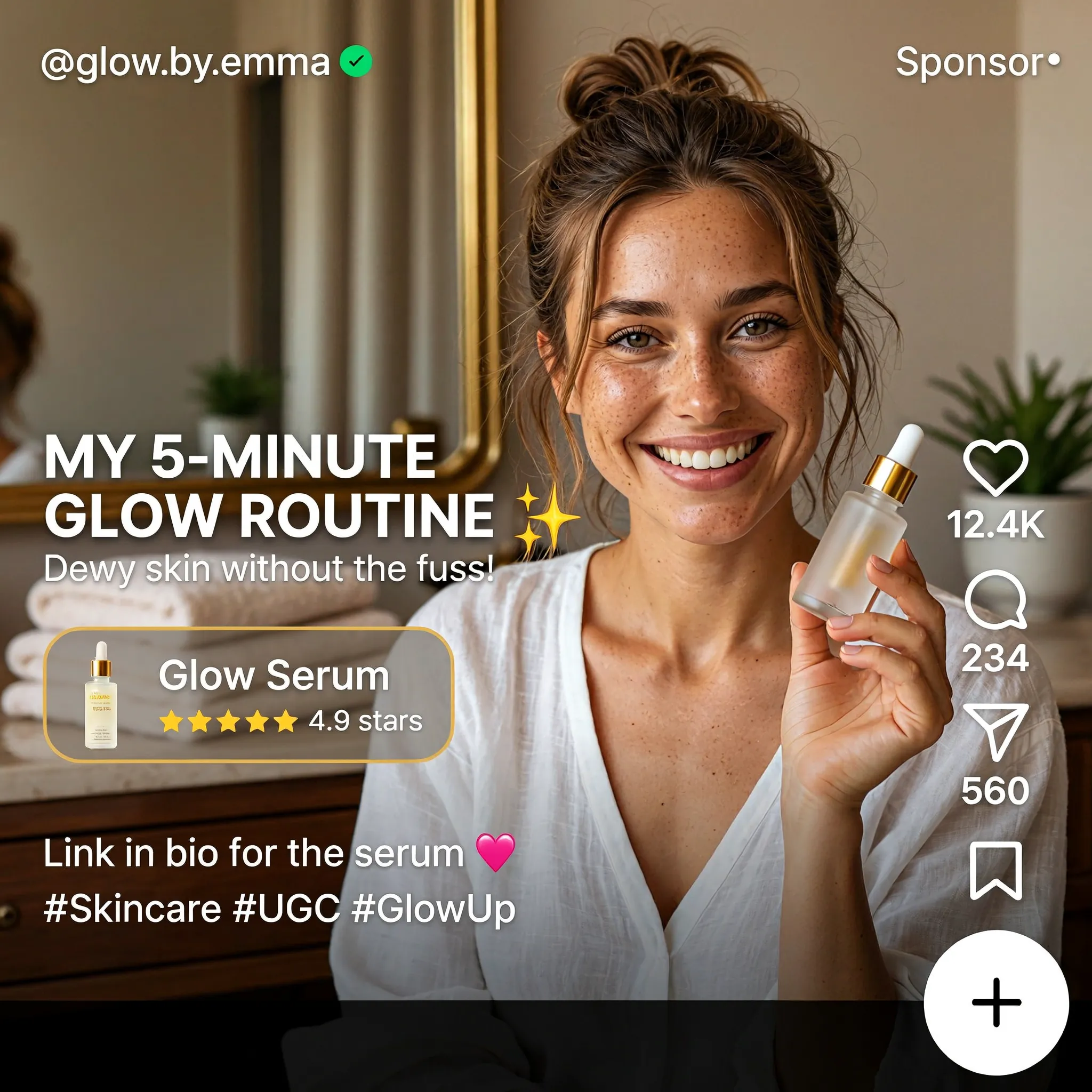
Create a square English-language skincare UGC advertisement styled as a short-video social media screen. Feature a smiling woman with brown hair in a casual bun, wearing a white blouse and holding a small glass serum bottle in a warmly lit home. Use natural skin texture and authentic handheld-video aesthetics. Add "MY 5-MINUTE GLOW ROUTINE", a translucent "Glow Serum" product card with a rating, the handle "@glow.by.emma", a small sponsored label, and familiar like, comment and share icons along the right edge. Keep the face and product clearly visible.
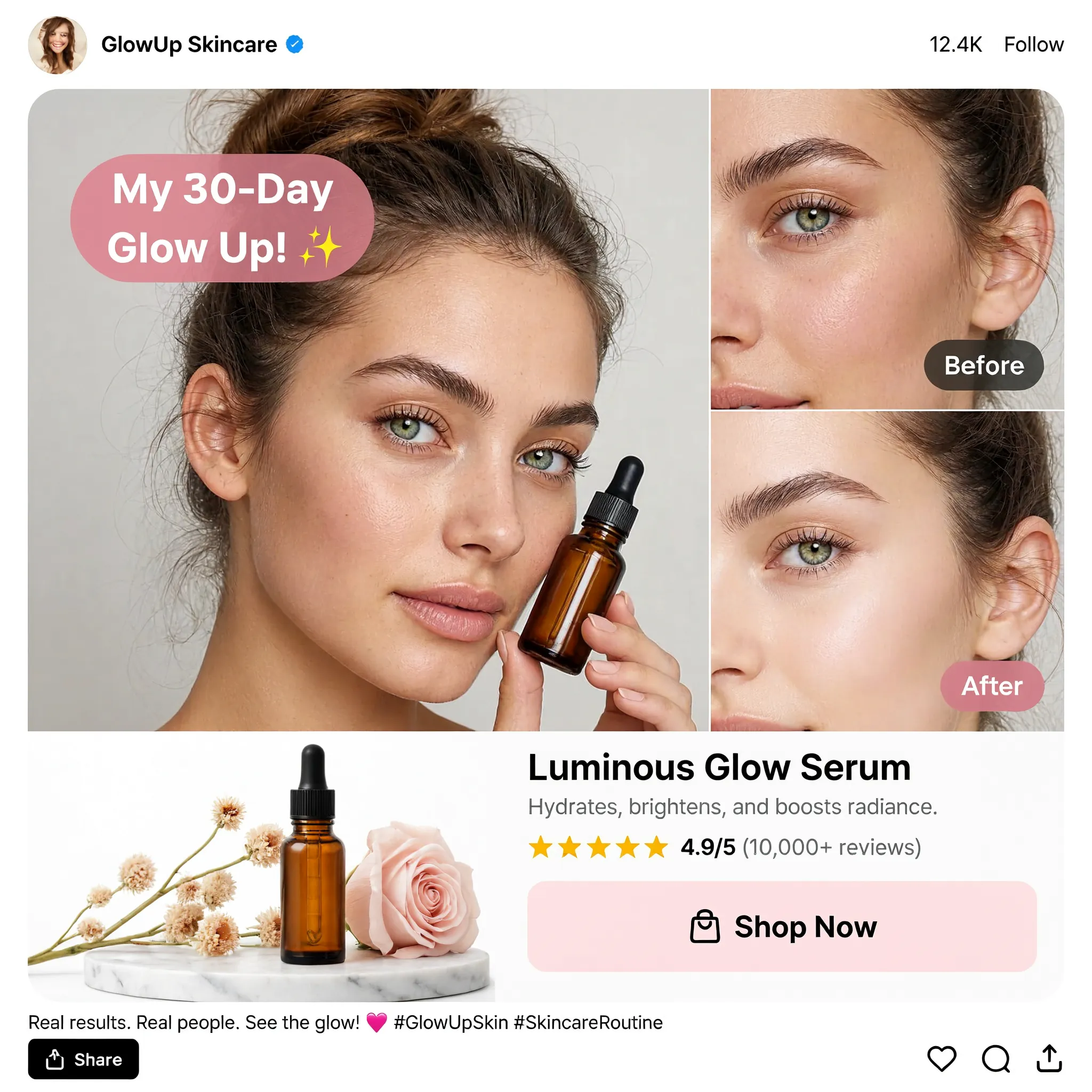
Design a square English skincare UGC social advertisement on a clean white background. Place a large portrait of a young woman holding an amber dropper bottle on the left and two stacked cheek close-ups labeled "Before" and "After" on the right. Add a pink speech bubble reading "My 30-Day Glow Up!", a product still life with flowers, the product name "Luminous Glow Serum", a star rating and a "Shop Now" button. Use realistic beauty photography, warm neutral tones, restrained pink accents and a compact social-post header and footer.
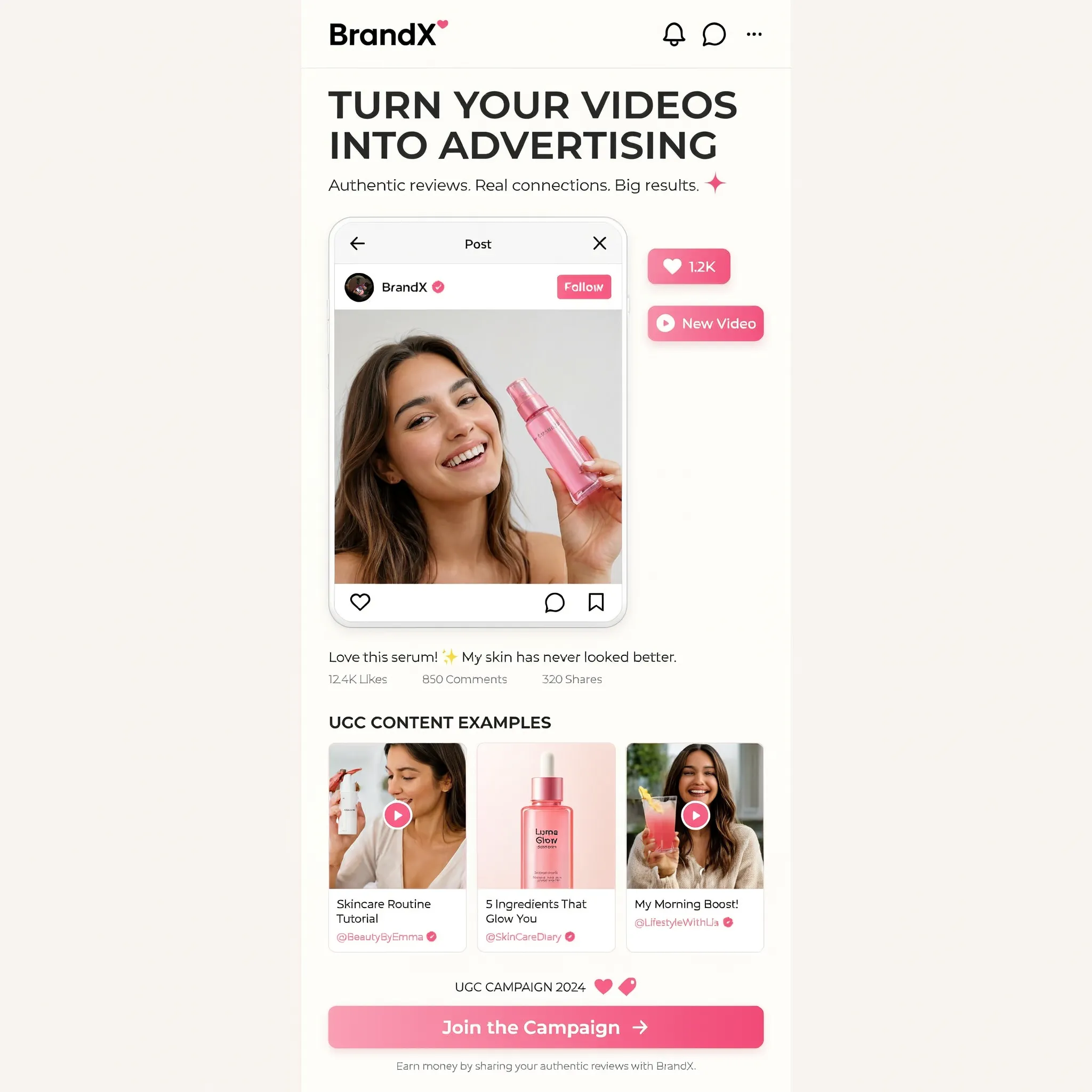
Create a square image showing a narrow mobile landing-page design centered on a warm off-white background. Use the brand name "BrandX" and the headline "TURN YOUR VIDEOS INTO ADVERTISING". Build the page with a creator video portrait, a compact workflow diagram, three UGC content example cards and a bright pink "Join the Campaign" button. Combine white cards, black sans-serif text, rounded corners and pink interface accents. Show all copy in English and maintain generous empty margins around the mobile page.
更換場景
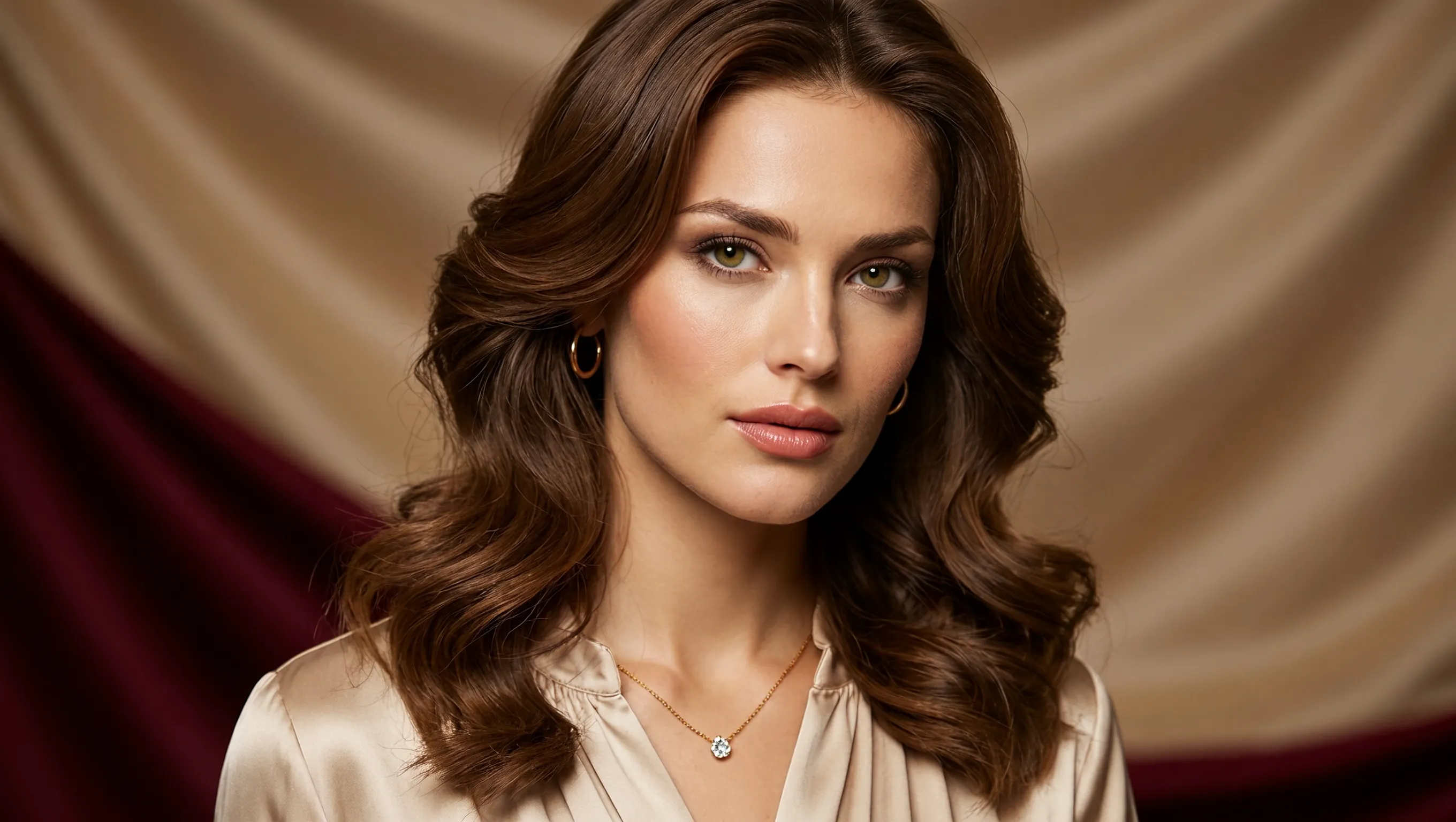
Create a photorealistic horizontal portrait of a European woman aged 20 to 25 with long wavy brown hair, light green eyes and delicate natural makeup. She wears a cream satin blouse and a fine gold necklace, looking calmly toward the camera. Use warm studio light, detailed skin texture and a softly draped champagne-colored fabric background. Frame her head and shoulders in a wide 16:9 composition.
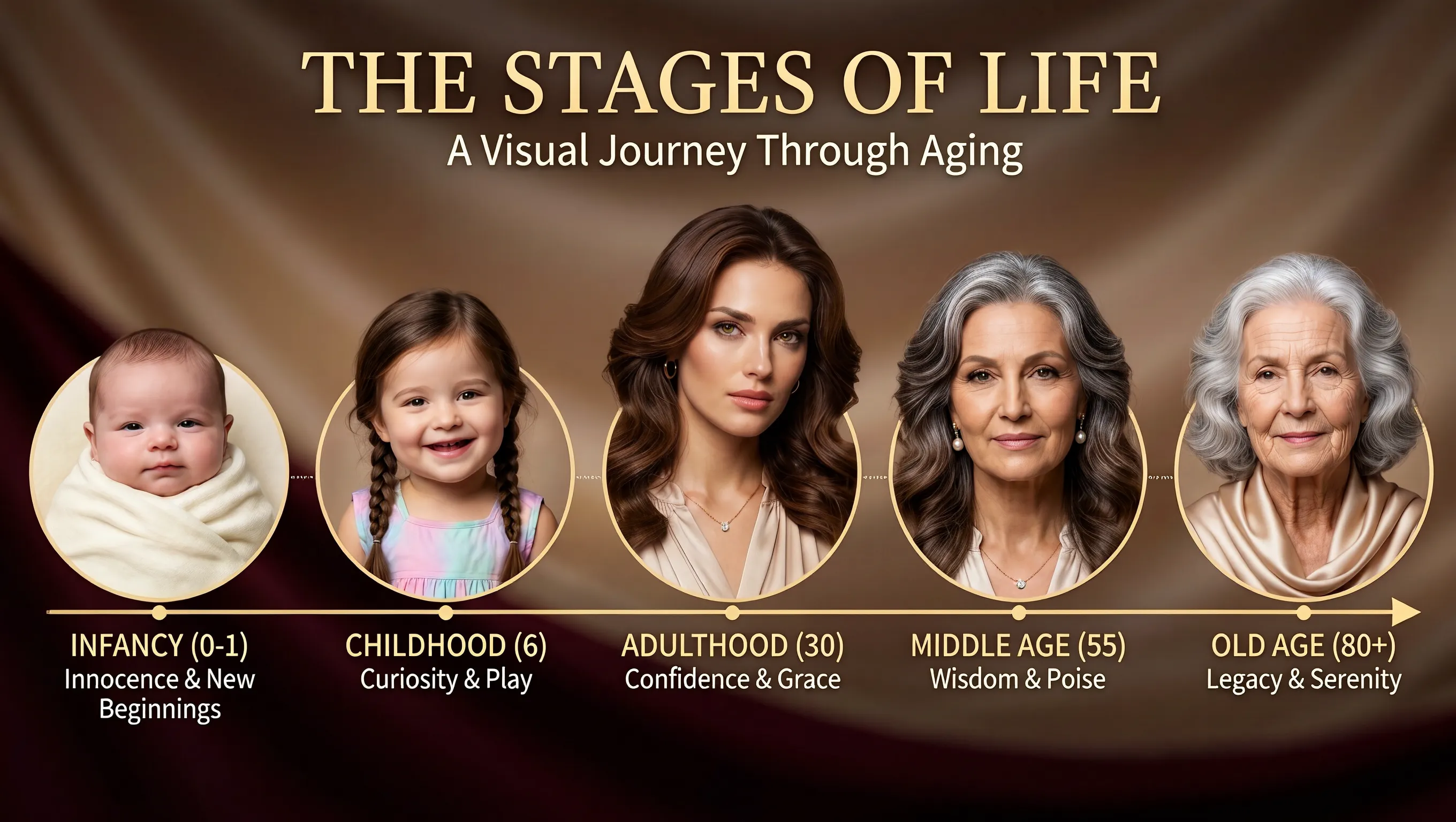
Using the supplied portrait as the identity reference, create a horizontal age-progression presentation showing the same person from infancy to old age. Arrange five oval portraits across a warm brown draped background: infancy, childhood, adulthood, middle age and old age. Preserve recognizable facial features across the stages while changing age, hair and clothing naturally. Add the title "THE STAGES OF LIFE", the subtitle "A Visual Journey Through Aging", and short English labels beneath each portrait. Keep the layout clear and all text in English.
調整標題位置
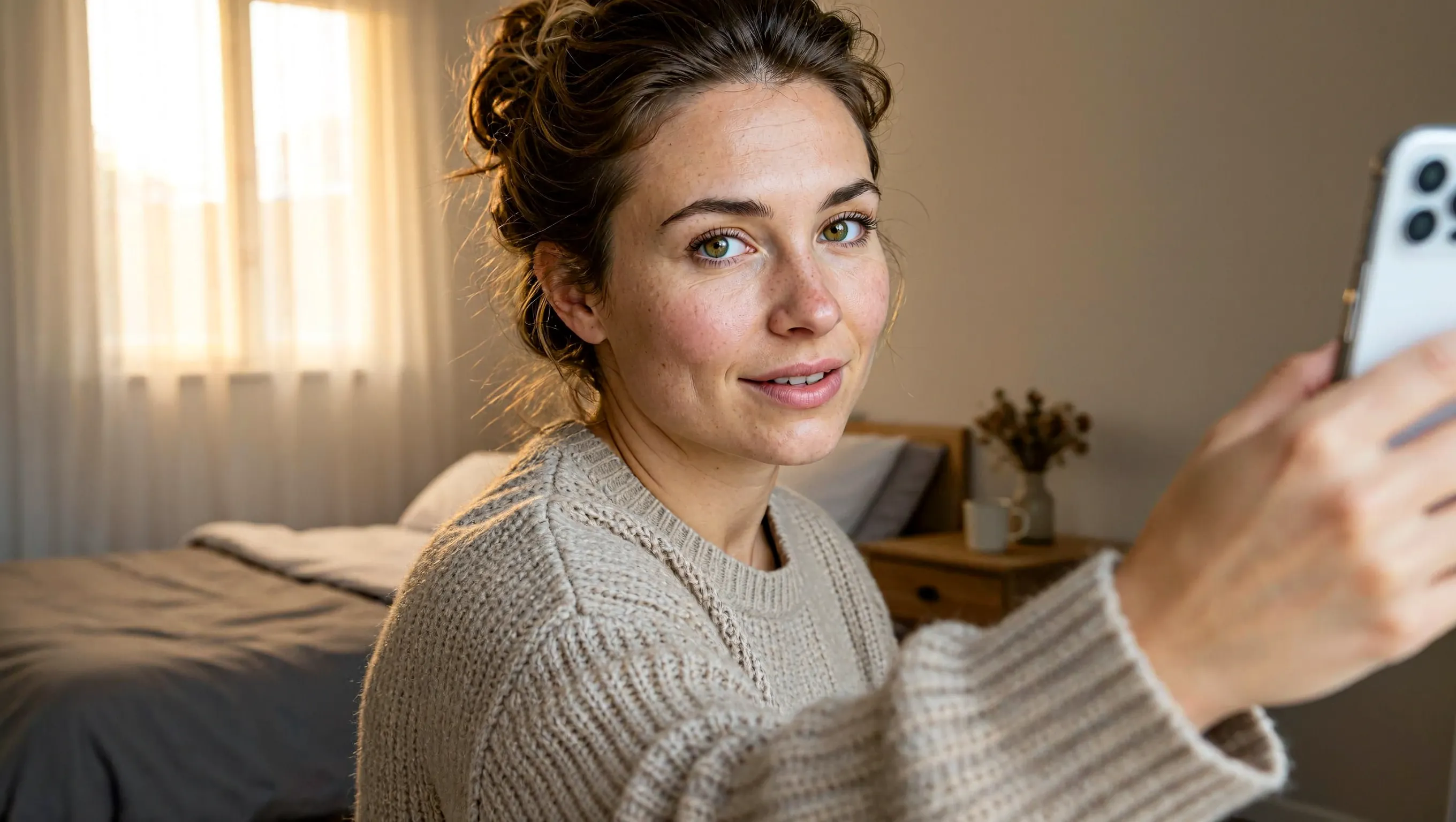
Create a realistic horizontal photograph of a makeup-free young European woman taking a smartphone selfie in her bedroom. She has loosely tied brown hair, green eyes, visible freckles and natural skin texture, and wears a light beige knitted sweater. Show her from the chest up at a casual selfie angle, with the phone and extended hand visible at the right. Include an unmade bed, a wooden bedside table and soft warm daylight through a curtained window. Use a candid, unretouched everyday look.
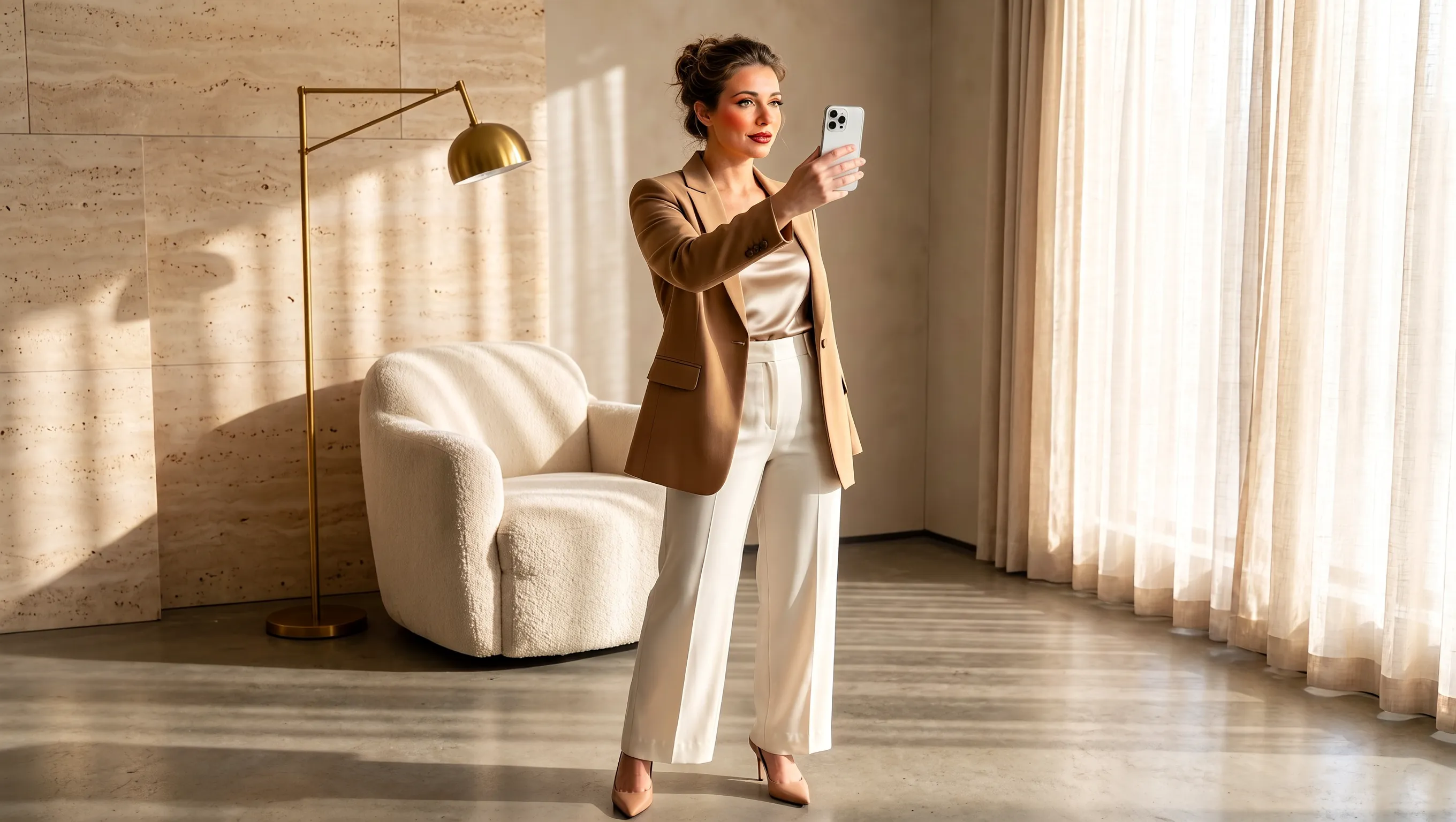
Using the supplied selfie, design makeup and a complete outfit suited to the same woman. Preserve her facial identity and loosely tied brown hair. Dress her in a tailored camel blazer over an ivory top, cream cropped trousers and beige pointed heels, with subtle polished makeup and minimal jewelry. Show a full-body smartphone mirror selfie in a refined sunlit beige interior with a rounded armchair, pale rug, light curtains and stone surfaces. Adjust the background to complement the outfit while keeping the same person recognizable. Use a horizontal composition.
從簡報到匯出,製作產品圖片
選擇創作起點,為每張參考圖分配用途,再依成品所需設定畫布。
從文字構想開始製作
描述產品、材質、光線和預期氛圍,用文字發展行銷構想。補上顧客與使用情境,讓第一張圖有清楚的方向。
指定每張參考圖的用途
分別用不同參考圖指定產品、場景和配色。說明各張圖中有哪些包裝細節應納入行銷簡報。
依投放位置安排構圖
生成前先選擇正方形、橫向或直向畫布。說明主體的位置,以及成品投放時周圍需要保留多少空間。
為成品選擇合適的細節精度
依專案需要選擇 1K、2K 或 4K。將選定的圖片匯出為 PNG,供後續設計使用。
為新品上市、商店和社群行銷製作產品圖片
為每張行銷圖片設定清楚用途,從介紹新品到說明產品如何融入日常生活。
新品上市宣傳圖
介紹新品時,寫明名稱、一項關鍵特色和行銷訊息。指定資訊層級,讓產品與上市資訊一目瞭然。
商店系列商品圖
在同一場景呈現一組系列產品或套組。說明每件商品及其擺放位置,讓顧客看懂套組內容。
日常產品故事
將產品放進日常情境,例如浴室洗手台旁的瓶子或早餐桌上的飲料。描述活動和道具,讓產品用途清楚可見。
行銷提案視覺板
為團隊呈現推廣構想的具體畫面。加入目標受眾、場合和視覺主題,讓團隊在進一步製作前討論構想。
如何使用 MiniMax H3 Image
以簡報或參考圖為起點,在 UGC Maker 上完成生成、檢視與匯出。
撰寫簡報或加入參考圖
描述要製作的產品照片或社群廣告。若要編輯,請上傳參考圖,並說明要調整的內容和需要保留的細節。
設定畫面比例與解析度
從九種長寬比中選擇一種,再選擇 1K、2K 或 4K。頁面預設使用 2K 的正方形畫布。
生成並檢視
檢視商品包裝、標籤文字和構圖後,再下載 PNG。若要再次調整,請上傳成品並描述下一項修改。