เครื่องมือสร้างภาพ AI MiniMax H3 สำหรับภาพสินค้าและโฆษณาโซเชียล
เปลี่ยนบรีฟสินค้าให้เป็นภาพแคมเปญด้วย MiniMax H3 Image บน UGC Maker สร้างจากข้อความ ผสานภาพอ้างอิงของสินค้าและฉาก หรือระบุจุดที่ต้องการปรับในภาพเดิม
สำรวจสไตล์ ฉาก และการจัดวางในโฆษณาสินค้าชิ้นเดียว
ดูขวดสีอำพันในงานภาพสามแบบ การย้ายขวดไปวางบนชั้นที่มีแสงแดดส่อง และการปรับตำแหน่งพาดหัว อ่านพรอมต์แต่ละรายการเพื่อดูว่าบรีฟโฆษณาเปลี่ยนไปอย่างไรในแต่ละภาพ
การนำเสนอภาพสามแบบ
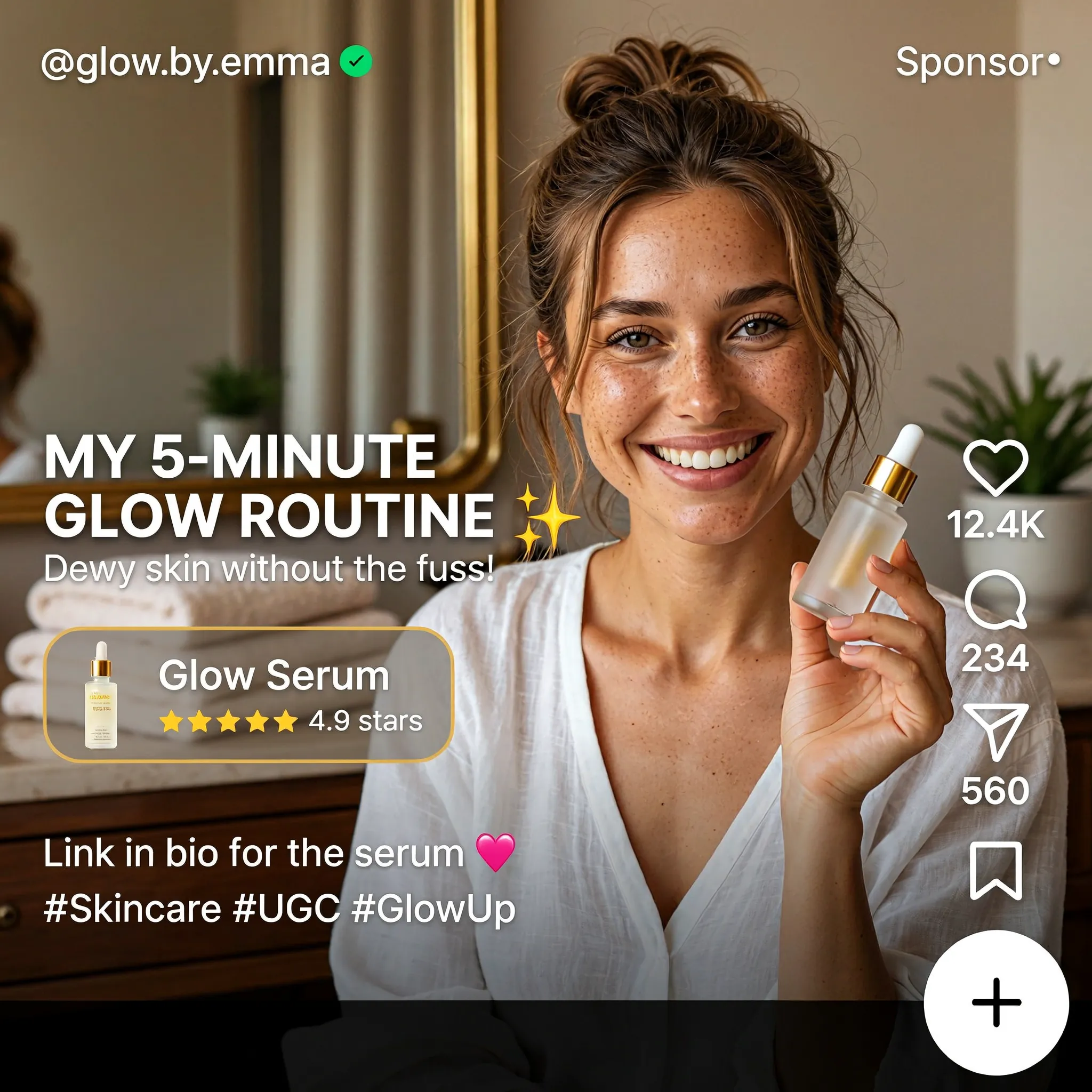
Create a square English-language skincare UGC advertisement styled as a short-video social media screen. Feature a smiling woman with brown hair in a casual bun, wearing a white blouse and holding a small glass serum bottle in a warmly lit home. Use natural skin texture and authentic handheld-video aesthetics. Add "MY 5-MINUTE GLOW ROUTINE", a translucent "Glow Serum" product card with a rating, the handle "@glow.by.emma", a small sponsored label, and familiar like, comment and share icons along the right edge. Keep the face and product clearly visible.
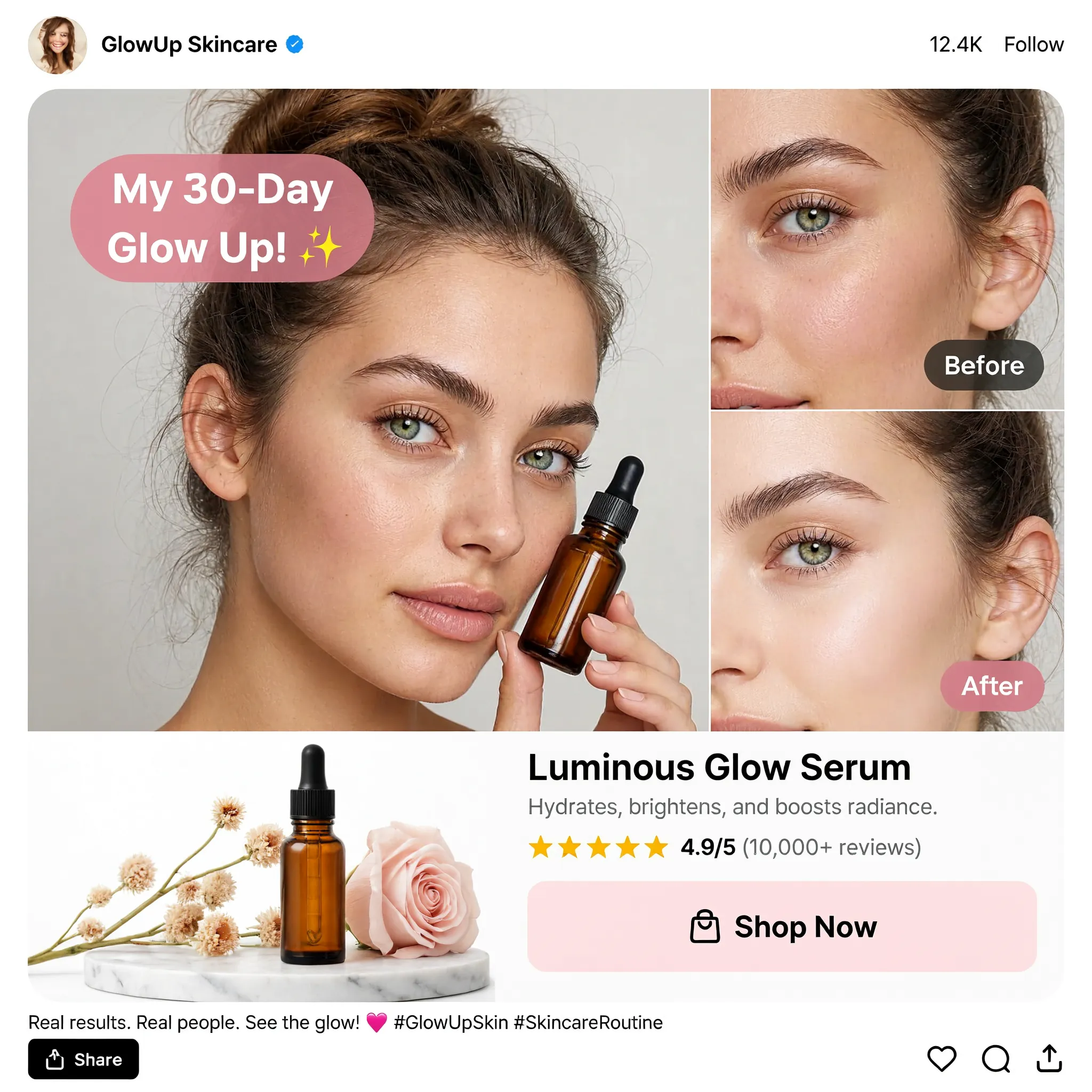
Design a square English skincare UGC social advertisement on a clean white background. Place a large portrait of a young woman holding an amber dropper bottle on the left and two stacked cheek close-ups labeled "Before" and "After" on the right. Add a pink speech bubble reading "My 30-Day Glow Up!", a product still life with flowers, the product name "Luminous Glow Serum", a star rating and a "Shop Now" button. Use realistic beauty photography, warm neutral tones, restrained pink accents and a compact social-post header and footer.

Create a square image showing a narrow mobile landing-page design centered on a warm off-white background. Use the brand name "BrandX" and the headline "TURN YOUR VIDEOS INTO ADVERTISING". Build the page with a creator video portrait, a compact workflow diagram, three UGC content example cards and a bright pink "Join the Campaign" button. Combine white cards, black sans-serif text, rounded corners and pink interface accents. Show all copy in English and maintain generous empty margins around the mobile page.
เปลี่ยนฉาก
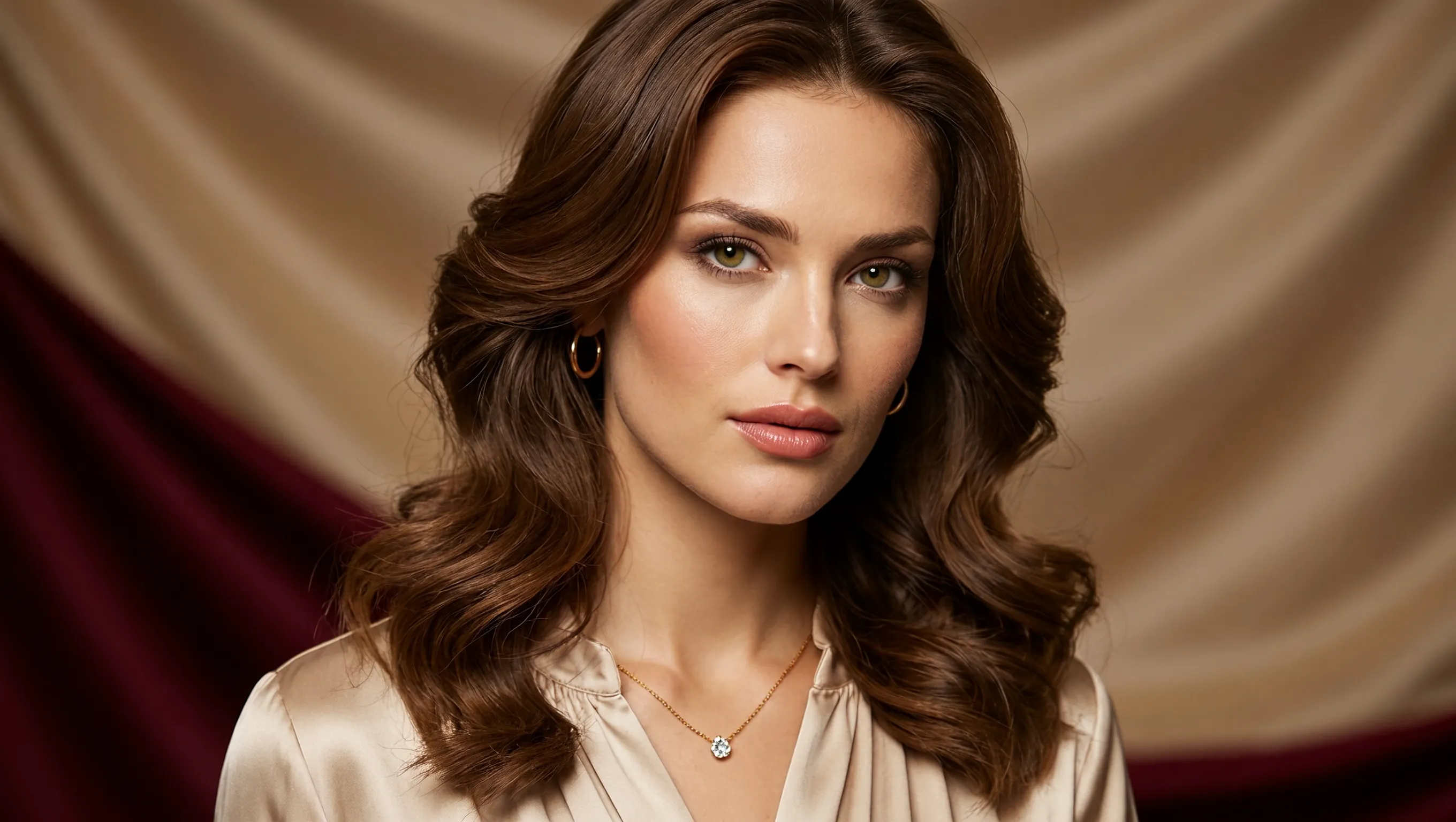
Create a photorealistic horizontal portrait of a European woman aged 20 to 25 with long wavy brown hair, light green eyes and delicate natural makeup. She wears a cream satin blouse and a fine gold necklace, looking calmly toward the camera. Use warm studio light, detailed skin texture and a softly draped champagne-colored fabric background. Frame her head and shoulders in a wide 16:9 composition.
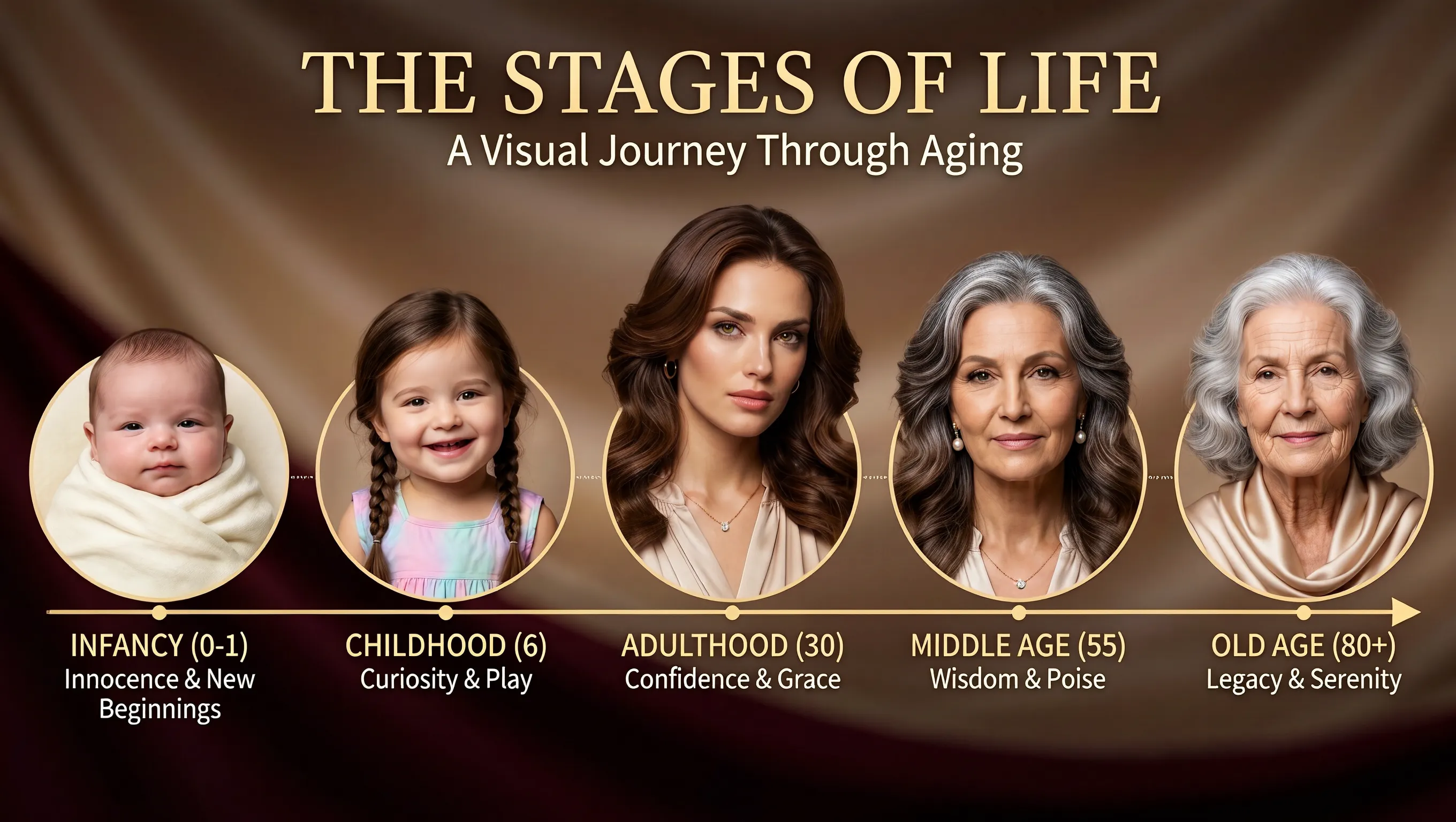
Using the supplied portrait as the identity reference, create a horizontal age-progression presentation showing the same person from infancy to old age. Arrange five oval portraits across a warm brown draped background: infancy, childhood, adulthood, middle age and old age. Preserve recognizable facial features across the stages while changing age, hair and clothing naturally. Add the title "THE STAGES OF LIFE", the subtitle "A Visual Journey Through Aging", and short English labels beneath each portrait. Keep the layout clear and all text in English.
ปรับตำแหน่งพาดหัว

Create a realistic horizontal photograph of a makeup-free young European woman taking a smartphone selfie in her bedroom. She has loosely tied brown hair, green eyes, visible freckles and natural skin texture, and wears a light beige knitted sweater. Show her from the chest up at a casual selfie angle, with the phone and extended hand visible at the right. Include an unmade bed, a wooden bedside table and soft warm daylight through a curtained window. Use a candid, unretouched everyday look.
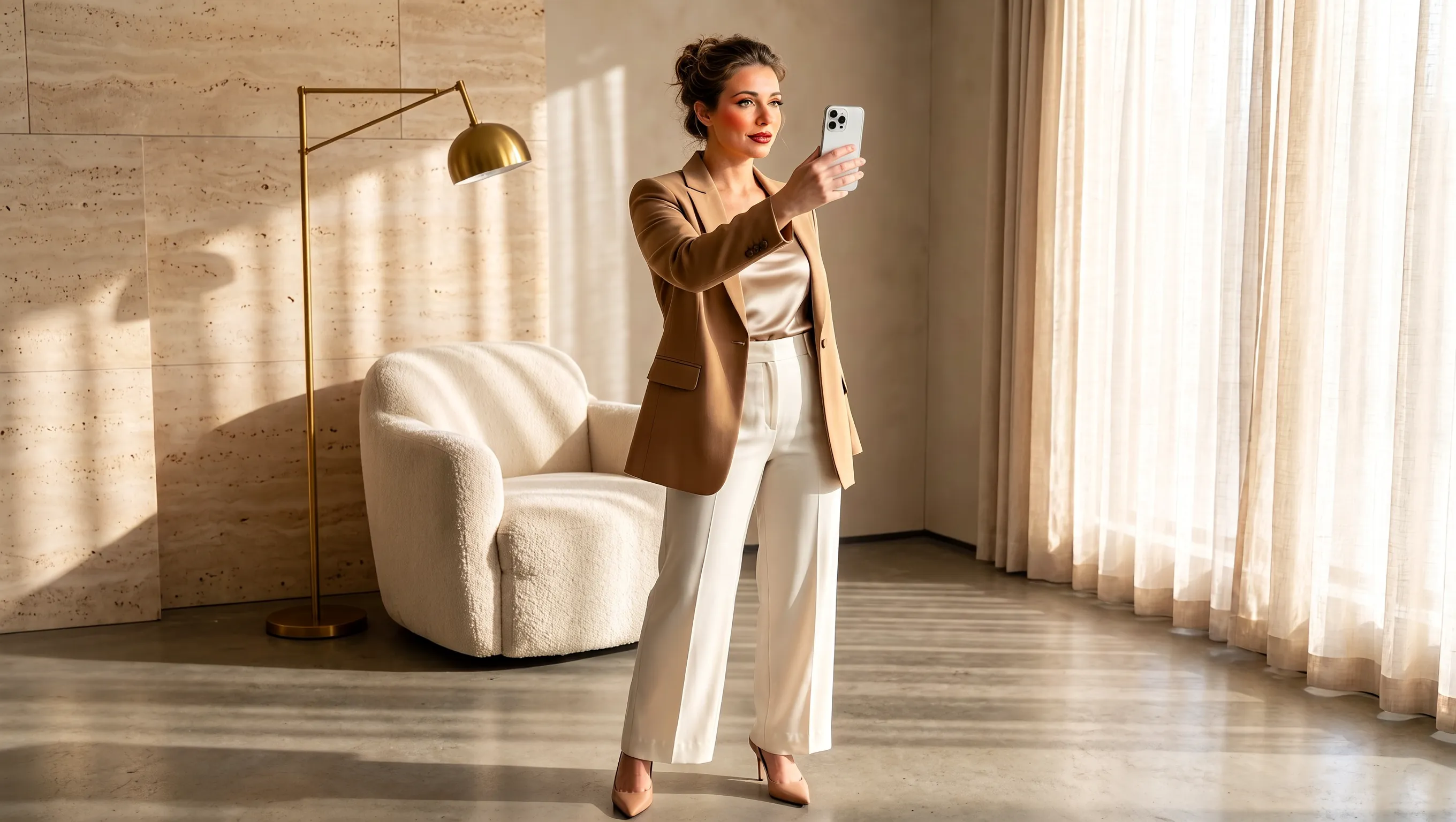
Using the supplied selfie, design makeup and a complete outfit suited to the same woman. Preserve her facial identity and loosely tied brown hair. Dress her in a tailored camel blazer over an ivory top, cream cropped trousers and beige pointed heels, with subtle polished makeup and minimal jewelry. Show a full-body smartphone mirror selfie in a refined sunlit beige interior with a rounded armchair, pale rug, light curtains and stone surfaces. Adjust the background to complement the outfit while keeping the same person recognizable. Use a horizontal composition.
สร้างภาพสินค้าตั้งแต่บรีฟจนถึงการส่งออก
เลือกวิธีเริ่มต้น กำหนดบทบาทให้ภาพอ้างอิงแต่ละภาพ และตั้งค่าพื้นที่ภาพให้เหมาะกับภาพที่ต้องการ
สร้างจากไอเดียที่เขียนไว้
บรรยายสินค้า วัสดุ แสง และบรรยากาศที่ต้องการเพื่อพัฒนาแนวคิดแคมเปญจากข้อความ ระบุสถานการณ์ของลูกค้าด้วยเพื่อให้ภาพแรกมีทิศทางที่ชัดเจน
กำหนดบทบาทให้ภาพอ้างอิงแต่ละภาพ
ใช้ภาพหนึ่งอ้างอิงตัวสินค้า อีกภาพอ้างอิงฉาก และอีกภาพอ้างอิงชุดสี ระบุว่าภาพอ้างอิงแต่ละภาพให้รายละเอียดบรรจุภัณฑ์ส่วนใดสำหรับบรีฟแคมเปญ
จัดองค์ประกอบให้เหมาะกับช่องทางเผยแพร่
เลือกพื้นที่ภาพแบบสี่เหลี่ยมจัตุรัส แนวนอน หรือแนวตั้งก่อนสร้าง ระบุตำแหน่งของตัวแบบหลักและพื้นที่ว่างรอบตัวแบบที่เหมาะกับการนำภาพไปใช้
เลือกความละเอียดสำหรับภาพสุดท้าย
สร้างภาพที่ 1K, 2K หรือ 4K ตามความเหมาะสมของงาน ส่งออกภาพที่เลือกเป็น PNG เพื่อนำไปใช้ในขั้นตอนออกแบบถัดไป
ภาพสินค้าสำหรับการเปิดตัว หน้าร้าน และแคมเปญโซเชียล
กำหนดบทบาทให้ภาพแต่ละภาพในแคมเปญ ตั้งแต่แนะนำสินค้าใหม่ไปจนถึงอธิบายว่าสินค้านั้นเข้ากับชีวิตประจำวันอย่างไร
ประกาศเปิดตัวสินค้า
แนะนำสินค้าใหม่ด้วยชื่อ จุดเด่น และข้อความรณรงค์ ระบุลำดับความสำคัญของข้อมูลเพื่อให้ค้นหาสินค้าและรายละเอียดการเปิดตัวได้ง่าย
ภาพคอลเลกชันสำหรับหน้าร้าน
นำเสนอสินค้าทั้งกลุ่มหรือชุดสินค้าในฉากเดียว ระบุชื่อและตำแหน่งของแต่ละชิ้นเพื่อสื่อว่าคอลเลกชันมีอะไรบ้าง
เรื่องราวสินค้าในชีวิตประจำวัน
แสดงสินค้าในกิจวัตรประจำวัน เช่น ขวดข้างอ่างล้างหน้า หรือเครื่องดื่มบนโต๊ะอาหารเช้า บรรยายกิจกรรมและอุปกรณ์ประกอบเพื่อให้เห็นชัดว่าสินค้าใช้อย่างไร
บอร์ดนำเสนอแนวคิดแคมเปญ
สร้างภาพที่ทำให้ทีมเห็นแนวคิดโปรโมชันอย่างเป็นรูปธรรม ระบุกลุ่มเป้าหมาย โอกาสใช้งาน และธีมภาพ เพื่อให้ทีมร่วมพูดคุยก่อนพัฒนาแคมเปญต่อ
วิธีใช้ MiniMax H3 Image
เริ่มจากบรีฟหรือภาพอ้างอิง แล้วสร้าง ตรวจทาน และส่งออกภาพบน UGC Maker
เขียนบรีฟหรือเพิ่มภาพอ้างอิง
อธิบายภาพสินค้าหรือโฆษณาโซเชียลที่ต้องการ หากจะแก้ไข ให้อัปโหลดภาพอ้างอิงพร้อมระบุสิ่งที่จะเปลี่ยนและรายละเอียดที่ต้องเก็บไว้
ตั้งค่ากรอบและความละเอียด
เลือกอัตราส่วนภาพหนึ่งแบบจากเก้าแบบ แล้วเลือก 1K, 2K หรือ 4K ค่าเริ่มต้นของหน้านี้คือภาพสี่เหลี่ยมจัตุรัสที่ความละเอียด 2K
สร้างและตรวจทาน
ตรวจดูบรรจุภัณฑ์ ข้อความบนฉลาก และองค์ประกอบ แล้วดาวน์โหลด PNG หากต้องการแก้ไขอีกครั้ง ให้อัปโหลดผลลัพธ์และระบุการเปลี่ยนแปลงถัดไป