MiniMax H3 AI 图像生成器,制作产品照片和社交媒体广告
在 UGC Maker 上用 MiniMax H3 Image 将产品简报变成营销图片。可以输入文字生成、结合产品与场景参考图创作,或通过指令修改现有照片中的具体细节。
在一支产品广告中尝试不同风格、场景和布局
观察琥珀色瓶身的三种视觉呈现,再将它移到阳光照射的置物架上,并调整标题的位置。阅读各张图片的提示词,了解广告创意要求如何变化。
三种视觉呈现
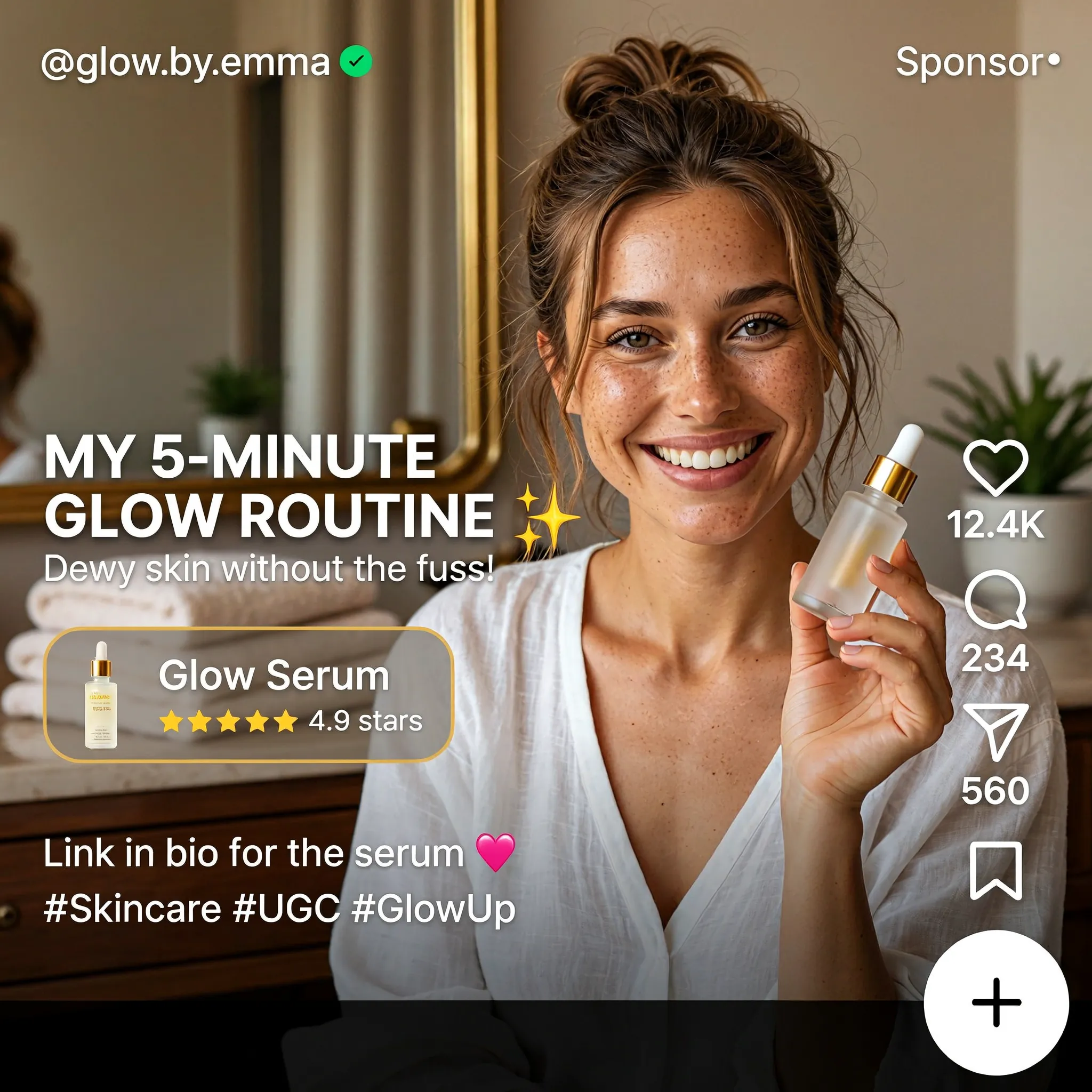
Create a square English-language skincare UGC advertisement styled as a short-video social media screen. Feature a smiling woman with brown hair in a casual bun, wearing a white blouse and holding a small glass serum bottle in a warmly lit home. Use natural skin texture and authentic handheld-video aesthetics. Add "MY 5-MINUTE GLOW ROUTINE", a translucent "Glow Serum" product card with a rating, the handle "@glow.by.emma", a small sponsored label, and familiar like, comment and share icons along the right edge. Keep the face and product clearly visible.
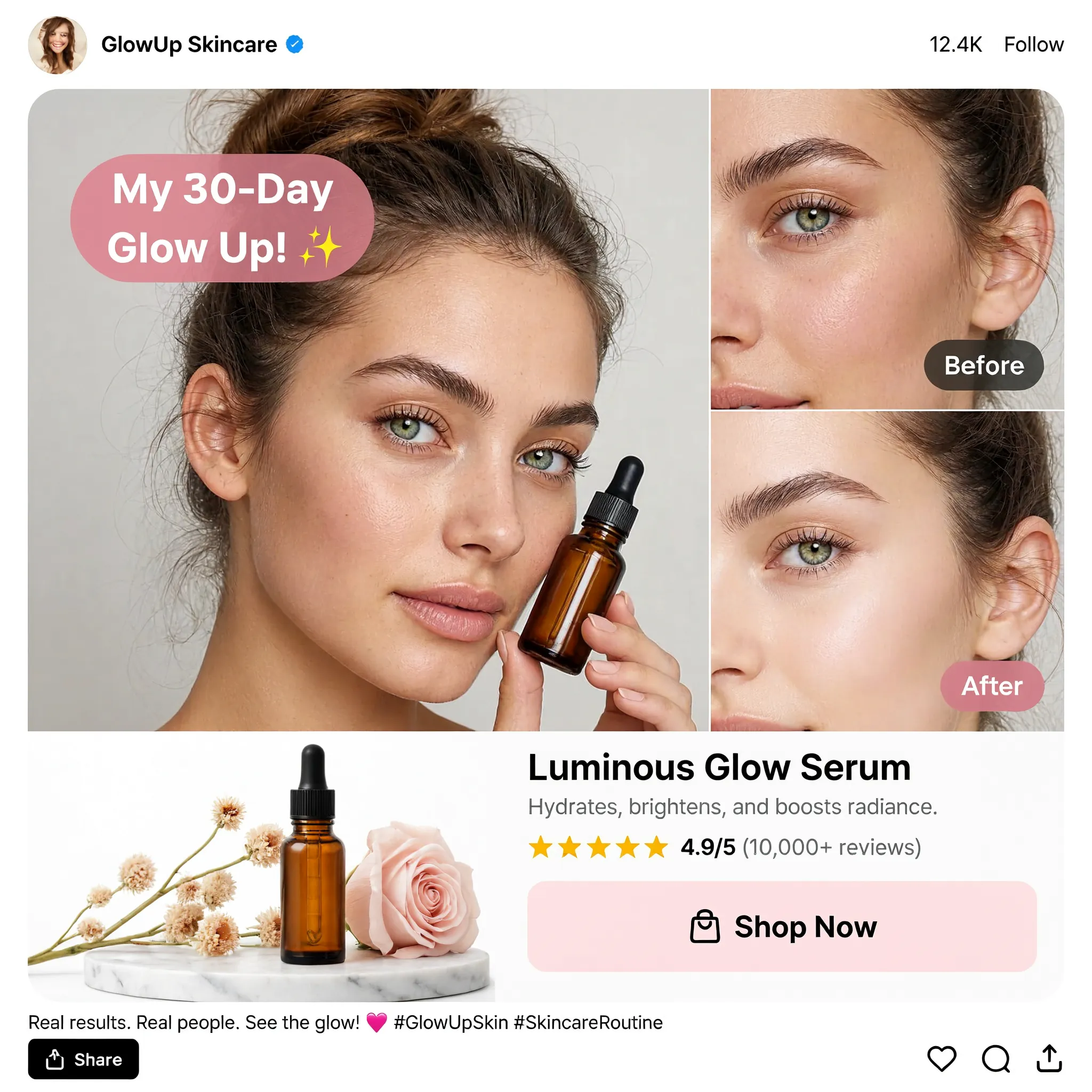
Design a square English skincare UGC social advertisement on a clean white background. Place a large portrait of a young woman holding an amber dropper bottle on the left and two stacked cheek close-ups labeled "Before" and "After" on the right. Add a pink speech bubble reading "My 30-Day Glow Up!", a product still life with flowers, the product name "Luminous Glow Serum", a star rating and a "Shop Now" button. Use realistic beauty photography, warm neutral tones, restrained pink accents and a compact social-post header and footer.
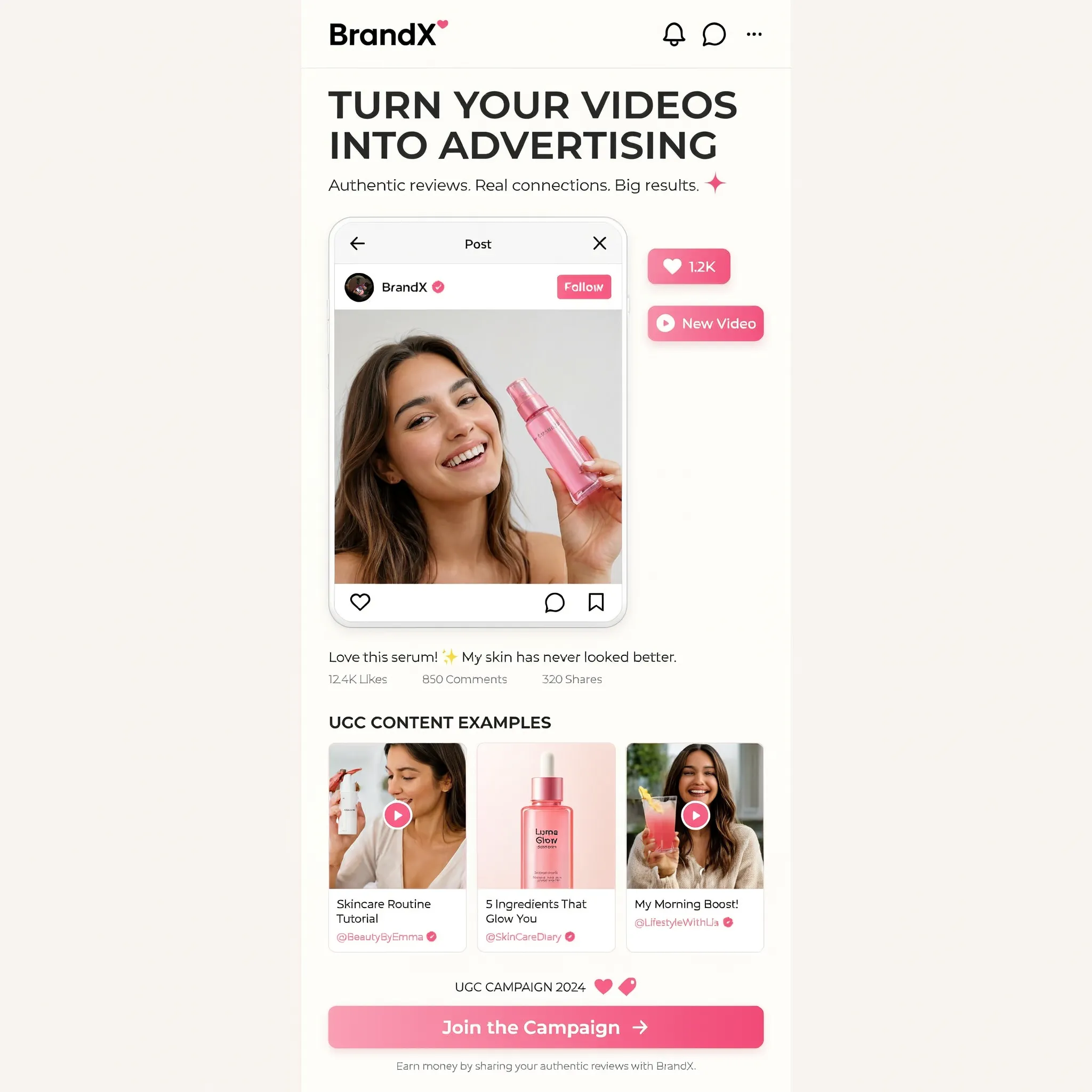
Create a square image showing a narrow mobile landing-page design centered on a warm off-white background. Use the brand name "BrandX" and the headline "TURN YOUR VIDEOS INTO ADVERTISING". Build the page with a creator video portrait, a compact workflow diagram, three UGC content example cards and a bright pink "Join the Campaign" button. Combine white cards, black sans-serif text, rounded corners and pink interface accents. Show all copy in English and maintain generous empty margins around the mobile page.
更换场景
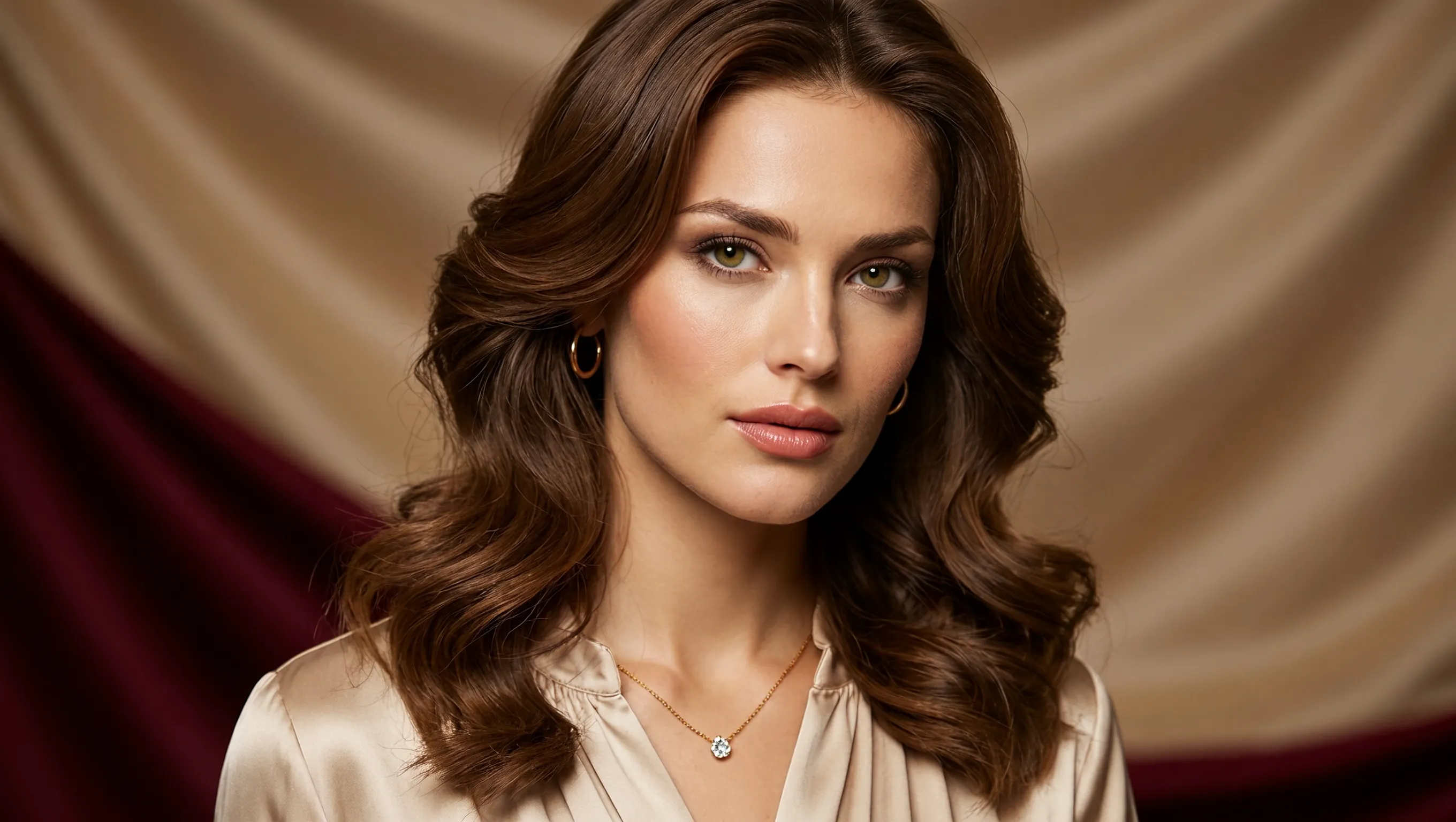
Create a photorealistic horizontal portrait of a European woman aged 20 to 25 with long wavy brown hair, light green eyes and delicate natural makeup. She wears a cream satin blouse and a fine gold necklace, looking calmly toward the camera. Use warm studio light, detailed skin texture and a softly draped champagne-colored fabric background. Frame her head and shoulders in a wide 16:9 composition.
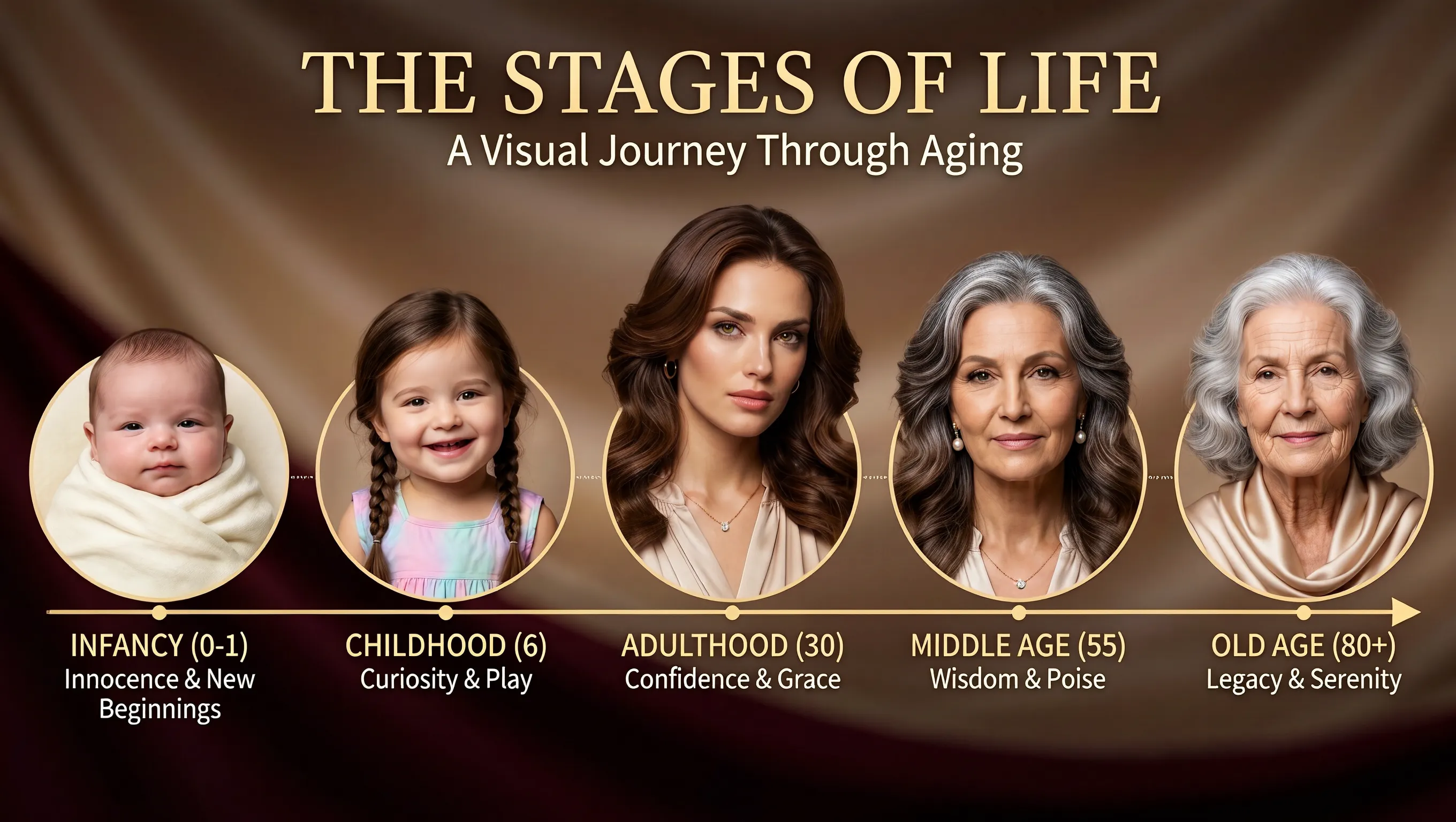
Using the supplied portrait as the identity reference, create a horizontal age-progression presentation showing the same person from infancy to old age. Arrange five oval portraits across a warm brown draped background: infancy, childhood, adulthood, middle age and old age. Preserve recognizable facial features across the stages while changing age, hair and clothing naturally. Add the title "THE STAGES OF LIFE", the subtitle "A Visual Journey Through Aging", and short English labels beneath each portrait. Keep the layout clear and all text in English.
调整标题位置
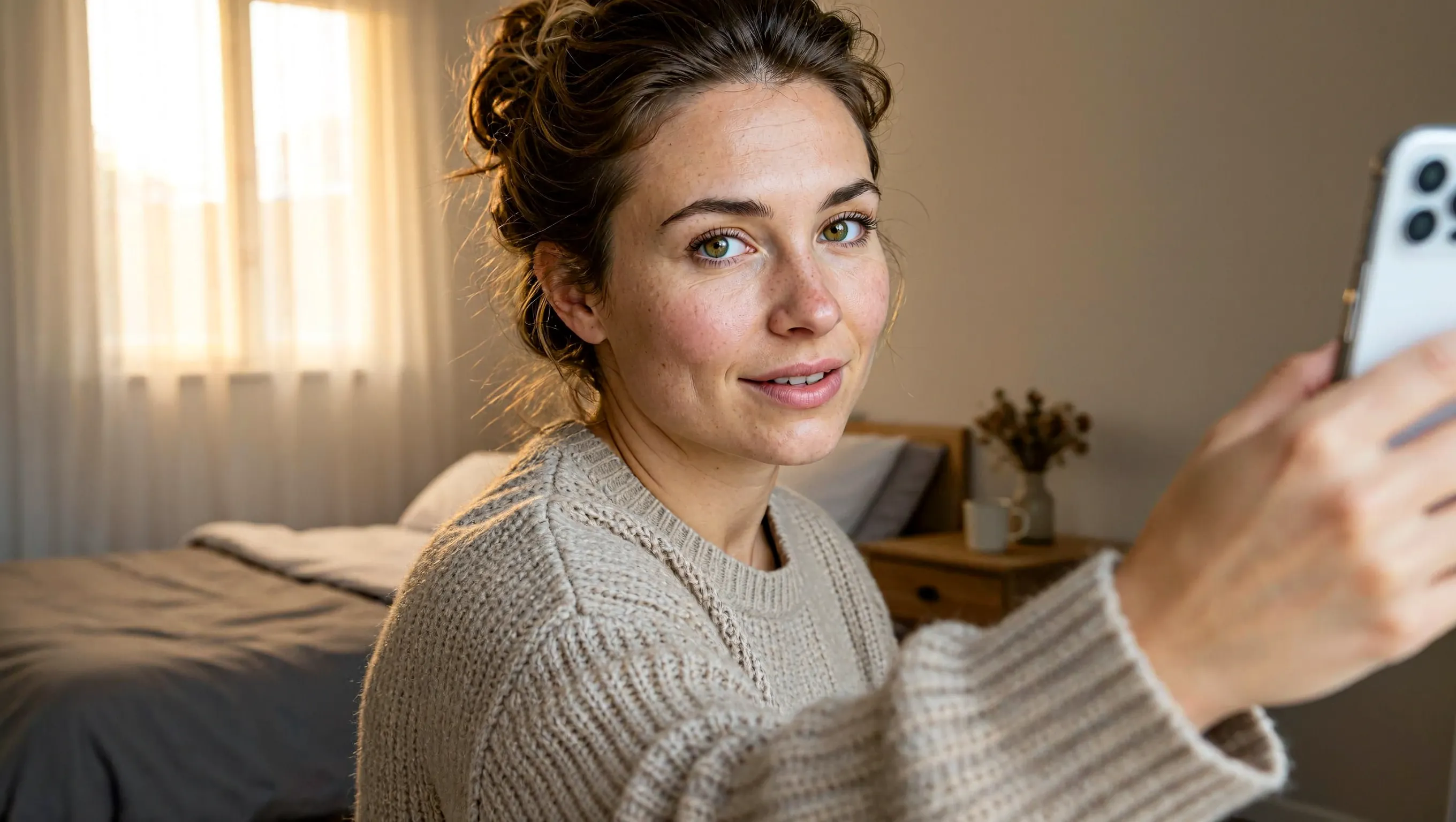
Create a realistic horizontal photograph of a makeup-free young European woman taking a smartphone selfie in her bedroom. She has loosely tied brown hair, green eyes, visible freckles and natural skin texture, and wears a light beige knitted sweater. Show her from the chest up at a casual selfie angle, with the phone and extended hand visible at the right. Include an unmade bed, a wooden bedside table and soft warm daylight through a curtained window. Use a candid, unretouched everyday look.
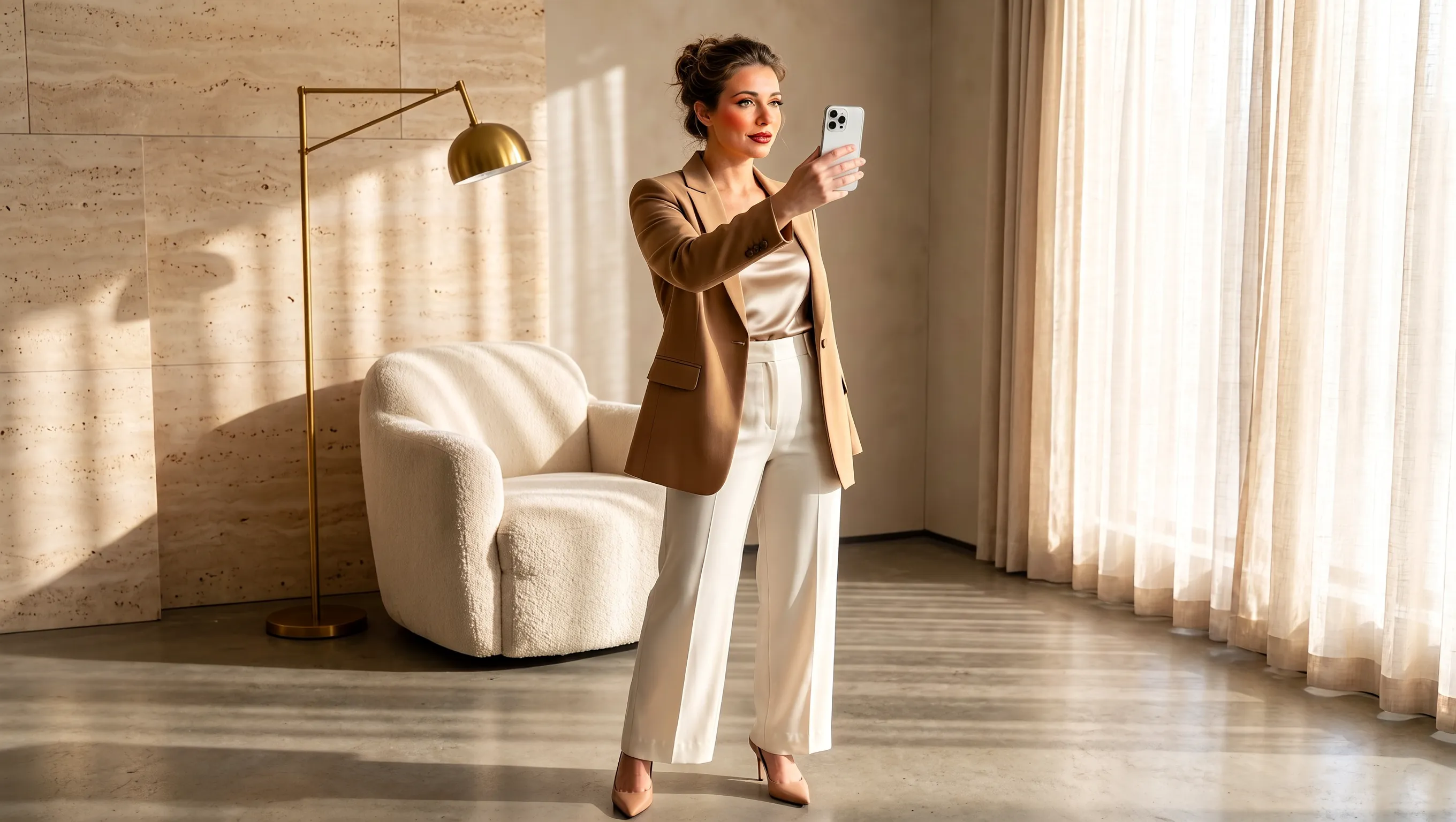
Using the supplied selfie, design makeup and a complete outfit suited to the same woman. Preserve her facial identity and loosely tied brown hair. Dress her in a tailored camel blazer over an ivory top, cream cropped trousers and beige pointed heels, with subtle polished makeup and minimal jewelry. Show a full-body smartphone mirror selfie in a refined sunlit beige interior with a rounded armchair, pale rug, light curtains and stone surfaces. Adjust the background to complement the outfit while keeping the same person recognizable. Use a horizontal composition.
从简报到导出,制作产品图片
选择创作起点、为各张参考图分配用途,再按成品需要设置画布。
从文字创意开始制作
描述产品、材质、光线和预期氛围,用文字构建营销创意。交代受众和使用情境,为第一张图片定下清晰的方向。
为每张参考图指定用途
分别用不同参考图指定产品、场景和配色。指出各参考图有哪些包装细节值得纳入营销简报。
根据发布场景安排构图
生成前先选方形、横向或竖向画布。说明主体的位置,并注明成品在发布版位上需要保留多少留白。
为最终图片选择合适的清晰度
根据项目需要选择 1K、2K 或 4K 生成图片。将选中的图片导出为 PNG,供下一步设计使用。
为新品发布、店铺和社交媒体营销制作产品图片
为每张营销图片设定明确用途,从介绍新品到说明产品如何融入日常生活。
新品发布宣传图
介绍新产品时,写明名称、一项关键特点和推广信息。说明信息层级,让人一眼找到产品和发布细节。
店铺系列商品图
在同一场景呈现一个产品系列或组合。列出各件商品和摆放位置,让顾客了解这个组合包含什么。
日常产品故事
把产品放进日常场景,比如洗手池旁的瓶子或早餐桌上的饮品。描述活动和道具,让产品的用法清楚可见。
营销提案视觉板
为团队呈现推广方案的具体画面。加入目标受众、场合和视觉主题,让协作者在深入开发前讨论方案。
如何使用 MiniMax H3 Image
从简报或参考图开始,在 UGC Maker 上完成生成、检查和导出。
撰写简报或添加参考图
描述要制作的产品照片或社交媒体广告。需要编辑时,上传参考图,说明要修改的内容及要保留的细节。
设置画面比例和分辨率
从九种宽高比中选择一种,并选择 1K、2K 或 4K。页面默认使用 2K 方形画布。
生成并检查
检查产品包装、标签文字和构图,再下载 PNG。需要继续修改时,上传生成结果,并说明接下来要调整什么。