제품 사진과 소셜 광고를 위한 MiniMax H3 AI 이미지 생성기
UGC Maker의 MiniMax H3 Image로 제품 브리프를 캠페인 이미지로 만들어 보세요. 텍스트로 생성하거나, 제품과 배경의 참조 이미지를 조합하거나, 바꿀 부분을 지정해 기존 이미지를 수정할 수 있습니다.
제품 광고 하나로 스타일, 배경, 레이아웃 살펴보기
갈색 병을 활용한 세 가지 시각적 표현, 햇빛이 드는 선반으로의 이동, 헤드라인 위치 변경을 살펴보세요. 각 프롬프트를 읽으면 이미지마다 광고 브리프가 어떻게 달라지는지 알 수 있습니다.
세 가지 시각적 표현
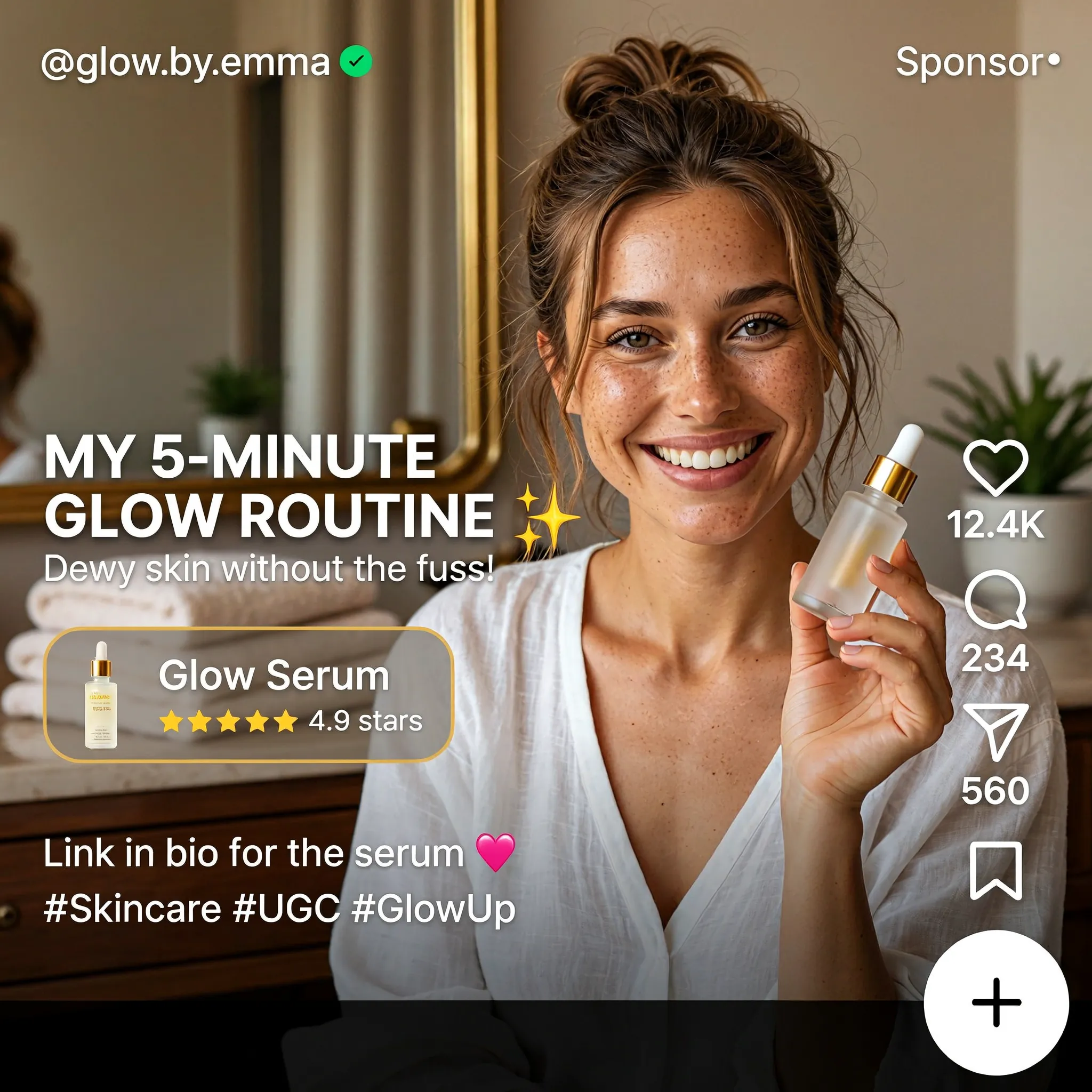
Create a square English-language skincare UGC advertisement styled as a short-video social media screen. Feature a smiling woman with brown hair in a casual bun, wearing a white blouse and holding a small glass serum bottle in a warmly lit home. Use natural skin texture and authentic handheld-video aesthetics. Add "MY 5-MINUTE GLOW ROUTINE", a translucent "Glow Serum" product card with a rating, the handle "@glow.by.emma", a small sponsored label, and familiar like, comment and share icons along the right edge. Keep the face and product clearly visible.
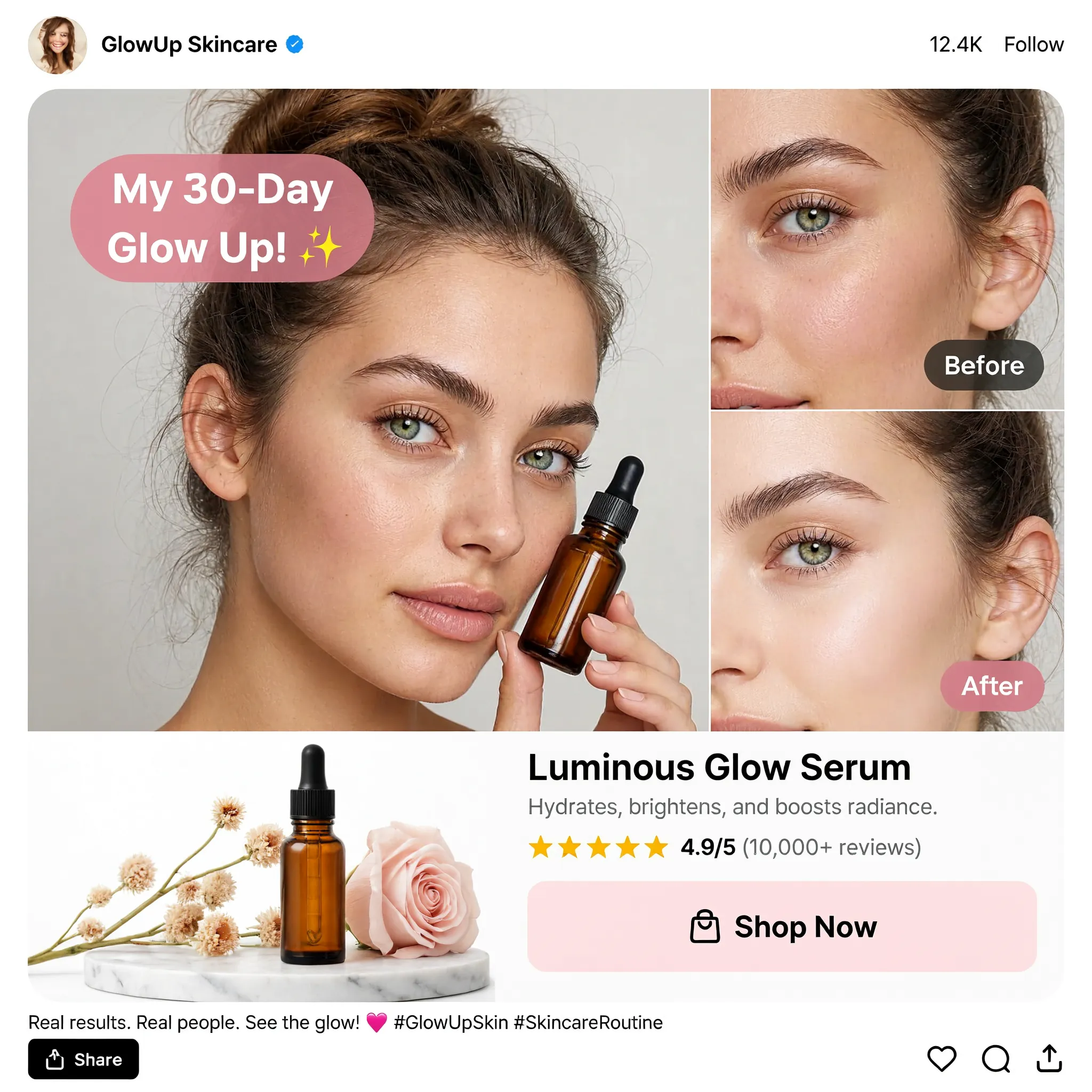
Design a square English skincare UGC social advertisement on a clean white background. Place a large portrait of a young woman holding an amber dropper bottle on the left and two stacked cheek close-ups labeled "Before" and "After" on the right. Add a pink speech bubble reading "My 30-Day Glow Up!", a product still life with flowers, the product name "Luminous Glow Serum", a star rating and a "Shop Now" button. Use realistic beauty photography, warm neutral tones, restrained pink accents and a compact social-post header and footer.
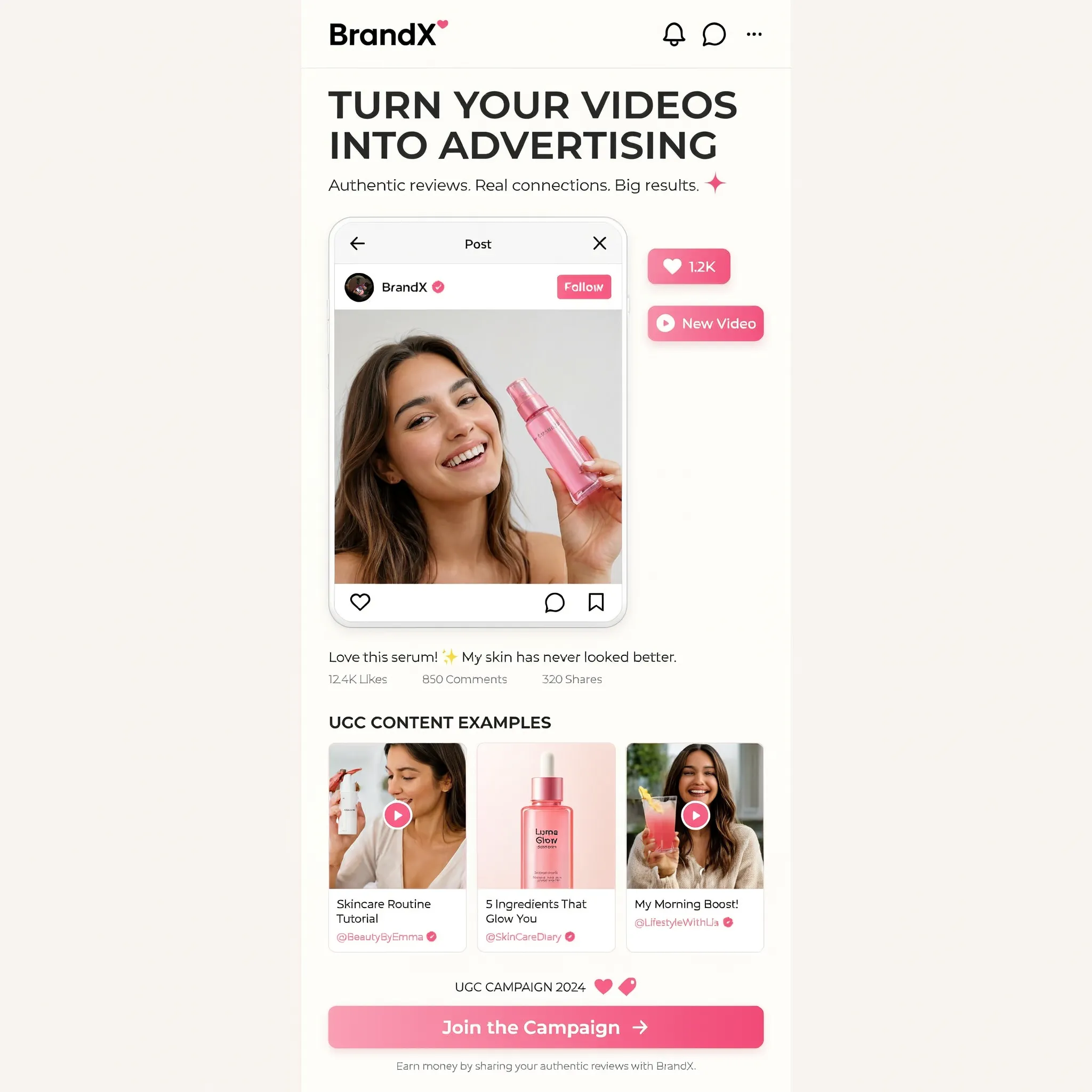
Create a square image showing a narrow mobile landing-page design centered on a warm off-white background. Use the brand name "BrandX" and the headline "TURN YOUR VIDEOS INTO ADVERTISING". Build the page with a creator video portrait, a compact workflow diagram, three UGC content example cards and a bright pink "Join the Campaign" button. Combine white cards, black sans-serif text, rounded corners and pink interface accents. Show all copy in English and maintain generous empty margins around the mobile page.
배경 바꾸기
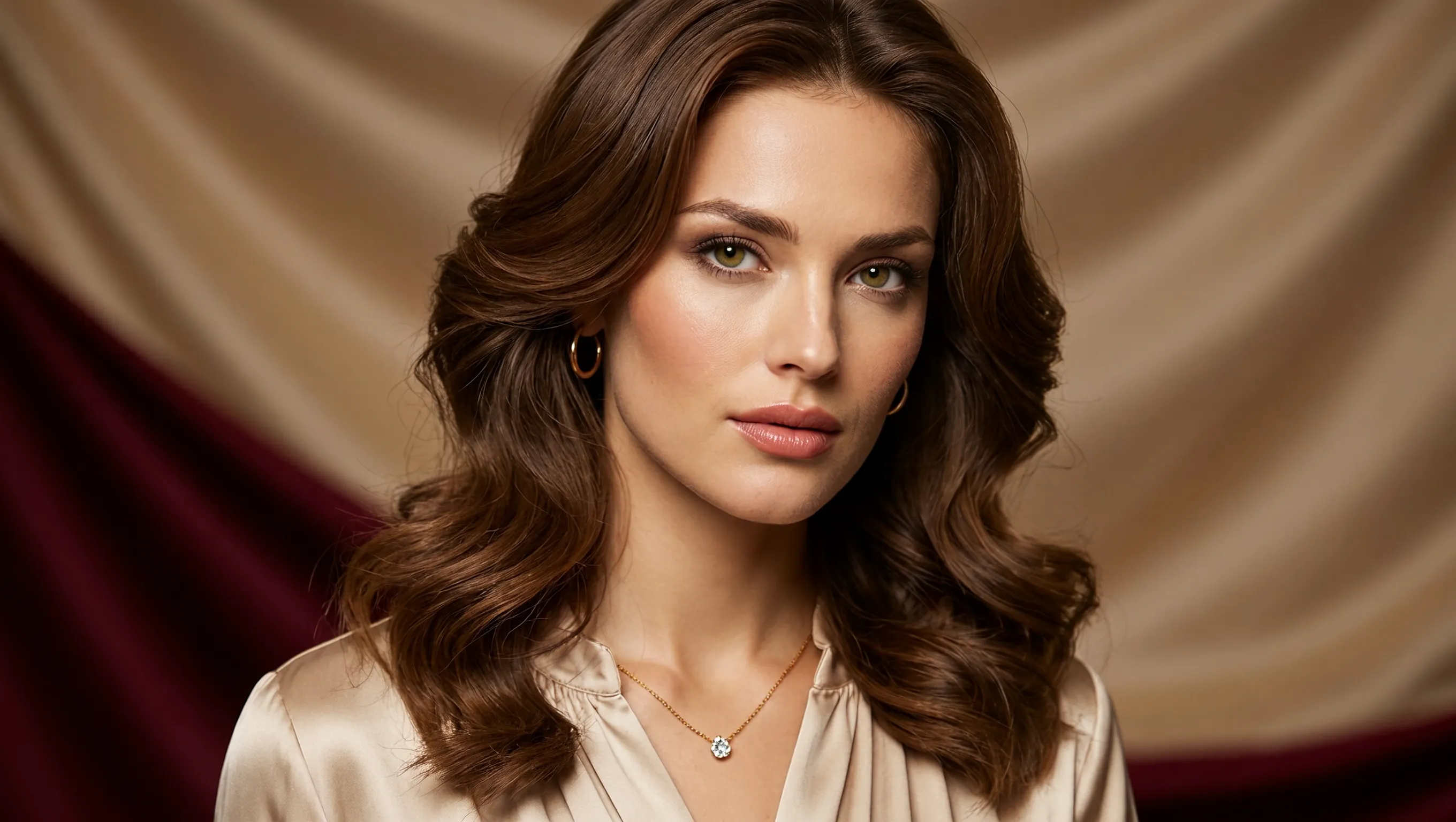
Create a photorealistic horizontal portrait of a European woman aged 20 to 25 with long wavy brown hair, light green eyes and delicate natural makeup. She wears a cream satin blouse and a fine gold necklace, looking calmly toward the camera. Use warm studio light, detailed skin texture and a softly draped champagne-colored fabric background. Frame her head and shoulders in a wide 16:9 composition.
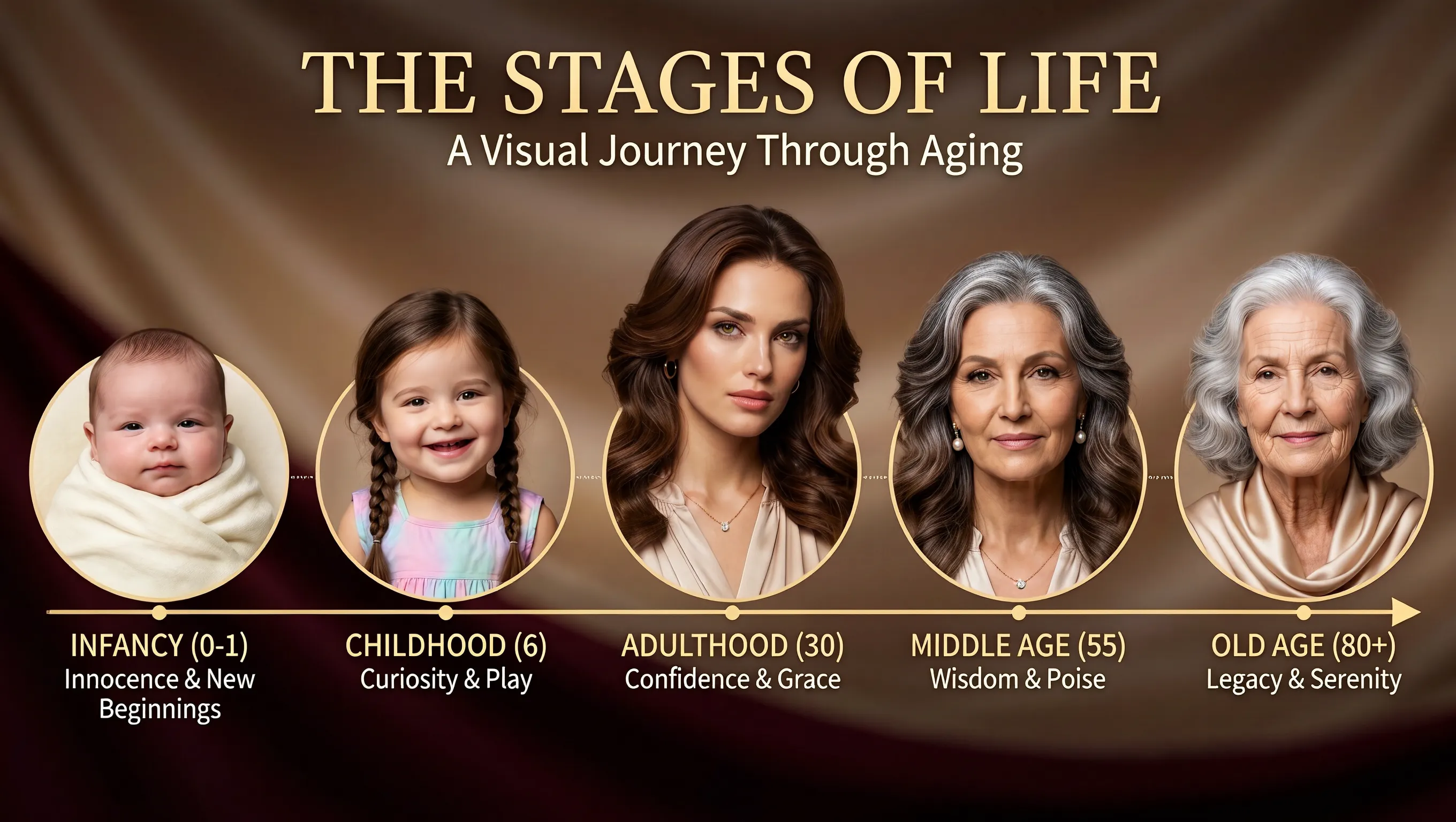
Using the supplied portrait as the identity reference, create a horizontal age-progression presentation showing the same person from infancy to old age. Arrange five oval portraits across a warm brown draped background: infancy, childhood, adulthood, middle age and old age. Preserve recognizable facial features across the stages while changing age, hair and clothing naturally. Add the title "THE STAGES OF LIFE", the subtitle "A Visual Journey Through Aging", and short English labels beneath each portrait. Keep the layout clear and all text in English.
헤드라인 위치 바꾸기
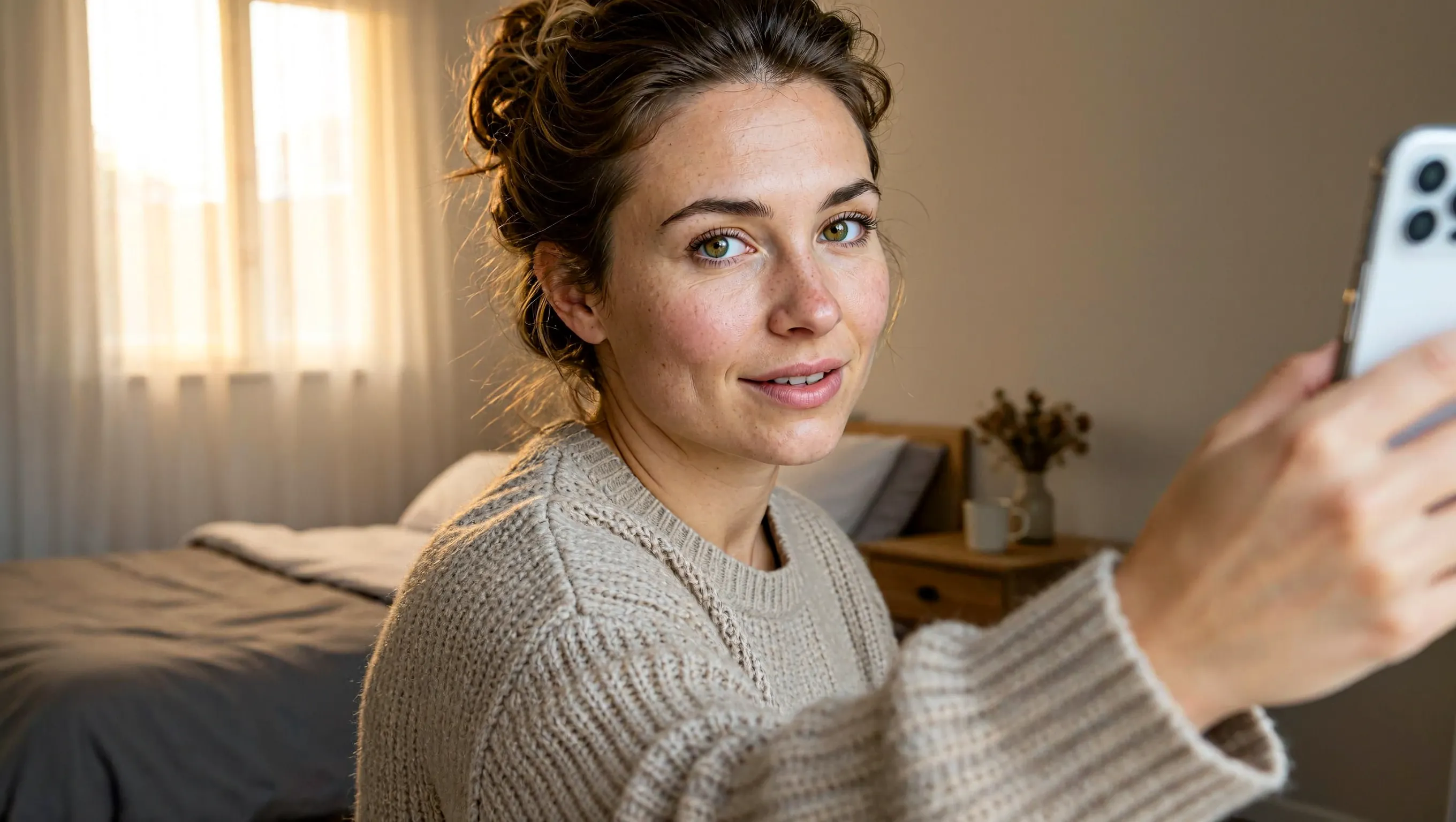
Create a realistic horizontal photograph of a makeup-free young European woman taking a smartphone selfie in her bedroom. She has loosely tied brown hair, green eyes, visible freckles and natural skin texture, and wears a light beige knitted sweater. Show her from the chest up at a casual selfie angle, with the phone and extended hand visible at the right. Include an unmade bed, a wooden bedside table and soft warm daylight through a curtained window. Use a candid, unretouched everyday look.
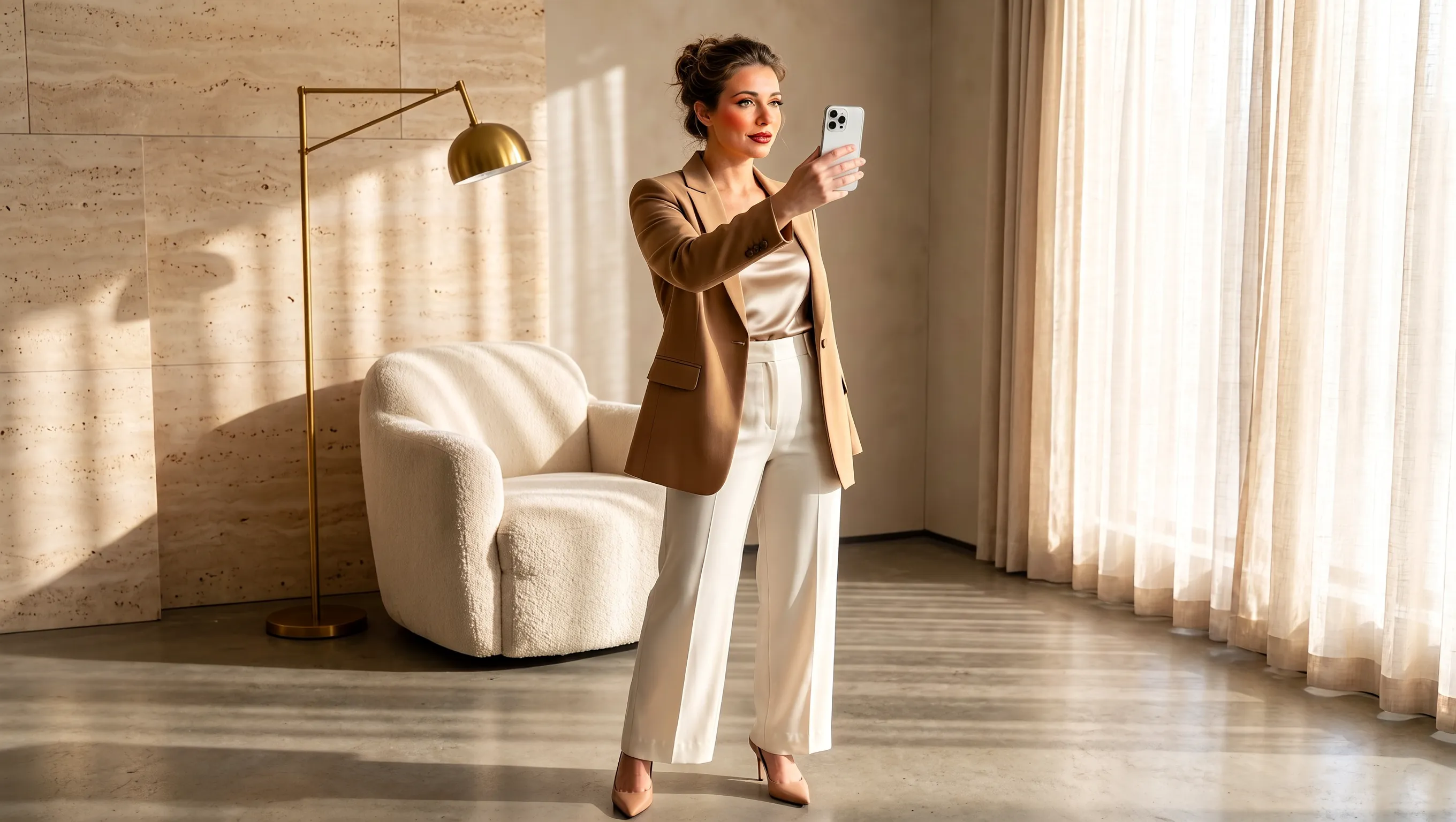
Using the supplied selfie, design makeup and a complete outfit suited to the same woman. Preserve her facial identity and loosely tied brown hair. Dress her in a tailored camel blazer over an ivory top, cream cropped trousers and beige pointed heels, with subtle polished makeup and minimal jewelry. Show a full-body smartphone mirror selfie in a refined sunlit beige interior with a rounded armchair, pale rug, light curtains and stone surfaces. Adjust the background to complement the outfit while keeping the same person recognizable. Use a horizontal composition.
브리프 작성부터 제품 이미지 내보내기까지
시작 방식을 선택하고 참조 이미지마다 역할을 정한 뒤 원하는 결과에 맞는 캔버스를 설정하세요.
글로 작성한 아이디어에서 시작하기
제품, 소재, 조명, 원하는 분위기를 글로 설명해 캠페인 콘셉트를 만드세요. 고객이 제품을 접하는 상황까지 넣으면 첫 이미지의 방향이 분명해집니다.
참조 이미지마다 역할 정하기
제품, 배경, 색상 팔레트에 서로 다른 참조 이미지를 사용하세요. 각각에서 제품 패키지의 어떤 세부 요소를 캠페인에 반영할지 지정하세요.
게시 위치에 맞춰 구도 잡기
생성하기 전에 정사각형, 가로형, 세로형 캔버스 중 하나를 선택하세요. 주요 피사체가 놓일 위치와 최종 게시물에 필요한 여백을 설명하세요.
최종 이미지에 맞는 해상도 고르기
프로젝트에 맞춰 1K, 2K, 4K로 생성하세요. 선택한 이미지를 PNG로 내보내 다음 디자인 작업에 활용할 수 있습니다.
출시, 온라인 매장, 소셜 캠페인을 위한 제품 이미지
신제품을 소개하고 일상 속에서 어떻게 사용되는지 보여 주는 등 캠페인 이미지마다 목적을 정하세요.
신제품 출시 소식
제품명, 핵심 특징, 캠페인 메시지로 신제품을 소개하세요. 제품과 출시 정보가 쉽게 눈에 들어오도록 정보의 우선순위를 설명하세요.
온라인 매장 컬렉션 이미지
제품군이나 묶음 상품을 한 장면에 배치하세요. 컬렉션의 구성품을 알 수 있도록 각 제품의 이름과 놓일 위치를 지정하세요.
일상 속 제품 이야기
세면대 옆의 병이나 아침 식탁의 음료처럼 일상 속에서 제품을 보여 주세요. 제품이 어떻게 쓰이는지 알 수 있도록 활동과 소품을 설명하세요.
캠페인 제안 보드
프로모션 아이디어를 구체적인 이미지로 공유하세요. 대상 고객, 행사나 상황, 시각적 테마를 제시하면 더 진행하기 전에 팀이 캠페인을 논의할 수 있습니다.
MiniMax H3 Image 사용 방법
UGC Maker에서 브리프나 참조 이미지로 시작해 생성, 검토, 내보내기까지 진행하세요.
브리프 작성 또는 참조 이미지 추가
제품 사진이나 소셜 광고의 방향을 설명하세요. 이미지를 편집하려면 참조 이미지를 업로드하고 바꿀 부분과 유지할 요소를 지정하세요.
프레임과 해상도 설정
아홉 가지 화면 비율 중 하나를 고르고 1K, 2K, 4K 중에서 해상도를 선택하세요. 페이지의 기본 설정은 2K 정사각형 캔버스입니다.
생성 및 검토
패키지, 라벨 문구, 구도를 검토한 뒤 PNG를 다운로드하세요. 더 수정하려면 생성 결과를 업로드하고 다음 변경 사항을 설명하세요.