Video Creations
AI Motion Control Video Generator: Animate Images with Guided Motion
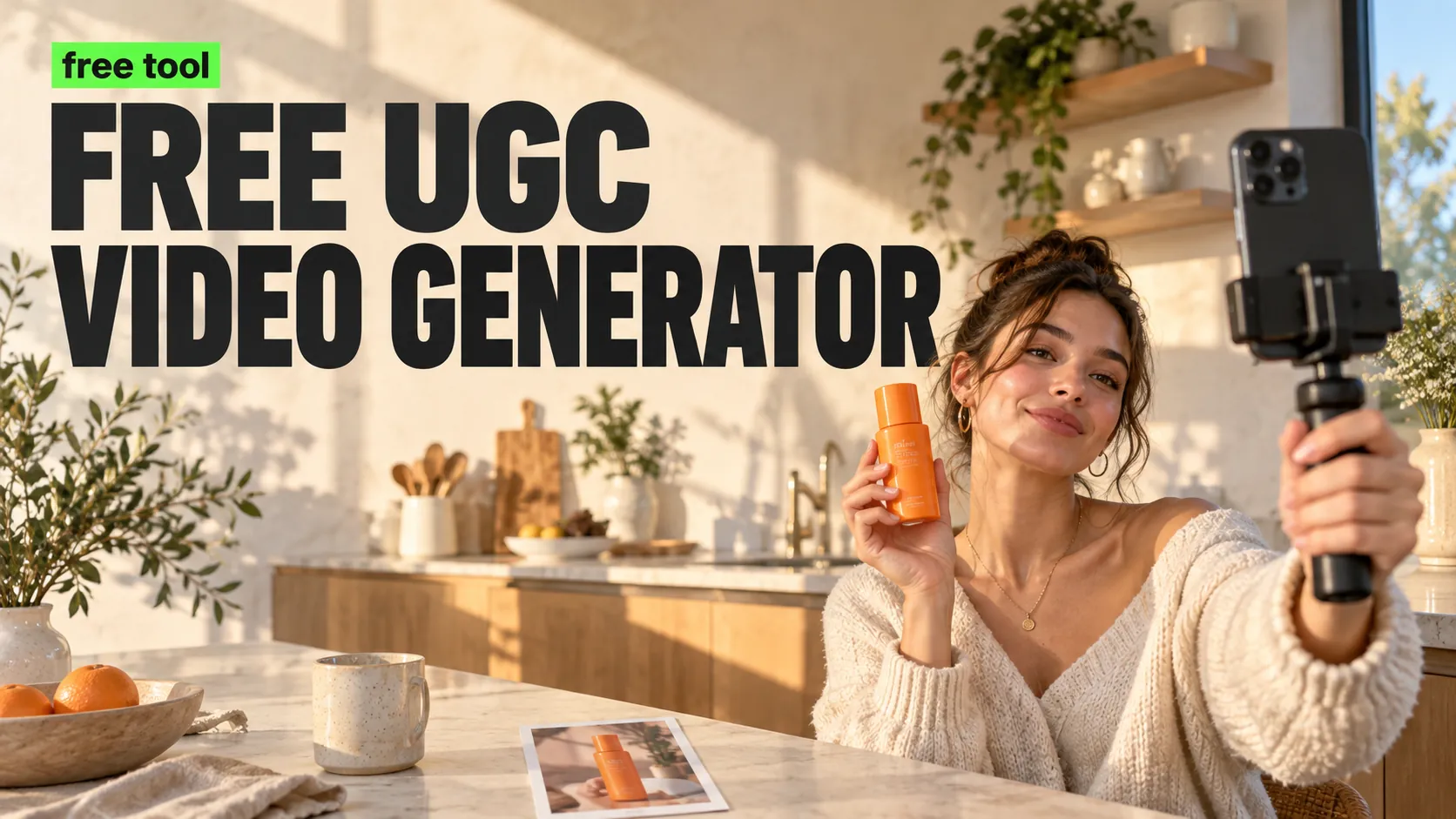
AI Motion Control helps creators, brands, and e-commerce teams turn a character image, product presenter, portrait, or full-body reference into a controllable AI video. Upload an image, add a motion reference video or prompt direction, and use Kling motion control to guide body movement, gestures, camera rhythm, and short-form video style for UGC ads, social clips, product demos, digital humans, and campaign concepts.
Video Examples of AI Motion Control Video Generator
For better motion-control results, upload a clear subject image and describe the target action, camera movement, scene mood, and publishing format. AI Motion Control can turn a static image and motion direction into a short video with clearer gestures, pose changes, and mobile-ready pacing.
Video
Video
Core Features of AI Motion Control Video Generator
AI Motion Control combines image-to-video generation, reference motion guidance, prompt-based action direction, and Kling motion control model support for creators who need more intentional movement in short AI videos.
Image-to-Motion Video Creation
Upload a portrait, full-body character, avatar, product presenter, or campaign image and turn it into a short AI video with guided body movement, pose changes, and visual rhythm.
Reference Motion Guidance
Use a motion reference video when you want the subject to follow a specific action, gesture pattern, dance move, hand motion, or performance style more closely.
Prompt-Guided Camera and Action
Describe the movement, camera angle, product moment, background, pacing, mood, and short-form video direction so the generated clip better matches your creative goal.
UGC-Ready Video Output
Create motion-control clips for TikTok, Reels, YouTube Shorts, product pages, ad tests, creator briefs, and campaign previews without manual keyframe animation.
Key Advantages of AI Motion Control Video Generator
AI Motion Control gives creators and marketing teams a faster way to test motion, gestures, camera movement, and product storytelling before investing in filming or manual animation.
More Controllable Movement
Guide motion with a reference video and prompt details instead of relying only on broad text-to-video instructions, making action direction easier to repeat and refine.
Faster Short-Form Creative Testing
Generate multiple movement ideas for UGC ads, creator clips, product demos, digital humans, and social hooks without filming every variation.
Lower Animation Barriers
Create motion-driven video concepts from an image and a few directions, reducing the need for rigs, manual keyframes, motion capture, or complex editing tools.
Better Fit for Campaign Workflows
Use controlled motion clips to preview ad angles, presenter actions, product reveals, fashion motion, storyboard beats, and brand video concepts for team review.
Scenarios for AI Motion Control Video Generator
Use AI Motion Control when a static image needs clearer motion, gesture direction, camera rhythm, or short-form video energy for social, product, and creative workflows.
UGC Ads and Social Hooks
Animate product presenters, avatars, mascots, or creator-style subjects for TikTok, Instagram Reels, YouTube Shorts, paid social tests, and mobile-first campaign clips.
Product and E-commerce Videos
Turn product presenters, fashion shots, lifestyle images, and branded visuals into motion concepts for product reveals, demos, storefront assets, and landing-page videos.
Digital Humans and Character Clips
Create animated character moments, gesture-driven avatars, dance clips, expressive pose changes, and short digital-human concepts from a single visual reference.
Storyboards and Creative Previews
Preview action ideas, camera movement, scene pacing, and performance direction before moving into manual animation, creator production, or final campaign video work.
How to Use AI Motion Control Video Generator
Create motion-controlled AI videos in three easy steps:
Step 1: Upload Image and Motion Reference
Upload a clear subject image such as a character, portrait, product presenter, fashion model, avatar, or campaign visual. Add a motion reference video when you want more specific action guidance.
Step 2: Describe Action and Camera Direction
Write a prompt for gestures, pose changes, body movement, product interaction, camera rhythm, scene mood, background, and short-form platform style.
Step 3: Generate, Preview, and Refine
Generate the AI motion-control video, preview the result, then adjust the image, reference motion, prompt, or settings to improve movement clarity and visual consistency.
Explore More Advanced AI Video Tools for Video Creation
Explore more AI tools for video creation, UGC ads, product clips, and short-form creative testing.