好的 UGC 影片提示詞,和一般的 AI 影片提示詞並不一樣。一般提示詞可能會著重電影級視覺、漂亮打光或戲劇性的運鏡。UGC 提示詞需要更實用的元素:快速的開頭鉤子、可信的創作者、一個真實的產品出現時刻、簡短示範、情緒反應,以及清楚的 CTA。
這就是為什麼 Seedance 2 的 UGC 提示詞 應該寫得像短影音廣告的拍攝指令,而不是電影場景。Seedance 2.0 能幫你做出有表情的動作、產品時刻與創作者風格片段,但當提示詞包含 TikTok、Reels、Shorts 與電商廣告的節奏時,成果會更像平台原生內容。
本指南會示範如何為美妝、時尚、3C 小物、App、SaaS、食品、健身、居家產品與產品示範,架構 Seedance 2 的 UGC 提示詞;也會說明如何搭配 Seedance 2.0 周邊的 UGCMaker AI 工具,打造完整的廣告創意工作流程。
1. 為什麼 Seedance 2.0 很適合 UGC 風格影片
UGC 風格廣告之所以有效,是因為它看起來快速、個人化、低摩擦。觀眾應該在幾秒內就能理解問題、看到產品、注意到一個有用的瞬間,並知道下一步要做什麼。這正是 Seedance 2.0 AI Video Generator 派得上用場的地方:它為短影音概念、產品示範、創作者反應,以及快速廣告版本測試,提供一層「動態」能力。
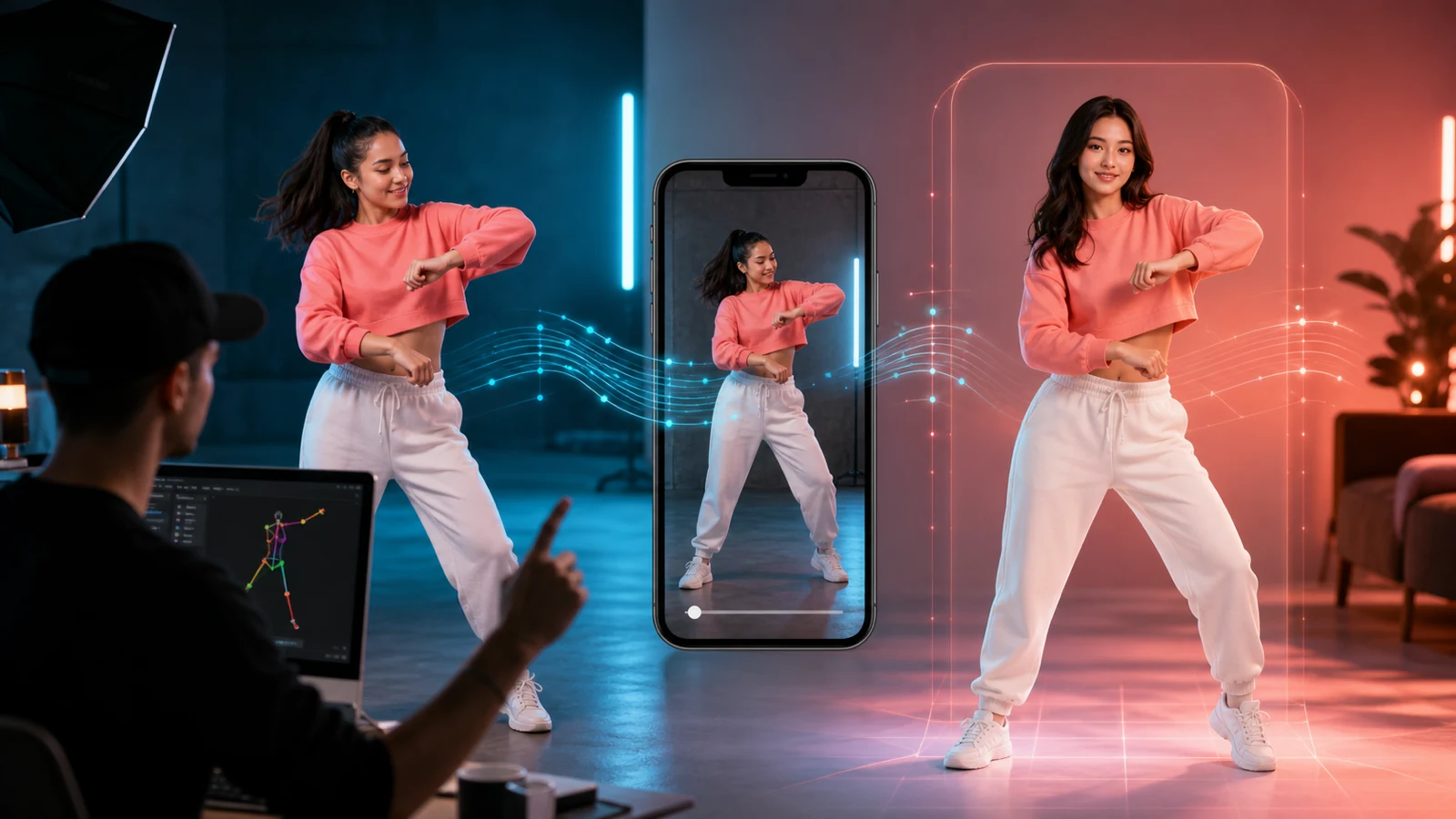
Seedance 2.0 對 UGC 特別相關,因為短篇創作者廣告更依賴動作而非精緻度。一隻手拿起產品、快速對鏡頭的表情反應、前後對比的場景切換、產品特寫、或手機螢幕操作導覽,都能比靜態圖更快傳達資訊。
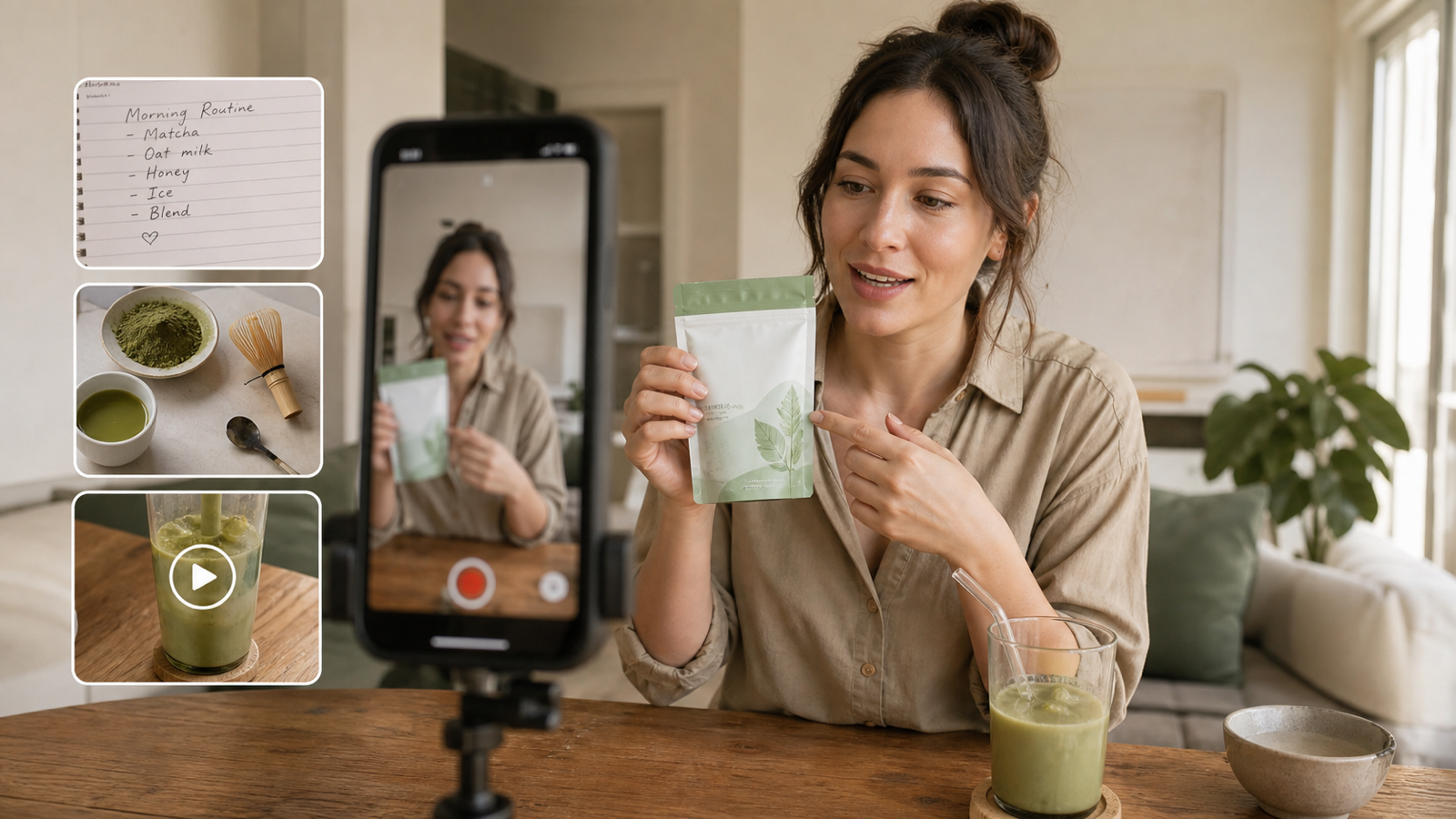
目標不是讓每支片都像精品等級的商業廣告。事實上,過度電影化的 AI 影片在 UGC 動態牆裡會顯得很假。一個強的 Seedance 2.0 提示詞,應該像是創作者真的能在臥室、浴室、廚房、車上、健身房、辦公室或小型工作室錄出來的內容。
2. UGC 提示詞公式:Hook、Product、Proof、Reaction、CTA
最佳的 UGC 提示詞公式是:
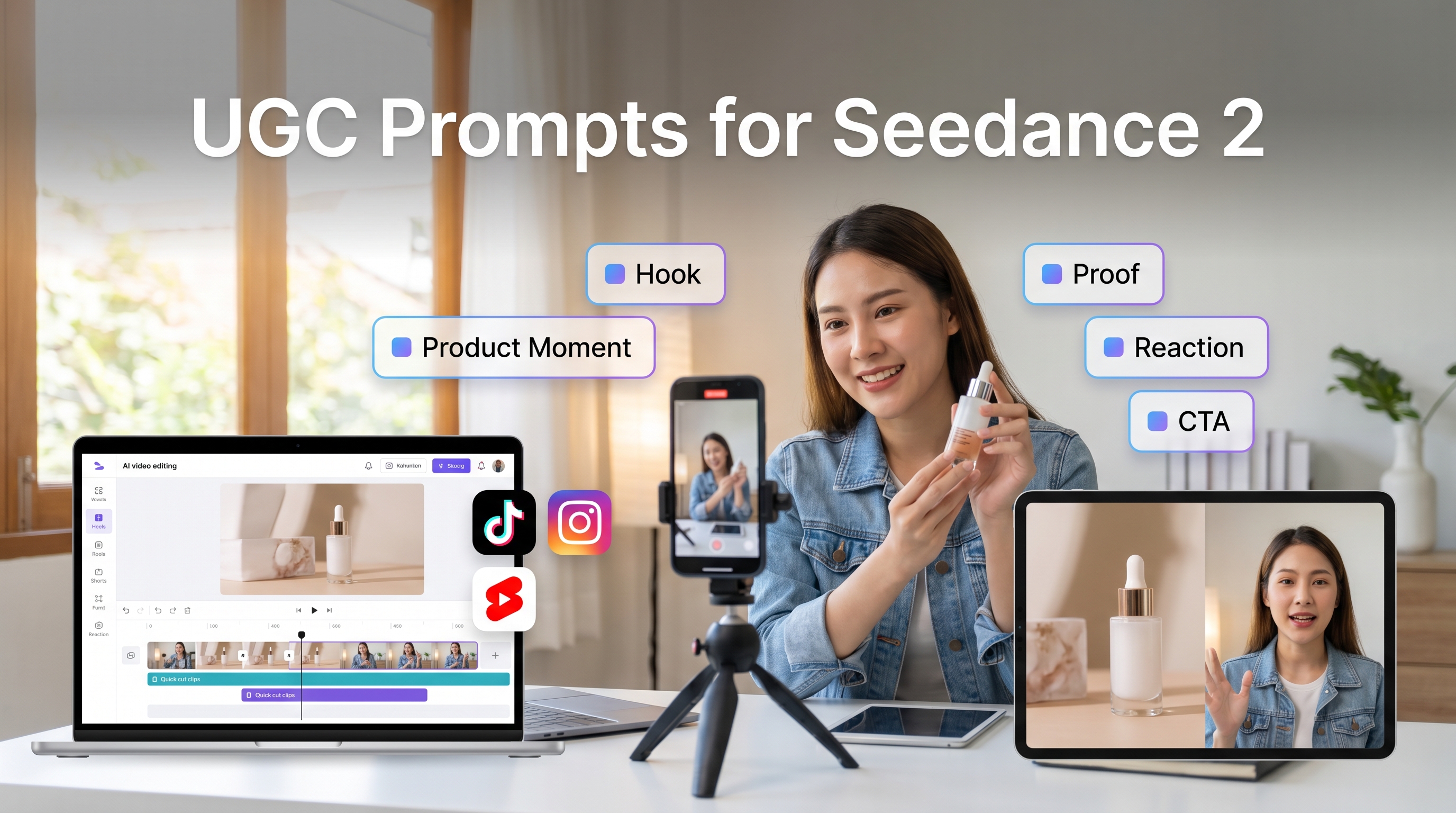
創作者 + 場景 + 鉤子 + 產品時刻 + 示範 + 情緒 + 運鏡 + CTA
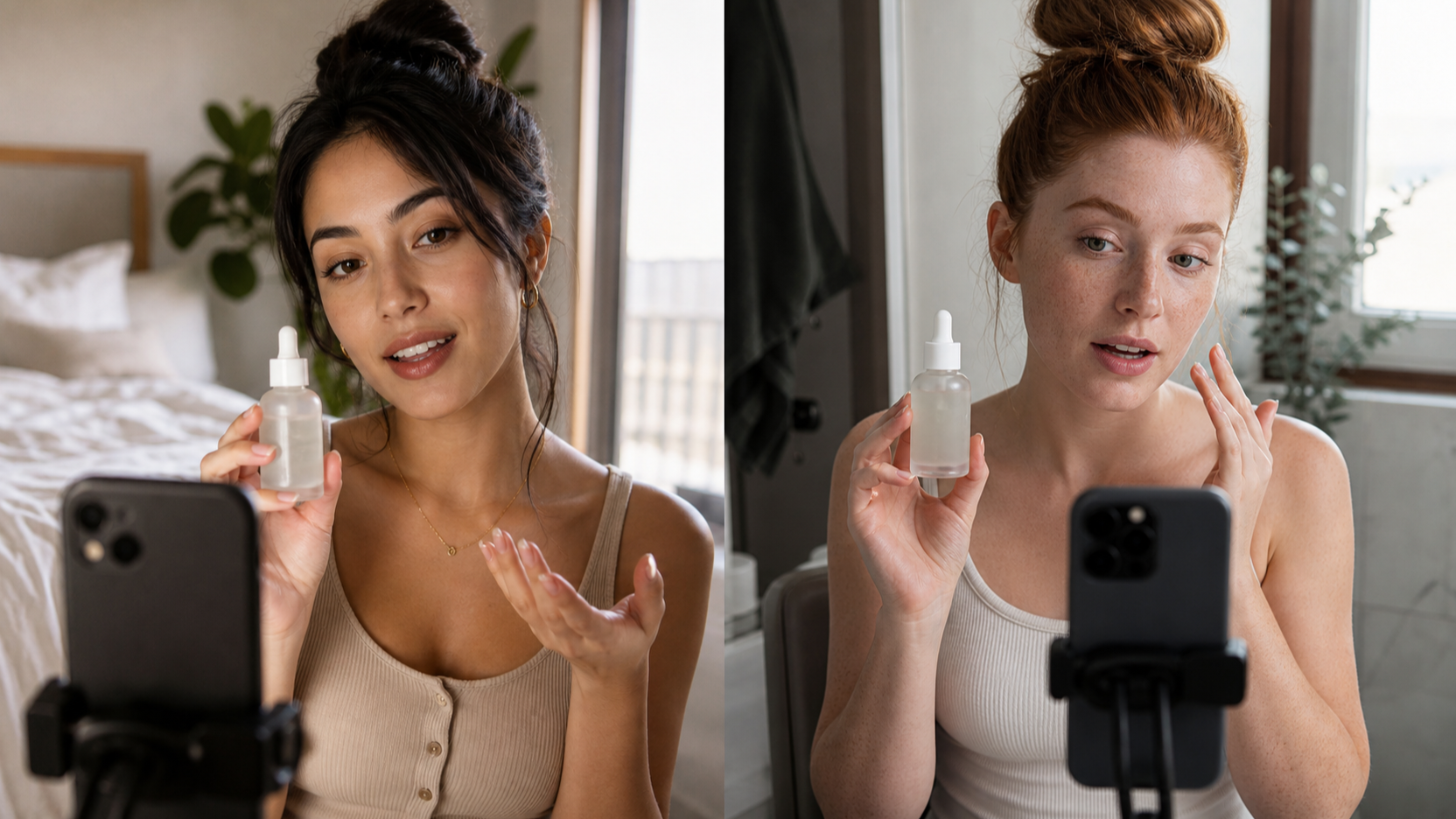
創作者是片中出現的人或視角:保養創作者、忙碌父母、學生、創辦人、健身新手、小店老闆或一般消費者。場景讓影片更真實。廚房檯面、浴室鏡子、凌亂桌面、健身包或公寓走廊,往往比完美攝影棚更像平台原生。
鉤子是第一句話或第一個畫面瞬間,用來回答「為什麼我需要繼續看」。產品時刻是產品要在前面且清楚地出現。示範是使用方式:擦精華、拆包裹、比較兩套穿搭、在 App 裡點選操作、倒飲料或整理層架。情緒是人的反應:驚喜、放鬆、好奇、自信,或「早點發現就好了」。運鏡控制節奏;CTA 告訴觀眾下一步要做什麼。
例如,弱的提示詞會是:「做一支好看的保養品廣告影片。」它沒有創作者、沒有鉤子、沒有佐證,也沒有平台節奏。
更強的 Seedance 2.0 用於 UGC 廣告 提示詞會是:「製作一支直式 TikTok 風格 UGC 廣告,主角是明亮浴室裡的保養創作者。開頭用 face-to-camera 鉤子:『我沒想到這一步會讓我的早晨流程更快。』前兩秒讓創作者手上就拿著產品,示範擦一次,接著自然微笑反應。使用手持手機風格運鏡、快切、柔和日光、真實浴室背景,最後以 CTA 收尾:『這週把它加進你的保養流程試試。』」
如果你想先規劃創作者角度,AI UGC Maker 可以在生成影片動作之前,協助你整理廣告導演方向。
3. 不同 UGC 廣告類型的提示詞模式
問題—解決型廣告應該從具體痛點開始,例如:「我的桌面線材永遠很亂。」接著用一個清楚動作呈現產品如何解決問題。這種模式很適合居家、科技、效率與生活風格產品。
見證(testimonial)廣告要有個人感,但不能捏造假說法。使用像「[insert verified claim]」或「[insert real customer quote]」這類佔位符。提示詞應描述創作者用輕鬆語氣講述、展示產品並自然反應。
開箱廣告應聚焦好奇心。從包裹開始,拍手打開、露出產品,接著做第一印象。鏡頭保持手持、距離夠近,看得到材質、包裝與反應。
產品示範廣告要直接:展示產品做什麼、怎麼用、用了之後改變了什麼。當你需要多版本時,UGC Ads Generator 可以支援這種偏轉換導向的結構。
前後對比概念要清楚但不能誤導。針對美妝、健身、健康或金融相關主張,避免誇大承諾。使用可驗證、保守的語言,且只在適當情境下呈現視覺對比。
App 導覽應呈現手機螢幕、使用者手部與一個簡單功能。Product to Video 工作流程適合產品本身是廣告中心的情境;而當你想要直式短影音節奏時,TikTok Video Generator 會更好用。
4. 可直接複製的 Seedance 2.0 提示詞範例
在寫 Seedance 2.0 TikTok 影片 提示詞時,要短但完整。好的提示詞應告訴模型:畫面上是誰、在哪裡、先發生什麼、產品何時出現、鏡頭如何移動,以及 CTA 要說什麼。
把 Seedance 2 影片生成器 當作「動作與場景層」最合適;你仍需要廣告邏輯。美妝產品:要求鏡前場景、產品特寫、上臉與反應。小物:要求開箱、特寫、使用情境與結果。App:要求手持手機、螢幕互動、臉部反應與簡短 CTA。
好的 AI UGC 影片提示詞通常會包含平台節奏。使用像「vertical 9:16」、「quick cuts」、「first two seconds」、「handheld phone camera」、「creator-style lighting」、「natural expression」等詞。這些細節能讓影片更像原生內容,而不是過度製作。
一個簡單規則:如果提示詞聽起來像電影預告,它可能不適合 UGC;如果聽起來像創作者在開拍前給另一位創作者的 briefing,它就更接近正確方向。
5. 如何在 UGCMaker AI 建立完整 UGC 工作流
UGCMaker AI 的最佳用法,是在廣告每個階段用對工具。先從想法開始:產品是什麼?受眾是誰?解決什麼問題?你能誠實展示哪些佐證?創作者應該呈現什麼反應?
如果你需要產品或生活風 stills,可用 UGC Image Generator 或 AI Image Generator 來做視覺素材。它們能幫你在進入影片前先定義產品擺放、背景、色調氛圍與創作者場景。
接著用 Seedance 2.0 AI Video Generator 做動作:手拿起產品、創作者轉向鏡頭、產品特寫或快速場景切換。如果你需要更廣泛的影片流程,可測試 AI Video Generator。若你已經有強的圖片,用 Image to Video AI;若要從文字概念開始,用 Text to Video AI。
之後做廣告版本變化:測試不同鉤子、產品時刻、場景順序與 CTA。一版像見證,另一版像產品示範,再一版像快速 TikTok 反應。UGC 的核心是迭代,而不是一次做出一支完美影片。
6. 讓 AI UGC 提示詞看起來很假的常見錯誤
第一個錯誤:提示詞太電影化。UGC 應該像動態牆原生。修正方式:要求手持運鏡、自然光、不完美的真實場景與創作者風格快節奏。
第二個錯誤:缺少鉤子。前兩秒沒有有趣事件,影片就會顯得慢。修正:用直接一句話、意外的產品時刻或可見的問題當開頭。
第三個錯誤:產品出現太晚。大多數 UGC 廣告產品要早出現。修正:要求創作者在前幾秒內拿著、打開、使用或指向產品。
第四個錯誤:沒有人的反應。UGC 需要臉、手勢或情緒轉折。加入自然微笑、挑眉、短笑、鬆一口氣的表情或「我現在懂了」的瞬間。
第五個錯誤:運鏡描述太模糊。「讓它動感」不夠。改用「handheld phone camera」、「quick push-in」、「cut to close-up」、「over-the-shoulder phone screen」、「fast jump cut」。
第六個錯誤:使用名人、受版權保護的角色或誤導性主張。避免模仿真實公眾人物或受保護角色。見證內容只用可驗證說法,或用像「[insert verified customer result]」的佔位符。
7. 最終建議:誰適合用這些 Seedance 2.0 UGC 提示詞?
這些提示詞適合需要快速產出短影音點子的創作者、電商賣家、廣告團隊、代理商、產品行銷與社群管理者。Seedance 2.0 能幫你做出動作、場景變化、產品時刻與有表情的創作者視覺;UGCMaker AI 則把這層動態能力,接到更大的廣告創意系統中。
需要視覺動作時用 Seedance 2.0;需要創作者導演方向時用 AI UGC Maker;需要廣告版本時用 UGC Ads Generator;需要素材、產品片段或替代流程時用影像與影片工具。
最好的 UGC 提示詞不是用來「取悅模型」。它是一份清楚的拍攝 brief:誰在講、展示什麼、為何觀眾要在乎、產品如何出現,以及下一步要做什麼。
可複製的 Seedance 2.0 UGC 提示詞範例
1. 美妝產品問題—解決型廣告
Create a vertical 9:16 TikTok-style UGC ad. Creator type: skincare creator in a bright bathroom. Hook: “My makeup kept clinging to dry patches until I changed this step.” Product moment: creator holds the moisturizer in the first two seconds. Action: apply a small amount, show close-up texture, then cut to smoother makeup application. Emotion: relieved and pleasantly surprised. Camera: handheld phone camera, quick cuts, soft daylight. CTA: “Try it before your next makeup routine.” Use “[insert verified claim]” only if needed.
2. 保養見證風格 UGC
Create a testimonial-style Reels ad with a casual skincare user sitting near a window. Hook: “I wanted something simple enough to actually use every night.” Product appears immediately in hand. Show the user applying the product, looking in the mirror, and smiling naturally. Include a text-card moment with “[insert real customer quote].” Camera: close-up, handheld, natural light, authentic pacing. CTA: “See if it fits your routine.”
3. 時尚試穿反應片段
Create a vertical fashion UGC clip in a bedroom mirror setup. Hook: “I didn’t think this jacket would work with three outfits, but watch.” Product moment: creator holds the jacket, then quick cuts to three outfits. Emotion: confident, playful, surprised. Camera: phone mirror angle, jump cuts, natural bedroom lighting. CTA: “Which look would you wear?”
4. 小物開箱影片
Create a short UGC unboxing ad for a compact desk gadget. Setting: small home office desk. Hook: “This tiny thing fixed the most annoying part of my desk setup.” Show hands opening the package, close-up of the gadget, one clear use case, and a quick before-and-after desk shot. Camera: handheld close-up, fast cuts, realistic desk clutter. CTA: “Check it out if your setup needs this.”
5. App 導覽 TikTok 廣告
Create a TikTok-style app walkthrough. Creator type: busy student at a café table. Hook: “I use this whenever my week starts getting messy.” Product moment: phone screen appears in the first second. Action: show tapping through one feature, adding a task, and seeing a clean dashboard. Emotion: calm and relieved. Camera: over-the-shoulder phone shot, quick screen close-up, natural café lighting. CTA: “Try it for your next busy week.”
6. SaaS 創辦人風格解說
Create a founder-style UGC ad for a SaaS dashboard. Setting: small office desk, laptop open. Hook: “We built this because teams were losing hours to manual updates.” Product moment: founder points to the dashboard on screen. Action: show one workflow before and after using the product. Emotion: confident but casual. Camera: face-to-camera intro, cut to laptop close-up, quick return to founder. CTA: “Book a demo if this sounds familiar.” Use “[insert verified metric]” only if supplied.
7. 健身產品示範
Create a vertical fitness UGC ad in a home gym. Hook: “This made my quick workouts feel way less chaotic.” Product moment: creator picks up the fitness accessory immediately. Action: show setup, one exercise, and a post-workout reaction. Emotion: energetic and satisfied. Camera: handheld phone camera, quick cuts, natural indoor lighting. CTA: “Add it to your next home workout.” Avoid medical or guaranteed performance claims.
8. 食品試吃反應
Create a short food UGC video in a kitchen. Hook: “I tried this because I needed a snack that didn’t feel boring.” Product moment: package shown in the first two seconds. Action: open package, pour or plate the product, take one bite, react naturally. Emotion: curious, then pleasantly surprised. Camera: handheld kitchen counter close-ups, warm daylight, fast pacing. CTA: “Save this for snack ideas.”
9. 居家產品前後對比片段
Create a home product UGC clip showing a messy counter before and a cleaner setup after. Hook: “This corner was driving me crazy.” Product moment: creator places the organizer on the counter. Action: quick before shot, product setup, after reveal. Emotion: relieved and proud. Camera: handheld, quick push-in, clean final close-up. CTA: “Try this if your counter looks like my before shot.”
10. 電商促銷公告
Create a vertical creator-style sale announcement. Setting: creator at a desk with the product beside them. Hook: “Quick heads up: this is the one I’d grab before the sale ends.” Product moment: product shown immediately. Action: show two close-up benefits and one lifestyle use. Emotion: excited but natural. Camera: face-to-camera, product close-up, fast cuts. CTA: “Tap through before the deal ends.” Do not include unsupported discount numbers.
11. 創作者風格產品比較
Create a short UGC product comparison video. Creator type: everyday shopper in a bedroom or office. Hook: “I tested the old way versus this, and the difference was obvious.” Product moment: show both options side by side. Action: demonstrate one practical difference, then react naturally. Camera: handheld, split-screen style if possible, close-up product shots. CTA: “Pick the one that fits your routine.” Use only verified comparison points.
12. 三鏡頭 UGC 廣告結構
Create a 9:16 three-shot UGC ad. Shot 1: creator faces camera and says, “I almost skipped this, but it solved [problem].” Shot 2: product close-up in use, with a clear demonstration and natural hand movement. Shot 3: creator reacts with a small smile and says, “This is staying in my routine.” Camera: handheld phone style, quick cuts, natural light, native TikTok/Reels pacing. CTA: “Try it and see if it works for you.”
UGC 影片工作流推薦的 UGCMaker AI 工具
- Seedance 2.0 AI Video Generator — 適合生成短影音動作、產品時刻、創作者反應與 UGC 風格片段。
- AI UGC Maker — 有助於在製作影片版本前,先整理創作者風格的廣告導演方向。
- UGC Ads Generator — 適合產出偏轉換導向的廣告概念、鉤子、CTA 與產品重點版本。
- UGC Image Generator — 適合在進入影片前先做產品與生活風靜態素材。
- AI Image Generator — 有助於建立視覺素材、縮圖與背景概念。
- AI Video Generator — 適合在單一模型流程之外的一般影片生成。
- Product to Video — 當產品圖或商品頁素材是廣告核心時很實用。
- Image to Video AI — 適合把產品照、創作者靜態照或生活風圖片做成動態。
- Text to Video AI — 適合從文字場景或廣告概念起步。
- TikTok Video Generator — 為直式短影音節奏與平台原生概念設計。
- HappyHorse 1.0 — 值得測試的替代 UGC 動作風格與短廣告實驗。
- Nano Banana 2 — 適合以圖片為主的廣告素材、產品場景與創作者風視覺。
- Kling 3.0 — 適合動作感較強的短片測試與替代的圖轉影流程。
相關文章
- How to Use Seedance 2.0 for UGC Ads That Feel Native
- Seedance 2.0 for TikTok Video Prompts and Short-Form Clips
- UGC Image Generator Guide for Product and Lifestyle Assets
- UGC Ads Generator Workflow for Faster Ad Variations
- HappyHorse 1.0 for UGC Ads and Short Video Ideas
- Nano Banana 2 Image Ad Guide for UGC Creatives
- Product to Video Workflow for E-Commerce Ad Creators
- TikTok Video Generator Guide for Native Short-Form Ads
讀者也會看
- AI Video Model Comparisons for Creator Workflows
- Image-to-Video Ideas for Product and Social Ads
- Short-Form Video Prompt Tips for Faster Creative Testing
- AI Image Workflows for Brand and Product Concepts
- Model API Ideas for Advanced Creative Automation
- AI Tool Updates for Video and Image Creators
- AI Music Ideas for UGC Ads and Social Clips
- AI Chat and Image Tools for Prompt Planning
- Virtual Try-On Workflows for Fashion UGC Content