What happens after 100+ rounds of “just one more change”? How far can you push an image before it starts to drift? Meet Seedream 5.5: precise local edits, consistency across repeated revisions, more natural visuals and native transparent assets. Explore what’s new below. 👇
Seedream 5.5 AI画像生成ツールで商品向けUGC素材を制作
UGC MakerのSeedream 5.5で商品写真とUGC風のキャンペーン静止画を作成。自然な光と商品の細部を表現し、変更箇所を指定して背景、ラベル、広告の文言を調整できます。
Loading...
Seedream 5.5で商品写真とキャンペーン用の静止画を作成
テキストのブリーフか参考画像から始めます。結果をさらに編集する場合は、その画像をアップロードして次に変える箇所を説明してください。
商品を写した参考画像から、商品ページ用写真、クリエイター風の写真、発売告知の画像を作成。維持する商品の特徴を説明し、編集ごとに舞台、照明、キャンペーンの文言を調整します。
Seedream 5.5の作例:商品画像のバリエーション、背景編集、発売告知のレイアウト
作例は陶器のエスプレッソカップが題材です。同じ商品の三つの表現を比較したあと、参考画像と背景を修正した画像、文字の配置を変更した発売告知の画像を確認できます。プロンプトを開いて同じ構図をお試しください。
一つの被写体、三つの表現
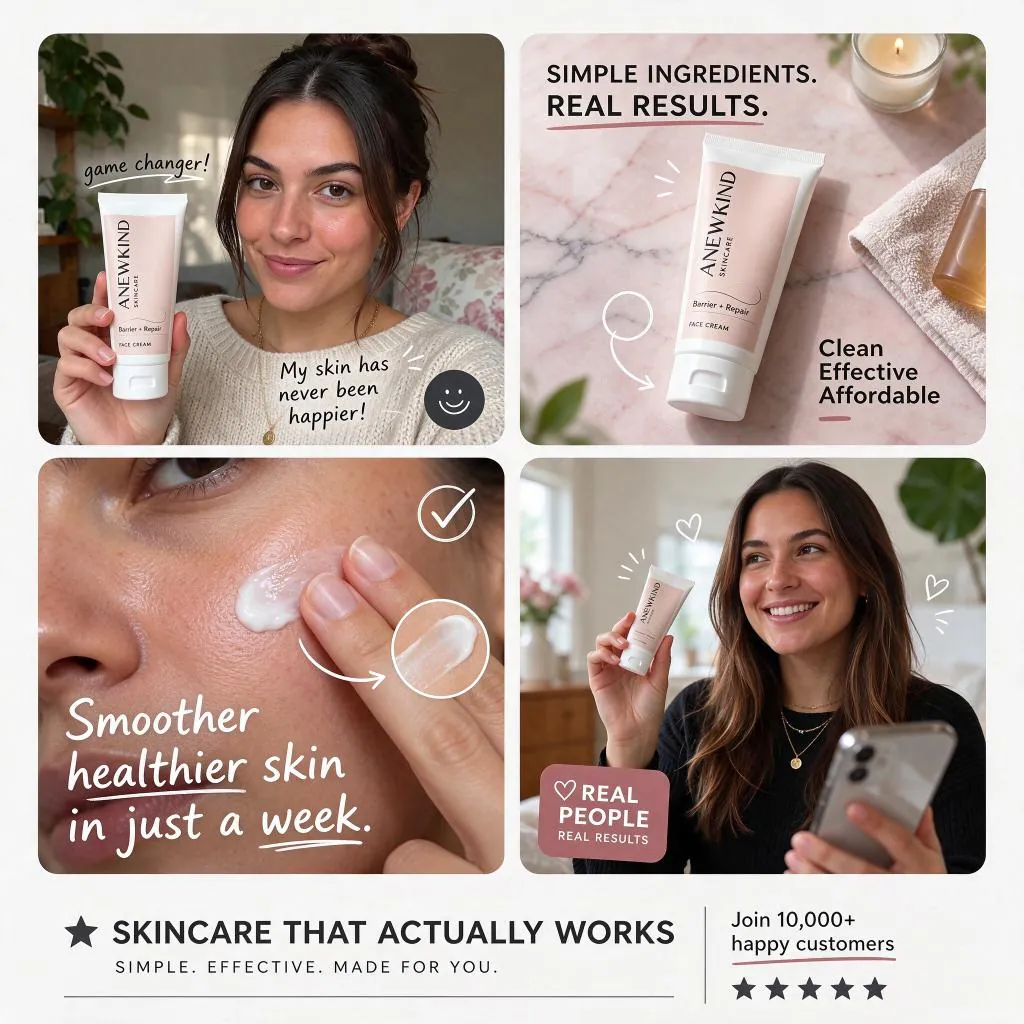
プロンプト
Create a square English-language skincare UGC advertisement with four rounded photo panels on a clean white background: a woman holding a pale-pink face cream tube at home, a product still life on pink marble, a close-up of cream applied to a cheek, and a smiling customer holding the product. Use natural daylight, realistic skin, handwritten annotations and a clear footer. Include the headline "SKINCARE THAT ACTUALLY WORKS" and the brand "ANEWKIND".
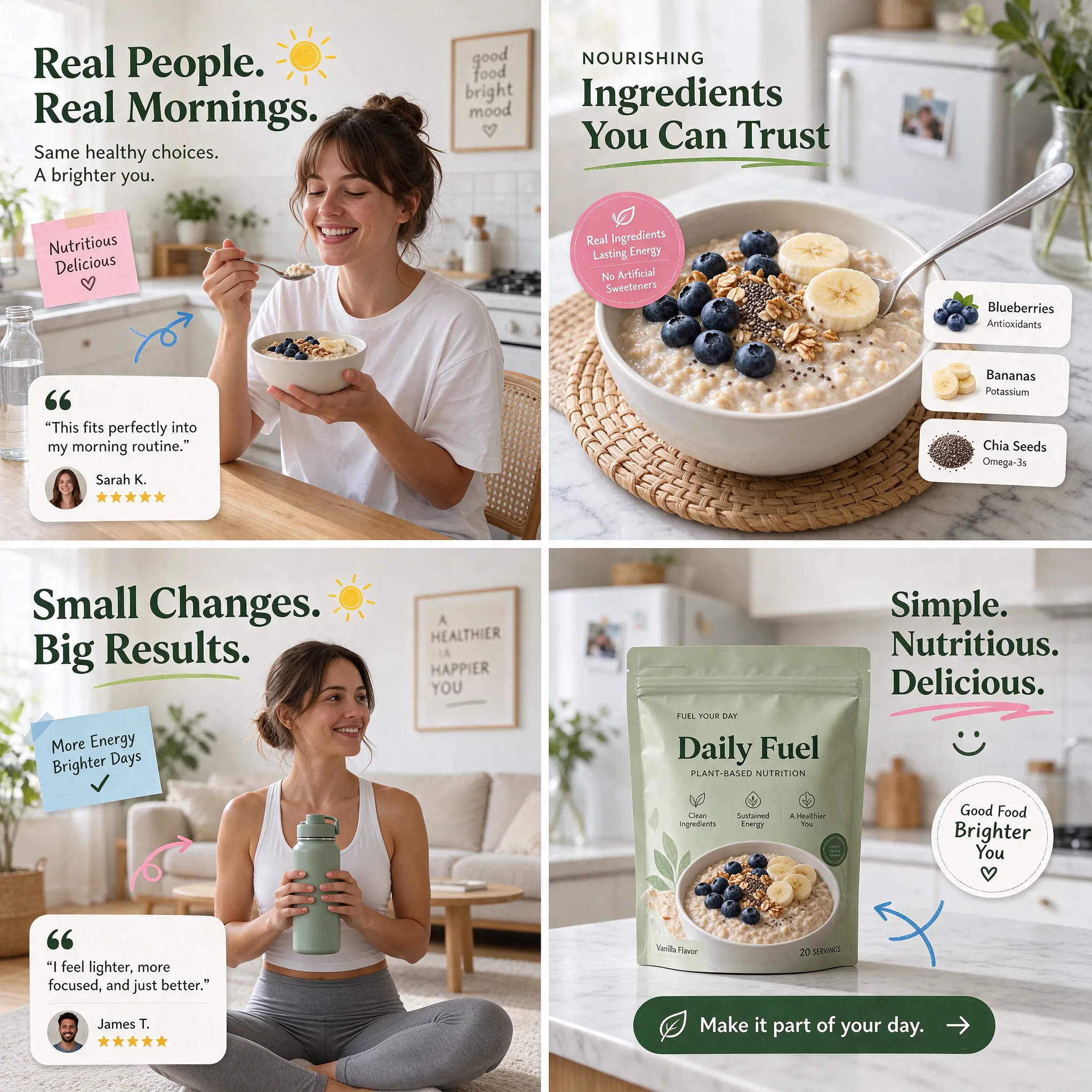
プロンプト
Create a square four-panel UGC advertisement for Daily Fuel plant-based nutrition. Show a woman enjoying oatmeal in a bright kitchen, a close-up of oatmeal with blueberries and banana, a woman holding a green water bottle, and a sage-green product pouch. Use dark-green English headings, pink and blue handwritten accents, warm daylight and authentic lifestyle photography. Include "Real People. Real Mornings.", "Small Changes. Big Results." and "Make it part of your day."
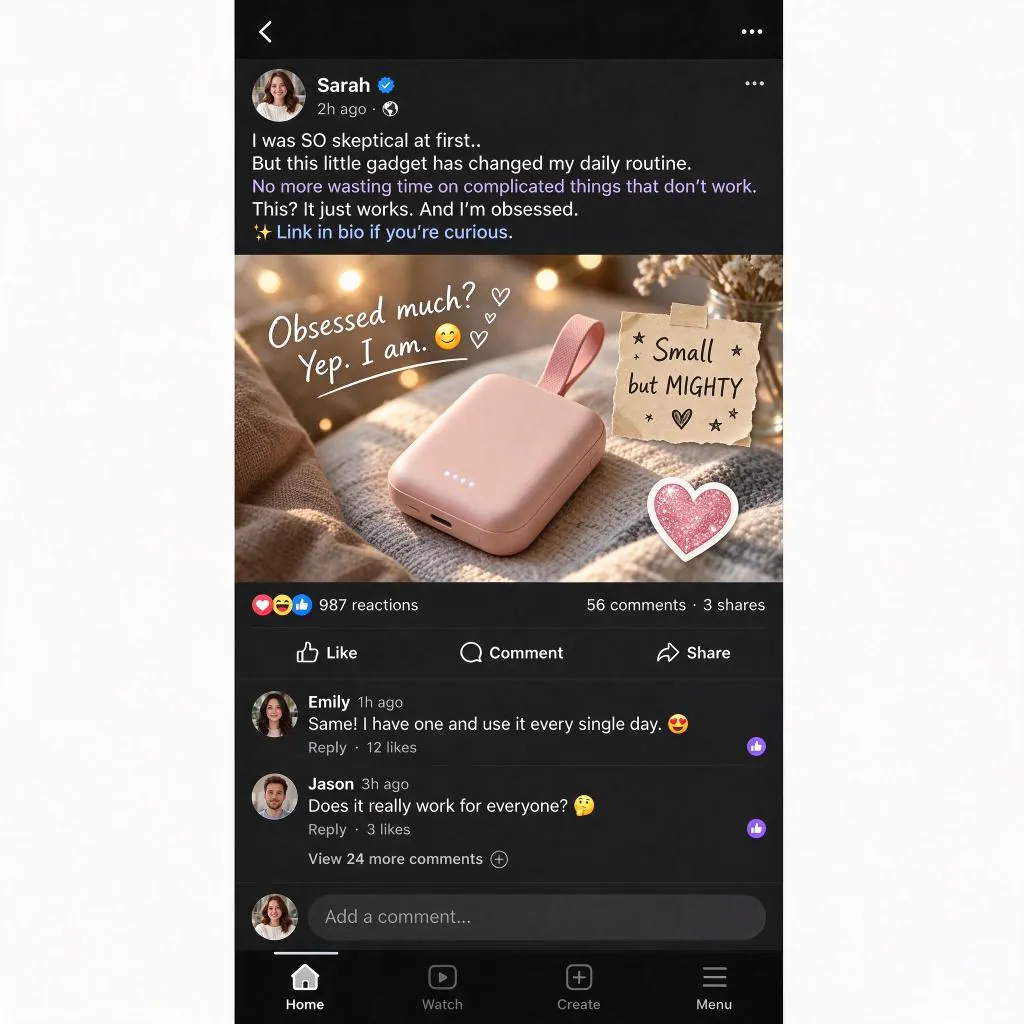
プロンプト
Create a square English-language UGC ad featuring a dark-mode mobile social feed centered on a white background. The post promotes a small blush-pink portable gadget with a fabric loop, resting on a knitted blanket in warm light. Include a casual customer caption, handwritten "Obsessed much? Yep. I am.", a "Small but MIGHTY" note, reactions, comments and mobile navigation. Keep the product as the visual focus.
舞台を編集
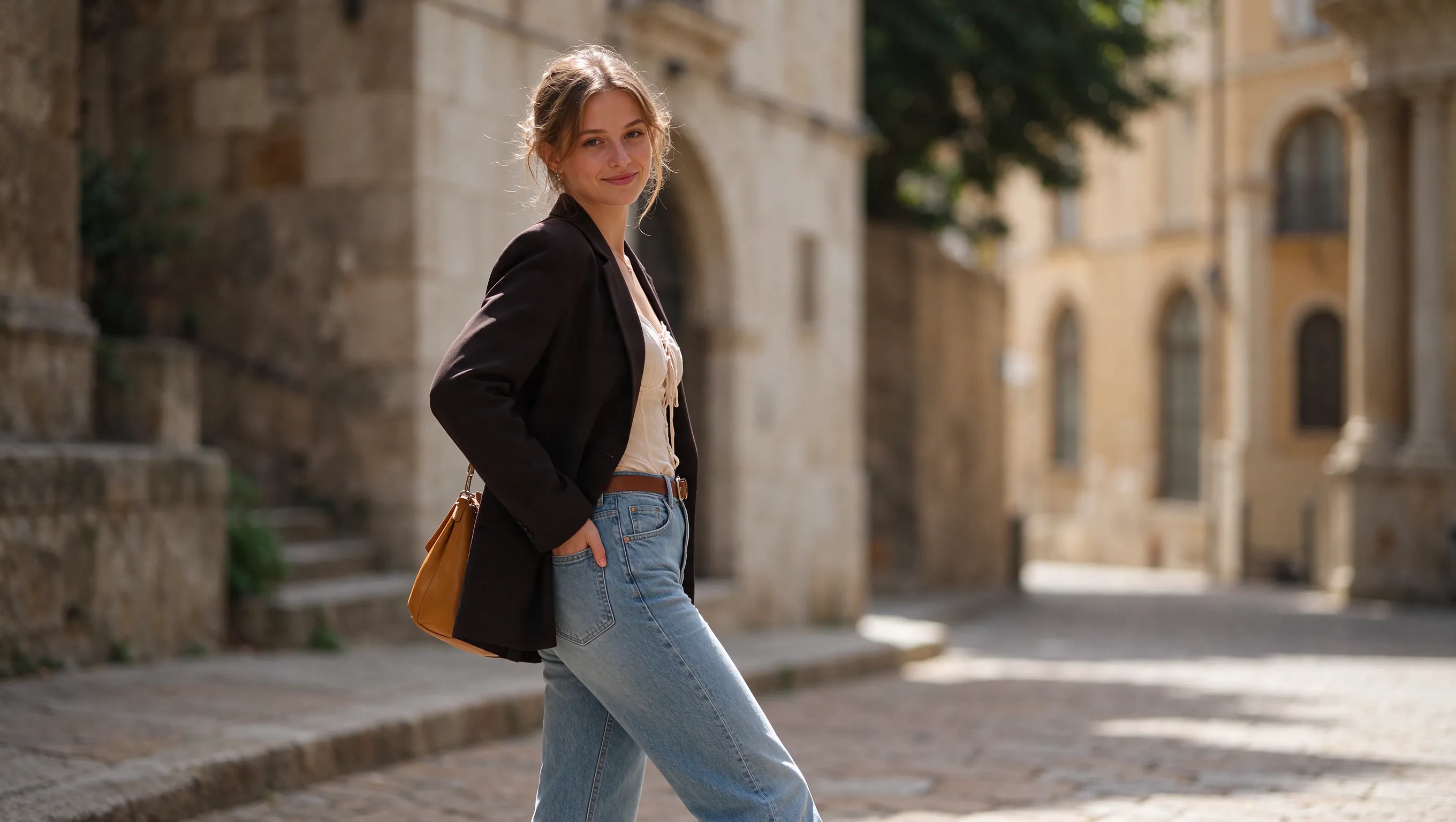
元画像 (プロンプト)
Create a realistic portrait of a European woman aged 20–25 on a sunlit historic stone street. She wears a dark blazer, a cream gathered blouse, blue jeans, a brown belt and a tan shoulder bag. Her brown hair is loosely tied back. She turns toward the camera with a gentle smile and one hand in her pocket. Use natural sunlight, shallow depth of field and a 16:9 horizontal composition.
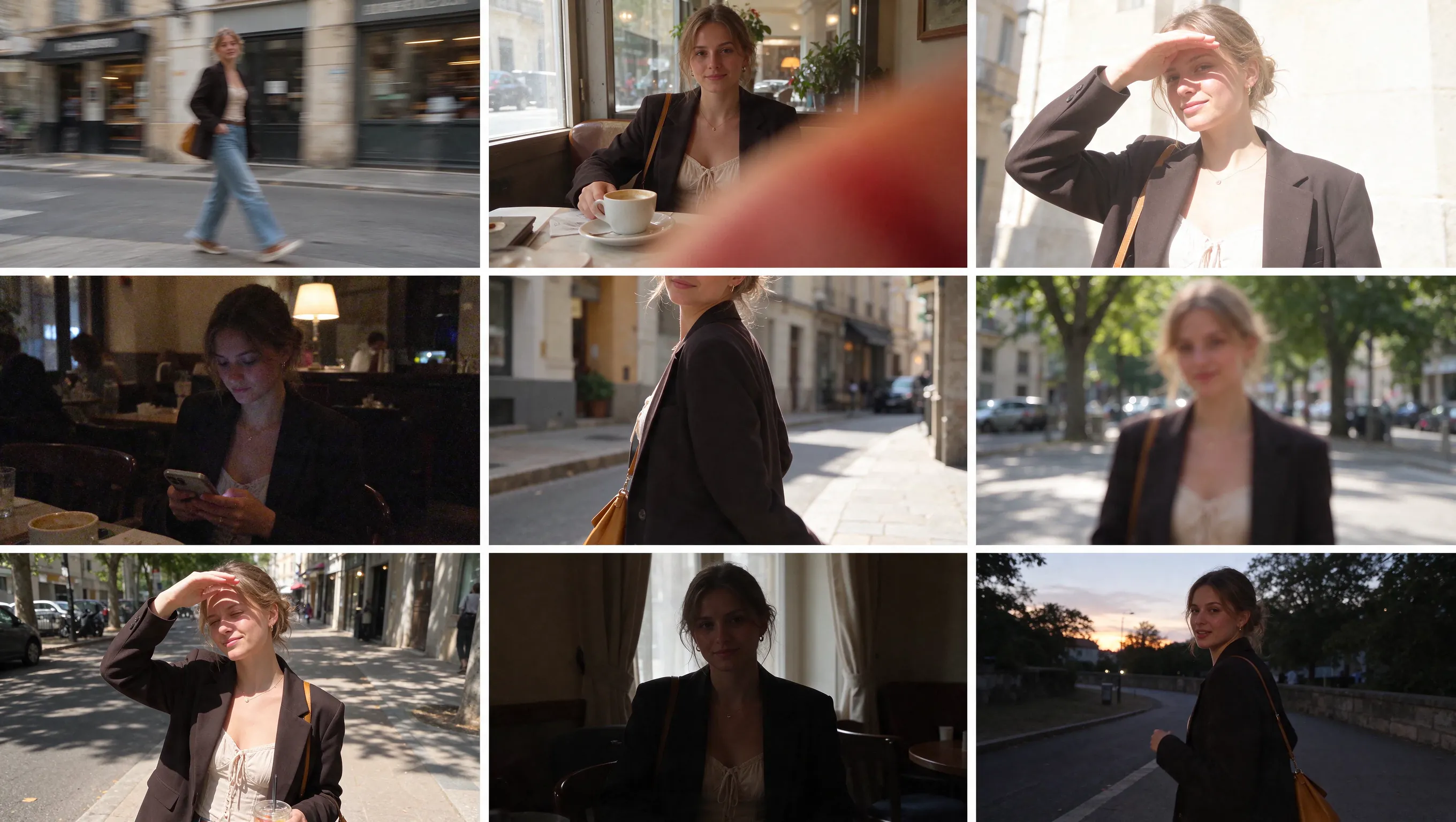
生成結果 (プロンプト)
Using the supplied character reference, create a 3x3 grid collage containing nine different snapshots. Simulate a collection of candid, amateur and "failed" photographs taken by a non-professional photographer. Keep the character design, hairstyle and clothing consistent with the reference, while placing her in realistic outdoor and indoor settings such as streets, cafes and beside a window. Apply specific photographic flaws across the panels: 1. Motion blur from camera shake. 2. A finger accidentally covering the lens, producing a red or orange blur. 3. Overexposure caused by strong sunlight. 4. Heavy digital noise or grain typical of a phone camera in low light. 5. Poor framing that crops parts of the head or body. 6. An out-of-focus subject. Vary the lighting between harsh daylight, dim interiors and dusk or evening. The overall atmosphere should feel raw and unretouched, like casual smartphone photo sharing.
ポスターのレイアウトを修正
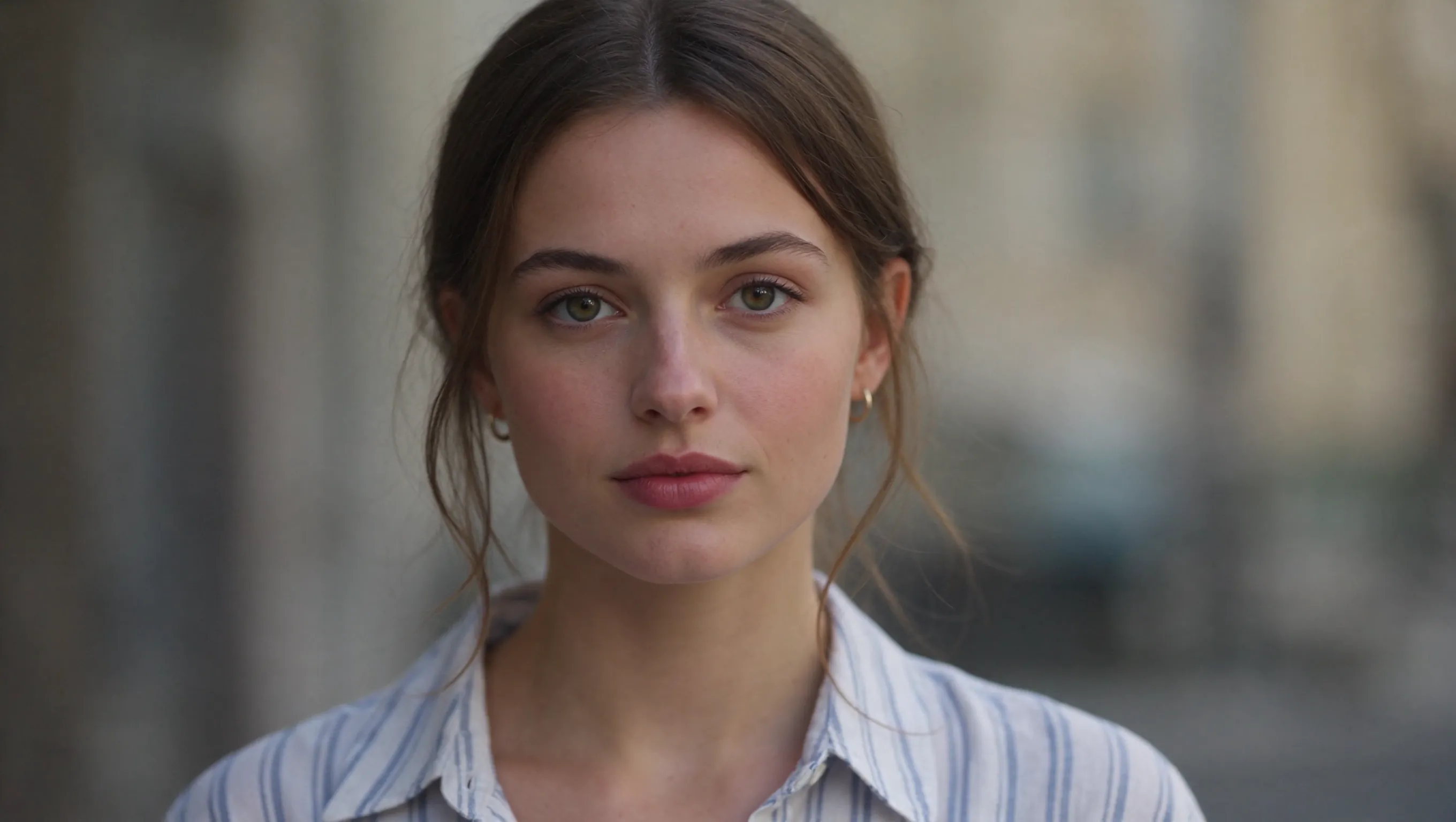
元画像 (プロンプト)
Create a photorealistic portrait of a European woman aged 20–25. She has softly tied brown hair, green-hazel eyes, natural skin texture, small gold hoop earrings and a pale blue striped shirt. Center her face, looking directly toward the camera with a calm expression. Use soft natural light, a gently blurred neutral background and a 16:9 landscape frame.
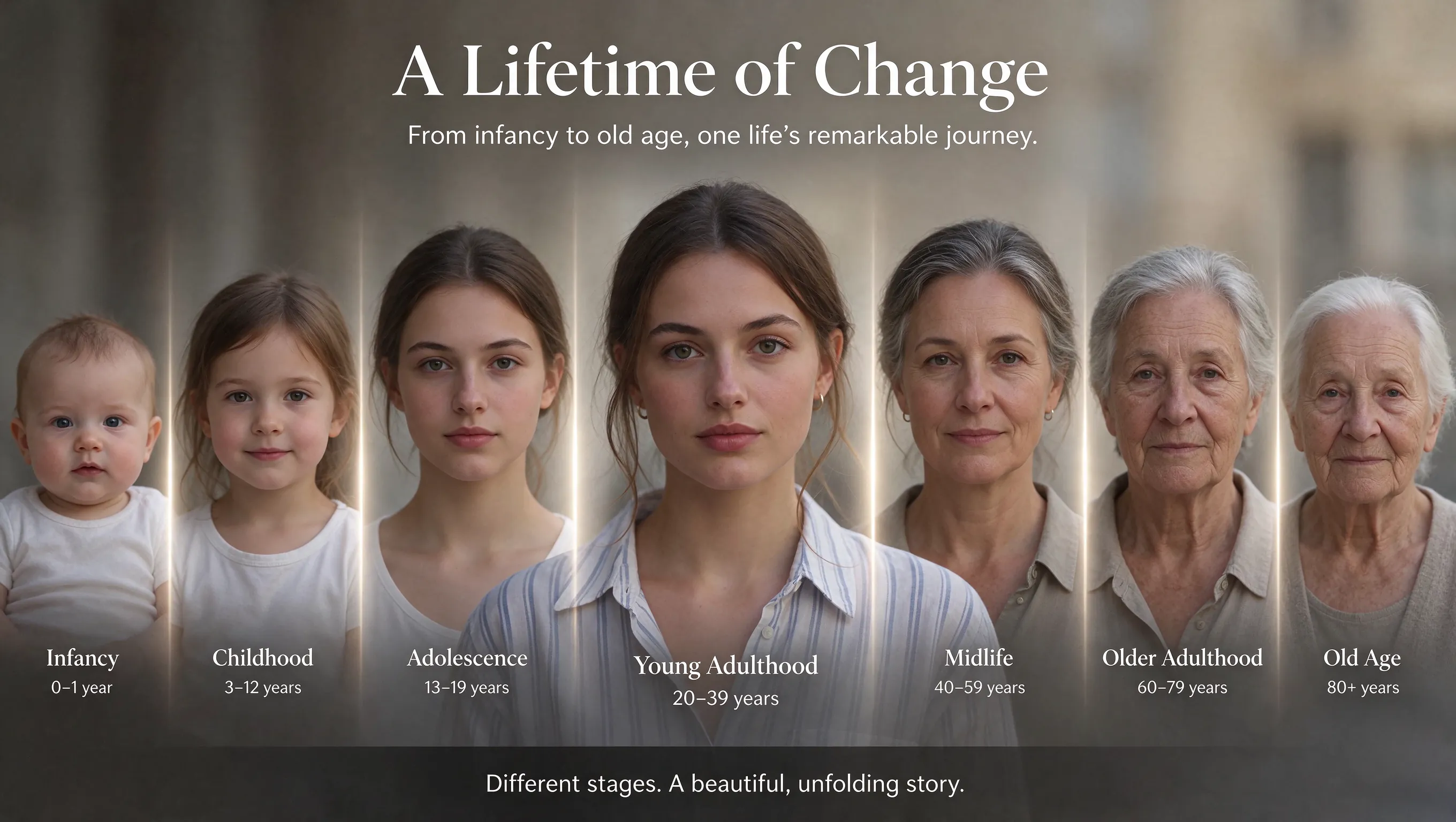
生成結果 (プロンプト)
Using this image as the base, design an English-language image showing this person changing from infancy to old age.
商品を中心にキャンペーン画像を制作
商品を主役にして、自然なシーン、読みやすい文言、統一感のあるキャンペーン画像を制作しましょう。
商品周りのシーンを修正
商品の形、色、ラベルを維持するよう指定し、台、小道具、背景を変えます。複数回の編集が安定するため、選んだ商品写真をもとに修正を重ねやすくなります。
商品がシーンに自然になじむように配置
素材の自然な反射、接地面の影、違和感のない比率を表現します。手持ちの商品カットでは、握り方と光が当たる位置を説明してください。
ラベルと広告の文言を読みやすく
情報の優先順位が分かるよう、見出し、特典の文言、商品ラベルを配置します。各キャンペーン版で使う正確な文言を指定して、多言語の文字を生成できます。
商品と舞台の参考画像を組み合わせる
商品画像で形とパッケージを指定し、別の参考画像で舞台を設定します。商品の大きさ、遠近感、光の向きを指定して、シーンに自然になじませます。
商品ページ、クリエイターの投稿、発売告知に使える商品画像
パッケージ、素材、ビジュアルの方向性に統一感を持たせながら、キャンペーンの用途ごとに商品画像を作成します。
商品ページ用画像
すっきりした背景で商品の形、素材、パッケージを見せます。正面と細部の参考画像を使い、カタログ画像全体でそろえる特徴を指定します。
クリエイター風の商品写真
商品を手に持った状態や日常の場面に配置します。握り方、商品の大きさ、接触部分の影を説明すると、クリエイターが自然に撮ったような写真を作れます。
発売告知
商品、発売告知の見出し、特典を見やすいレイアウトに配置します。正確な文言と位置を指定し、画像全体を作り直さずに特典の内容を修正できます。
SNS広告シリーズ
複数のシーンで商品参考画像と共通の配色を再利用します。商品の細部と視覚的な優先順位を保ち、対象者ごとに見出しを調整します。
Seedream 5.5の使い方
三つのステップでUGC Makerの画像を作成します。
プロンプトを入力するか参考画像をアップロード
プロンプトを入力してテキストから生成するか、1–10枚の参考画像をアップロードして編集します。変更する部分と維持する部分を説明してください。
アスペクト比と解像度を選択
掲載先に適したアスペクト比と、1K、1.5K、2Kのいずれかの解像度を選びます。既定値は1:1の2Kです。
生成して調整
画像を生成します。さらに調整するには結果を次の参考画像としてアップロードし、変更内容と維持する細部を新しい指示で指定してください。

コミュニティのSeedream 5.5画像
ほかのクリエイターがキャンペーンの静止画を作るときに、商品の構図、照明、参考画像を使った編集をどう工夫しているかをご覧ください。

Okay, Seedream 5.5's consistency is crazy!!! 100 chained edits. Just +1 second on the watch each time. I didn't expect the gap to be this big.😂

24 cents for a dozen images in Seedream 5.5, which keeps edits local. look at this table filling up one edit at a time. restaurant menus with a new dish photo every week, same layout, same lighting

What happens after 100+ rounds of “just one more change”? How far can you push an image before it starts to drift? Meet Seedream 5.5: precise local edits, consistency across repeated revisions, more natural visuals and native transparent assets. Explore what’s new below. 👇

Seedream 5.5 実写のリアリティ検証 vs GPT Image2.6 / Nano Banana 2.1 ・同じプロンプト ・全て1発 ・顔とガラスの夕日の反射を拡大して比較 ■Seedream5.5のつよみ ① 顔のリアルさ しわに不自然さがなく、肌の質感までリアル。 ② 夕日の写り込み

