If you’ve ever run paid social, you already know the truth nobody wants to say out loud: your results usually don’t die because your targeting is bad—your results die because your creative gets tired.
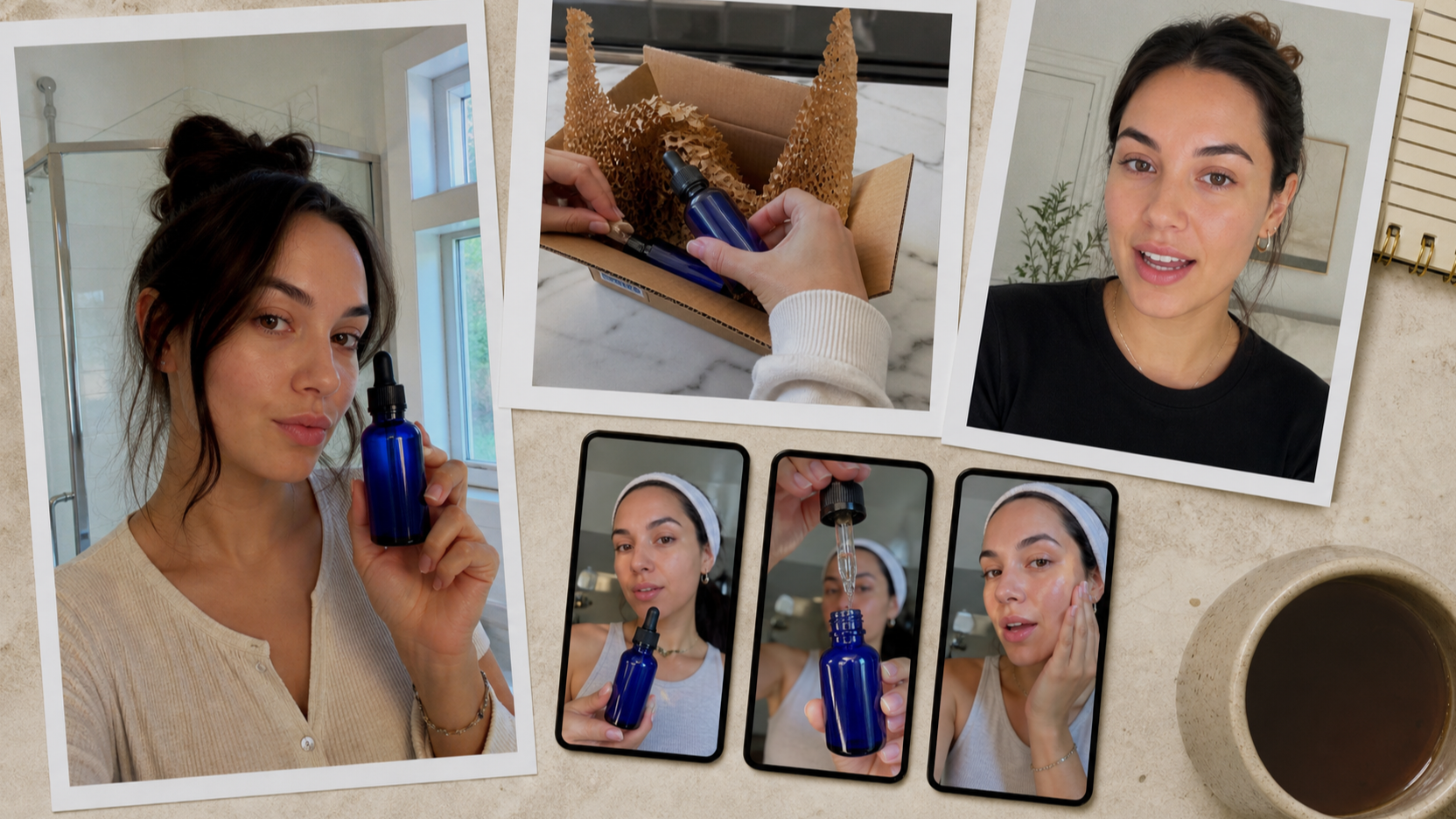
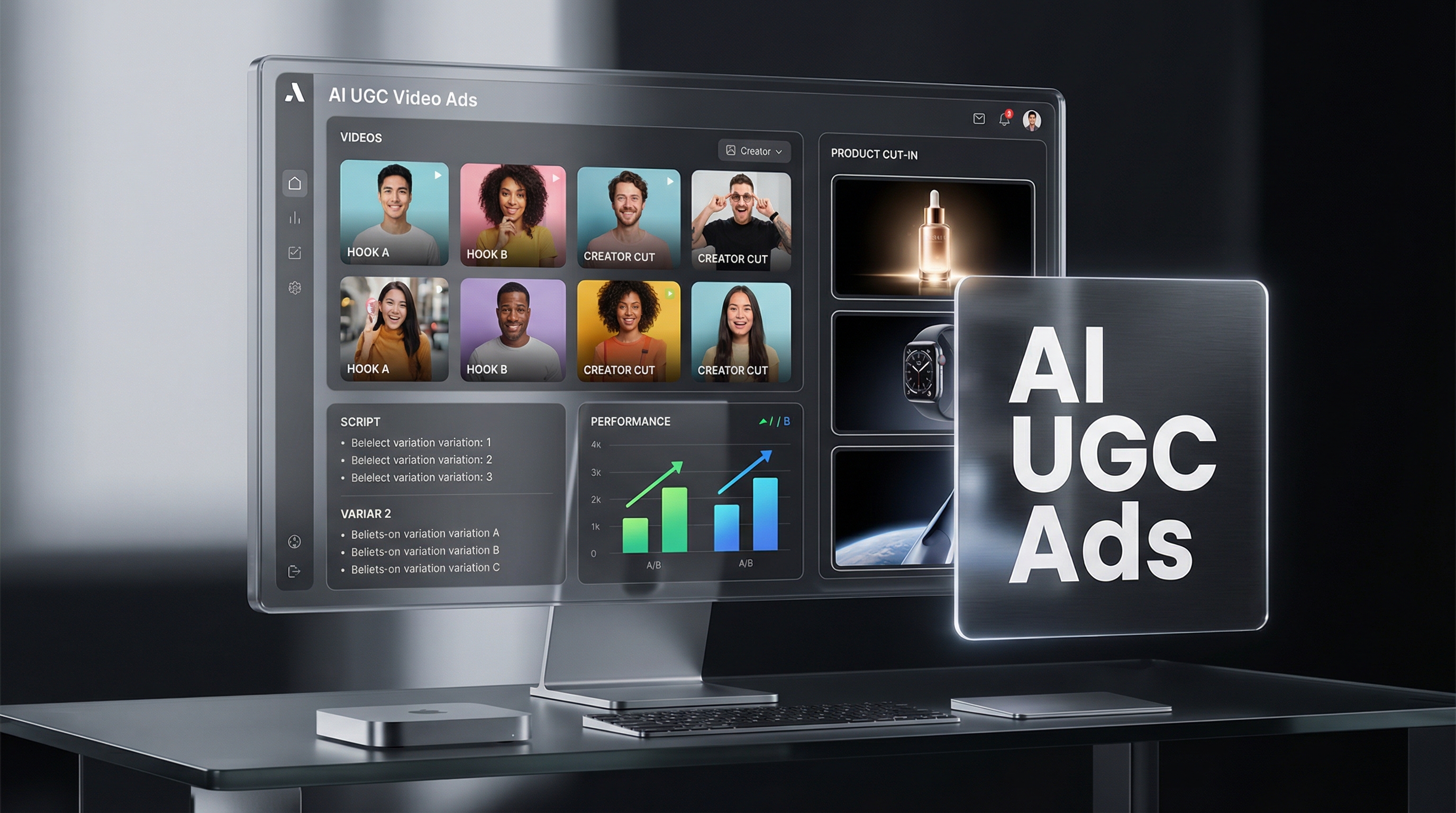
That’s the problem Arcads is trying to solve. It’s built like a creative assembly line: pick an AI actor, drop in a script, generate a UGC-style talking ad, and scale variations fast. In the right hands, Arcads can feel like a turbo button for performance creative.
But it’s not a magic wand. If your scripts are weak, your offer is vague, or your visuals don’t prove anything, you’ll just produce mediocre ads at high speed.
This review breaks Arcads down in a marketer-first way: what it’s best for, where it can feel limiting, how to use it for real testing, and when it makes sense to pair or replace it with an all-in-one alternative stack like UGC Maker.
Quick verdict
Arcads is best for teams that want to generate UGC-style video ad variations quickly—especially for Meta and TikTok testing. If your workflow depends on shooting creators, coordinating UGC, or constantly re-editing hooks, Arcads helps you produce more “testable” creatives per week.
It’s less ideal if you need fully custom cinematic production, heavy motion graphics, or a deep editing timeline. Think of it as a UGC ad generator, not a full post-production studio.
If you only do one thing: test Arcads with a single product angle and 10 variations (3 hooks × 2 tones × 2 CTAs) and judge it by performance metrics, not vibes.
What Arcads is (and what it isn’t)
What it is
Arcads is positioned as an AI platform for making social-ready ad videos—primarily UGC-style talking-head content with AI actors/avatars. The big promise is speed: you create one concept and then produce many variations quickly.
Arcads emphasizes:
- A large library of AI actors
- Script-to-video generation for UGC ad formats
- Localization across many languages
- A workflow built around iteration and ad testing
What it isn’t
Arcads isn’t trying to be Premiere, After Effects, or even CapCut.
It’s also not a “cinematic text-to-video” tool aimed at film shots, photoreal environments, or complex scene direction. The vibe is marketing content, not auteur cinema.
Core Arcads features that matter for video ads
This section focuses on what actually helps you ship better ad creatives.
1) AI actor / avatar workflow
Arcads is built around a straightforward loop:
- Choose an AI actor (or a custom avatar)
- Write a script (or paste one in)
- Generate a talking-head UGC video
- Duplicate it into variations (new actor, new hook, new language)
If you’ve ever done UGC at scale, you’ll immediately recognize the point: casting and reshoots are the slow part in real UGC production. Arcads tries to remove that bottleneck.
2) UGC-friendly formats
Arcads is clearly optimized for ad formats that work on TikTok/Meta:
- Straight-to-camera “creator” delivery
- Quick hook → benefit → proof → CTA structure
- Short, punchy clips you can test in batches
3) Localization and scaling
If you’re doing multi-region testing, localization can be a massive unlock.
Even if you’re not expanding internationally, localizing within the same language can still be useful:
- Region-specific slang and offers
- Different cultural pain points
- Different tone (casual vs premium)
4) Editing expectations
Arcads positions itself as covering a lot of the ad essentials (captions, sound, pacing), but the more “brand-heavy” your workflow is, the more you’ll want extra tools.
A healthy expectation is:
- Arcads can generate the “performance-first core ad video”
- You may still need a second tool for product visuals, cut-ins, packaging shots, and stronger proof sequences
How to create video ads in Arcads (a real-world testing workflow)
Most people fail with AI ad tools because they treat them like a slot machine.
The winning mindset is: Arcads is a variation engine. Your job is to give it a clean testing structure.
Step 1: Prepare a single, clear offer
Before you generate anything, write one sentence:
- “This product helps [person] achieve [outcome] without [pain].”
If you can’t write that sentence, no AI actor can save the creative.
Step 2: Choose one angle (don’t test everything at once)
Pick ONE of these angles for your first batch:
- Pain relief (problem-first)
- Outcome-first (aspiration)
- Proof-first (results/reviews)
- Mechanism-first (how it works)
- Offer-first (discount/bundle)
One batch = one angle. Otherwise, you won’t know why something worked.
Step 3: Write 3 hooks that are genuinely different
Hooks aren’t just different sentences. Hooks are different reasons to care.
Examples:
- Shock hook: “I wasted money on this for months…”
- Curiosity hook: “Nobody explains why this works…”
- Relatable hook: “If you’re tired of ____ , watch this.”
Step 4: Generate 10 variations (Arcads sweet spot)
Here’s a simple grid that actually produces learnings:
- 3 hooks
- 2 tones (friendly vs serious)
- 2 CTAs (soft vs direct)
That’s 12 videos, but you can start with 10.
Now vary:
- Actor (different face/voice vibe)
- Tone (energy, pacing)
- CTA ending (what you want people to do)
Keep everything else stable.
Step 5: Add proof (or your ad won’t scale)
UGC ads that scale almost always include proof:
- product in hand
- app screen recording
- before/after
- claim + evidence
If Arcads provides the talking-head delivery, you still need proof visuals. Without them, the ad can feel like a pitch with nothing behind it.
Step 6: Use a simple performance checklist
Before publishing, ask:
- Do I understand the offer in the first 2 seconds?
- Is the benefit specific (not vague)?
- Is there a proof moment?
- Is the CTA clear?
- Would I stop scrolling for this?
Output quality: what looks great vs what can feel “AI”
Arcads tends to look best when you keep the job simple:
Where it shines
- Direct, conversational delivery
- Short scripts
- Clear, single-message ads
- Punchy hooks + clean CTA
Where it can feel off
- Overly long scripts
- Too many claims stacked together
- High-emotion acting that pushes into uncanny territory
- No product proof (so it feels like a synthetic pitch)
The fix is usually script direction, not a new model.
Instead of writing “Say this enthusiastically,” try writing stage directions in plain language:
- “Speak like you’re texting a friend.”
- “Pause after the first sentence.”
- “Sound skeptical at first, then impressed.”
Pros and cons (honest scorecard)
Pros
- Fast creative output for testing
- Scales variations without re-shoots
- Useful for UGC-style ad formats
- Great for agencies and growth teams that measure success by iteration speed
Cons
- Can feel templated if your scripts are generic
- Not a deep editing replacement
- Strong results still depend on proof visuals and offer clarity
- Some brands may want more control over exact art direction
Who should use Arcads (and who should skip)
Best for
- DTC brands testing Meta/TikTok creatives weekly
- App teams doing install campaigns
- Agencies producing batches for multiple clients
- Marketers who already have decent scripts and just need more volume
Not ideal for
- Luxury brands that require tight brand tone control
- Teams making cinematic, story-heavy ad films
- Anyone hoping AI will replace messaging strategy
Recommendation: Rebuild the Arcads-style workflow with UGC Maker AI (tools + models)
If you like the “UGC factory” idea but want a broader creative hub—talking-head UGC plus product visuals plus image generation—UGC Maker gives you a practical alternative stack.
Below are the UGC Maker tools that map cleanly onto an Arcads-style workflow.
Tools on UGC Maker that can replace Arcads-style workflows
1) AI UGC Maker (Talking UGC Video Generator)
Use this when your ad relies on a spokesperson-style delivery: hook, benefit, proof, CTA.
2) Image to Video AI
Use this when you want fast, scroll-stopping motion from static assets:
-
product hero image → animated cut-in
-
before/after image → motion reveal
-
lifestyle image → subtle camera movement
-
Link: https://ugcmaker.org/
3) Product to Video
Use this when you need clean product showcase segments:
-
packaging shots
-
feature highlight reels
-
e-commerce style visuals
-
Link: https://ugcmaker.org/
4) AI Image Generator
Use this to generate or edit the visuals that make your UGC ad believable:
-
“hand holding product”
-
lifestyle scenes
-
thumbnails and keyframes
-
background replacements
The UGC Maker pipeline (copyable)
If you want a simple system that produces usable ad batches every week, use this:
- Generate 6–12 key images in the AI Image Generator (product + lifestyle + proof frames)
- Turn the best 2–4 images into motion with Image to Video AI (make cut-ins)
- Generate 6–10 talking-head variations in AI UGC Maker (hooks and tone testing)
- Build a clean product showcase clip in Product to Video
- Assemble the final ad structure:
- 0–2s: hook (talking head)
- 2–6s: benefit + mechanism (talking head)
- 6–10s: proof cut-in (product or image-to-video)
- 10–14s: offer + CTA (talking head)
This gives you Arcads-style UGC speed, plus stronger proof visuals that usually help ads scale.
UGC Maker model picks (for ad images)
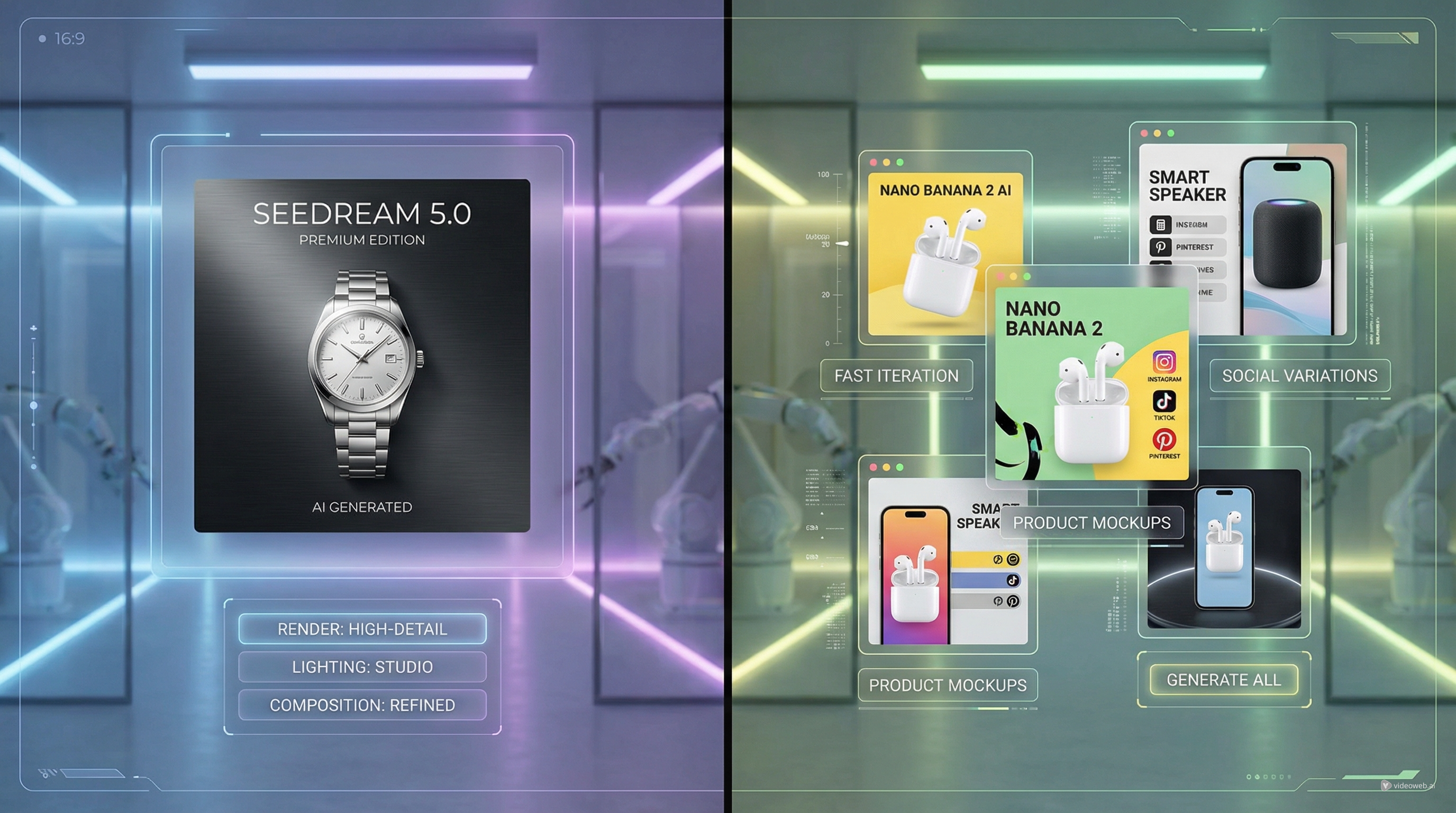
UGC Maker lists multiple image models on its pricing page. Here’s how to think about them for ad production:
- Seedream 4.5: use when you want higher-quality, more polished commercial visuals.
- Seedream 4.0: use for faster iteration and cheaper drafts.
- Nano Banana Pro: use when you need crisp detail and strong “product image” realism.
- Gemini 2.5 Flash: use when you want rapid ideation and lots of variations.
(You don’t need to overthink this: pick one model to start, then only switch if you’re not getting the look you want.)
When UGC Maker is the better choice than Arcads
Choose UGC Maker when:
- You want talking-head UGC + product visuals + image generation in one place
- Your ad needs more proof visuals (not just a spokesperson)
- You want to build a repeatable ad pipeline: images → motion cut-ins → UGC variants
Choose Arcads when:
- Your primary bottleneck is UGC spokesperson volume
- You already have a separate pipeline for product visuals and editing
- You want an actor-first workflow above everything else
Final takeaway
Arcads is a strong tool if your business benefits from speed and variation—and most performance teams do.
Just don’t confuse speed with strategy. The best results come from pairing the tool with:
- a clear offer
- 3–5 hook angles
- proof visuals
- consistent testing cadence
If you want a broader creative stack that covers UGC talking-head ads plus product visuals plus image generation, UGC Maker’s tool set is a practical alternative:
- AI UGC Maker: https://ugcmaker.org/ai-ugc-maker/
- Image to Video AI: https://ugcmaker.org/
- Product to Video: https://ugcmaker.org/
- AI Image Generator: https://ugcmaker.org/ai-image-generator/
If you tell me what you’re advertising (e-commerce product vs app/SaaS) and your main platform (Meta vs TikTok), I can also generate a “Week 1 testing plan” with hook templates and 12 ready-to-test script skeletons.