
GPT-Image 2.5 戦闘モーションスプライトシート出来ます!!!!!!!!!!!!!!!!!!!!! 凄まじさに困惑。 透過は失敗したから別チャット立ち上げて「背景を透過した後4x4で分解して位置合わせしてgifにして」でつめのgifを作らせた。
Generatore di immagini IA ChatGPT Images 2.5: creatore di immagini UGC GPT
Crea foto di prodotti, annunci illustrati in stile UGC e immagini per campagne social con ChatGPT Images 2.5 su UGC Maker. Genera da un brief o modifica un riferimento per esplorare nuove scene, perfezionare il messaggio e mantenere il prodotto al centro della creatività.
0 / 5000
Introduzione al modello di immagini IA ChatGPT Images 2.5
ChatGPT Images 2.5 di OpenAI offre generazione di immagini e modifica precisa per attività creative che iniziano da un prodotto, un'idea di campagna o una foto esistente.
Trasforma un brief di campagna in scene lifestyle di prodotti, immagini fisse in stile creator, grafiche di lancio e concept pubblicitari. Usa un riferimento quando conta l'aspetto del prodotto. Nella famiglia ChatGPT Images 2.5, Flare è adatto all'esplorazione creativa rapida, mentre Sunburst alle revisioni accurate di immagini di prodotti e materiali di campagna selezionati.
Funzioni principali del modello di immagini IA ChatGPT Images 2.5
Esplora una campagna dal brief al perfezionamento: crea un annuncio di prodotto da testo e riferimento, inserisci il prodotto in un ambiente lifestyle e rivedi un titolo o un layout. Esplicita confezione, etichette e messaggio principale nel brief, così ogni immagine ha un compito chiaro.
Prompt di prodotto personalizzato e riferimento
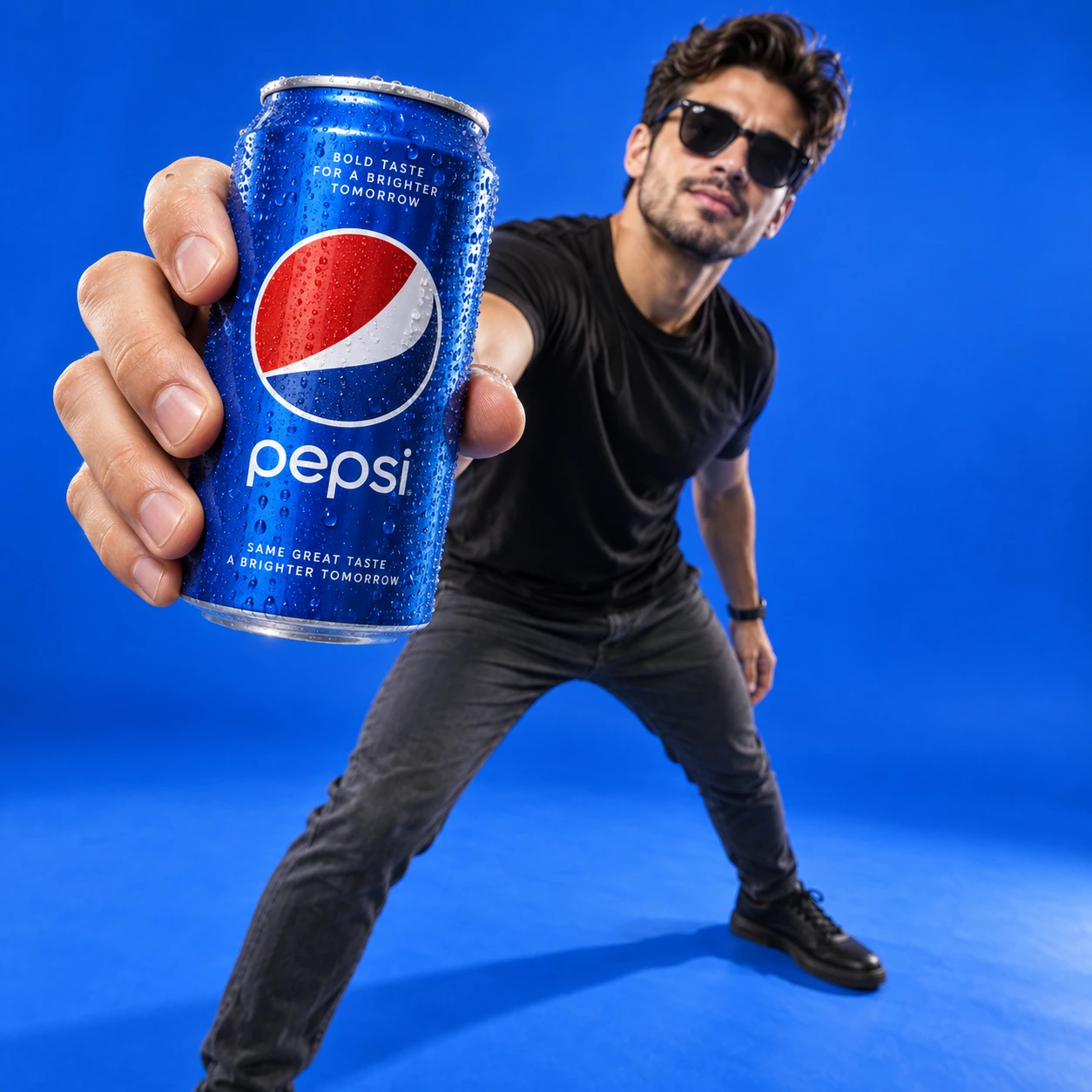
Prompt
Ultra-realistic lifestyle product poster in a clean studio. Solid vibrant royal-blue seamless backdrop and floor (cyclorama). Adult man in his mid-20s standing in a wide, dynamic stance, wearing a fitted black t-shirt, dark grey slim pants, black shoes, sunglasses, slightly leaning forward. Hero foreground: his arm fully extended toward the camera, hand gripping a cold blue Pepsi can with visible water droplets/condensation, can extremely close to lens and centered-left, strong perspective distortion (hand + can large in foreground), subject face and torso slightly softer focus in the background. Lighting: crisp commercial key light from front-left, soft fill, subtle rim light, clean sharp shadows on blue floor, high contrast, premium studio look. Camera: 24-35mm wide-angle, close focus, shallow depth of field, tack sharp on can and fingers, cinematic clarity, 4K, high-end advertising photography. Output one complete square 1:1 image, 1536 x 1536 pixels.
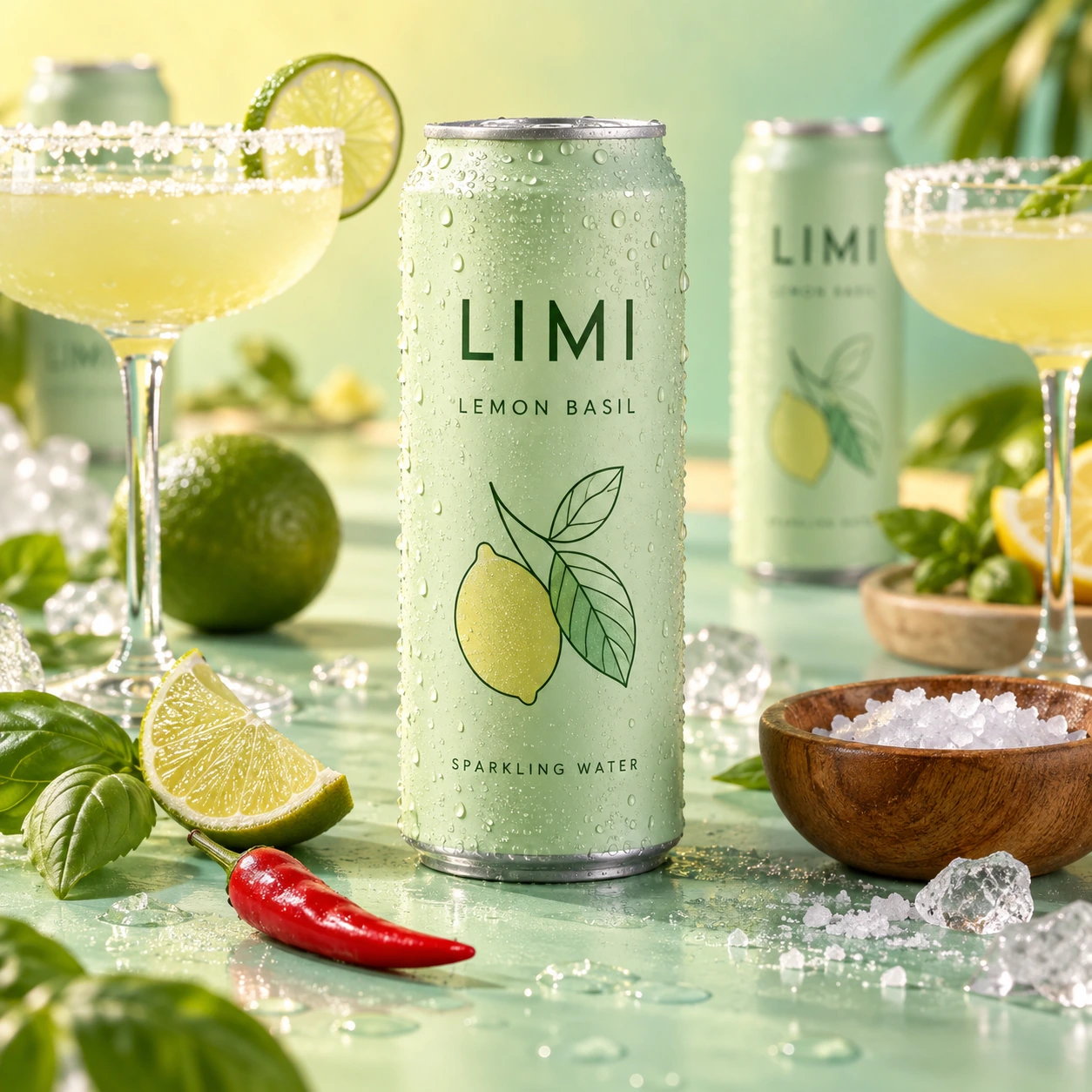
Prompt
Ultra-realistic beverage advertising photography featuring a tall aluminum can labeled “LIMI – LEMON BASIL – SPARKLING WATER” standing upright at the center of a pastel mint-green surface. The can has a soft matte pale green finish with minimalist typography and a thin line illustration on the front, and its surface is covered with fresh condensation droplets emphasizing a cold refreshing feel. Surrounding the can are cocktail-inspired elements including a fresh lime wedge, a red chili pepper, and a small wooden bowl filled with coarse salt. Elegant coupe cocktail glasses filled with pale yellow citrus drink stand around the composition, one with a salted rim, while additional LIMI cans appear softly blurred in the background. The environment features a dreamy pastel gradient background transitioning between mint green and soft yellow, creating a vibrant summer cocktail aesthetic. Lighting is bright studio lighting with soft reflections on the aluminum can and glassware, enhancing the refreshing drink atmosphere. The composition feels modern, playful, and editorial with shallow depth of field, vibrant pastel tones, hyper-realistic textures, commercial beverage campaign style, ultra-detailed 8K product photography. Square 1:1 photograph. Readable natural printing on the hero can only; no added headline, slogan, caption, layout text or watermark. The hero can is completely visible.
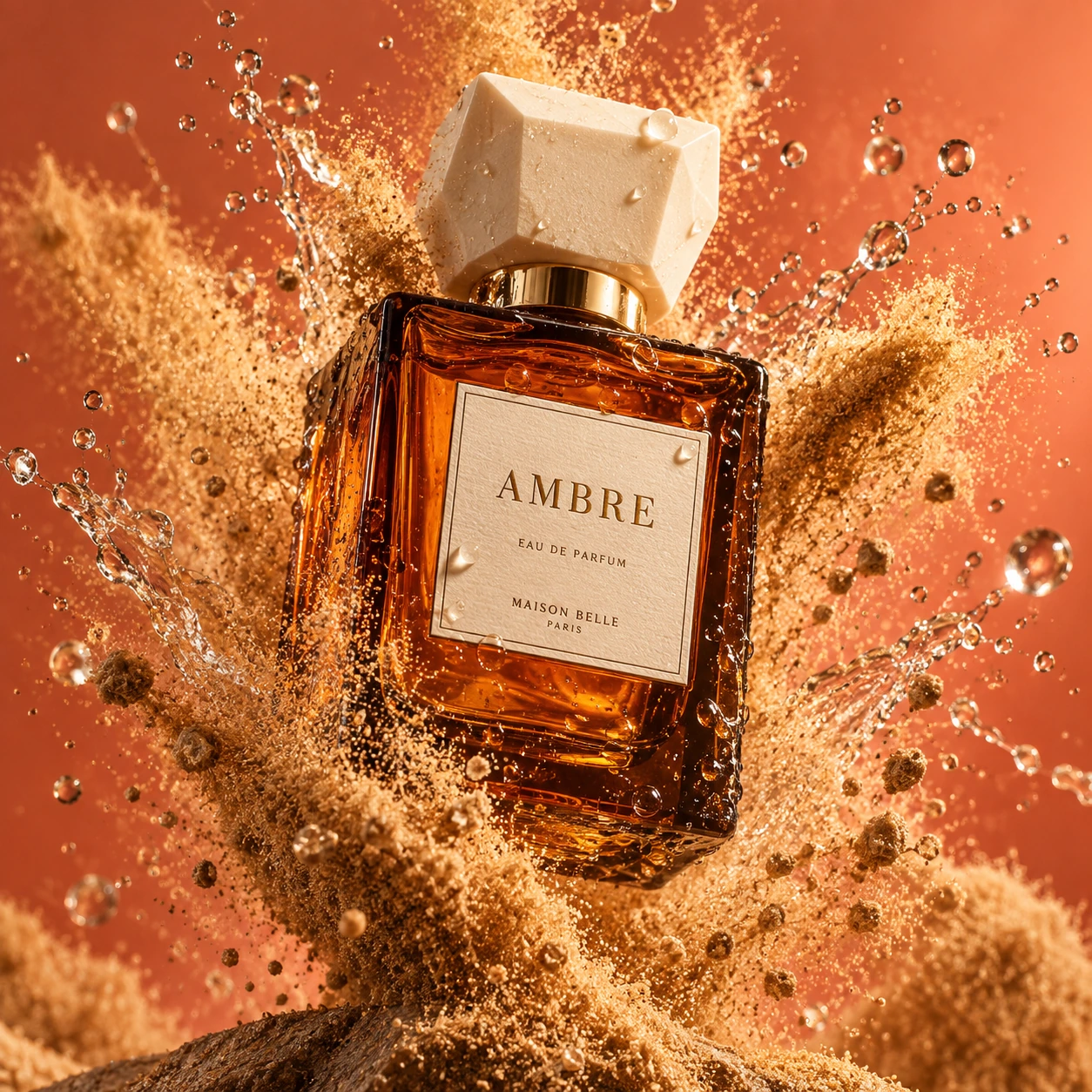
Prompt
Create a high-end, hyperrealistic product shot of an amber glass perfume bottle with a geometric ivory cap and a cream label reading "AMBRE", captured mid-air with an explosive burst of fine golden sand and droplets of water suspended in motion. tactile detail, dramatic movement, studio lighting, close up, vivid warm coral background. Centric composition, cinematic aesthetic, dynamic, professional advertising photography Output one complete square 1:1 image, 1536 x 1536 pixels.
Modifica di immagini di prodotti e scene lifestyle
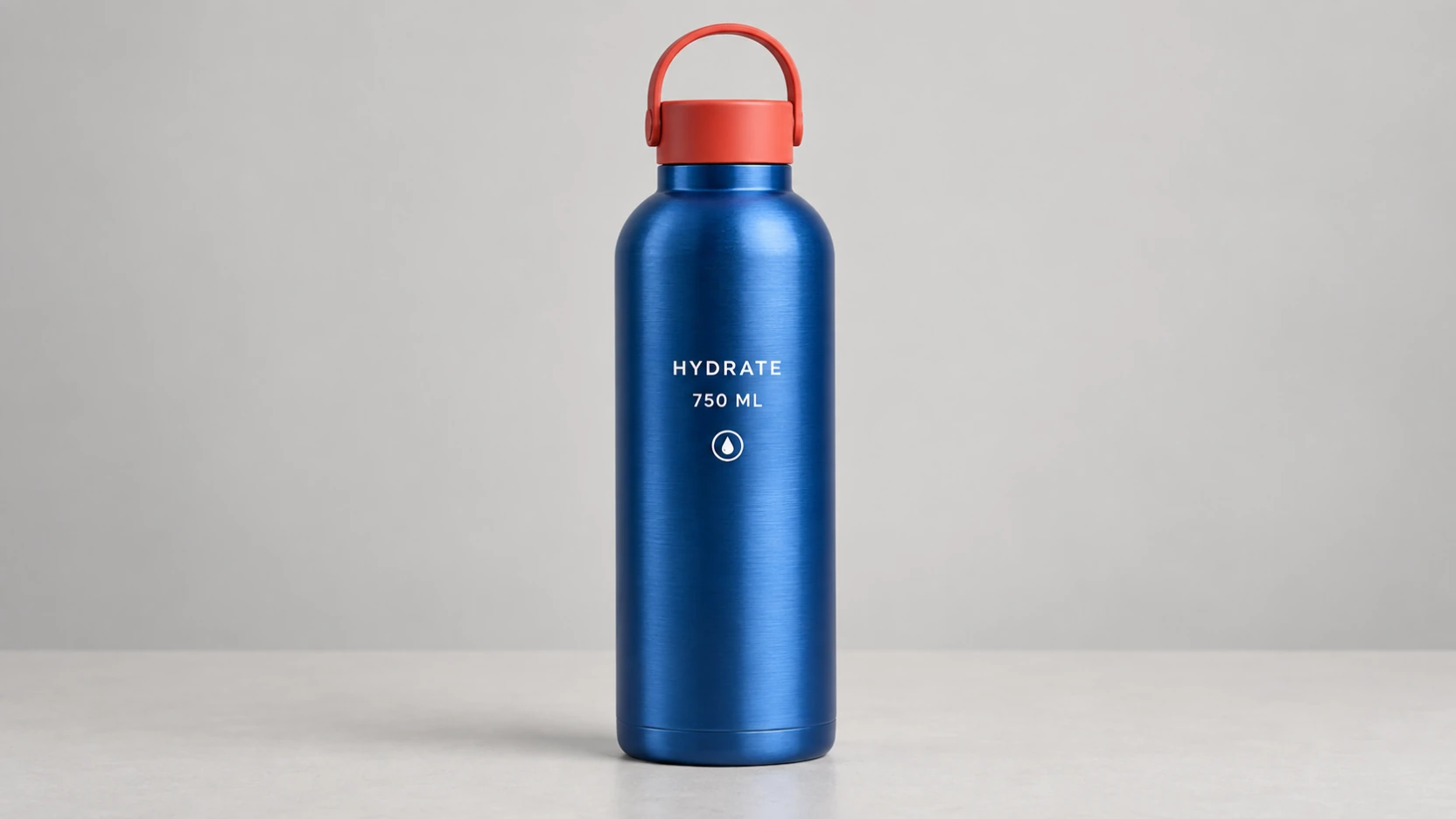
Foto di prodotto di riferimento (Prompt)
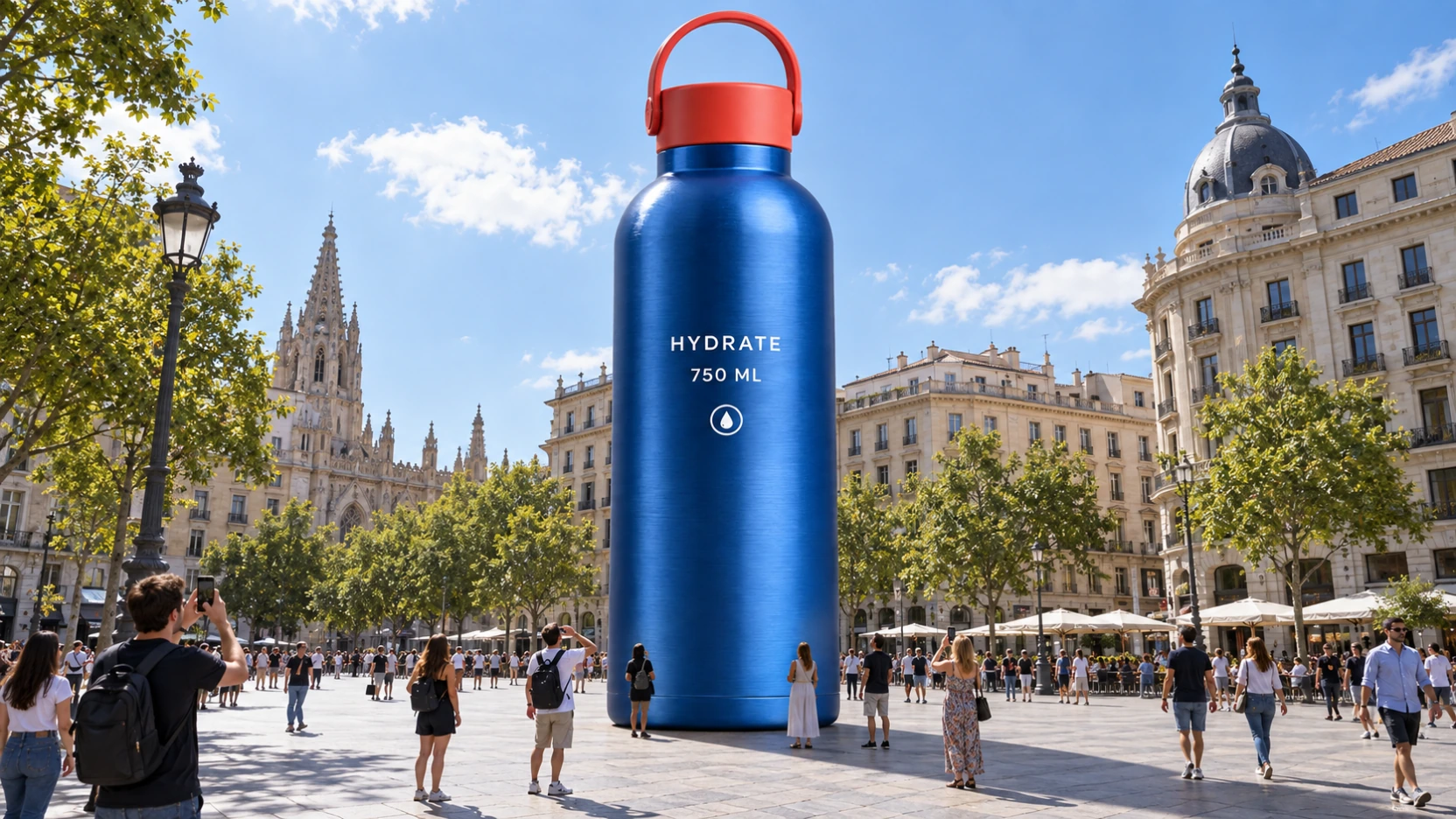
Create one premium yet neutral catalogue product reference photograph, 16:9 landscape, 2048 x 1152 pixels. A single normal-size upright reusable water bottle centered on a light warm-gray studio tabletop, simple light gray seamless background. The bottle has a sculptural cylindrical brushed cobalt-blue stainless steel body, gently rounded shoulders, a short neck, and a matte coral-red screw cap with a small rigid rounded carrying loop. Two straight lines of white sans-serif text printed on the front, exactly: "HYDRATE" then "750 ML". A small white circular emblem below the words. Show the whole bottle from cap to base, straight vertical and unobstructed, front-facing with subtle three-dimensional shading. Physically believable metal, clean crisp edges, soft diffused studio lighting, one restrained contact shadow, normal catalogue scale. No person, no other products, no giant installation, no city, no graphic overlay, no border, no watermark. This is the input product identity reference for a later environment edit.
Modifica di scena lifestyle (Prompt)
CRITICAL: Preserve the product exactly as it is. Do not alter its shape, color, proportions, label, text, logo, texture, or any detail. Only change the scale and surrounding environment. Place this product as a GIANT art installation in the middle of a city square. The product is enormous — approximately 10 meters tall, towering over the people walking around it. It sits directly on the pavement as if it was placed there by a crane for a brand activation event. Small people around the base of the giant product for scale — some walking past, some stopping to look up, some taking photos with their phones. The people reach only to the bottom edge of the product, showing how massive it is. City environment: a modern European city square with clean architecture, stone pavement, trees, and buildings in the background. Blue sky with a few white clouds. The scene looks like a real public art installation or a guerrilla marketing stunt. The giant product casts a realistic large shadow on the pavement matching the sun direction. The lighting on the product matches the outdoor sunlight — warm natural daylight from above, same color temperature as the surrounding buildings and street. Shot from street level, slightly looking up at the giant product. Wide angle 24mm lens, f/8. The scene must look believably real — as if someone took a photo of an actual giant product placed in a city. Photorealistic street photography, documentary style. One single 16:9 landscape image, 2048 x 1152 pixels. Keep the entire product visible and all original label text unobstructed. No new typography overlays.
Indicazioni precise per layout pubblicitario, titolo e prodotto
Layout originale dell'annuncio (Prompt)
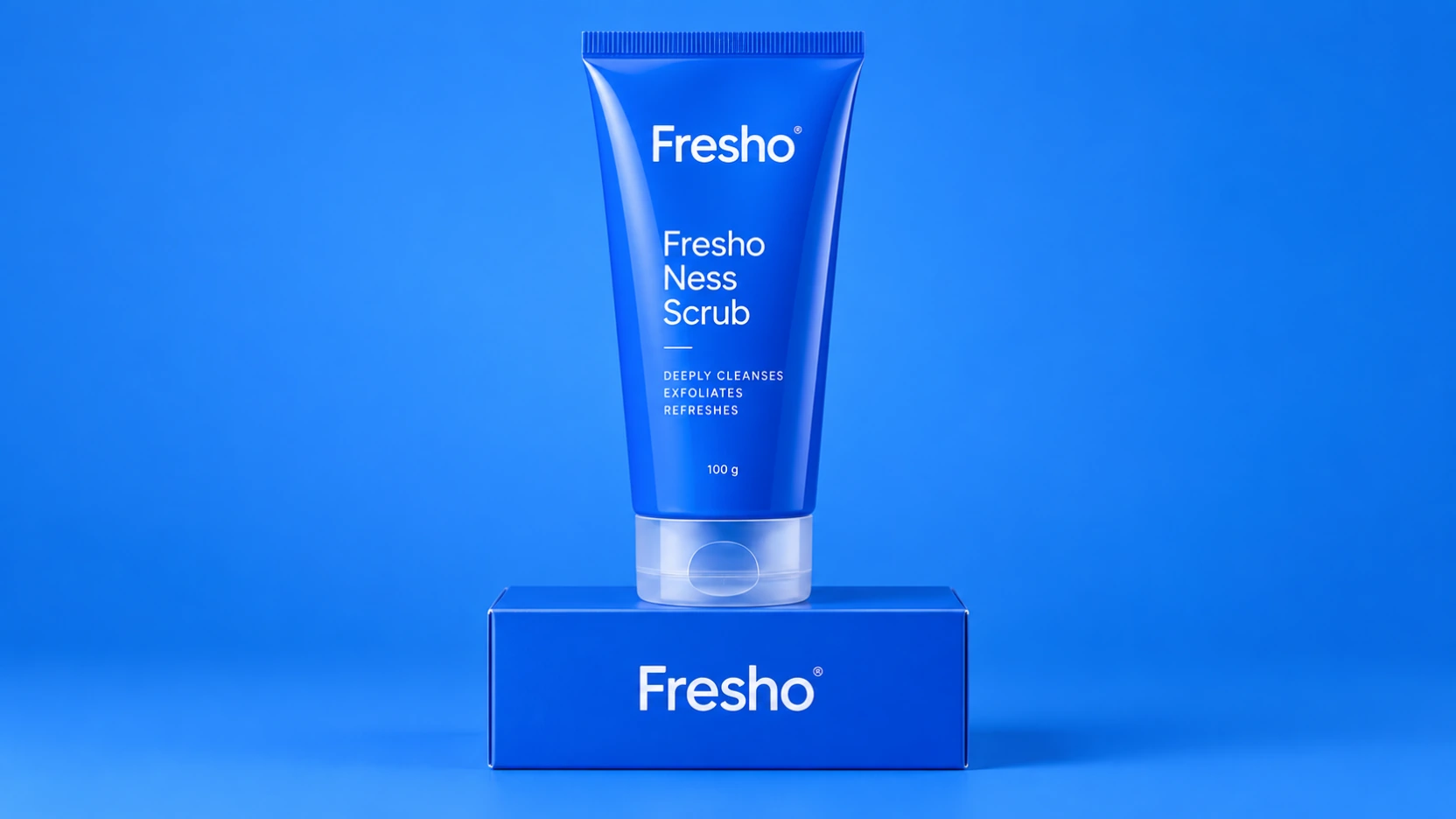
Ultra-realistic commercial skincare product photography featuring a vibrant cobalt-blue squeeze tube labeled “Fresho – Fresho Ness Scrub” standing upright at the center of the frame. The tube has a glossy finish with clean white typography and a translucent flip-top cap, and it is placed on top of a matching blue product box that subtly displays the brand name on its side. The background is a seamless bright blue studio backdrop that enhances the monochromatic aesthetic. Horizontal 16:9 product photograph. Show one complete tube and its matching box from a straight-on front view. Keep all product edges sharp and fully visible with comfortable breathing room above and below. No extra props, slogans, headline, captions or watermark.
Titolo e composizione rivisti (Prompt)
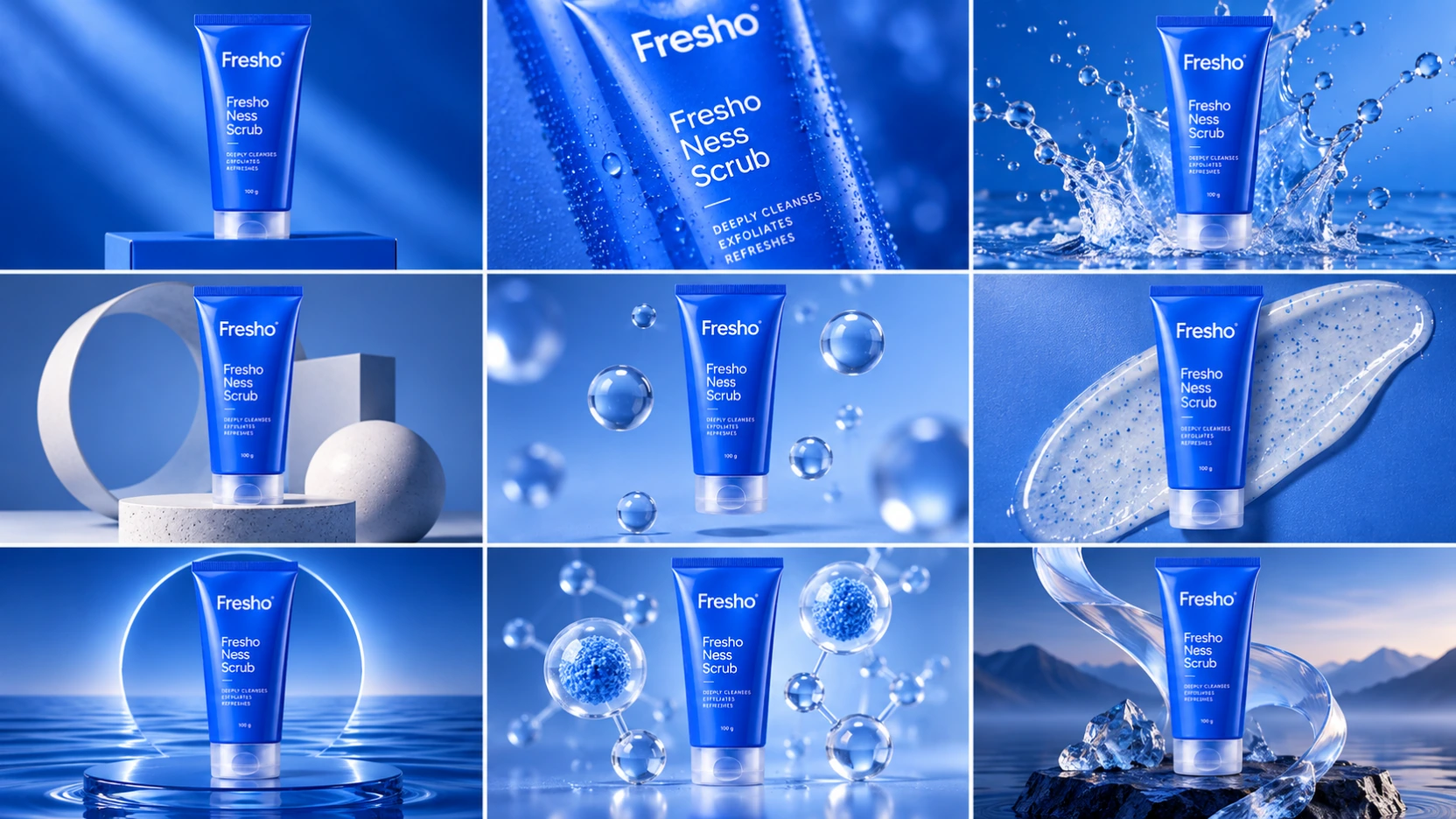
Create a 3x3 grid for a high-end commercial marketing campaign, with a 16:9 overall landscape aspect ratio, centered around the uploaded cobalt-blue skincare tube as the main subject. Each frame should present a unique visual concept while maintaining perfect product consistency across all nine images. Use exactly three rows and three columns, nine equal cells, thin clean gutters, with the same upright tube and closed translucent flip-top cap clearly recognizable throughout. The supporting box is optional; the tube is the invariant product. No headlines, captions or typography outside the original printed product label. Grid Concepts (one per cell): 1. Iconic hero still life, bold composition 2. Extreme macro detail, highlighting material and texture 3. Dynamic liquid or particles interacting with the product 4. Minimalist sculptural arrangement, abstract forms 5. Floating elements, suggesting lightness and innovation 6. Sensory close-up, emphasizing touch and realism 7. Color-driven conceptual scene, inspired by the product's color palette 8. Abstraction of ingredients or components (non-literal, symbolic) 9. Surreal elegant fusion, combining realism with imagination Visual Rules: Product shape, proportion, label, font, color, and branding must be 100% accurate No distortion, deformation, or redesign Clear separation between the product and the background Lighting and Style: Soft, controlled studio lighting Subtle highlights, realistic shadows High dynamic range, ultra-sharp focus Editorial luxury advertising aesthetic High-end sensory marketing look Overall Vibe: Modern, sophisticated, visually coherent High-end commercial campaign Suitable for brand websites, social grids, and digital billboards Surreal, cinematic, refined, and aspirational
Vantaggi del generatore di immagini IA ChatGPT Images 2.5
Esplora direzioni creative attorno a un brief di prodotto. Sviluppa l'elemento visivo d'impatto e perfeziona i dettagli prima di preparare un'immagine per la campagna.
Generazione di immagini realistiche di alta qualità
Inserisci un prodotto in un ambiente quotidiano con uno stile fotografico intenzionale. Specifica piano d'appoggio, accessori, riflessi e luce per creare una scena coerente con l'articolo e il suo pubblico.
Comprensione avanzata dei prompt e rispetto delle istruzioni
Spiega pubblico, prodotto e messaggio in un solo brief. Definisci punto focale, sfondo e posizione del titolo affinché l'immagine supporti il concept di campagna da provare.
Flusso di lavoro flessibile da testo a immagine e da immagine a immagine
Parti da un nuovo concept scritto o usa una foto del prodotto come riferimento per il lavoro da immagine a immagine. Richiedi un altro ambiente, adatta lo stile o sviluppa un trattamento diverso dello stesso articolo.
Iterazione creativa efficiente per i team di contenuti
Usa revisioni mirate per sviluppare un concept pubblicitario dopo la prima valutazione. Cambia ambiente, accessori di supporto o enfasi visiva in passaggi separati, facilitando il confronto tra le scelte creative.
Casi d'uso del generatore di immagini IA ChatGPT Images 2.5
Per marchi, venditori ecommerce, agenzie e creatori che sviluppano immagini per lanci e campagne in corso. Parti da un caso d'uso e costruisci una direzione visiva attorno al prodotto.
Produzione visiva per social media e stile UGC
Crea concept informali con il prodotto in mano, scene quotidiane e immagini promozionali fisse in stile creator. Definisci un aspetto fotografico spontaneo per i canali social e il pubblico che hai in mente.
Creativita per advertising, prodotto ed ecommerce
Trasforma un riferimento di prodotto in una scena in cucina, un contesto di viaggio o un concept da studio pulito. Usa la fotografia di prodotti IA per esplorare idee di presentazione commerciale e immagini di supporto per un negozio o una campagna.
Bozze di design e prototipazione visiva
Prepara bozze di poster di lancio, concept di confezioni, grafiche di presentazione e moodboard di campagna. Concorda messaggio e trattamento visivo prima di portare una direzione scelta al design finale.
Storie di marca e immagini editoriali
Illustra una storia di prodotto, un tema stagionale o un articolo di marca con concept di immagini originali. Crea immagini di supporto con la stessa palette e direzione fotografica dell'intera campagna.
Come usare il generatore di immagini IA ChatGPT Images 2.5
Parti dal prodotto e dal messaggio della campagna. Segui questi tre passaggi per creare una prima immagine e perfezionare la direzione da sviluppare.
Inserisci un prompt o carica un riferimento
Descrivi prodotto, pubblico, ambiente, illuminazione e messaggio principale. Aggiungi una foto di riferimento per guidare la modifica e indica dettagli visibili, come forma del prodotto o confezione, importanti per il risultato.
Scegli le impostazioni e genera
Scegli tra le impostazioni immagine disponibili nell'area di lavoro e genera una prima versione. Concentra il brief su un solo concept per valutare insieme prodotto, composizione e messaggio.
Perfeziona ed esporta
Controlla i dettagli del prodotto e ogni testo generato. Rivedi il brief o usa l'immagine scelta per una modifica mirata, poi scarica la versione che vuoi sviluppare per la campagna.

Esplora le creazioni ChatGPT Images 2.5 su X
Esplora i post della community su ChatGPT Images 2.5 per ispirare la prossima scena di prodotto, un annuncio illustrato in stile UGC o un concept di campagna.


OpenAI 发布了 ChatGPT Images 2.5,对其图像生成能力做了一次全面升级。核心改进有三个方向:速度更快(延迟比上一代降低约 50%),画面更逼真(光影和纹理更自然,人物面部特征保持得更好),以及编辑更精准(能只改你指定的部分,其余细节不动)。 目前 ChatGPT 每周的图像生成量已经超过 30

Some ideas are easier to draw than describe. Use Sketch to draw right in ChatGPT and show it exactly what you have in mind. Just type “@ Sketch” in ChatGPT.

chatgpt image 2 vs image 2.5 holy openai is on berserker mode first astra , then ns math and now sota image
ChatGPT Images 2.5—faster, sharper, smarter, with better tools for creating whatever you can dream of. - Faster image generation to keep your ideas flowing - Improved fidelity for more natural, recognizable images - Consistent details across multiple edits - Comment-based
GPT Image 2 と GPT Image 2.5 を比較検証 同じロボットの画像1枚から、「星を拾う→持ち上げる→元に戻す」という同じ指示で9回連続で編集。毎回生成された画像を次の編集に使い、30秒の比較動画にまとめました。 編集を重ねても、顔や質感、背景がよく保たれていることがわかります。

【速報】OpenAI、新画像モデル「ChatGPT Images 2.5」を発表 ・生成の待ち時間が Images 2.0 比で最大50%短縮 ・参照写真の人物の特徴を忠実に再現 ・指示した箇所だけ編集、重ねても劣化しにくい ・手描きを画像化する「Sketch」追加 ・本日、全プランのChatGPT/Work/Codexへ 詳細をスレッドに🧵

